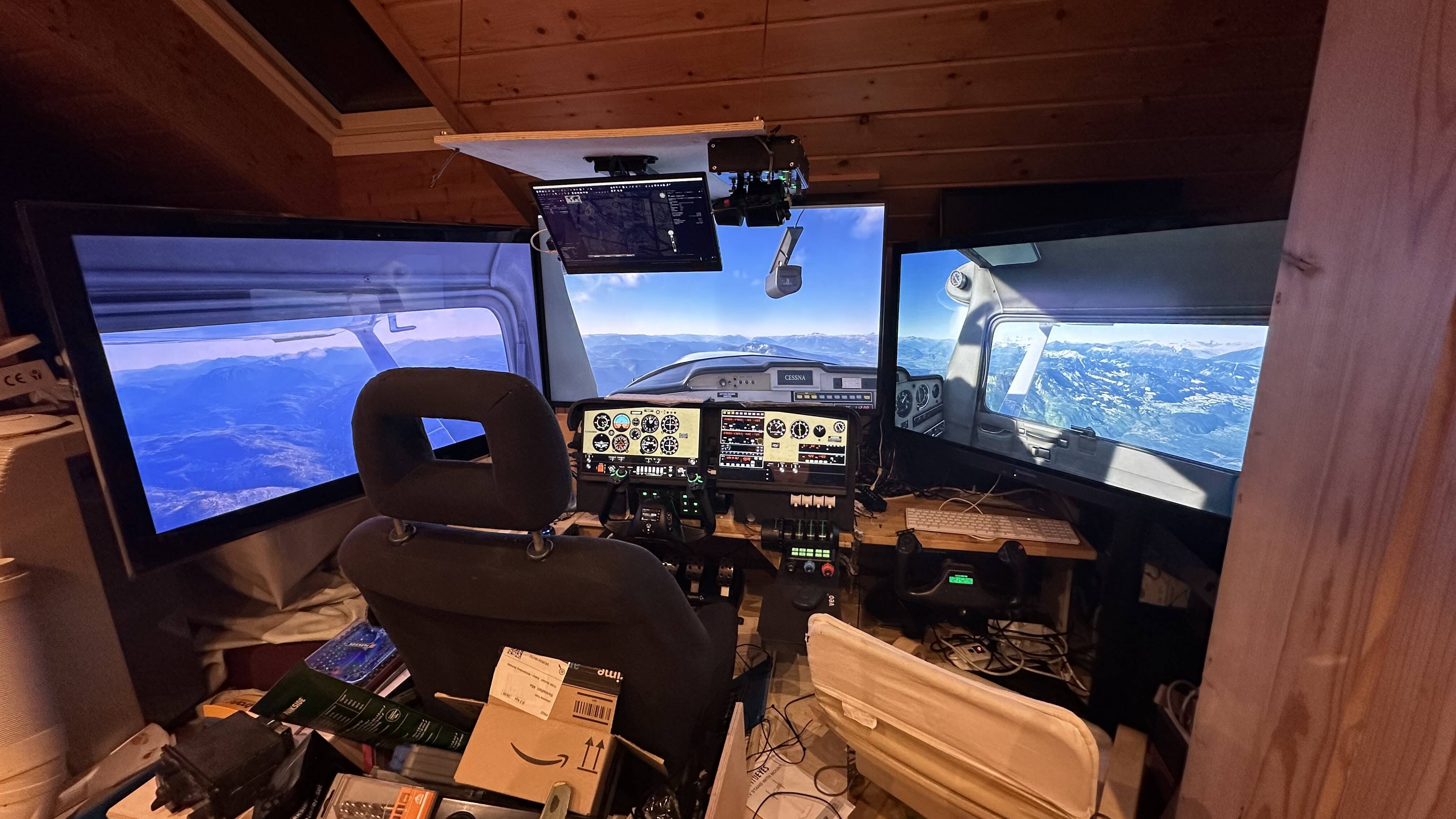
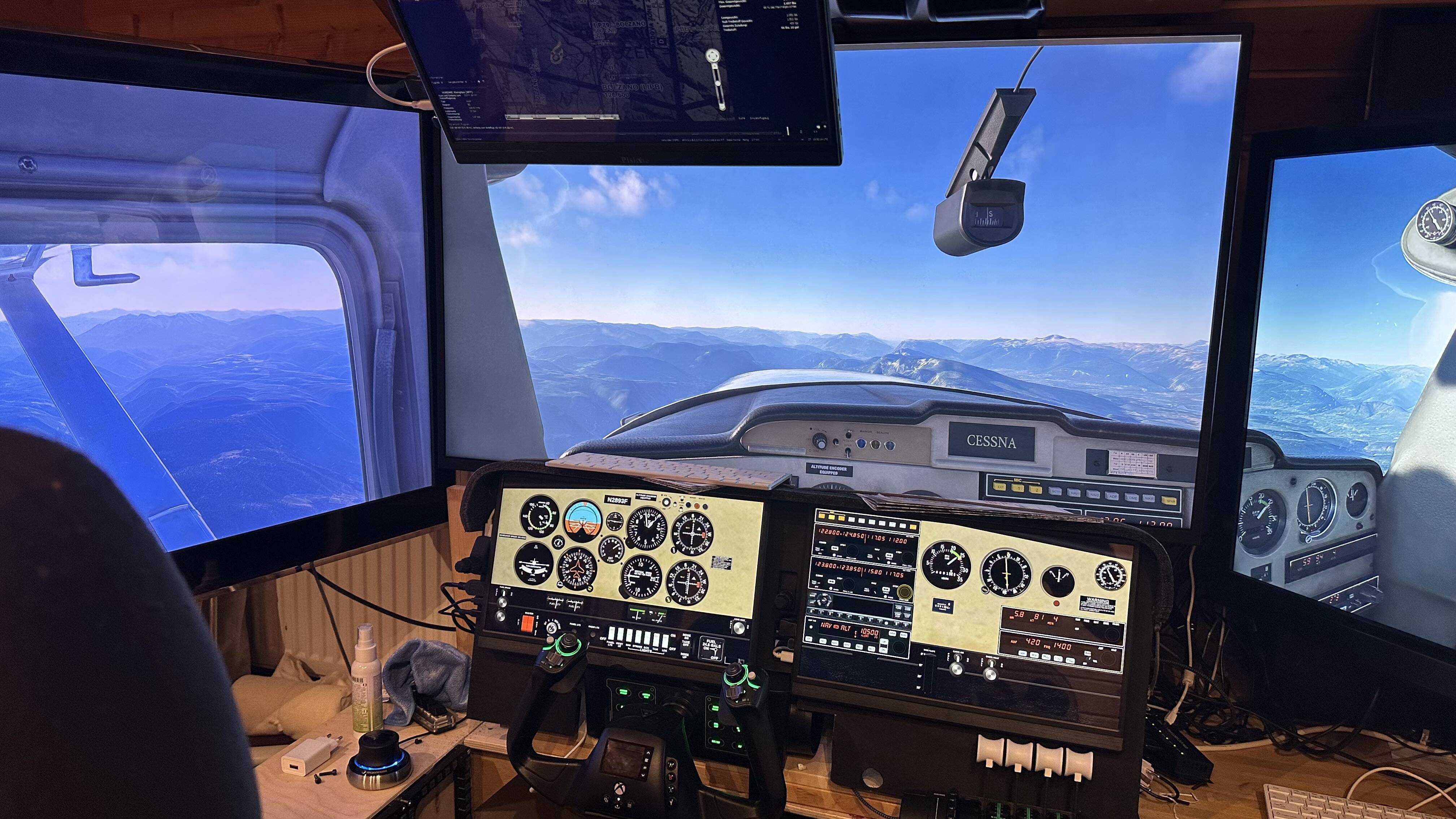
Hi , after installing a second NVIDIA GPU (690 only for monitors with air manager) MSFS doesn’t show the frame generation option at all , I set my 4070 as main card in the NVIDIA controls but it doesn’t help
When I deactivate the 690 in the hardware manager , the FG option is there again
Activating the 690 - FG gone
If I´m not wrong hardware accelerated GPU scheduling is only supported on Pascal cards and above (GTX 1080 and beyond). Without HAGS no frame generation is going to be possible. Just in case you may want to check if HAGS is still available and enabled once you activate the 690 and after a reboot but I´m not sure you can achieve that this exotic setup works.
I don´t even know if multiple GPUs can be used for that purpose with those features. G-sync for instance only works on one monitor on a multimonitor setup, even if all of them support G-sync, so there may be similar limitations for either HAGS, frame generation or both when trying to use 2 GPUs.
So if you have two GPUs , you need at least a 1080 to use FG? I had a sapphire RC 570 as a second card it gave me a driver conflict I think , the general performance of the whole pc was decreased, but FG worked with it.
The second GPU has basically nothing to do with MSFS , it’s rendering on the 4070 and displayed on the monitors in the 4070
I don´t want to give you wrong indications because I don´t have enough info, sorry. But it´s clear that the 690 does not support HAGS nor frame generation. That´s for sure. It´s a too old card.
Your topic has been moved to the #gd-commsupport:tech-talk subcategory of General Discussion & Community Support. The General Discussion category is meant for discussions that fall outside of our other sub-categories.
Please check out these other categories for your future posts:
Aircraft
is where you discuss current or future planes coming to MSFS.
World
is where you discuss scenery, airports, and weather.
Tech Talk
is where you discuss graphics, drivers, performance, CTDs, and hardware.
Menus & Activities
is where you discuss activities (landing challenges, bush trips, etc), plus anything accessed by the menus including the Marketplace, settings, logbook, cameras, etc.
Topic is timely and the exact use case I am in. I have a second GPU (AMD rx 6500xt) showing up today and I will try to use it in my pc to run 2 touch screens with Air Manager. I first tried to use a stronger GPU (3050) but when I installed that in the 2nd pcie slot it wasn’t even recognized by windows as the GPU apparently required a full 16 lanes and vast majority of consumer level mobos don’t actually have 2 pcie slots that both run at x16 speed (the 1st pcie will run at x16 and the 2nd pcie slot may run at x8 or x4 or even x1 speed). So I’m trying the rx6500xt which is only a x4 speed GPU and my mobo can handle that. But I will also find out if MSFS gets impacted negatively on the topic above (any driver conflicts, overall system performance and/or NVidia frame generation problems with my rtx 4090). I can report back in a few days about this experiment. If it doesn’t work I have run Air Manager instruments on old iPads before using Spacedesk to turn the iPad into a windows monitor. It worked fairly well but the iPad screen was like 9.5” and I wanted larger touch screen monitors in the 14-15” size range (iPad 12.9” are really expensive even used on eBay, but 14” windows touch screen monitors are like $125 new). I can report back soon on this project and if I get a similar problem as the OP with frame generation no longer working when a second GPU is installed in the PC.
If the reason of all this is just to have a second monitor to display gauges there, why don´t you simply extend Windows desktop as with any regular multimonitor setup and still use only one GPU? I have two monitors and frame generation works well like that. Second monitor can be a touch one, any tablet connected via WiFi or a standard monitor. You can add as many as you want that rendering impact will always depend on the resolution set in game and the size of the MSFS window. MSFS is still a borderless window application at the end not a true full screen, don´t forget that.
I mean…, rendering gauges or any other app in parallel with MSFS is not going to have any impact on performance unless that app includes complex 3D rendering but gauges and panels in other applications are usually 2D only. Even running MSFS and other game in parallel is possible and performance impact is not going to be noticeable with a 40xx series card and most of the modern cards unless that second game or MSFS are getting the focus at the same time, and that´s not possible because as soon as you click out of any of the two windows only one of those windows will get the focus.
Well, on top nthe 690 uses eveb two GPUs combined in one card. Even though I doubt it will work in any combo with just two different GPUs, it is for sure not helpful to have a dual GPU card of that age…
I think you may want to try a networked setup for all those instruments and secondary screens. Air manager supports that as far as I have read (I don´t own the product anyway). Just leave the game rendering on the main 3 screens on your main PC and run the rest on a second old computer, laptop or barebone working over network using a 3 screens windows desktop with an adapter for instance. That second machine will not require big efforts other than rendering a big windows desktop (the old laptop I use at work can do that without problems with 2 HD monitors and a cheap adapter). That will release a lot of workload on main your main GPU/PC, which will be just targeting to render game on a smaller windows desktop instead of working with 7 screens at the same time. Tablet can be connected to network as well or work as an extra screen via WiFi or USB for that second PC if you prefer. Networked applications are the usual approach for complex setups like yours and also what professional simulators use in most cases.
Thanks , I thought about a second pc for the rest of the stuff but as long as MSFS popouts can’t be shown on the other pc this won’t help
But ! I made it , i tried it with a 1070 and now it works great , FG is available again and the overall performance is good ! It seems you have to find a matching card by trial and error.
I also hope there will be a possibility to move the popouts to another PC via Ethernet, that would free up some resources for sure
Ps , I tried networked tablet Connection, the latency is way too high to have fun with it , especially when you try to dial in frequencies in the radio , that’s no fun
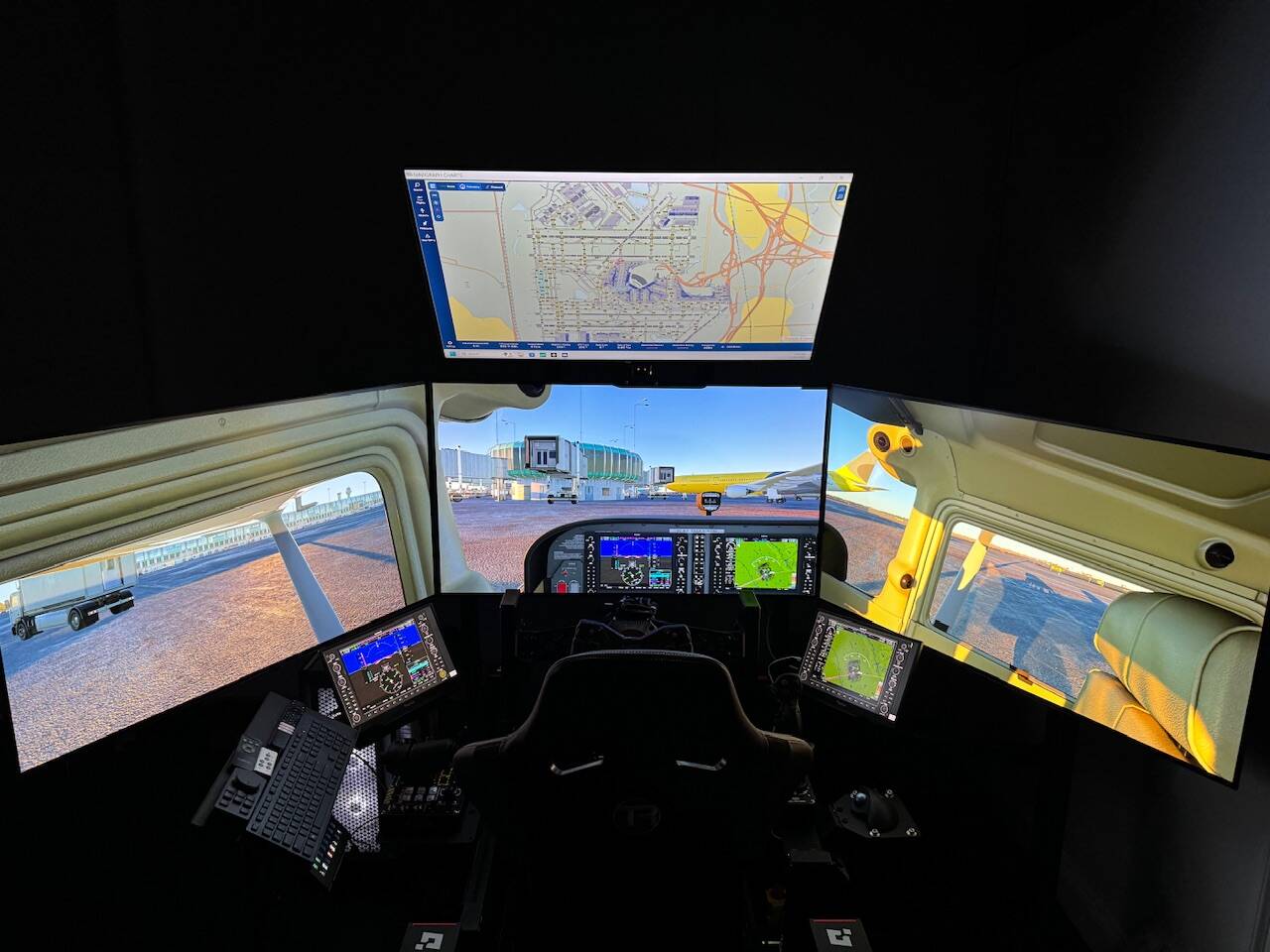
I also made multiple GPUs work and now have 6 screens with great performance. Main 3 screens are on the invidia 4090. 2 touch screens are on an AMD rx 6500xt and top screen is on the AMD integrated GPU. In my case the AMD chipset of the cpu and the mobo only run the 2nd pcie slot at x4 speed so I needed a card that would be recognized at that speed. An in invidia 3050 wasn’t recognized by windows OS, so I found a low power card at x4 speed that works great for the 2 touch panels (the AMD rx 6500xt). No conflicts with NVidia frame generation on the main 4090 either. I tried spadedesk to run iPads but the screens were to small and their was a lag that was more noticeable than running a second GPU with windows touch panels (14” so easier to see and work with than the smaller iPads). Oh and I also bought the knobster despite the expense and it’s fantastic with air manager. Just touch a knob on either touch screen (in the photo it’s the g1000 PFD and MFD and the knobster controls that dial seamlessly. This is far easier than the mouse and mouse scroll wheel method that I used for the past few years. And the knobster works out of the box with air manager given they are from the same company. Not cheap with shipping but totally worth it in my view. One thing though is that when air manager is controlling the knobster for use with touch panels the in-sim toolbar for the knobster isn’t recognized (but that’s ok as I’m now using the touch screens exclusively and not using the mouse to control the in-cockpit g1000s on the main display screens anymore.
Which cou/mobo are you running that you have the NVidia 1070 and 4070 both recognized and running at x16 speed on your pcie slots (or perhaps they are both running now at x8 speed which some mobos can do when 2 GPUs are in the 2 pcie slots). Congrats on finding a solution that worked for use case. I found one as well but it took a lot of internet digging and a few GPUs to/from Amazon to figure out the pcie lane limitations of using multiple GPUs together (I have 3 now as I posted below). It’s great to finally have it all working and it really enhanced the immersion to use the touch panels and not the mouse for so many functions now. I think the wife is glad to see the Amazon delivery truck stop coming here with more parts that was tinkering with the past few weeks
Great news that it works for you!
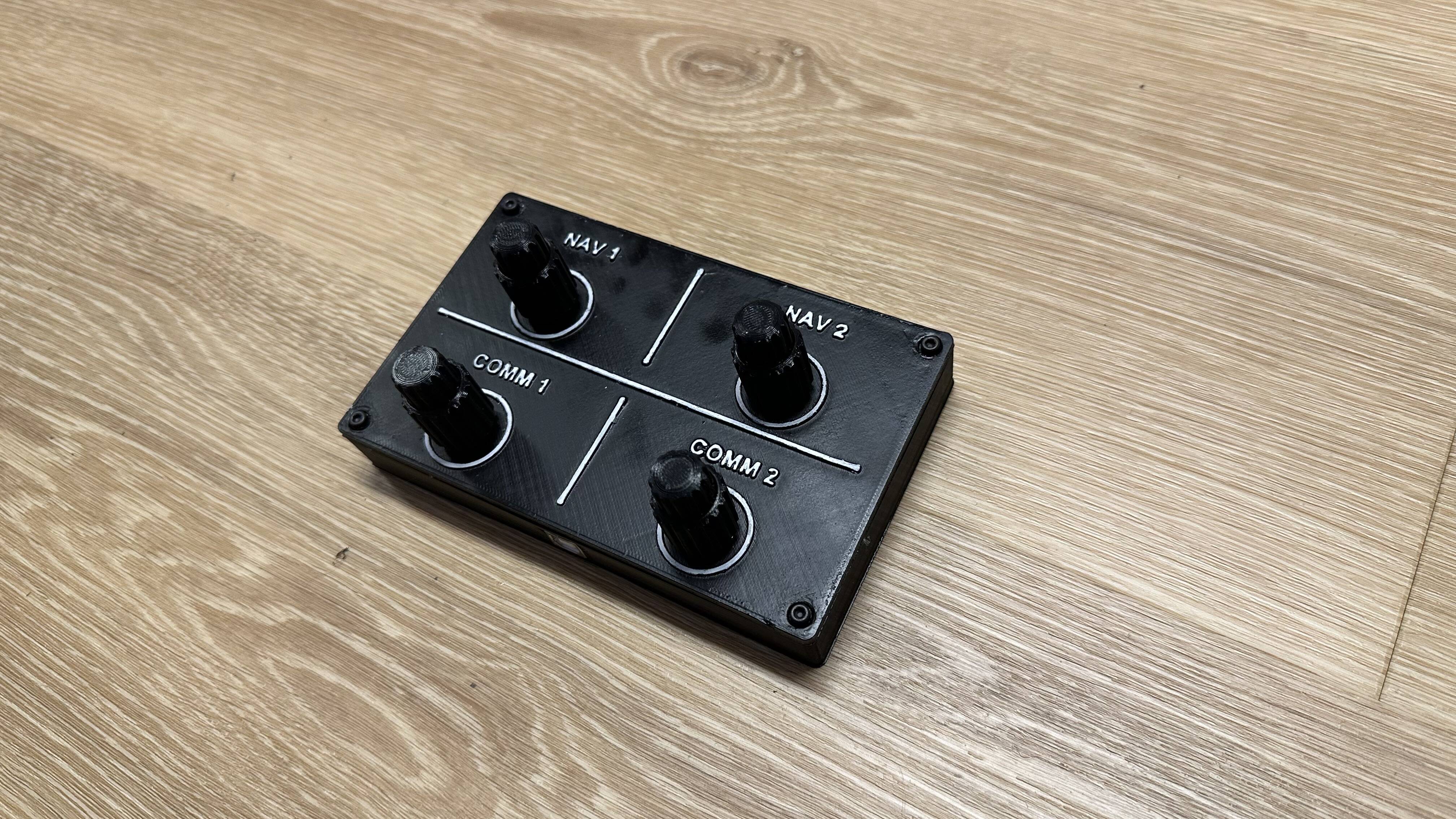
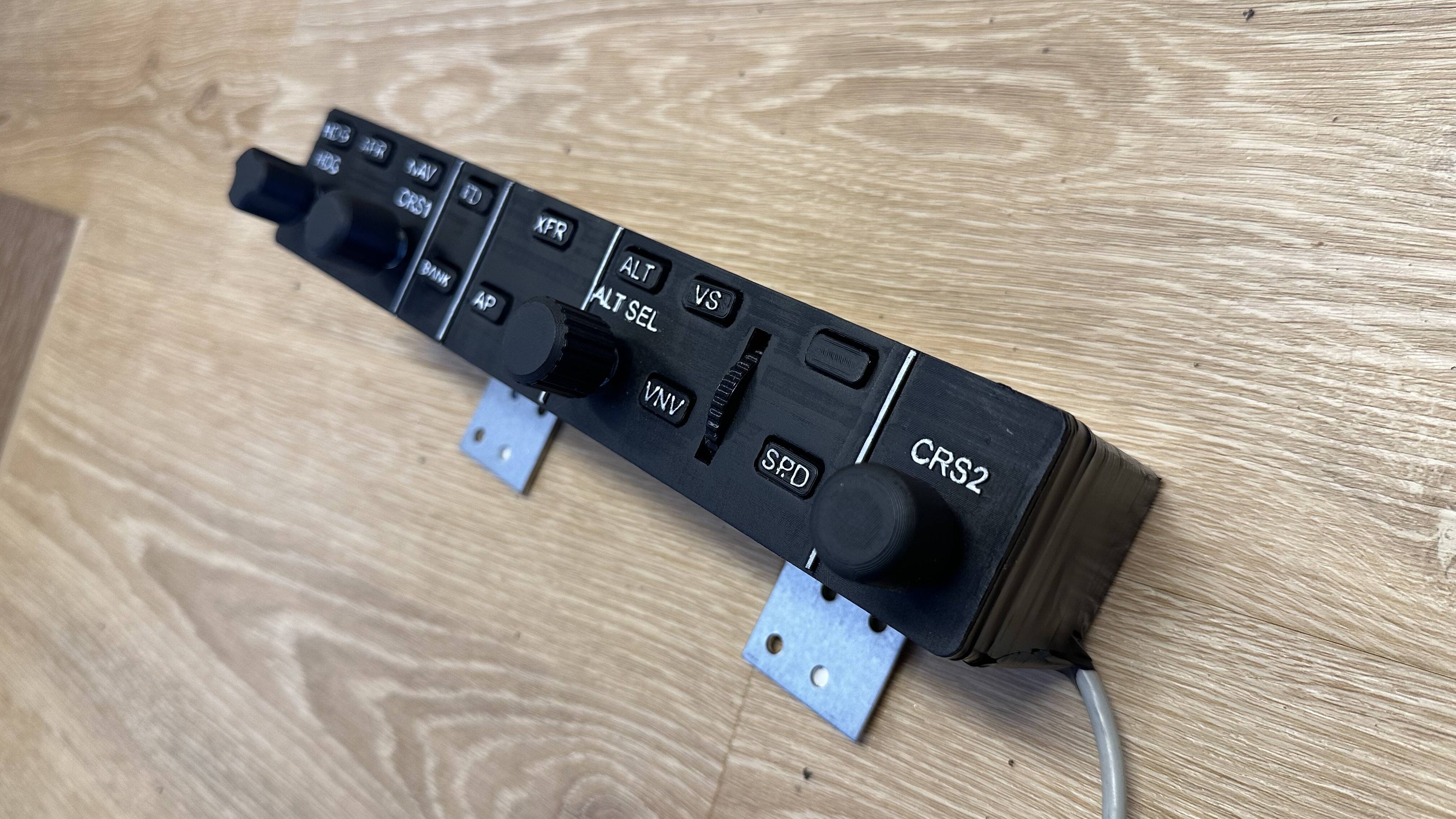
The knobsters are great , i made three of them for every air manager monitor , it really helps a lot , also made a AP panel and a radio/nave frequency Panel with encoders and buttons , which is even more convenient than the touch panels , but both goes hand in hand
For the 1070 … well it worked at the beginning but then some weird things start to happen, webcam stopped working, some Programms won’t open any more… in the end I tosset the card out again and now I’m using a USB to Dual HDMI adapter (external GPU) and this ist the most reliable solution for me at the moment. Let’s See what happens next
Ps I had a AMD gpu before I tried the 690 , and that gave me a driver conflict I think , starting an app took around 20 seconds longer that only 1 gpu or any of the other solutions, also the overall system stability went south . That was the reason I tried the 690