Microsoft release notes jun 24th
See you end of july with forum on flames and a lot more closed threads 
For someone that is been working for 25 years in software I don’t think you’re familiar with DX12 (no offence)
don’t worry I’m using dx12 in our 2 last projects.
The performance improvements will not be because of DX12, it will be thanks to other cutbacks optimizations. DX12 is mainly to make it work on XBOX.
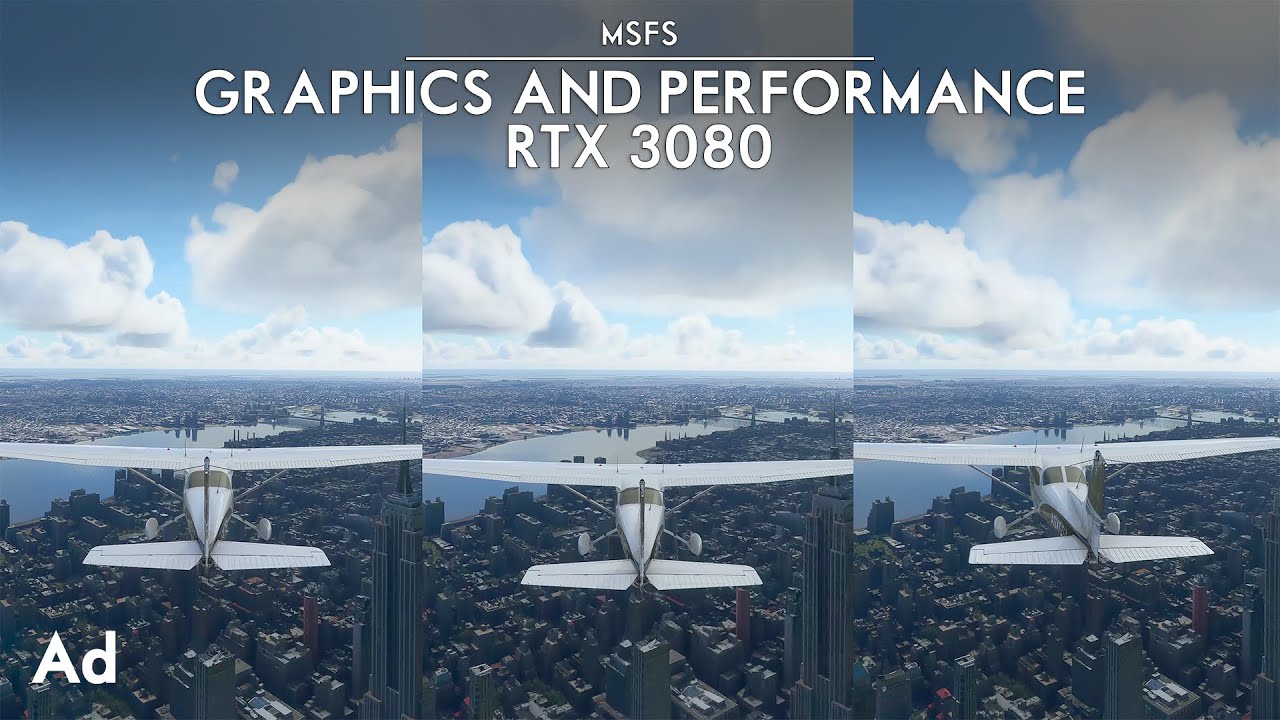
Perhaps this video may help.
Release notes this week !
Well yes and no.
You can use the sim but sometimes it will seem to play nice and other times it will tank and this is going to depend on a lot of variables because so much of this game is streamed live that on some occasions it seems to work fine and then the very next day in the very same place it will be a slideshow and it’s honestly not you or your PC’s fault.
Obviously there are detail rich areas which might always be a struggle for some PC’s but I find that even these can be ok(ish) one day and utter garbage the next.
I’m flying around Bakersfield right now. Earlier it was fine. Now the photogrammetry looks like a hot mess and is loading in really slowly and I’ve lost somewhere in the region of 20 or 30 FPS from my earlier performance, why? It can only be server load because nothing has changed at my end.
Almost all of MSFS2020 is streamed live. Does DX12 improve server performance?
I also had the same 15 FPS issue as you do. So I found this topic and apply the changes as advised, and I gained a lot of FPS afterwards.
Tried that, no difference on or off for me.
FPS loss mainly comes on approach for me. Drops down from 20-30 in cruise to 15-20 in autogen airports, 10-15 in photogrammetry.
Specs:
i7-9750h
RTX 2060 Mobile
32GB 2666 mHz RAM
Sim on a 1TB HDD, 16GB rolling cache on SSD
1440p monitor
Settings mostly medium with water waves+reflections high with clouds+windshield effects on ultra
Same here.
My community folder is empty,well I only have the FBW nothing else.
At KFLL default airport I’m getting 23 FPS,after take off flying at FL 32000 frames will go up to 40+.
On approach to any airport the frames just sinks to 15 FPS and the stuttering is unreal.
I tried all settings,low,medium,highend-ultra, traffic on/off, it doesn’t make a difference of what I do to be honest.
My internet speeds is 780mps so can’t be the internet either.
My specs
I9 10900K @ 4.9ghz
RTX 3080
32GB ram @3700 MHz
Your internet might be fine. But how many hops to the server with the assets that need to load? Is the whole route good?
What’s the load like at the server itself?
What’s the health of the server (Xbox validation servers have done a lot of falling over in recent months)
etc, etc, etc.
That doesnt make any sense what you said .
Your trying to blame something when imthe sim isnt optimzed for the high end hardware .
The 40+ in cruise I understand for you, since you have pretty much top-end specs. My FPS max on basically any settings is high 20s, maybe low 30s if I’m lucky in cruise. However it’s very odd that you’re also getting 15 on approach and 23 after spawning in; those are pretty much the same FPS levels that I get at the same stages in flight.
My hypothesis is that the sim isn’t quite able to render assets when flying low and “fast”, like on approach, but honestly I have no clue. My only hope is that the Sim Update 5 optimizations actually do something.
One thing to notice to the 3080 is that Nvidia crippled their VRAM to 10GB and memory bandwith bus to 320bit.
As you can see in the video above as well when monitoring it with GPU-Z (f.e.) you will see its always maxed out.
At all HD areas (New York, London etc.) msfs need between 14GB and 16GB VRAM right now. Anything less will stress the CPU more,especially at approach when much data is streamed into the GPU.
Its a little bit different when you start when data is streamed continously into the GPU while you are preparing for take off what always take some seconds. You can watch this nicely when monitoring your GPU with GPU-Z. But when it is already full like during an flight and approaching an large airport the game has to constantly remove data from the VRAM and to stream and unpack new data to the VRAM what imho leads to this low fps even with extreme expansive GPU’s.
I know its a shame for such an expansive card. 3080ti with their 12GB and 384bit memory bus will handle it better but for the moment only 3090 have enough VRAM and bandwith to avoid this problems almost at the moment.
3080ti with 16GB have could be the perfect card for msfs but Nvidia again greeds with VRAM, very annoying. On the other hand 3080ti and 3090 are almost equal in pricing so I recommend everyone who is thinking about buying an 3080ti to take the 100 extra bucks for an 3090. Best investment right now.
Sure, it needs to be optimized better. But at the end of the day it’s also mostly streamed live. The photogrammetry, the bing maps, all the stuff which actually makes it look good rather than like fsx, it’s all streamed.
So if the servers are at issue, or your connection to them…then those assets just don’t arrive as fast and even the best hardware in the world can’t process data which hasn’t arrived.
Me with R7 1800X, gtx1080ti, 32ram 3200, FS2020 unplayable (about 10fps) with all planes.
Something’s broken right now, got acceptable framerates the last days, suddenly today I can’t get over 15 fps even with low settings at 640 x 480. (Ryzen 5800x, 32 GB, 2070 Super).
A320 neo fbw/Asobo, Airports Atlanta, Chicago O’Hare, Nice
Also try disabling hyper threading. Worked wonders for me. Flying around Atlanta in a Cessna 208 on all high settings low altitude (200-300 AGL). with 55 to 60 FPS. 10700k at 4.7 and a 3070. Ultra drops me to the 30 to 50 FPS. Should also mention this is with a 2k monitor.