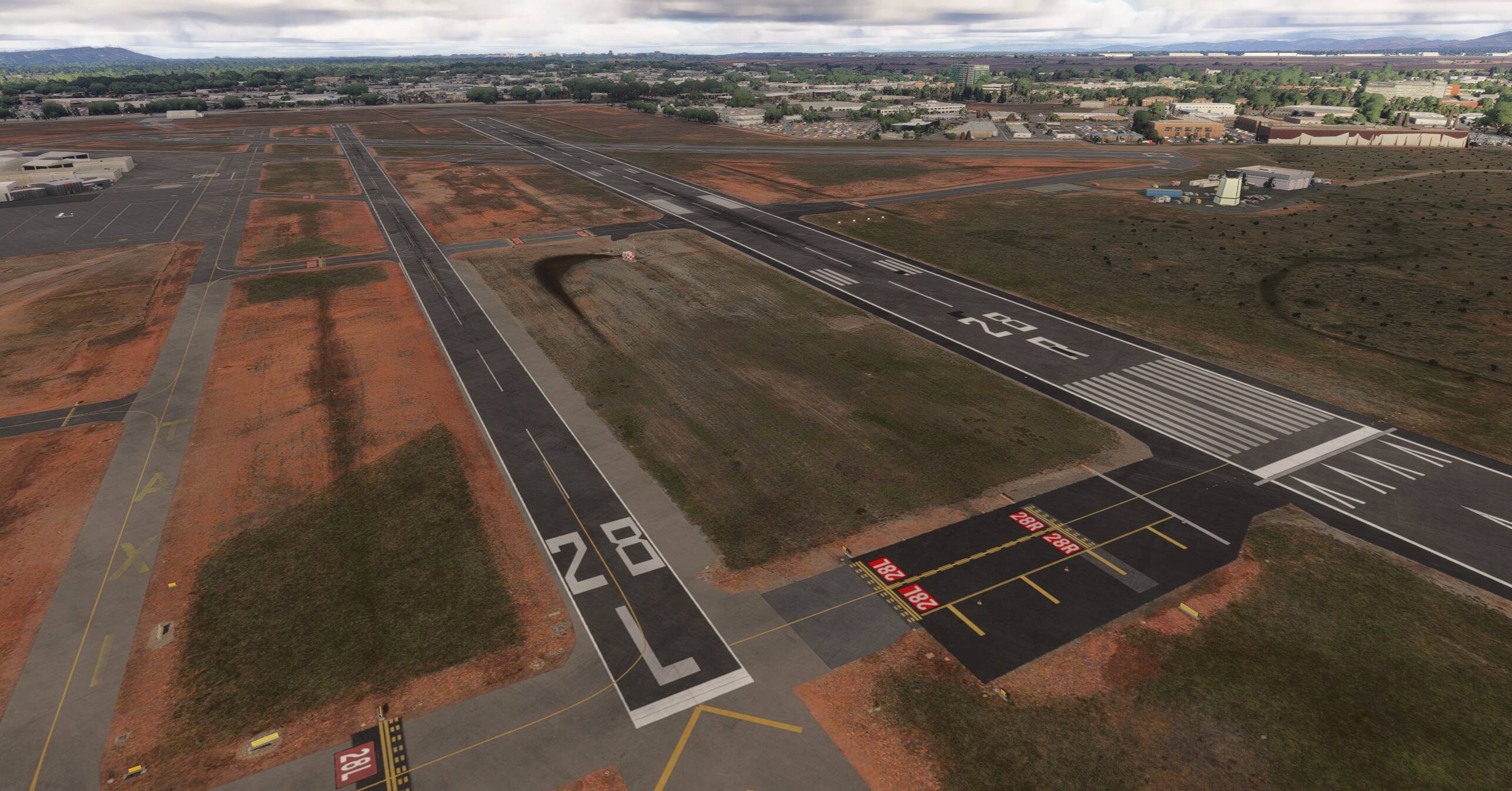
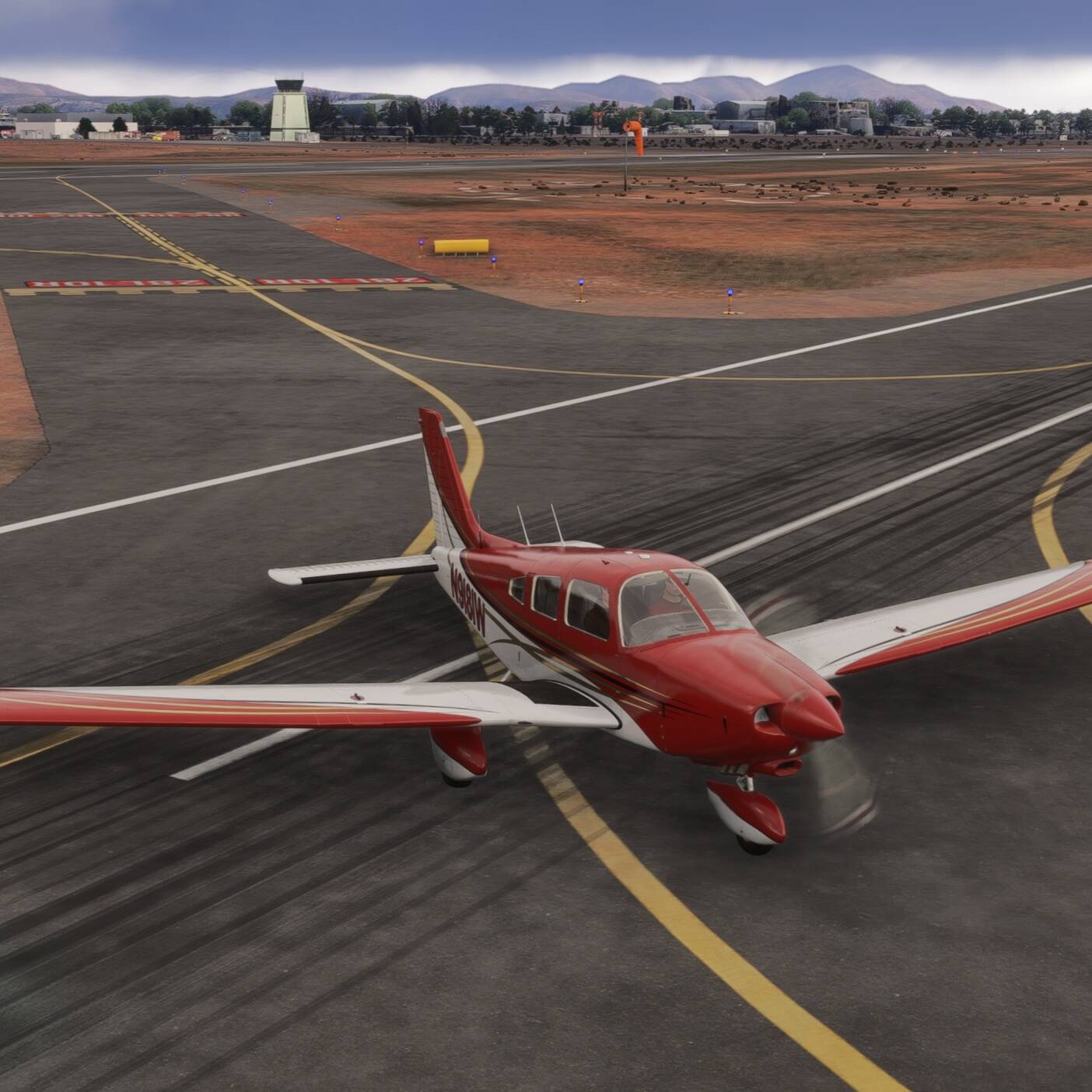
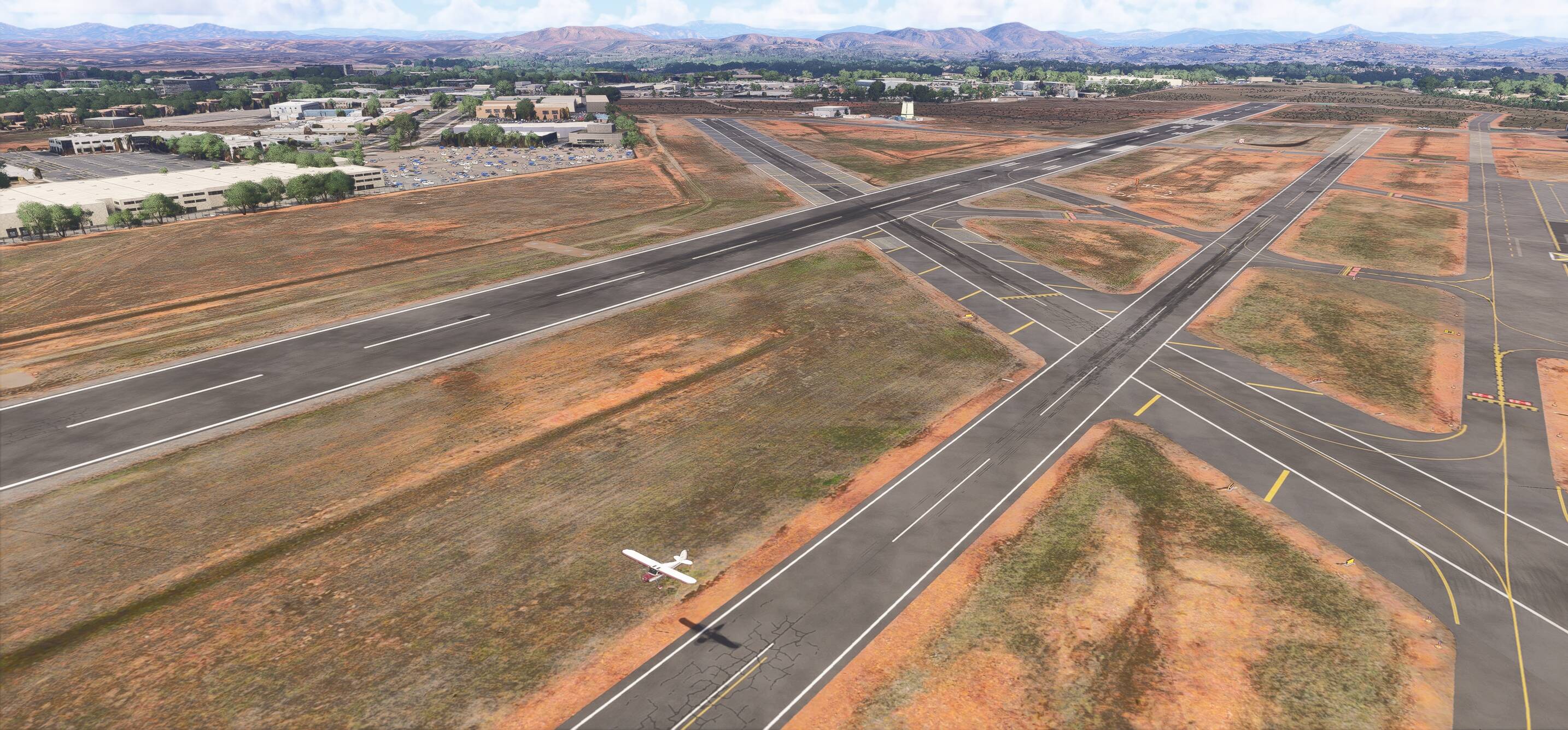
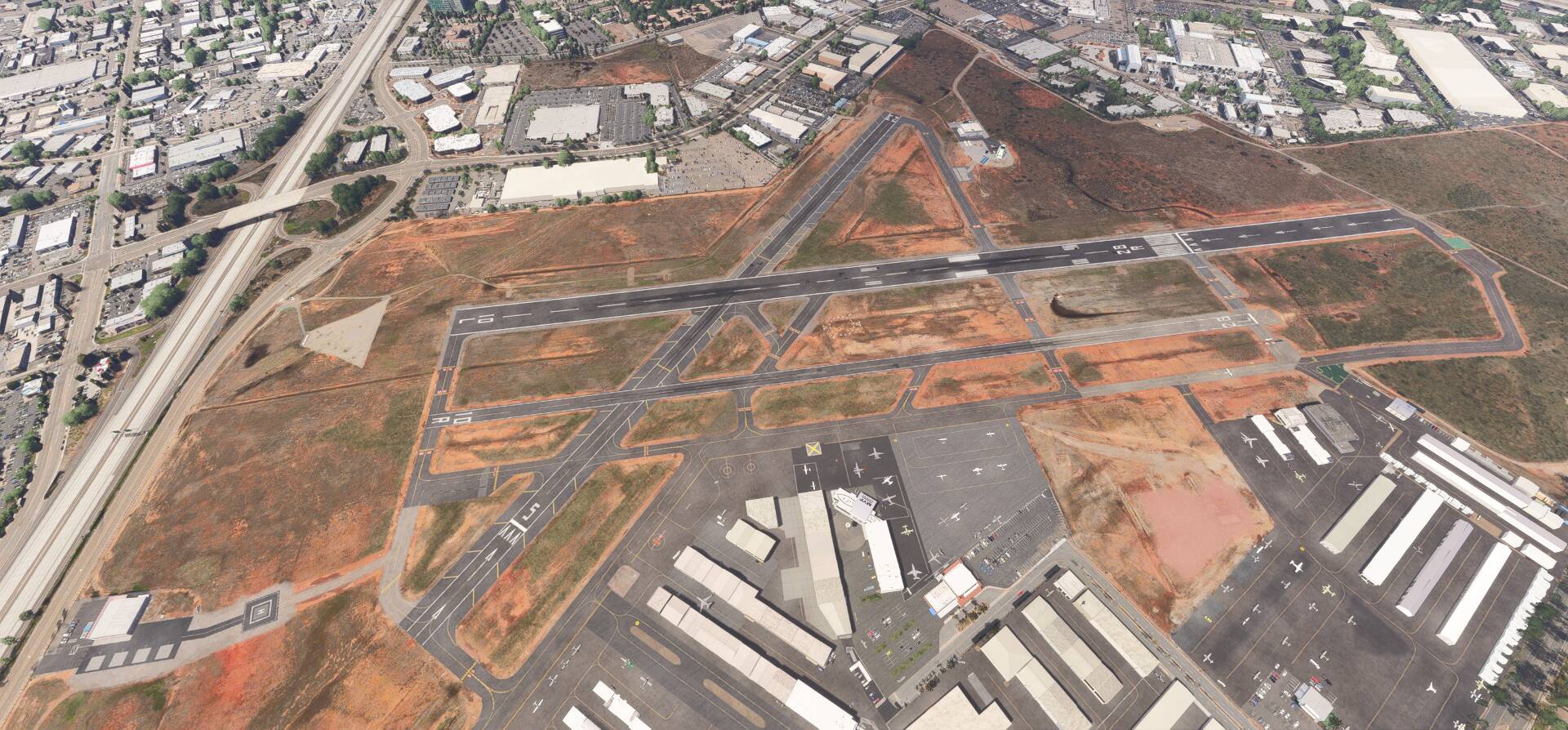
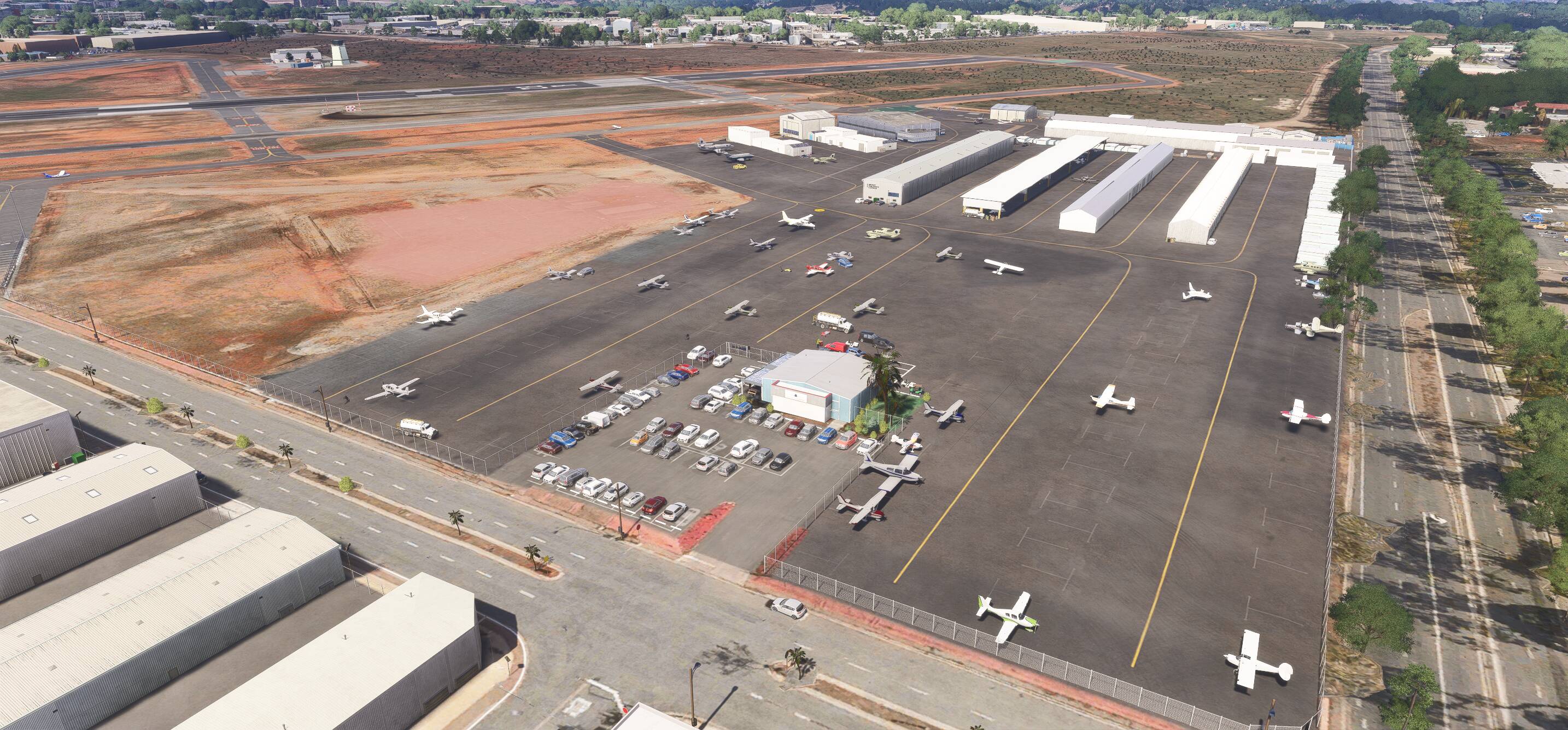
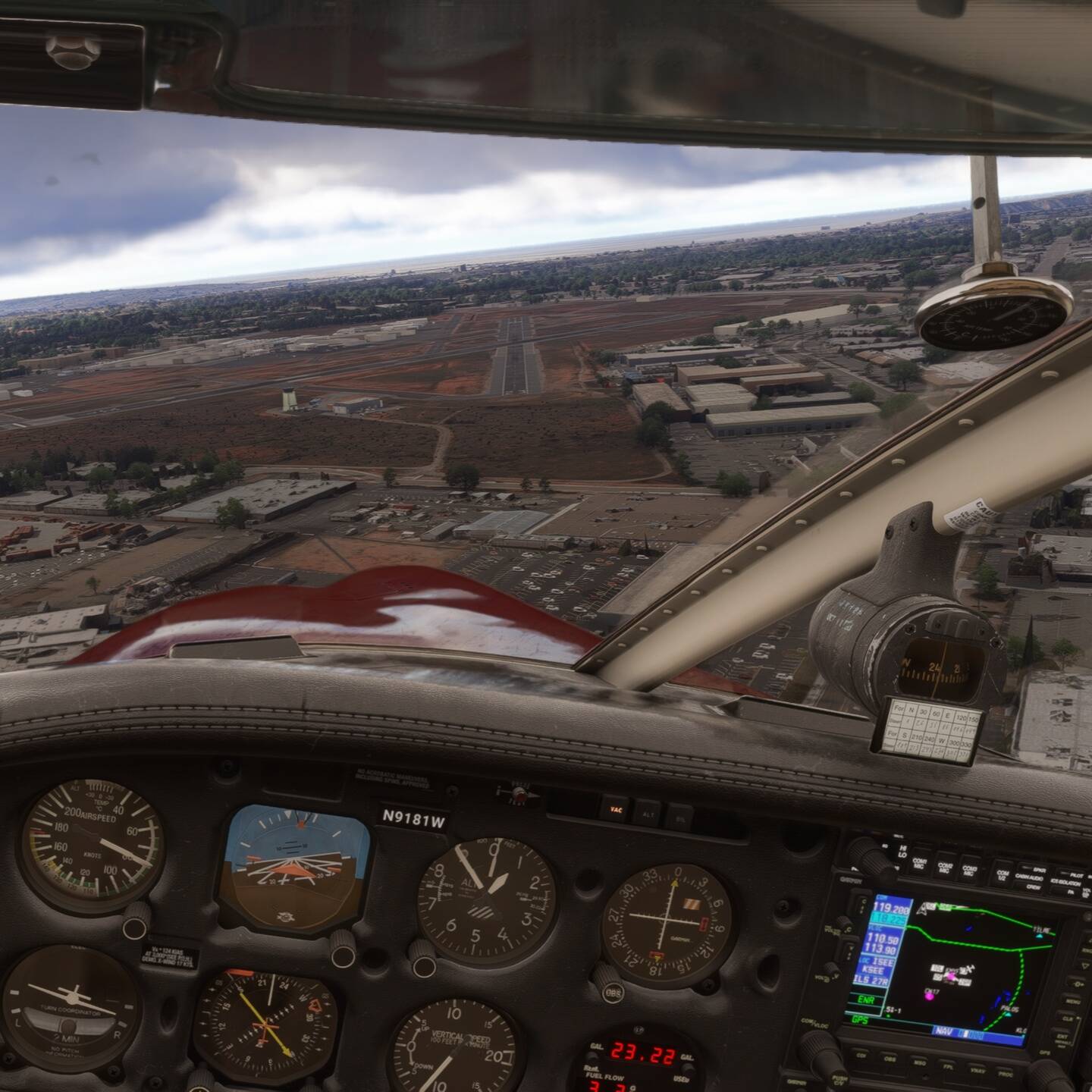
v3.0 is just released. It’s an update for MSFS2020 but also bring compatibility for MSFS2024 users. You need to download a small fix and install also in your MSFS2024 Community folder. Caution, the fix is on the same page at flightsim.to, see picture below:

v3.0 release notes:
- Fix VASI4 Position on 10L
- Fix transparency texture
- Fix double autogen buildings
- Fix Vegetations
- Fix Tower beacon
- Fix Coast Air FBO Hangar
- Update Corporate Helicopter buildings
- Add small antennas north of the 28R
- Replace some static aircraft
Enjoy whether you’re on MSFS2020 or MSFS2024 and let me know!


5 Likes
v3.2.0 just available for free and your MSFS2020/24 on PC only. Major improvement is the new runways texture for MSFS2024. Previously, they were no mark or skid on the runways. For MSFS2024 users: starting with this v3.2.0 the .ZIP contains now 2 folders “vbcorp-airport-kmyf-montgomery” and “zzz-vbcorp-airport-kmyf-montgomery”. You need to activate these 2 folders in your Community. Keep the name “zzz-vbcorp-airport-kmyf-montgomery”. MSFS2020 user only: you can ignore the “zzz-vbcorp-airport-kmyf-montgomery” folder
- Update runways texture (MSFS2024)
- Remove ugly TIN Building at threshold 23
- Fix wrong textures for 3 static planes
- Fix missing static planes
6 Likes
What does creating a small general aviation airfield in MSFS look like for a passionate amateur?
I can tell you: it’s endless work. There’s always something to do: real-world infrastructure changes, new documents, images, or videos surface, SDK techniques learned from tutorials become applicable, and fresh ideas for realism keep popping up.
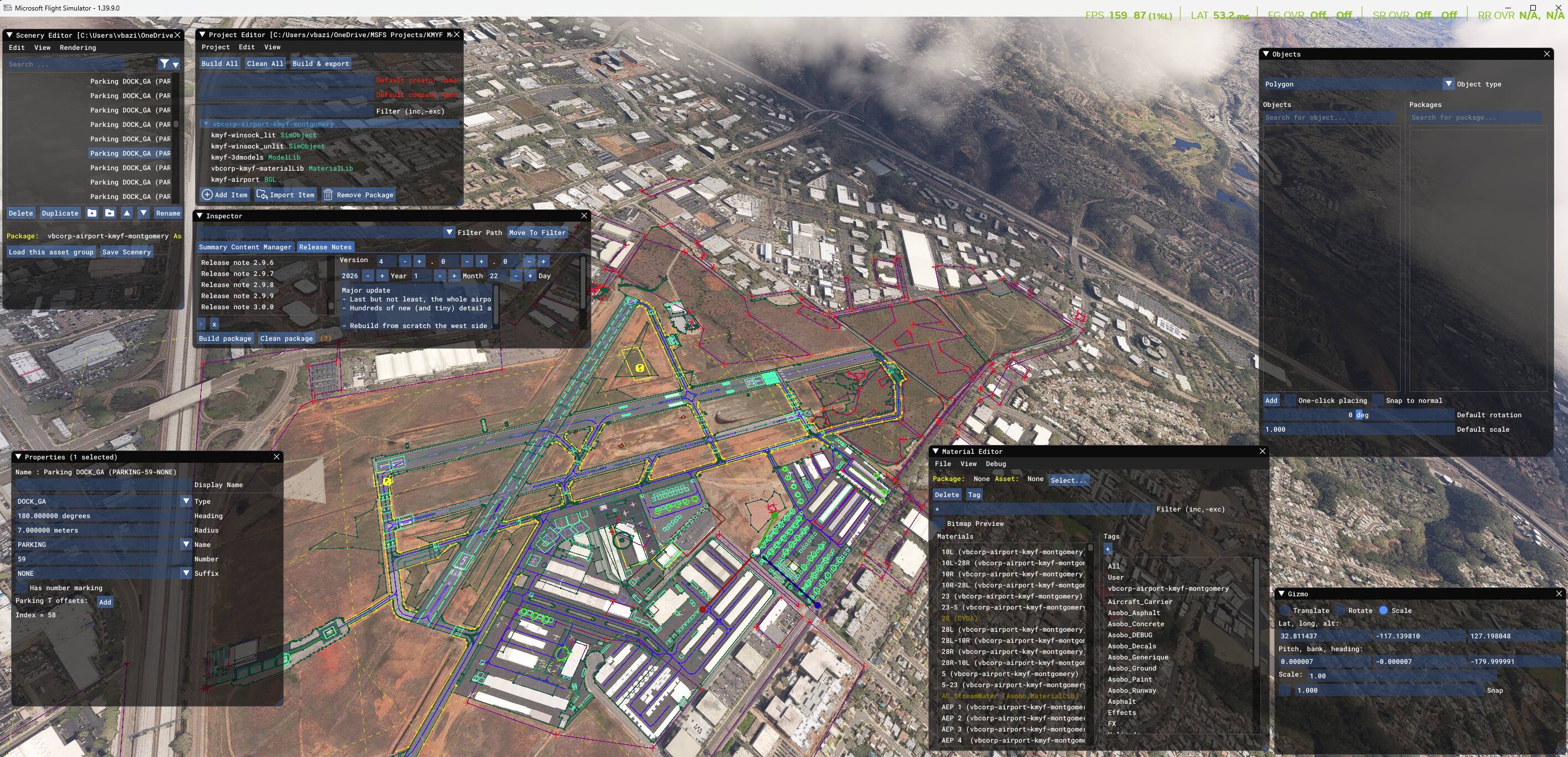
Back in January 2021, I recreated Montgomery Field (KMYF) in San Diego, my American home base in MSFS (and in real). I’ve just uploaded v4.0.0 on flightsim.to. This major update took a huge amount of time, as every detail was meticulously refined. I lost count of how many times I launched MSFS2020, then MSFS2024, and back again, to check the state of the scenery in both simulators.
The definition file (.xml) alone contains over 15,000 lines, with hundreds of ground lines drawn, 400 textured ground planes, 700 segments and 580 points defining the taxiways, 60 exclusion polygons to remove default MSFS objects or fix vegetation and terrain issues, and over 4,000 objects placed, ranging from simple cones from the MSFS default library to custom 3D objects created in Blender. Thanks to the MSFS SDK, the engine, and an incredible community, an amateur like me can offer a free, (hopefully) high-quality scenery for MSFS.
The entire airport has been realigned with the Bing Maps base layer, now shared by both MSFS2020 and MSFS2024.
Key updates in v4.0.0:
- Hundreds of new (tiny) details scattered across the airfield
- Complete rebuild of the west side area (around Coast Air Center): buildings and taxiway markings
- Redesigned edge markings for runway 5/23 to match real-world intersections with runways 10/28
- Reconstructed perimeter fences
- Fixed several missing buildings (an issue in MSFS2024)
- Corrected intermediate holding point (AEP) positions
- Fixed all blue taxiway light positions
- Updated, corrected, and added (comprehensive revision) ground markings
- Updated the reserved Mercy Air helipad
- Updated static aircraft (removed all simobjects for better performance)
- Cleaned up unsightly TIN (mostly tree blocks) in the immediate ground view, still a work in progress
- Removed some photogrammetric buildings near ground-level views (let me know if this works for you!)
Happy landings, everyone! Feel free to share your feedback, I’d love to hear your thoughts!
6 Likes
Personal Comments and Observations
KMYF became my go-to base for actual leisure flying as well as development testing after I discovered your mod a while back. Love this field.
My favorite screenshot “Kodak spot” is at the hold short of 28R with the sign that says no turns above 1500 MSL for noise abatement.
2 Likes