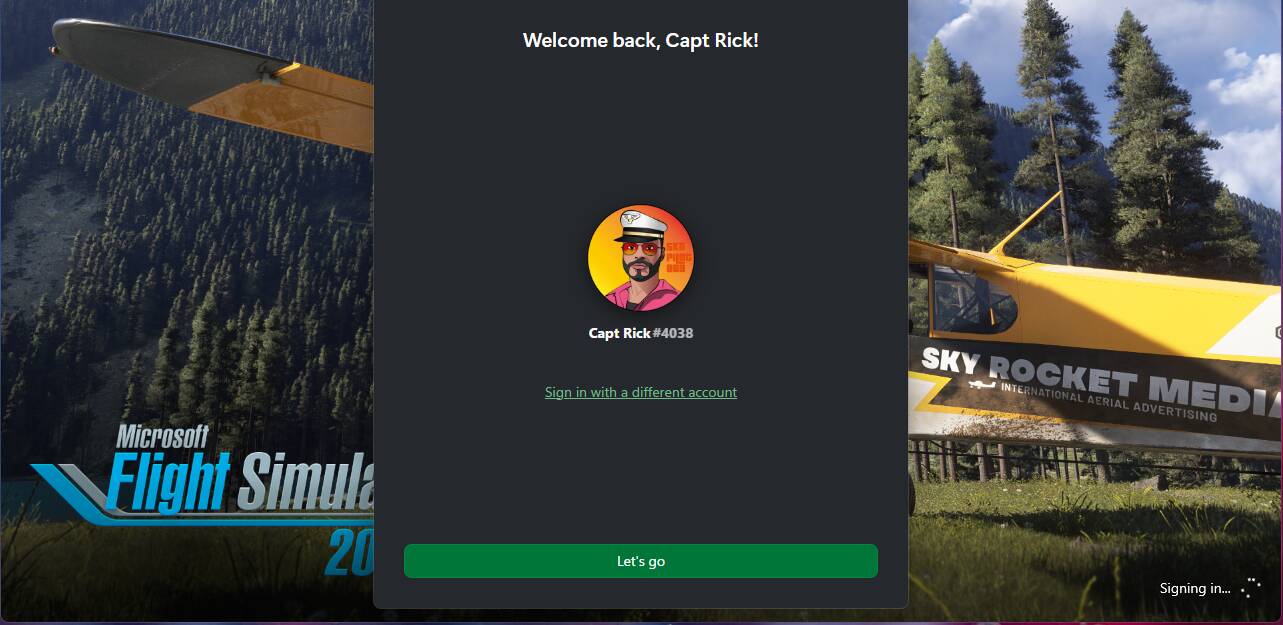
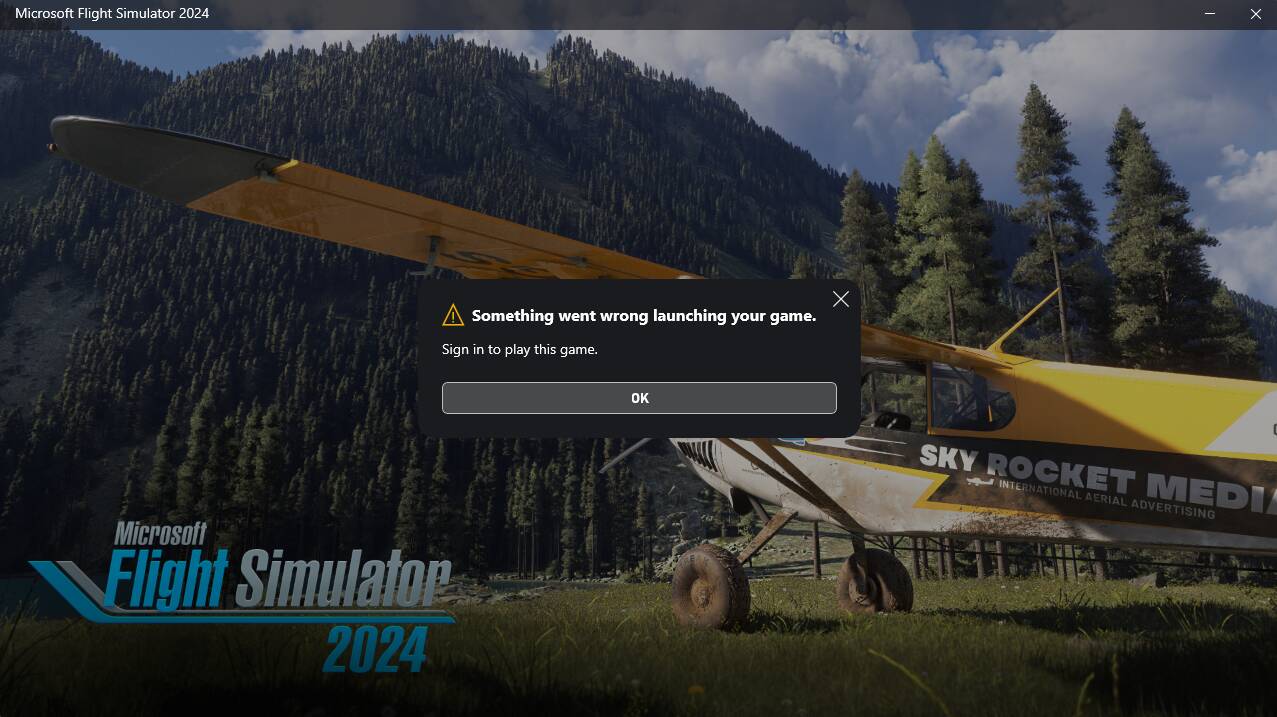
Hi everyone, I have a question. I don’t know why, but now every time I launch any game on my Windows Xbox APP, I have to click “Log In” as shown in the picture. Some games require another click after launching to play. As for FS2024, after logging in and launching the game, it crashes, then the login screen pops up again, and after logging in again, the game crashes again and won’t reappear.
I would be extremely grateful if someone could help me with this.
This support article is from the Sim Support tab at the top of the forum page.
It’s a good place to start.
This is for PC and Xbox, you will need to read down to the bottom for the Xbox particulars.
There are other Xbox articles there if this doesn’t help!
I’m experiencing the same issue since last night. could this be related to the latest gaming services update. since that got updated last night I’m having issues in both flight simulators.
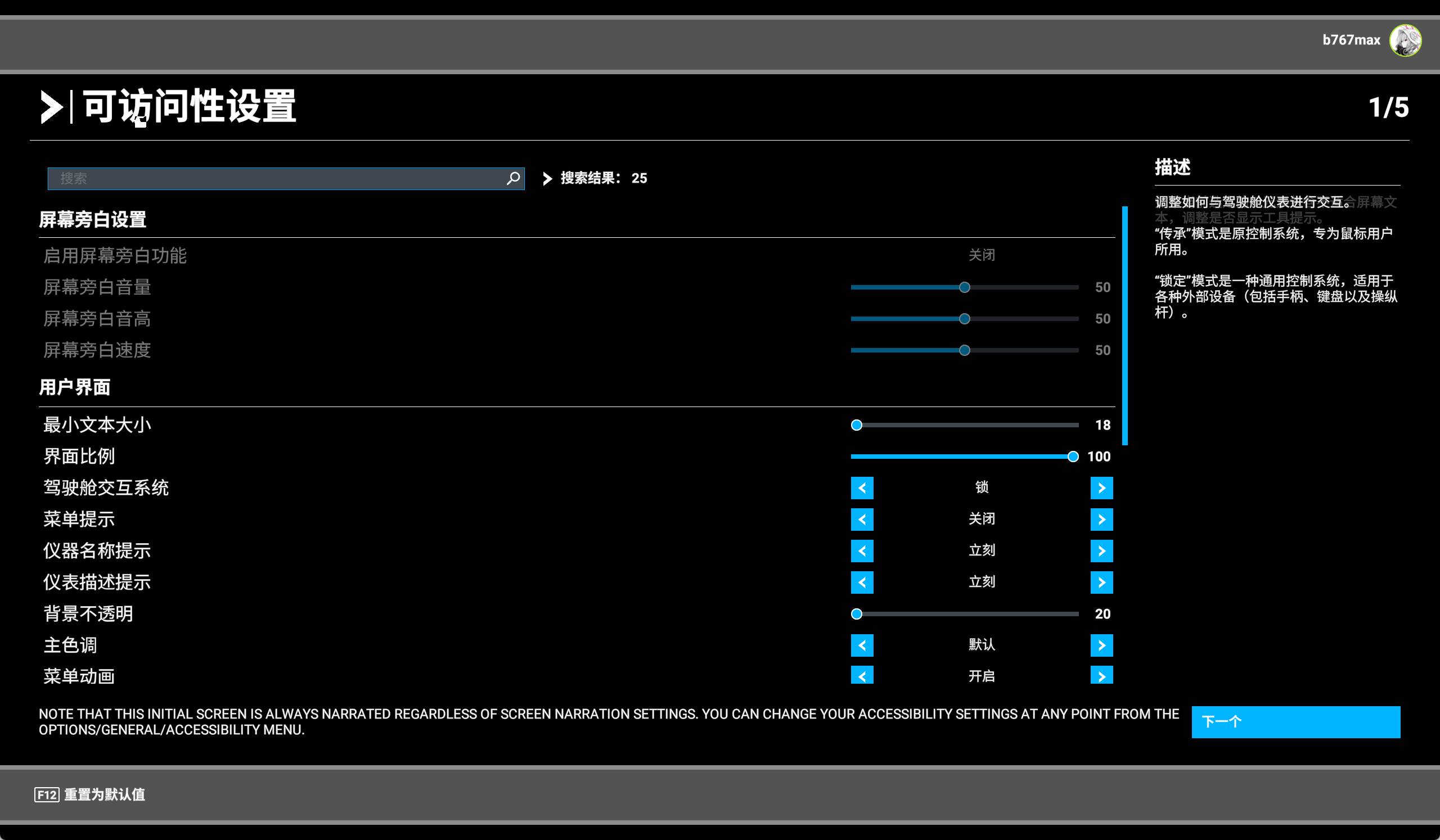
Oh, what’s your problem? In 2024, the game crashes as soon as I launch it. Also, in 2020, it resets the settings every time I launch it, leading to the interface shown in the image, where I have to reconfigure everything.
And, it seems like it started this week? My Xbox app requires me to click “Log in” to launch any game.
I’ve tried all the methods described in the articles, but I still can’t start MSFS 2024. The developers should acknowledge this problem and take steps to fix it. Just like the author, this problem started yesterday evening and continues to this day.
Agreed, but the issue becomes quite difficult to correct when it doesn’t affect very many simmers, as seems to be the case here.
There are more articles in the Sim Support tab at the top of the page that could help as well.
If you cannot get it resolved yourself, you could complete the Submit a Request form in that section as well.
That goes directly to Zendesk, and they are quite good at responding.
I have the exact same problem since today. Tried all solutions in the posted links, reinstalled MSFS2024, cleared Xbox cache, re-installed MS Store Gaming Services. The loading screen prompts for Xbox Live login on startup, opens the game and crashes 10 seconds after. On a second prompt it crashes instantly.
I have been having the same issue for two days straight - I even restored my entire PC clean… and to my sad surprise the issue still remains! Please help Asobo!
Whenever i try launching the Game it will CTD and then auto-relaunch only to say “Something went wrong when launching”
I also find myself having to sign into the xBox App each time i launch the XBOX app… that had never happened before as well since the start of all this issue … Please help
I have this same exact issue. After the second login prompt it just crashes . I have tried everything on the forums but its just not working. The only thing i have not done is reinstall windows but someone in this thread say they tried this and it still didn’t work . Quite Unfortunate.
No. The problem is definitely not with Windows 25H2. I’m using Windows 23H2 and I can’t launch the simulator either, because I get crashes like you and the author of this post. Perhaps the problem is with a regular Windows or Xbox update.
I agree with John. I had the windows update previously installed and the sim was just fine. this is on Asobo end I believe or xbox as I noticed this started since the latest gaming services update. I even get prompted to sign in every time I open any xbox related app. didn’t happen before. in MSFS 2020 I get prompted to log in at the start and half way in also get prompted.
I believe this is the only thing I have not tried. but as you see above CaptRick4038 did a windows reset and even that didn’t work so I assume reinstalling the Xbox app will do nothing.
Multiple times to the point where i have restored my PC to a clean windows 11… LOL and still no change… i’ve even tried switching to the beta version of MSFS2024 and that didnt help either.