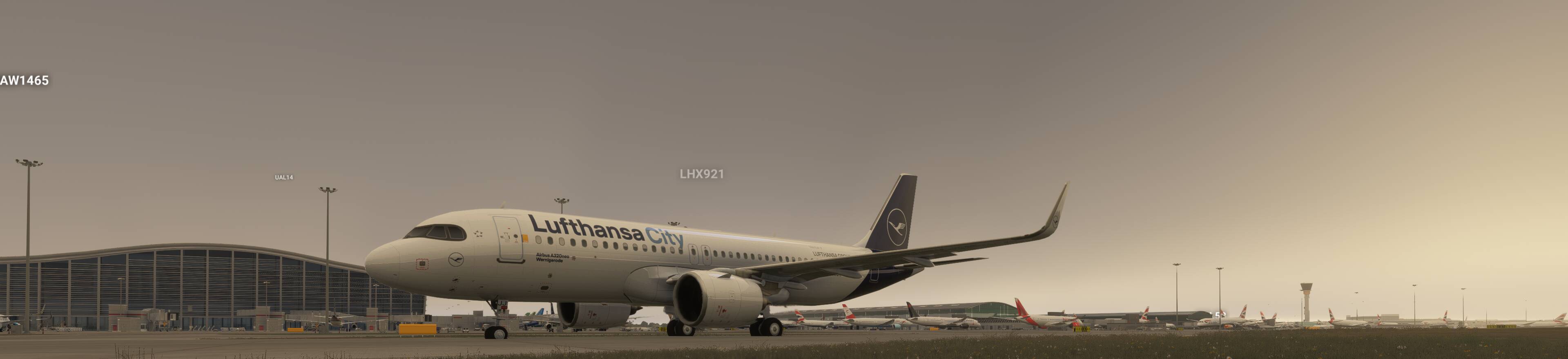
Freeware AIG models and liveries + freeware FSLTL models and liveries + MSFS Real-Live Traffic.
^^^^^^^^^^^^^^^^^^^^^^^^^^^^^^^^^^^^^^^^^^^^^^^^^^^^^^^^^^^^^^^^^^^^^^
I decided to write how I personally use Real-Life Traffic in MSFS 2024.
To have as many aircraft models and liveries as possible, I have both FSLTL and AIG models and liveries installed. MSFS 2024 will automatically choose the model and livery, so there’s no need to install additional mods to disable the default MSFS traffic models and liveries. There’s also no need to pay extra for additional software to have live traffic (Flightradar24/Flightaware).
- Download the AIG models from the link below (3GB download, around 80GB after extraction). This is much faster than spending hours downloading everything through the AIG AI Manager.
// edit: Link removed - After downloading, unpack somewhere on your drive. Once extracted, open the folder, then go into the “community” folder inside it. Move the folders named aig-aitraffic-oci, aig-aitraffic-effects and aig-aitraffic-modelbehavior into your main Community folder.
- Install FSLTL injector and models if you don’t have them yet.
- After installing FSLTL, launch MSFS.
- MSFS 2024 Settings
-
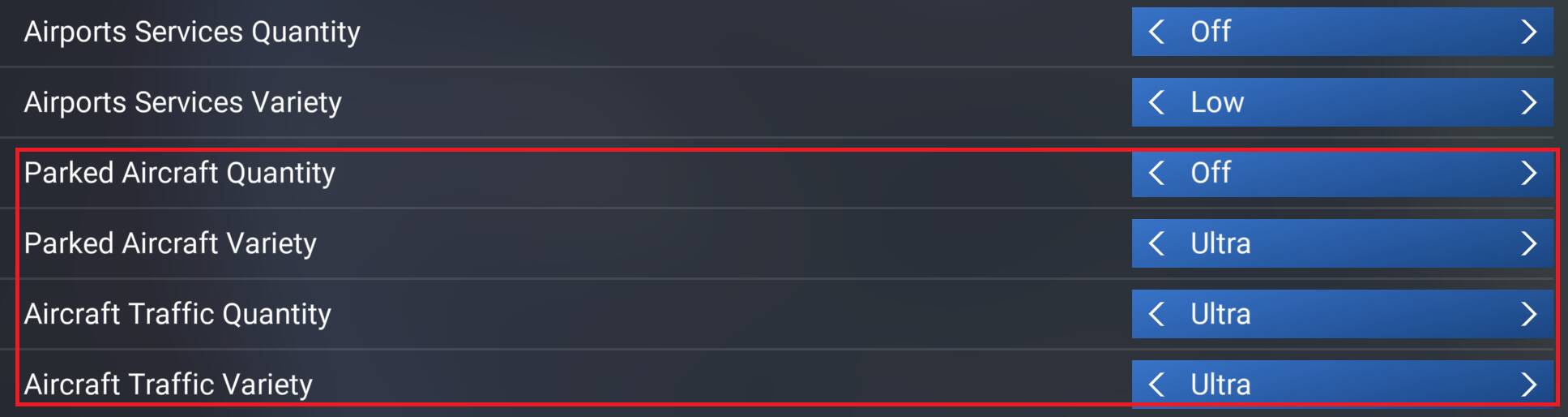
MSFS 2024 Graphics Settings
As you can see in the screenshot above, I have airport services disabled because I use GSX. You can set this however you prefer. -
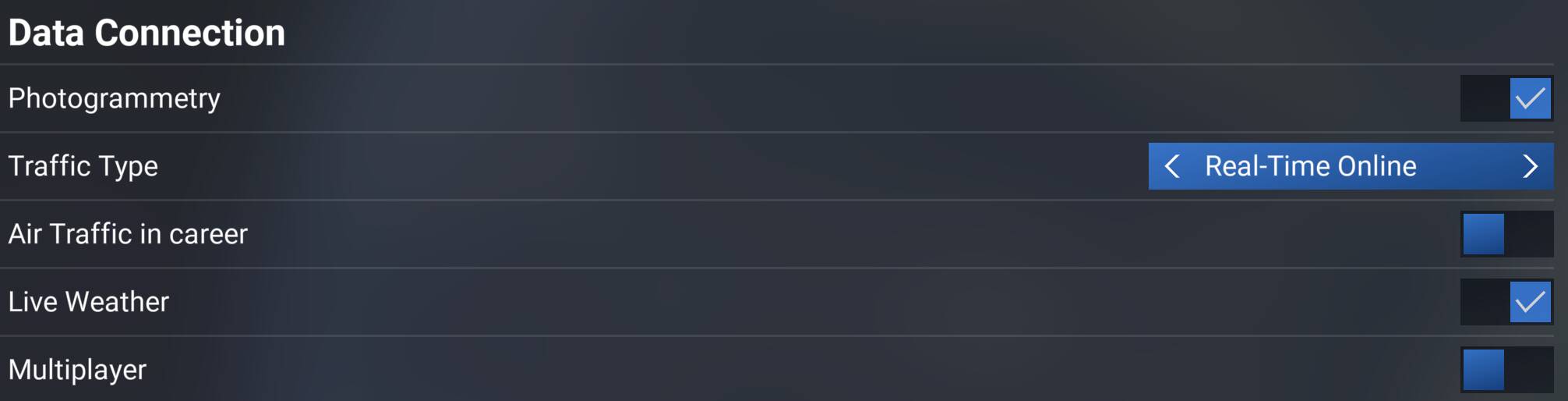
MSFS Online Settings
-
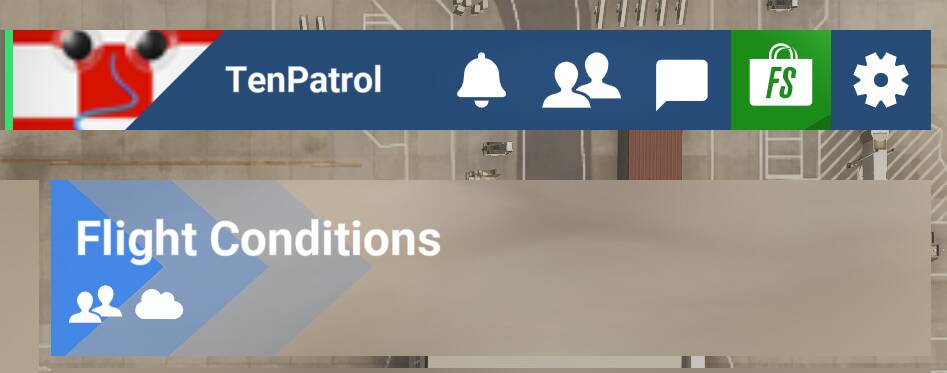
MSFS Flight Conditions Settings
FYI, in MSFS 2024, historical traffic and weather are supported, so if for example, you set the current time back to 0600 UTC (Z), you’ll get traffic and weather matching that exact time.
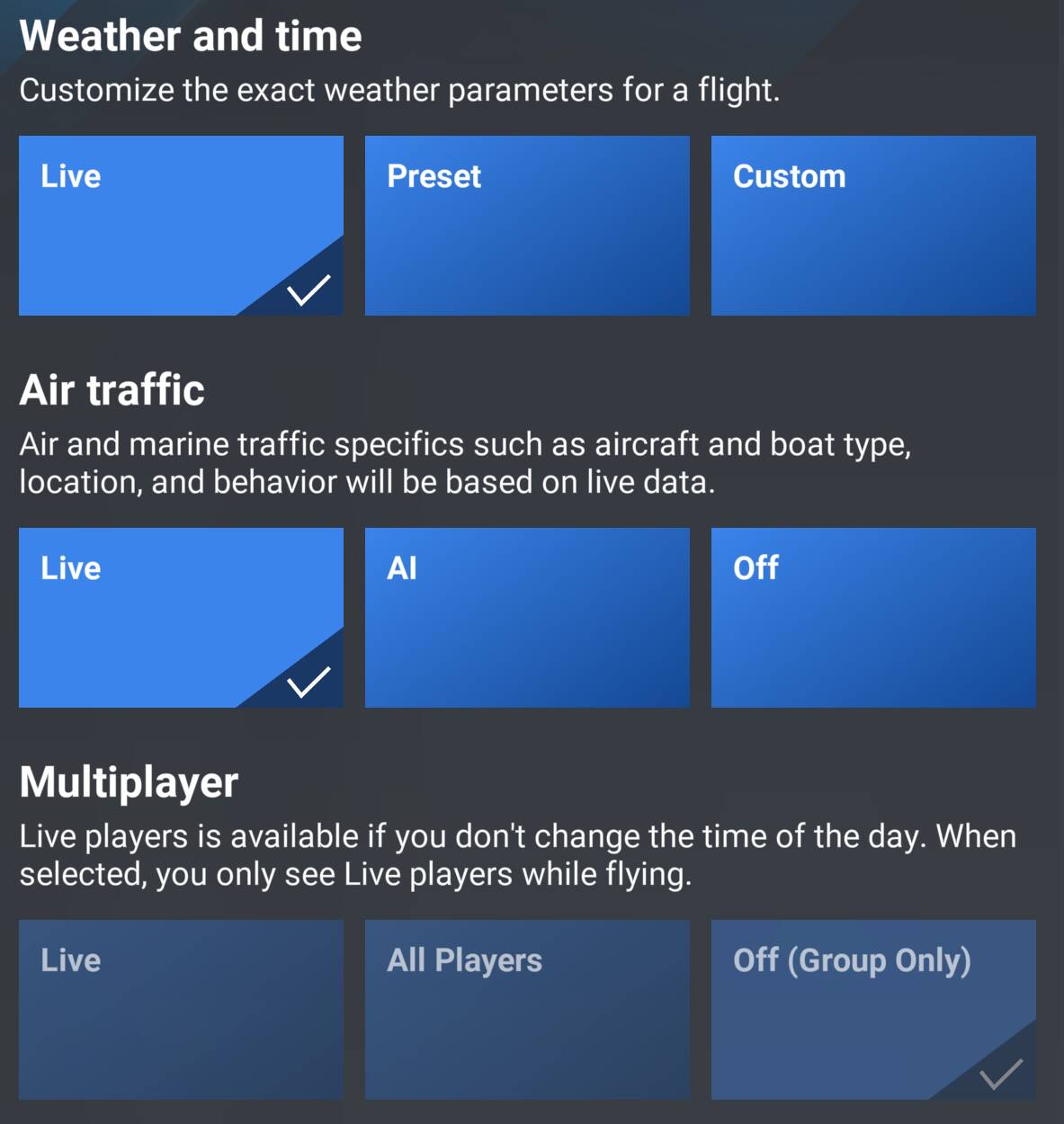
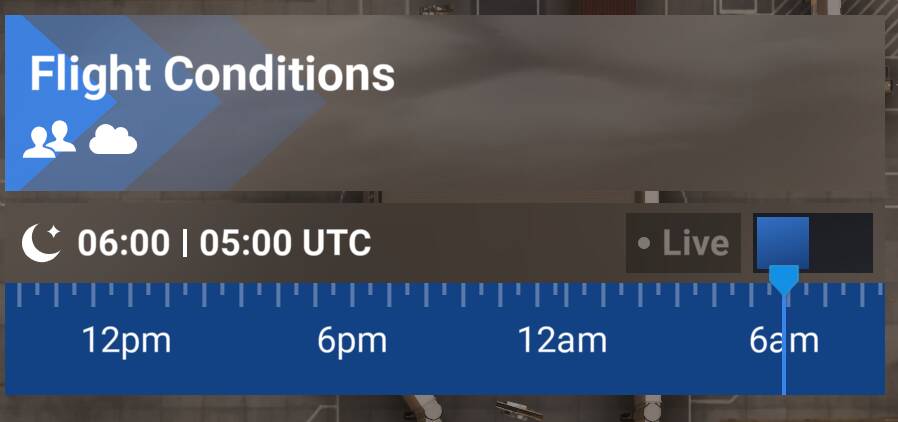
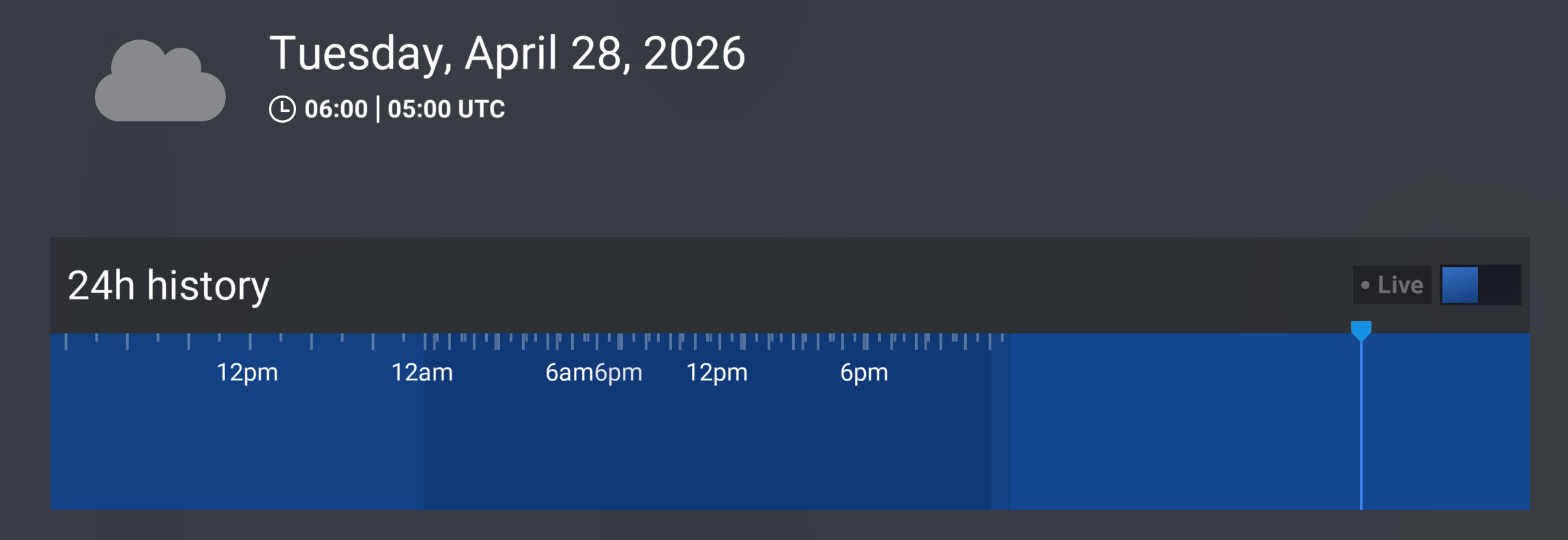
- After setting either a historical time or live time, you can choose your departure airport and simply click “Start Flight”.
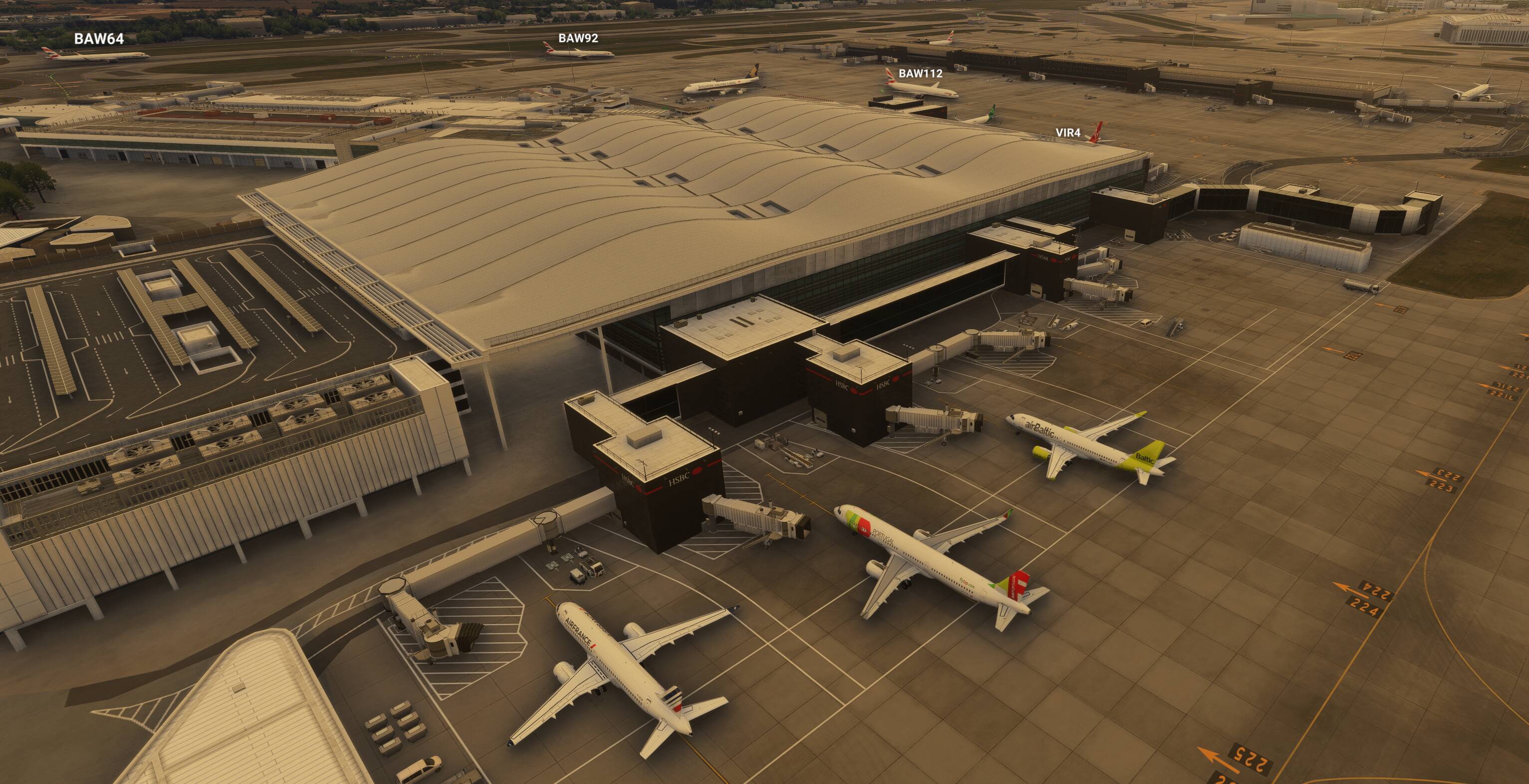
- If you want to use the FSLTL injector for historical static aircraft, set the injector the same way I did.
- Type y and press enter



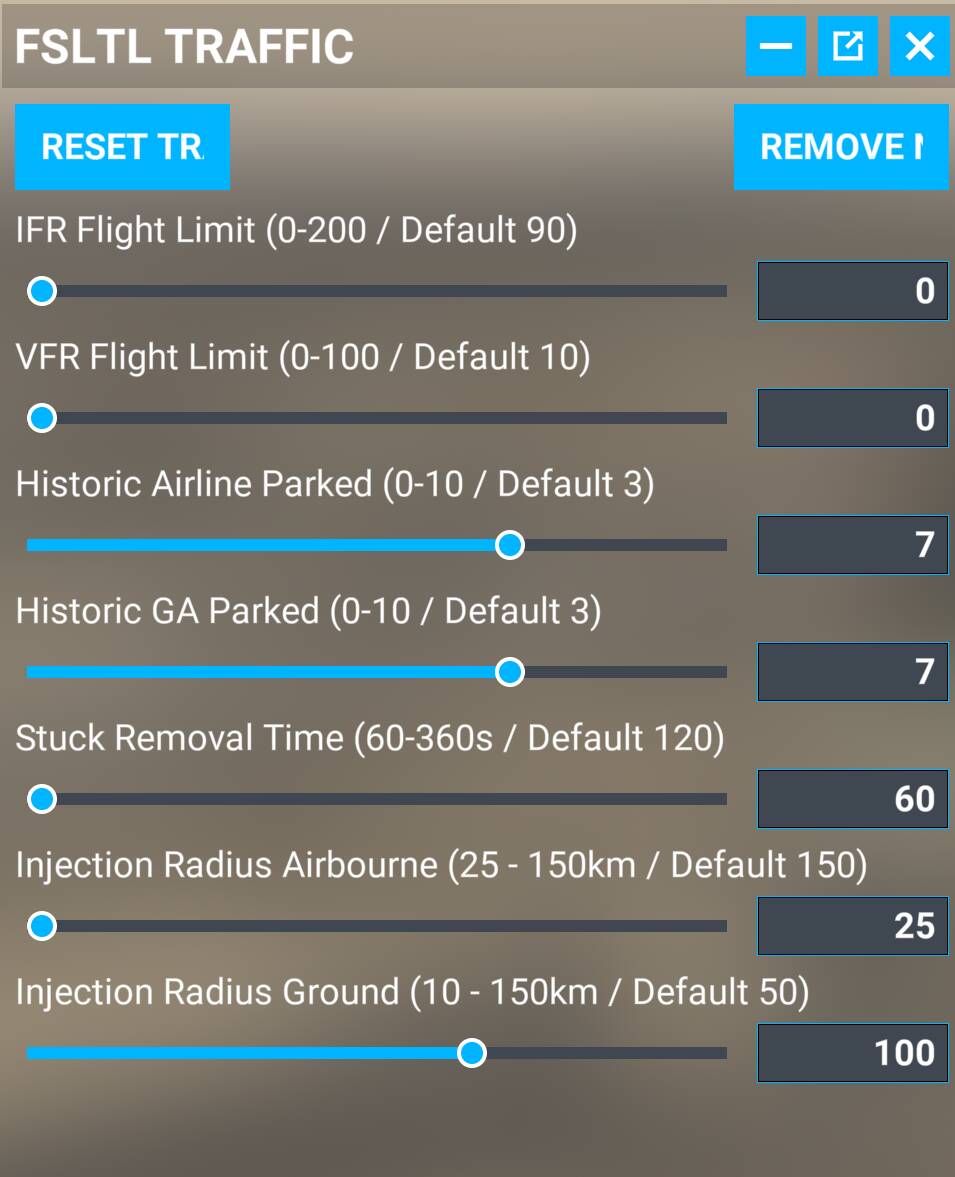
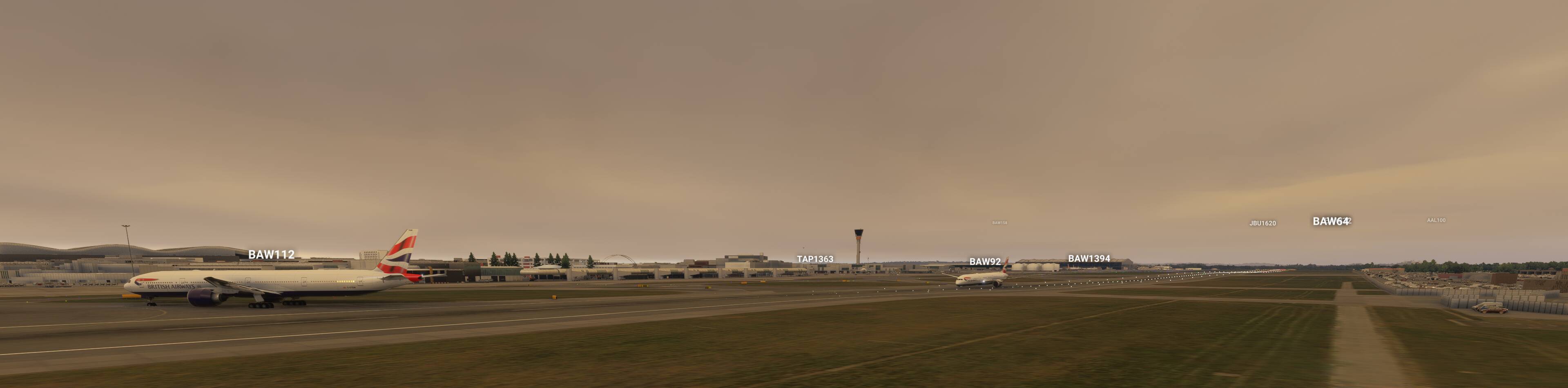

-
If you close the FSLTL injector- for example, if you prefer using the default MSFS static aircraft instead of FSLTL’s historical static aircraft - MSFS real-life traffic will still continue to work.
-
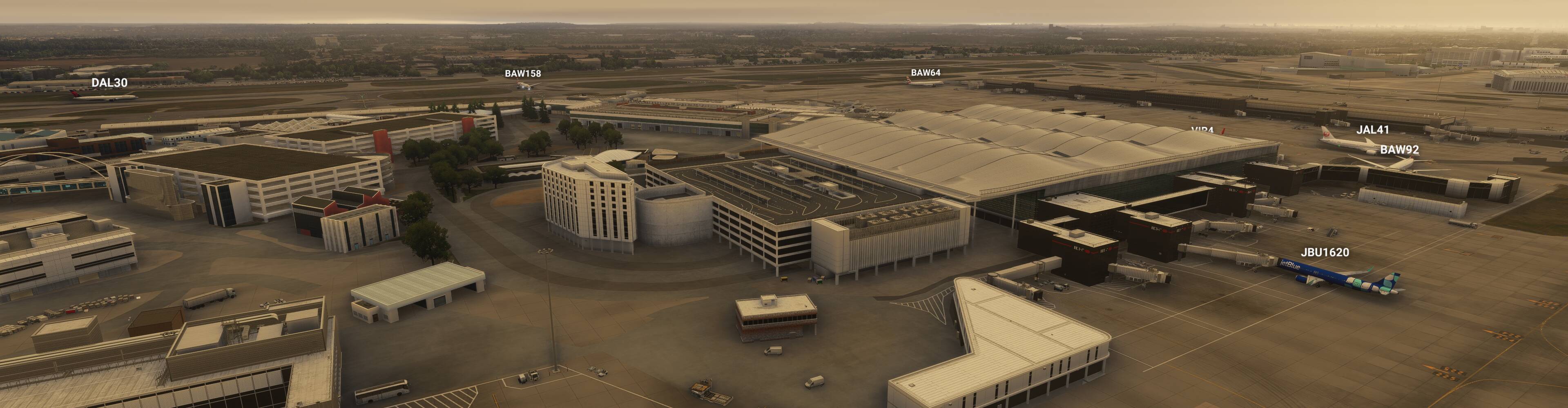
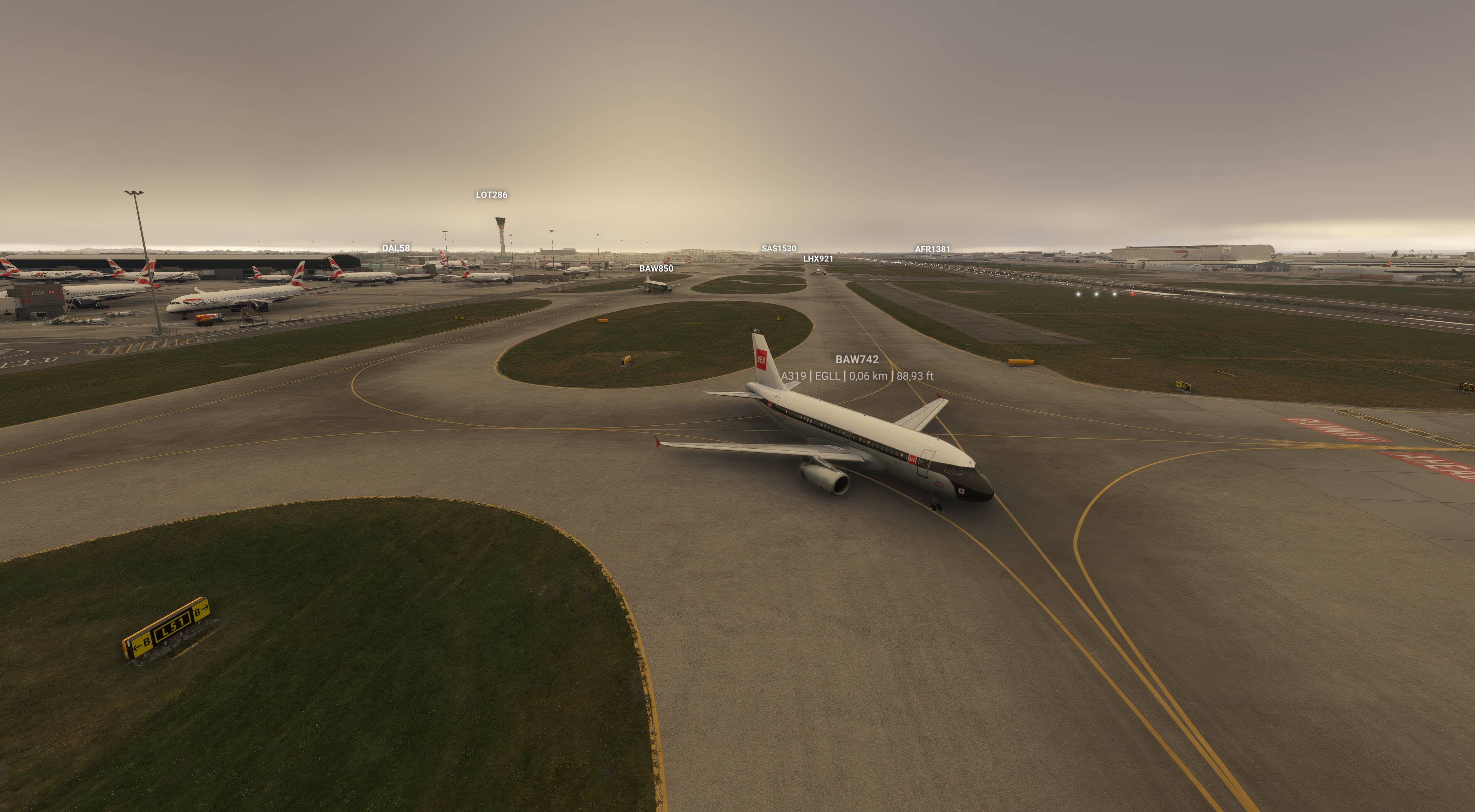
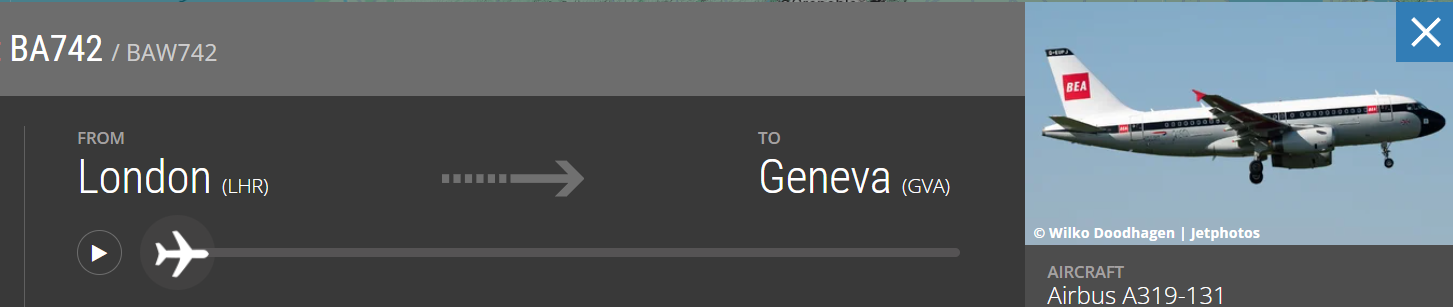
If you don’t want to use the FSLTL injector, you don’t have to - FSLTL models + AIG models + MSFS real-time live traffic works, and it works well, leaving aside the bugs of course.





Fly safe.