FSLTL with FR24 Live Traffic Injection Ends as everybody knows alright .
In the last days i search for alternatives .
My Idea at the Moment for an realistic AI Traffic with realistic ATC is to use PSXT for Live FR24 AI Traffic together with SayIntensions for the realistic ATC for the PSXT Live Traffic.
Because PSXT can not use with the FS2024 Build in ATC.
Is it a good solution , or do you have better Ideas ?
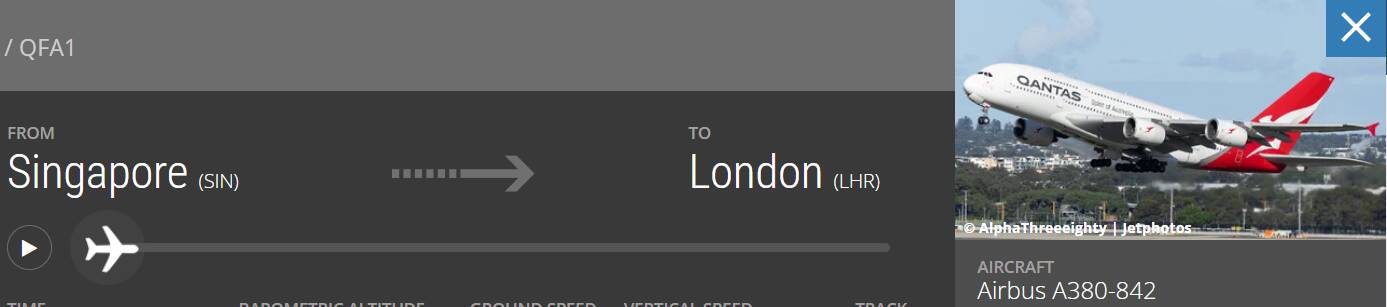
if you want to continue using FR24 live data you have to pay. And the fees are too expensive. we are too poor for that.
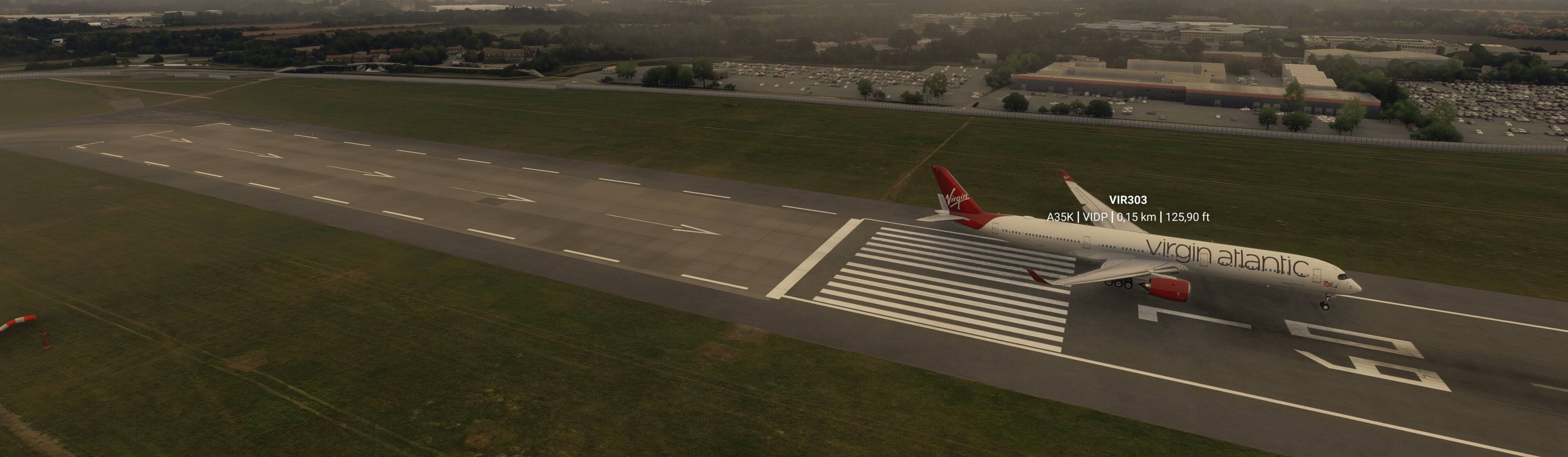
many enable the MSFS2024 default traffic which comes from flightaware and use the models from AIG or FSLTL.
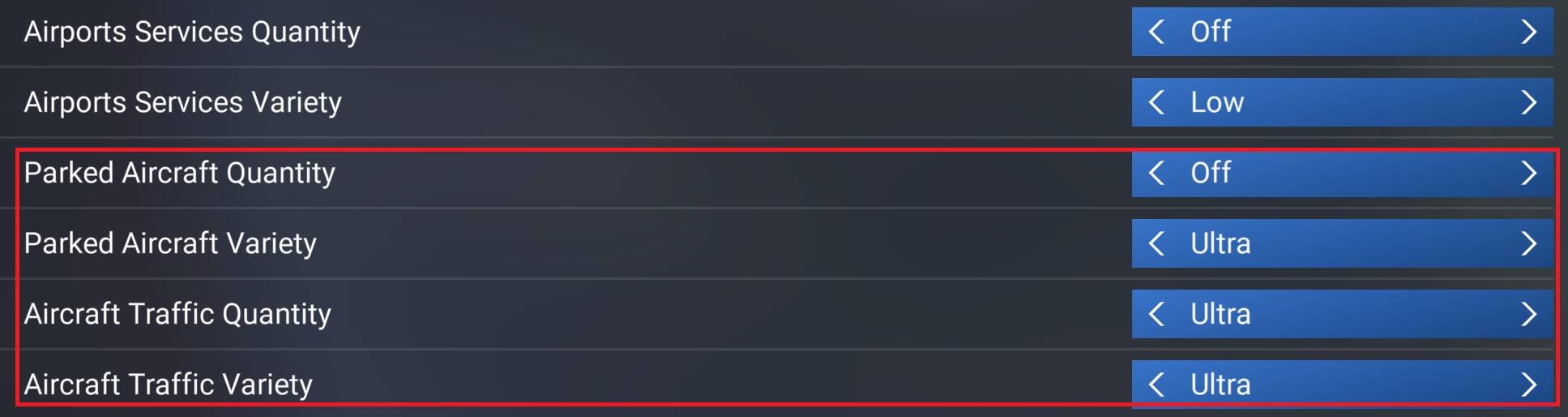
Ok, but i read that when u use FS2024 Live Traffic , the Planes park on the wrong Positions , for example A380 on an Medium gate , Taxi Problems , Start and Landing Problems , No SID and STAR using . Is it right ?
As far as I can recall SayIntentions offers its own traffic injection, meaning there is no need for PSXT and SI will not control or talk to PSXT traffic.
But those are both rather expensive; BeyondATC offers a one-time purchase of $30 and is constantly evolving to include new features. I am a happy BATC user for over a year now, and I can say that the few gripes are nothing when considering what this program does for such a low price.
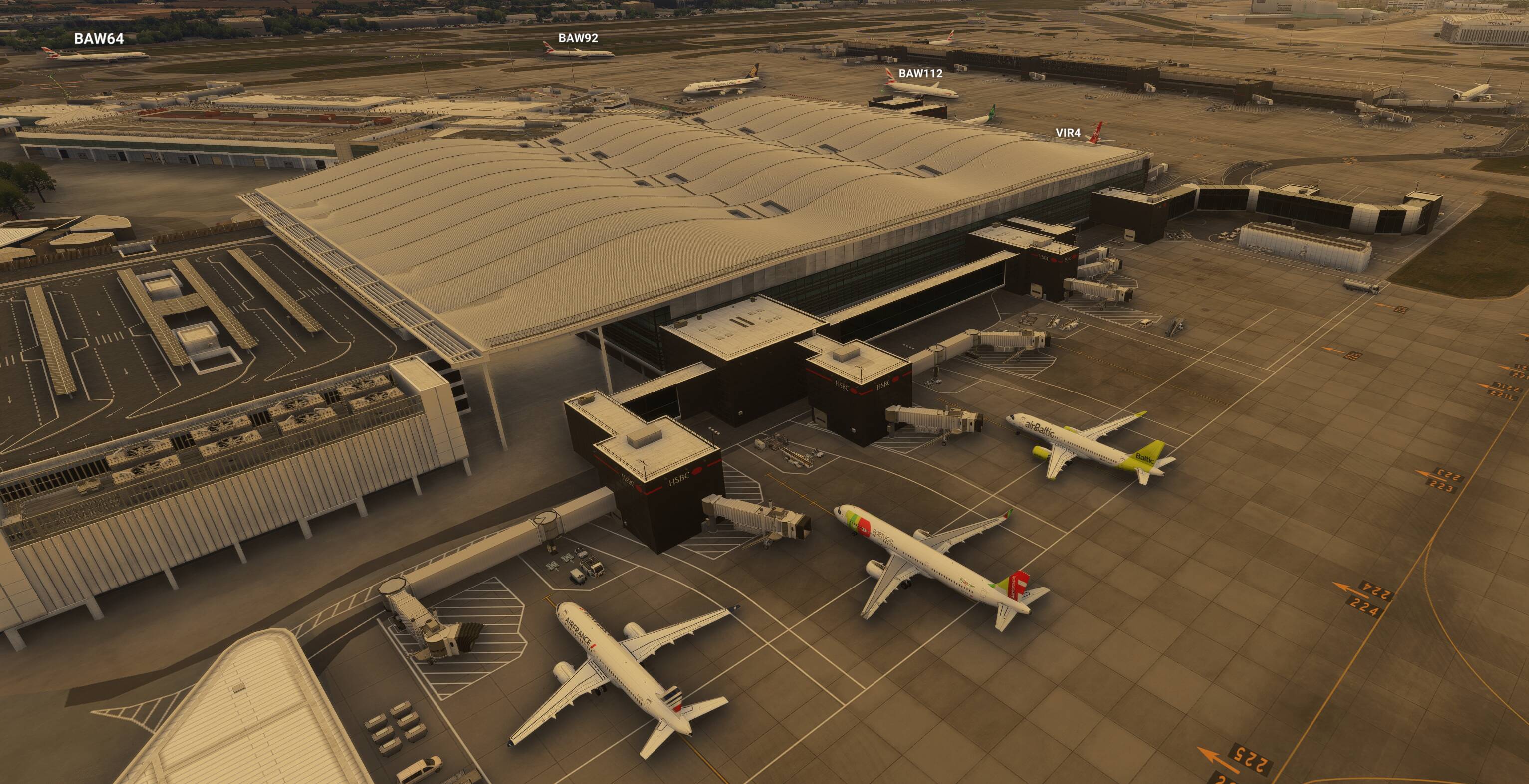
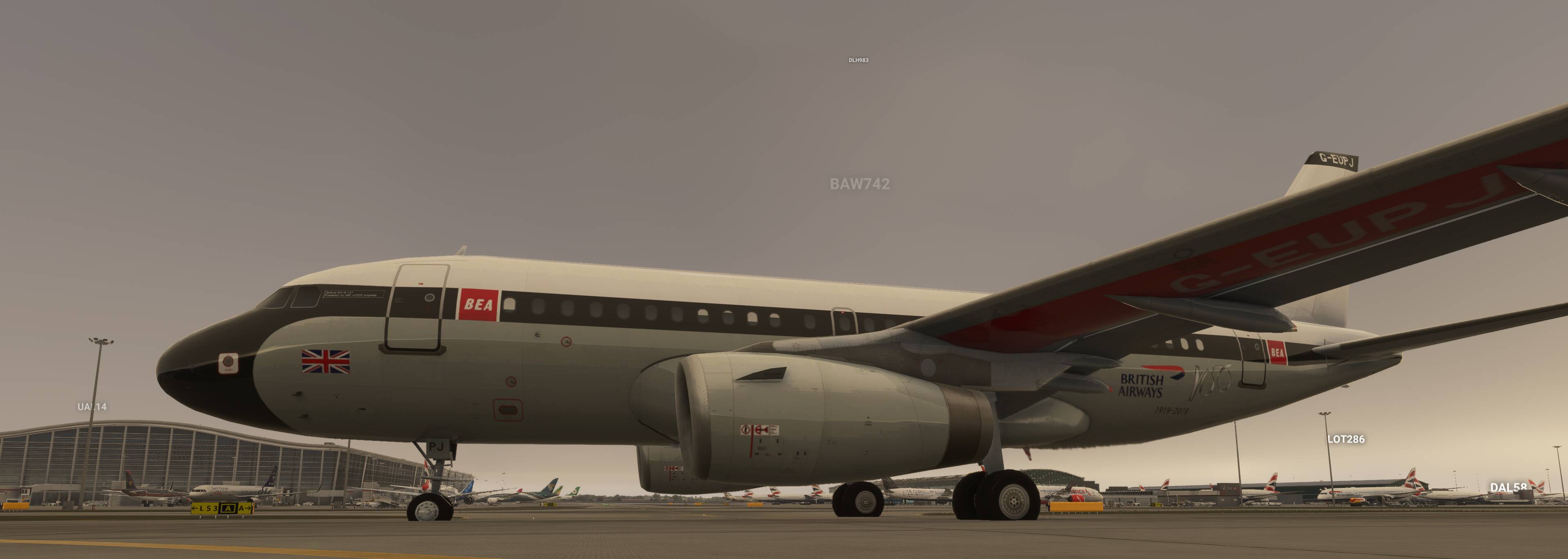
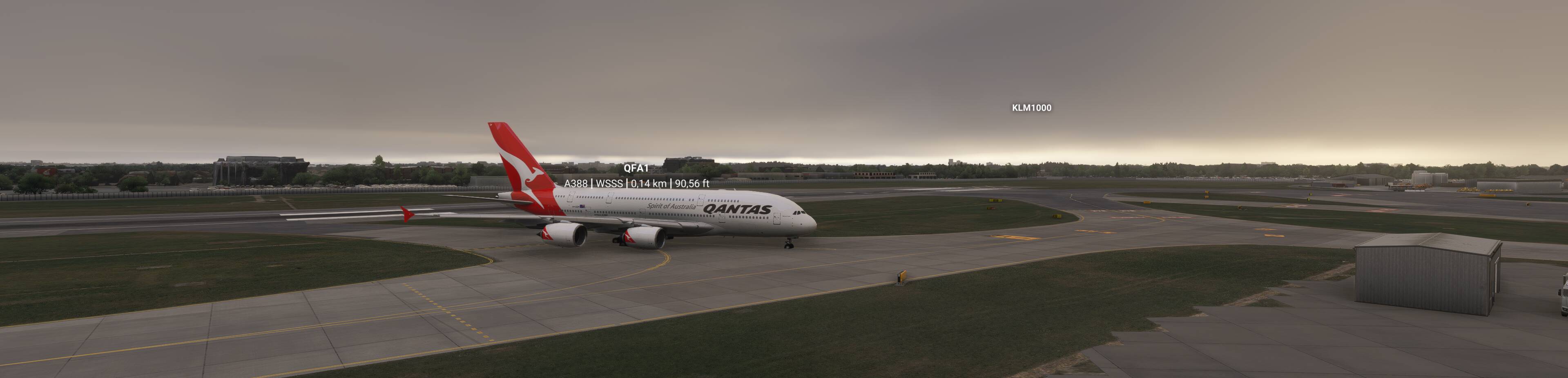
Whenever I see MSFS2024’s AI traffic putting random airlines at terminals they’d never be seen at irl, or A380s and 747-freighters at CRJ gates, it makes me want to pull out my hair. I would never use the sim’s traffic, even with FSLTL models.
In my honest opinion MS/Asobo should recruit the FSLTL devs to make the in-sim AI traffic better, since FSLTL are now ceasing to work on their own injector. But I don’t make the decisions there and this will likely never happen.
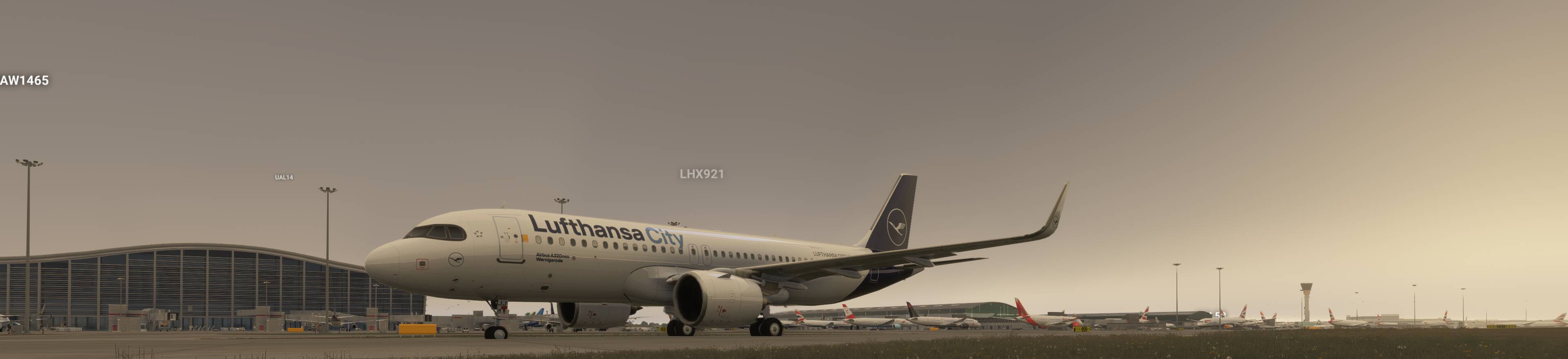
Freeware AIG models and liveries + freeware FSLTL models and liveries + MSFS Real-Live Traffic.
^^^^^^^^^^^^^^^^^^^^^^^^^^^^^^^^^^^^^^^^^^^^^^^^^^^^^^^^^^^^^^^^^^^^^^
I decided to write how I personally use Real-Life Traffic in MSFS 2024.
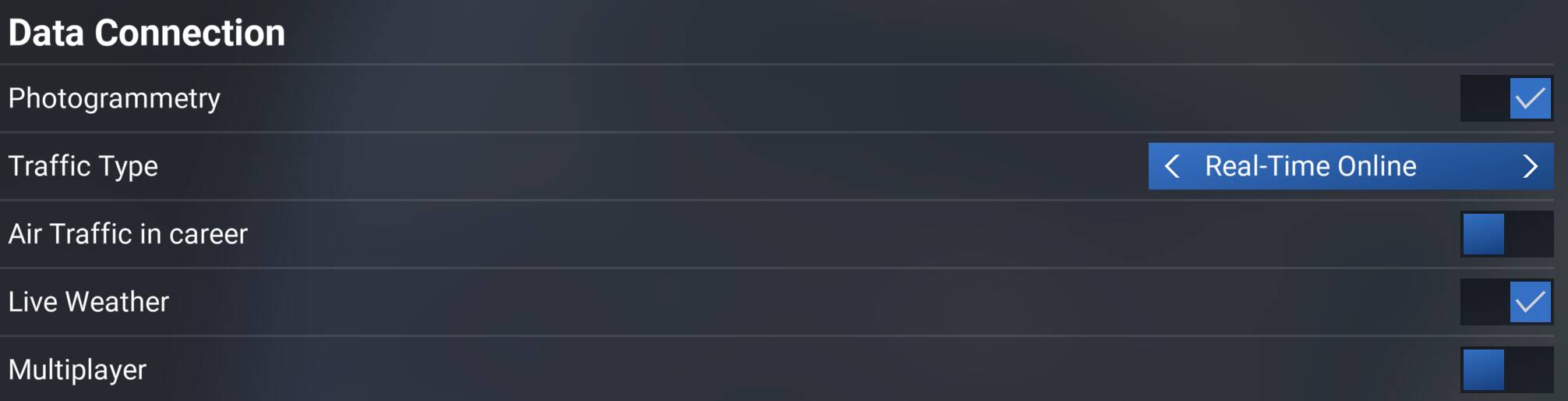
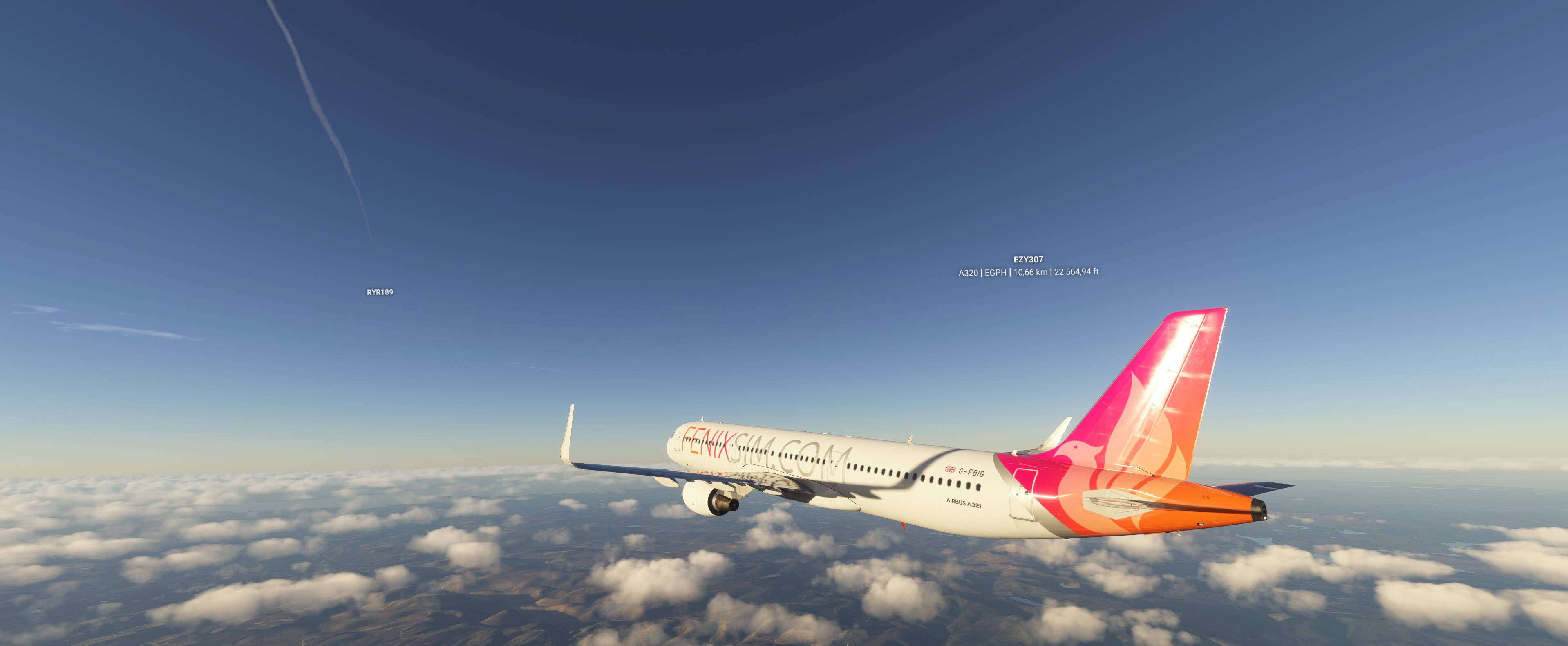
To have as many aircraft models and liveries as possible, I have both FSLTL and AIG models and liveries installed. MSFS 2024 will automatically choose the model and livery, so there’s no need to install additional mods to disable the default MSFS traffic models and liveries. There’s also no need to pay extra for additional software to have live traffic (Flightradar24/Flightaware).
Download the AIG models from the link below (3GB download, around 80GB after extraction). This is much faster than spending hours downloading everything through the AIG AI Manager.
// edit: Link removed
After downloading, unpack somewhere on your drive. Once extracted, open the folder, then go into the “community” folder inside it. Move the folders named aig-aitraffic-oci, aig-aitraffic-effects and aig-aitraffic-modelbehavior into your main Community folder.
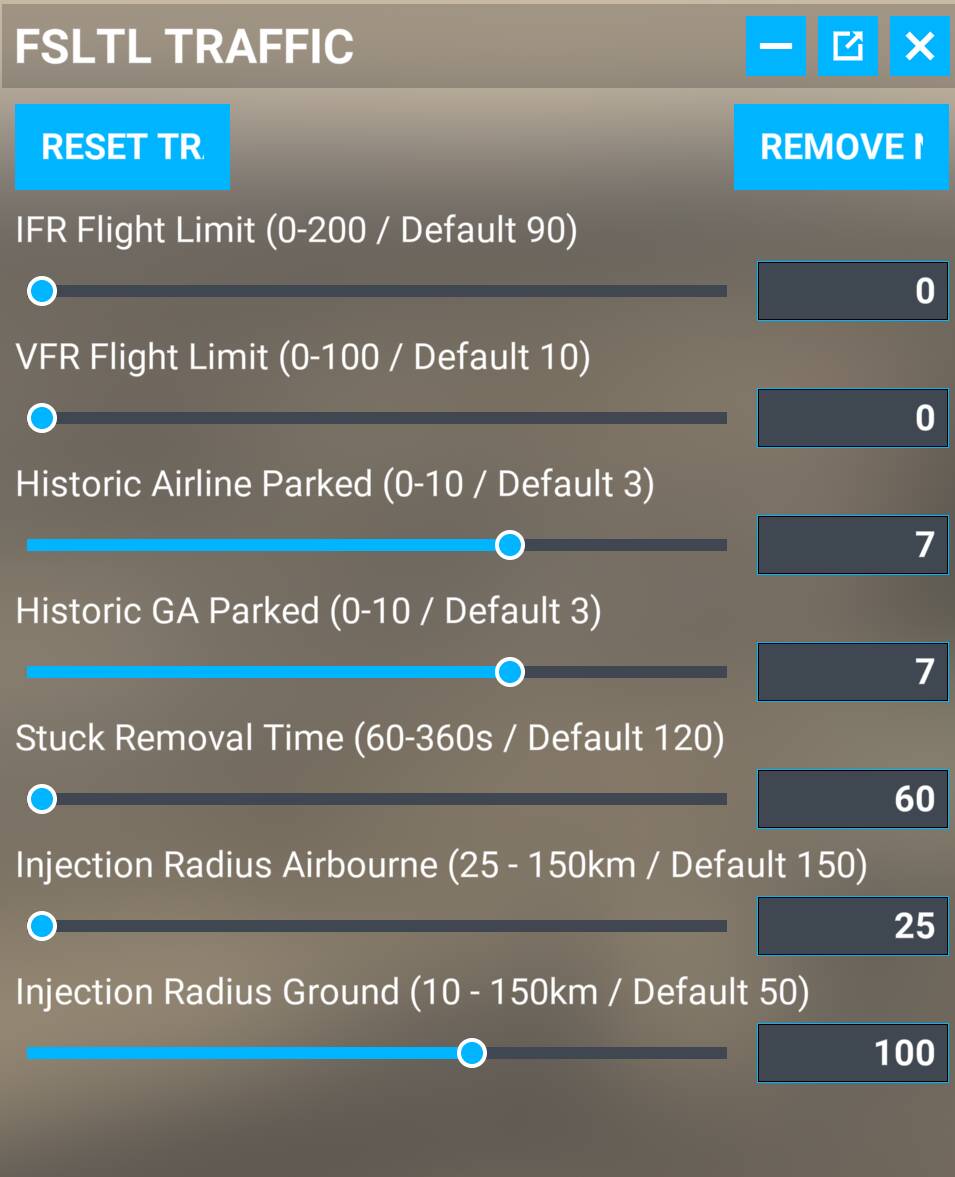
Install FSLTL injector and models if you don’t have them yet.
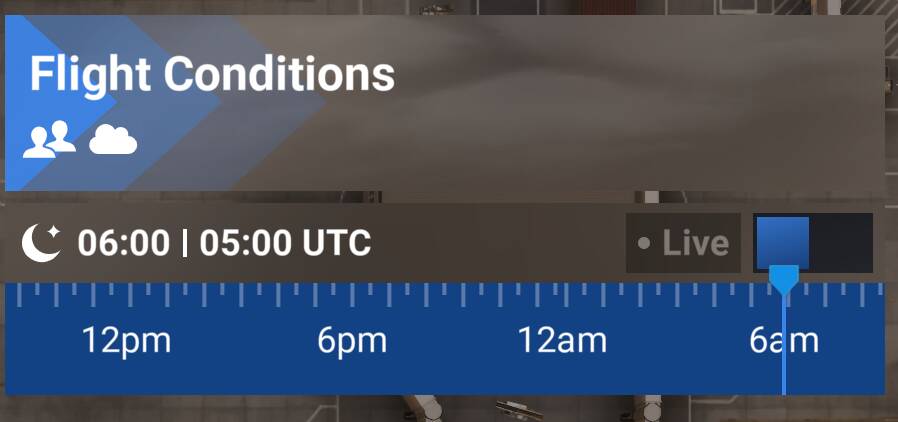
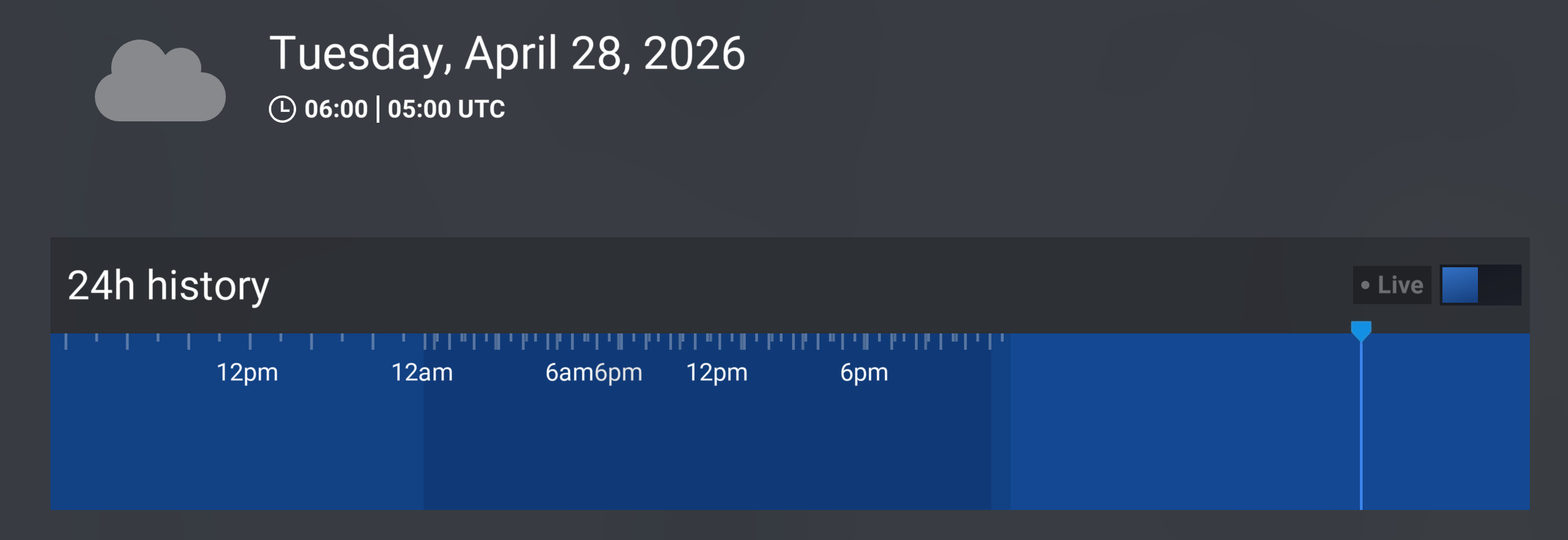
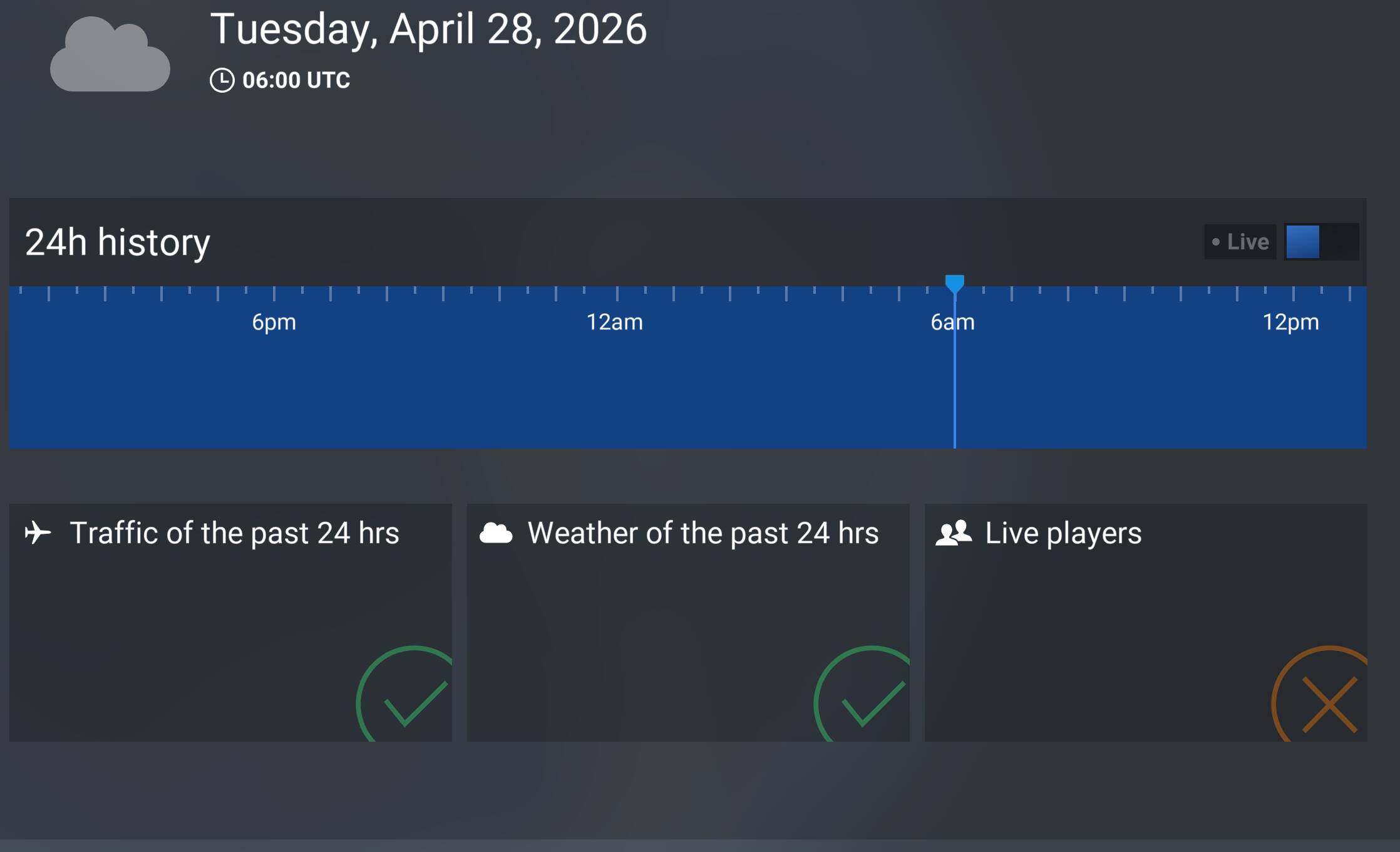
FYI, in MSFS 2024, historical traffic and weather are supported, so if for example, you set the current time back to 0600 UTC (Z), you’ll get traffic and weather matching that exact time.
If you close the FSLTL injector- for example, if you prefer using the default MSFS static aircraft instead of FSLTL’s historical static aircraft - MSFS real-life traffic will still continue to work.
If you don’t want to use the FSLTL injector, you don’t have to - FSLTL models + AIG models + MSFS real-time live traffic works, and it works well, leaving aside the bugs of course.
If you’re mainly trying to replace the traffic + ATC combo rather than mirror FR24 exactly, I’ve had better luck separating the two. I use AIG for the models/schedules side, then FSHud for offline IFR ATC, and for me that has been much less frustrating than the default traffic/ATC logic.\n\nIt won’t give you true live FR24 mirroring, so if exact real-world traffic is the priority I’d still look at PSXT. But if the goal is believable airline traffic plus usable IFR ATC, that split setup has worked well for me in 2024.
I’m using basically the same setup as you (MSFS Live Traffic and FSLTL just for parked aircraft), with the only difference being that I’m running FSTraffic models alongside FSLTL models, no AIG.
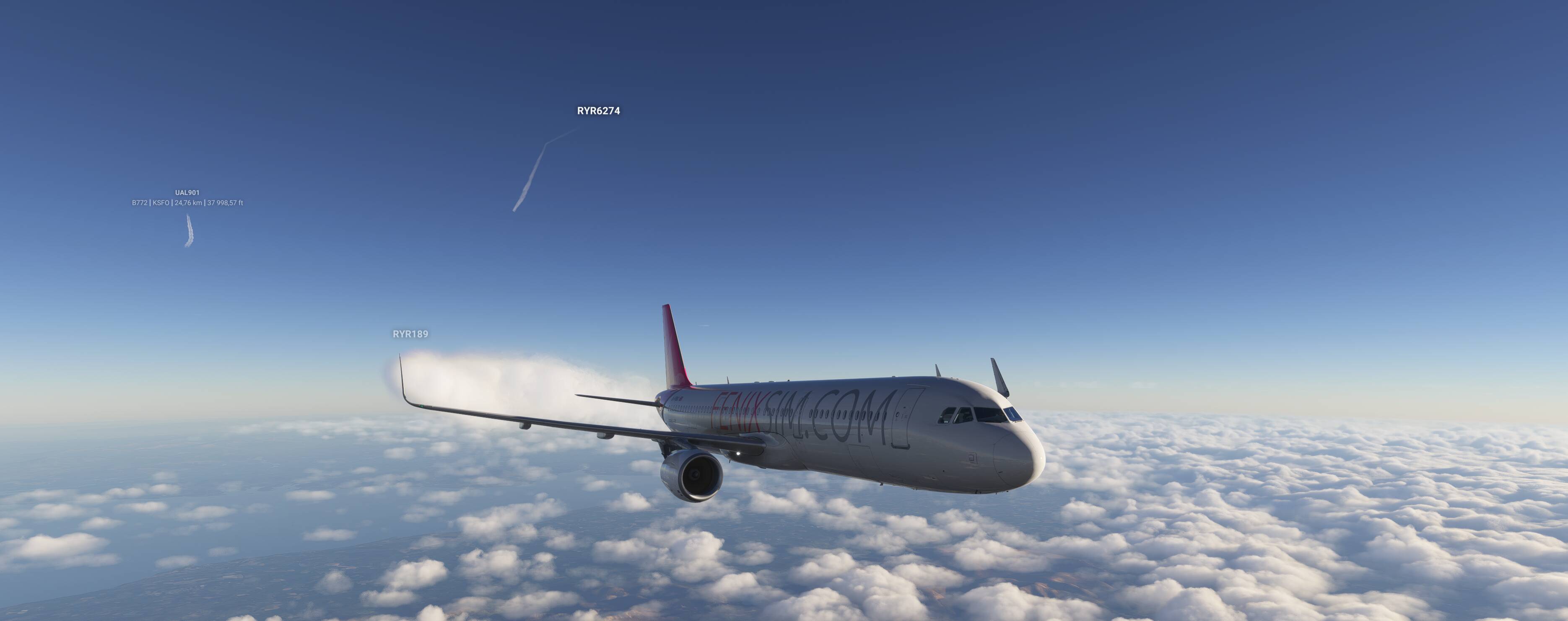
It actually works really well overall. But I’ve noticed something: if you roll the time back, there’s barely any traffic in cruise, nothing on TCAS and no contrails in the sky. Meanwhile, the airports are still busy, with aircraft constantly taking off and landing. (And of course I’m only talking about rolling the time back, not forward, since there’s obviously no data available for the future.)
If you leave the time on real time (live) , though, the skies are absolutely packed. So I don’t think it’s a model matching issue.
Next, I’ll try removing the FSTraffic models and just using the FSLTL ones to see if that makes any difference. What still puzzles me, like I said, is that everything works perfectly fine in “live” mode.
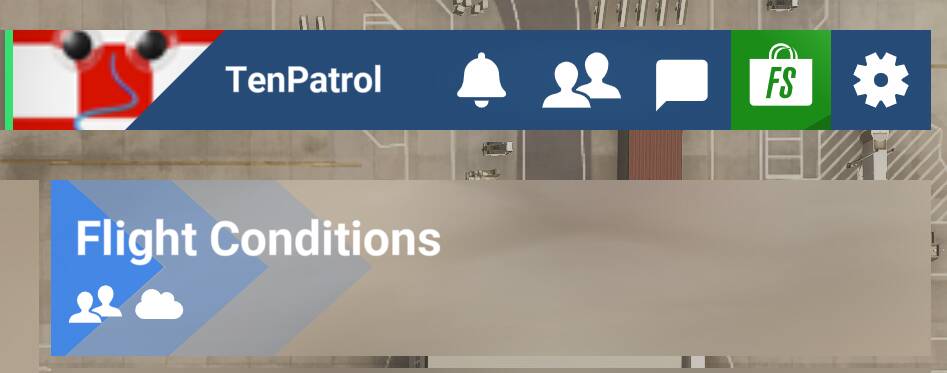
I set the historical time before the flight. Once I’m already at the airport, during cruise, etc., I don’t change the time anymore. I don’t even click the “weather” icon in the top toolbar.
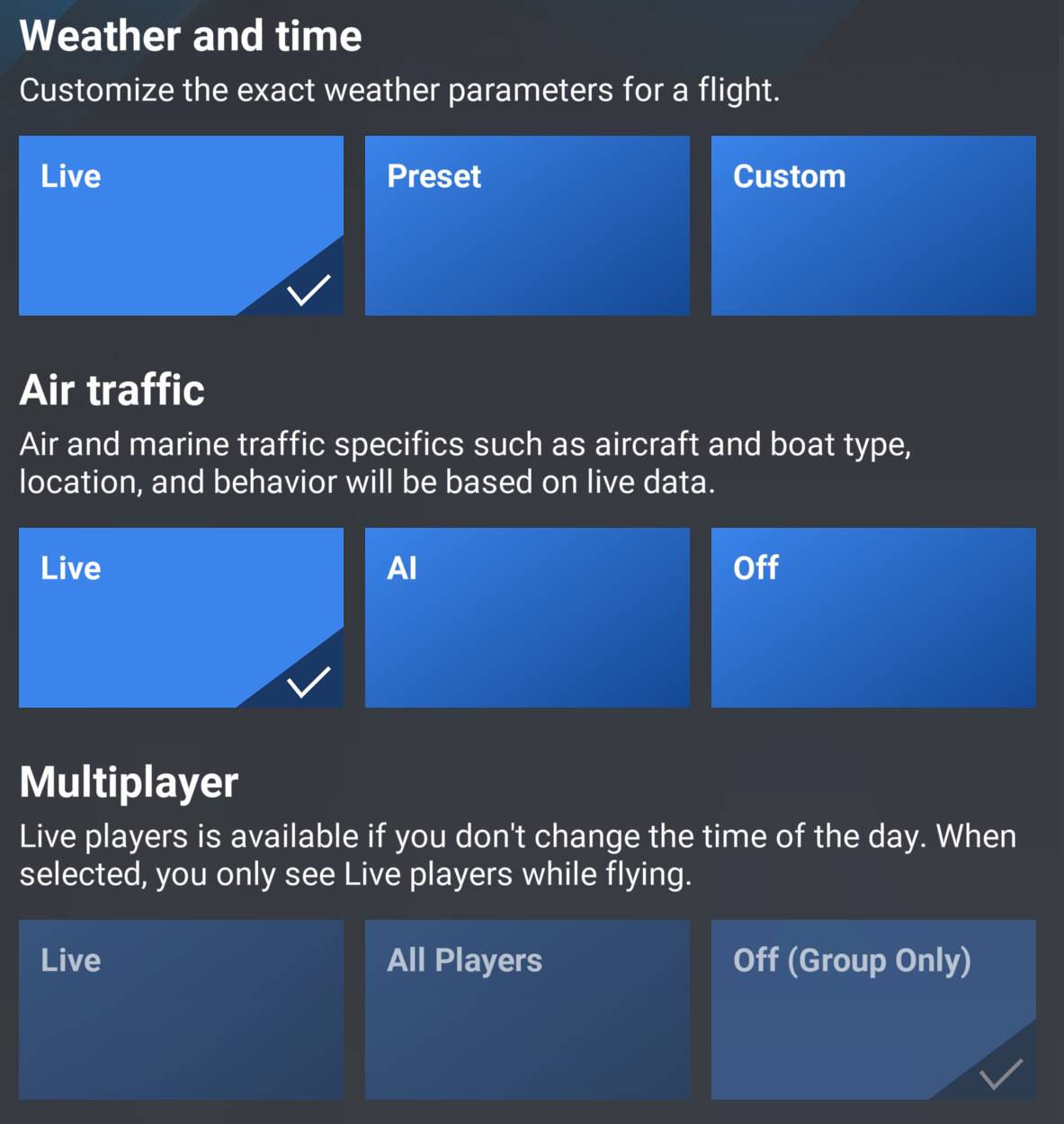
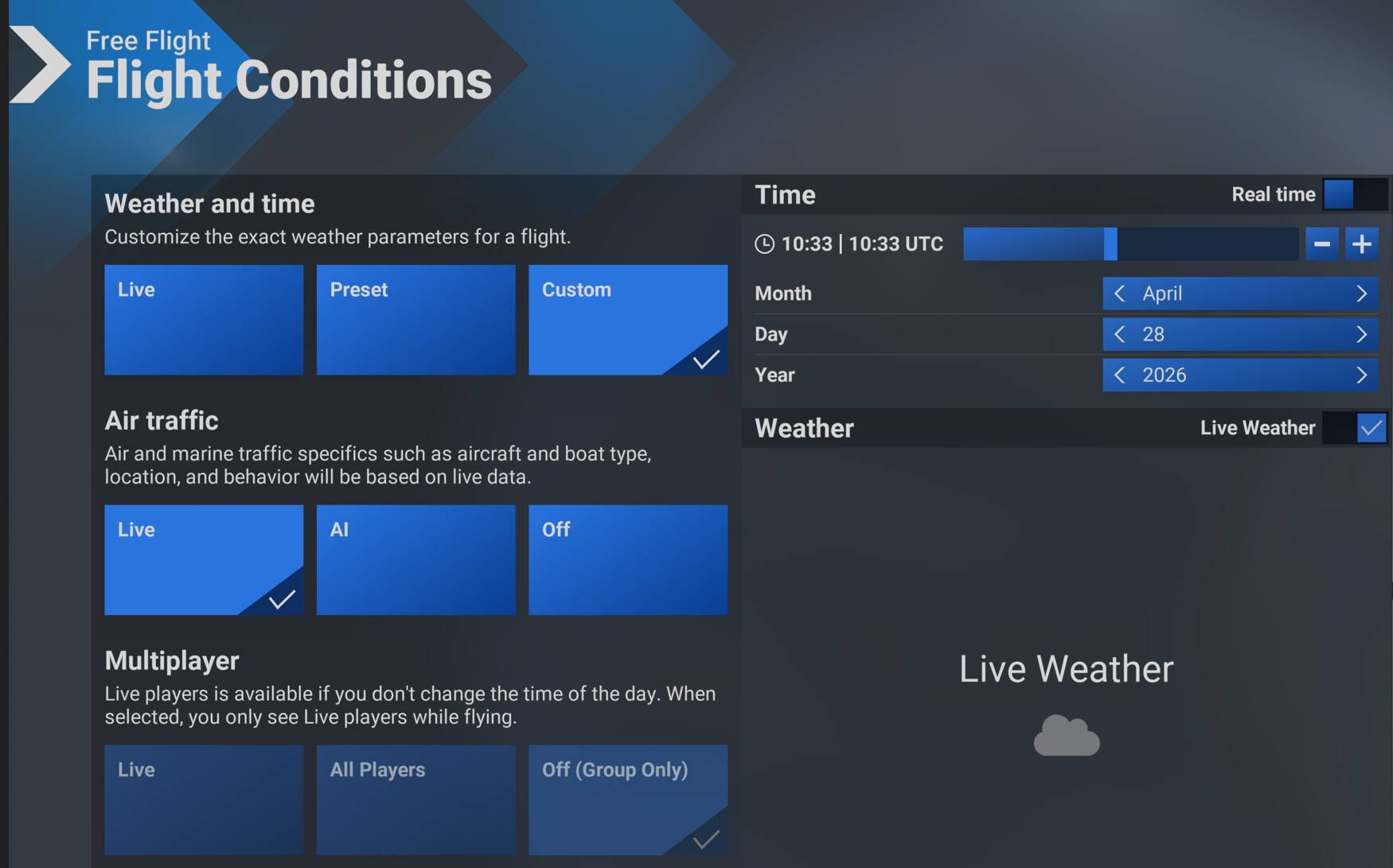
I’m doing exactly the same. I set the time on the World Map before the flight and then don’t touch it again. I go to “Custom” on the World Map and roll the time back there so I can still have live weather instead of historical weather.
So basically:
Time: set back
Weather: Live
Traffic: Live
(I’m not at my sim PC right now, otherwise I’d have sent some screenshots but I’m sure you know what I mean.)
This is the setup I used. As I understand it, when you turn the clock back, it still feeds in live weather and traffic (so not the historical data from the past 24 hours). For weather, this assumption seems to be correct, since I’m always getting the correct QNH, which matches the live METAR data. But maybe that could cause issues with the traffic.
I think all goes to pay for something, if you have knowledge in programming, you are able to create your own personal app for injection fr24 traffic. I decided to do that for fun for a long time ago, so there are al lot of sources of code snipped at github for example, you can do that. And yes, msfs 24 real live traffic is a good alternative too.