FStarte24 V5 with Flyby and World Camera is released.
Available at www.simmarket.com and soon at www.flightsim.to

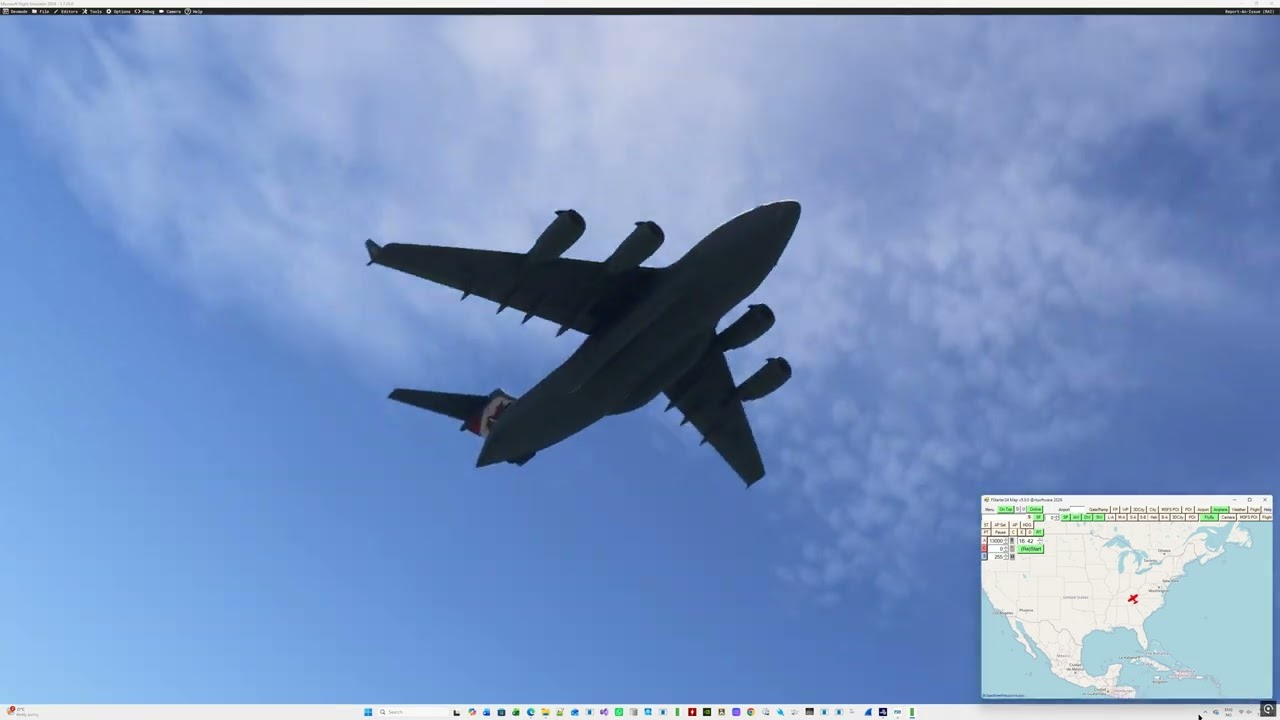
FStarter24 v5 – Your Ultimate MSFS2024 Companion Tool
Take your Microsoft Flight Simulator 2024 experience to the next level with FStarter24 v5. More than just a flight starter, FStarter24 is a powerful all-in-one companion tool designed to help you create realistic flight scenarios, practice procedures, explore the world, and enjoy MSFS2024 in entirely new ways.
Whether you’re a VFR pilot, IFR enthusiast, content creator, or simply enjoy exploring the simulator, FStarter24 provides the tools to get you flying exactly where and how you want.
Key Features
 Start Flights Anywhere
Instantly position your aircraft anywhere in the world, including:
-
Airports and runways
-
Mid-air locations
-
User-created POIs
-
MSFS Points of Interest
-
MSFS 3D Cities
-
SID waypoints
-
STAR waypoints
-
Approach waypoints
-
Flight plan waypoints
-
Traffic pattern waypoints
No lengthy loading or taxiing—start exactly where you need.
 Create Your Own World
Build your own database of custom Points of Interest.
Save and revisit:
-
Landmarks
-
Cities
-
Airports
-
Scenic locations
-
Personal favorite destinations
 Build Custom Flight Scenarios
Create realistic training situations with complete control over:
-
Aircraft altitude
-
Heading
-
Airspeed
-
Time of day
-
Weather-compatible starting positions
Perfect for IFR training, VFR practice, or creating cinematic flights.
 Practice Landings Like a Pro
Set up approaches at virtually any airport and instantly restart after each landing attempt.
Practice:
-
Final approaches
-
Downwind
-
Base leg
-
Pattern entries
-
Touch-and-goes
One click is all it takes to try again.
 Interactive Flight Map
The integrated moving map lets you:
-
Track your aircraft in real time
-
Display MSFS POIs
-
Browse 3D Cities
-
Manage custom POIs
-
View flight plans and waypoints
Everything is available from one easy-to-use interface.
 Flexible Flight Starts
Start your flight exactly where you want with full control over:
-
Position
-
Altitude
-
Airspeed
-
Heading
Ideal for sightseeing, testing aircraft, or training.
 Control Time & Simulation
Quickly change:
-
Time of day
-
Simulation rate
Perfect for catching sunrise, sunset, or speeding through cruise.
New in Version 5
 Cinematic FlyBy Camera
Create stunning external flyby shots with a fully interactive cinematic camera.
Perfect for:
-
Videos
-
Screenshots
-
Aircraft spotting
-
Landing replays
 World Camera
Place cameras anywhere in the world and instantly jump between your favorite viewpoints.
Ideal for:
-
Airport spotting
-
Scenic locations
-
Static camera positions
-
Aircraft photography
 Xbox Controller Support
Take full control of the new camera system using an Xbox controller for smooth, intuitive movement and cinematic shots.
Why Choose FStarter24?
FStarter24 combines flight planning, scenario creation, location management, training tools, and advanced camera functionality into a single easy-to-use application.
Whether you’re practicing approaches, exploring famous landmarks, creating videos, or simply enjoying Microsoft Flight Simulator 2024, FStarter24 v5 gives you complete control over your flying experience.
FStarter24 v5 — Your MSFS2024 Companion Tool.