same issue 
On time… only flight with external view, i work in cfg files to resolve this issue. If somebody find the resolution please shared.
I have the fear that Microsoft has made the same dust play of EAGLE DINAMICS making updates that block the personal developments in order to maintain the full power of the simulator contents.
No Problems so far with my own still under conversion from a native FS9 to a native FSX model in MSFS, with built in replacement cockpit used, and traditional MDL file. Also, no other problems found, except some menu issues like the vanished yoke sensitivity one for example. Sim seems to run smoother in high density urban areas, and loadings times are a little bit faster.
puedes indicar que modelo es?
The game also crashes to me after latest patch with every imported fsx airplane. I can’t use my DC3 anymore :-(. Now it’s time to uninstall for good the game. Very disappointed with the latest patch 
yes. the last patch fixes more bugs … but take down own developed aircraft
Importing more AI into MSFS (non flyable for user strictly AI only for offline and realtime / online AI)… here AIA B717-200 in Hawaiian Airlines livery. Using Jan Martins FDE’s v6 data from aircraft.cfg (excellent for FS9, FSX even P3D btw cfg and .air files) creating config’s as per MSFS SDK specifications (partial at the moment). Below some screenshots of AIA B717-200 flying as offline AI (AIG flightplans) in the Hawaiian Islands…
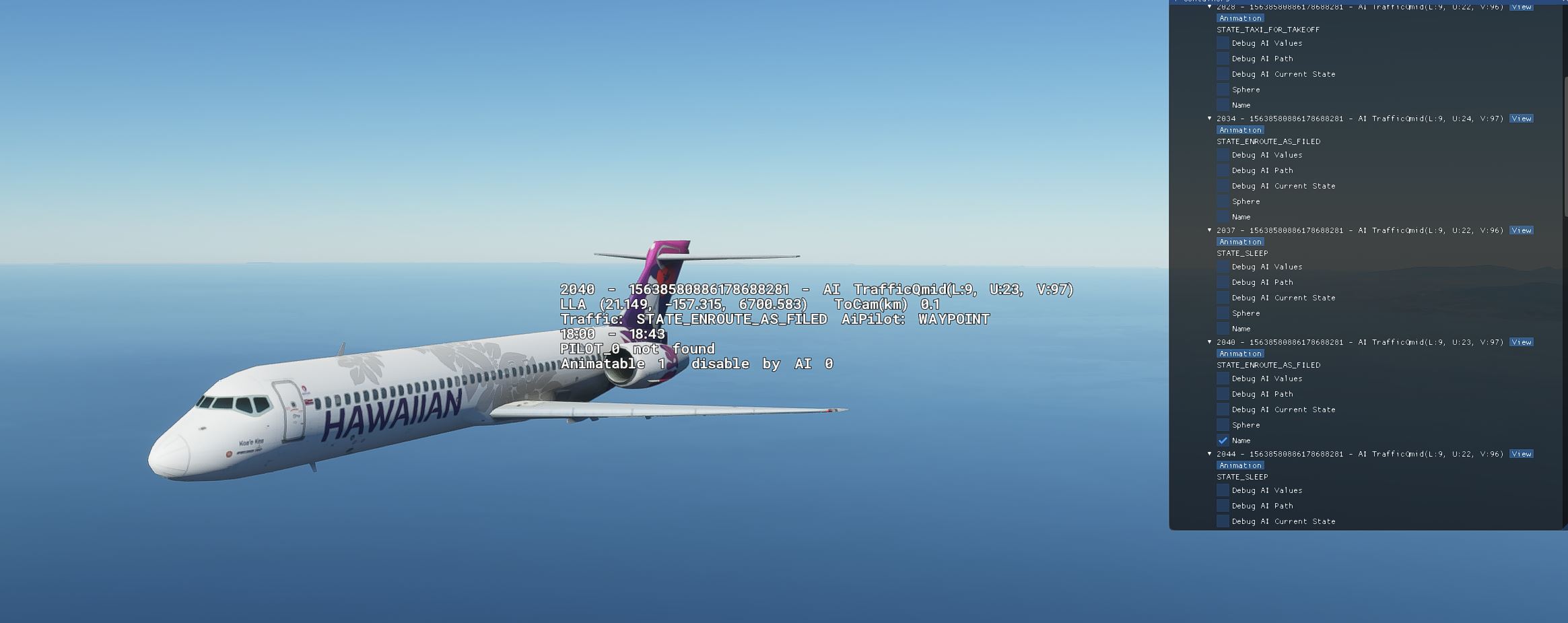

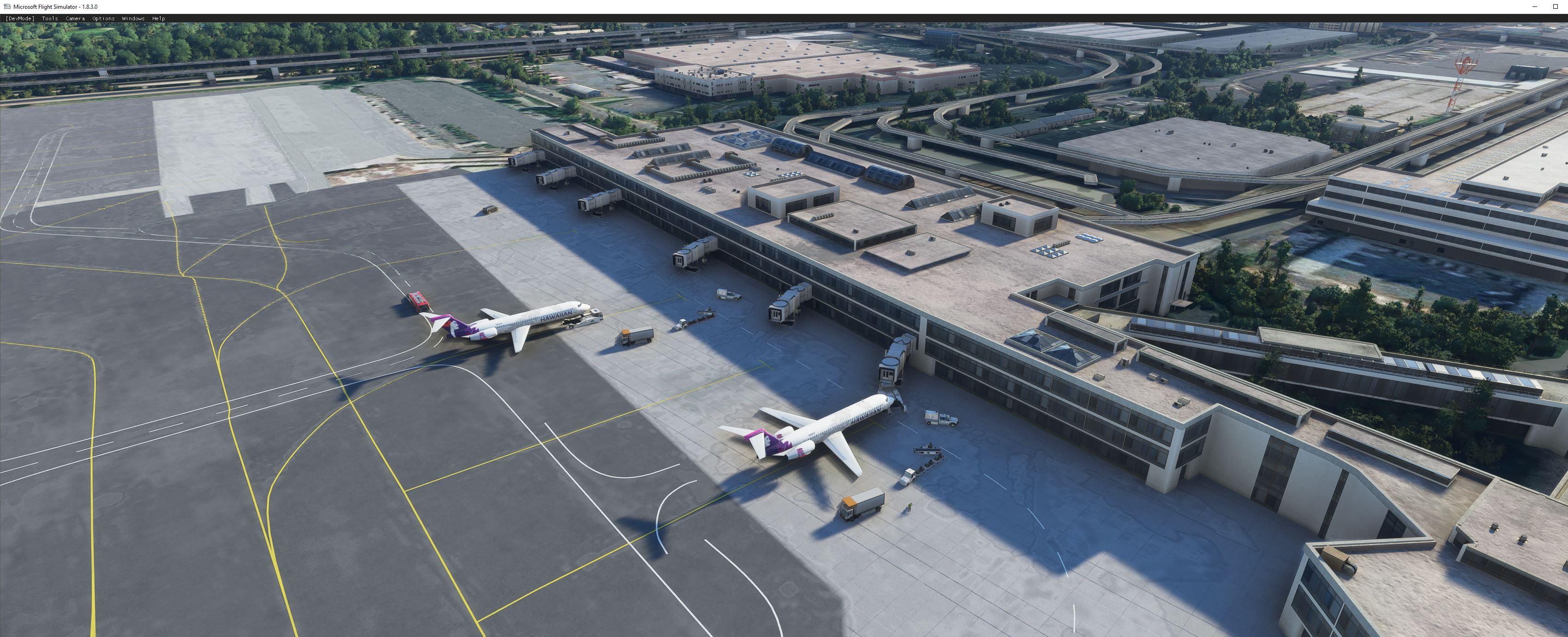

Work in progress…
Well, how many good old planes I used in FSX are joining us here! It’s like welcoming all of them to our new home! 
The 1.8.3.0 patch ruined many hours of work on converted aircraft. Here’s a workaround to get them flying again.
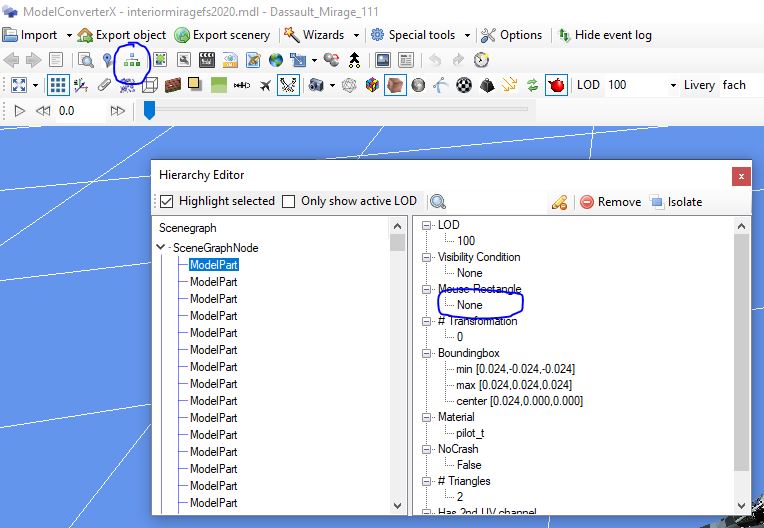
Those of you who are able to edit .mdl files in ModelConverterX can remove all mouse rectangle assignments from the interior model. Use the Object Heirarchy view, highlight all of the elements, and set the Mouse Rectangle field to None. Then export it back out, delete any related CVT folder that may be present, and you should be good to go.
I just tested this with about 8 different aircraft and all work again!
Make sure to save a copy of the mdl with the click spots still in place so that you can swap back to it if they hopefully fix what they screwed up.
Can you Tell me how to do that ? im looking over a hour but cant find anything with the word Rectangle in modelviewerx .. i clicked all things i can click .. do you can make 2-3 screenshots for helping me to fix my over 50 imported planes
i rly could cry at this moment
Great!!! Work for me… Thanksssssss
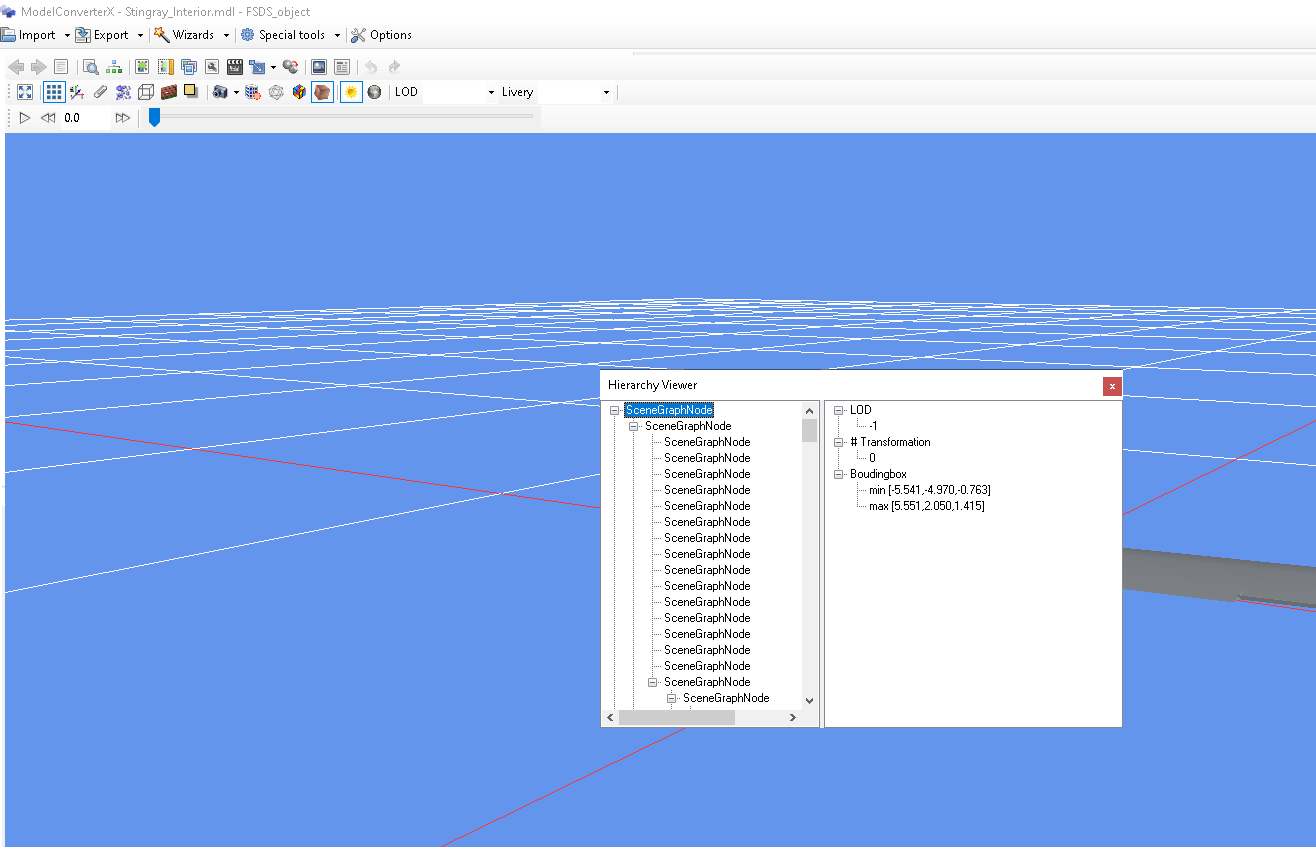
 i have not the same buttons like you in your Modelviewer
 Thank you for trying my FDE’s in MSFS! Unfortunately, some flight phases depend on the airfile, like the cruise flight, which is controlled by mach tables inside the airfile. So, I will still have to sort ort, what is going on, and whether MSFS reads the airfiles if content has not been moved to the config files. Read you over at AIG …
Does that mean that switches will no longer work though ?
For the moment the modded planes cockpit switches will not work however just copy the model folder of your aircraft and rename the Folder - copy to Folder - Original and once we have this issue fixed you can swap back to the original model easily.
Cool thx, was happy to wait for a fix anyway, no worries and thanks so much for your efforts.