The mdl file and textures are referenced in the layout.json file. Where the default aircraft have the model as the new format, just put in your model name and path with the .mdl extension.
While time consuming you can do it by hand like I did yesterday. Easy to make mistakes though.
Open the tool. For the Packages Sources / Sim Objects / Airplanes / Aircraft folder, navigate to and select your airplane’s root folder - in FSX, one such would be the P-51 Racer folder. Remember that only FSX MDLs will work, nothing in P3D MDL format can be exported - it will be invisible.
In the Target Project Folder, select your MSFS “Community” folder.
Packages Name = “Whatever you like”
Title = “Whatever you like”
Manufacturer = “North American”
Creator = “Microsoft”
Version=1.0
Hit Convert!
What you will end up with is a flyable airplane, but most likely one where many of the gauges don’t work quite right due to the differences between FSX and MSFS.
Top of the page. Thinking about it, I might have an updated version, but I’m not the creator so can’t share it if it’s not quite the same. Process remains identical though.
To everyone - I converted an aircraft just as a test, but I have numerous texture glitches. Parts of the panel and fuselage show up all white, and the inside face of the canopy glass is opaque in external view (I can see to the pilot, but not out the other side). Anyone else seeing this and know how to fix it?
Yes and No, since you’ll then be able to assign better materials and make it a native model however you will loose all animations and have to redo them by hand.
The author of that tool and I have already tried some experiments with exporting animations but the library he uses just isn’t up to the task.
Oh yeah I’ve got that down, this is a problem within the textures or possibly the model. Certain aircraft have a mirrored glass texture (100% reflective) while others are opaque only from the inside. Hard to tell what might be causing it (lots of material properties baked into the mdl) but I’m still playing.
I also have almost no gauges on any of the conversions and there seems to be one gigantic click spot that fills the cockpit.
I’m also hearing sound file loops on the cockpit view. The flap actuation noise keeps repeating on one of the aircraft, for example.
Just reporting what I see so far in case anyone has a fix or is seeing something similar!
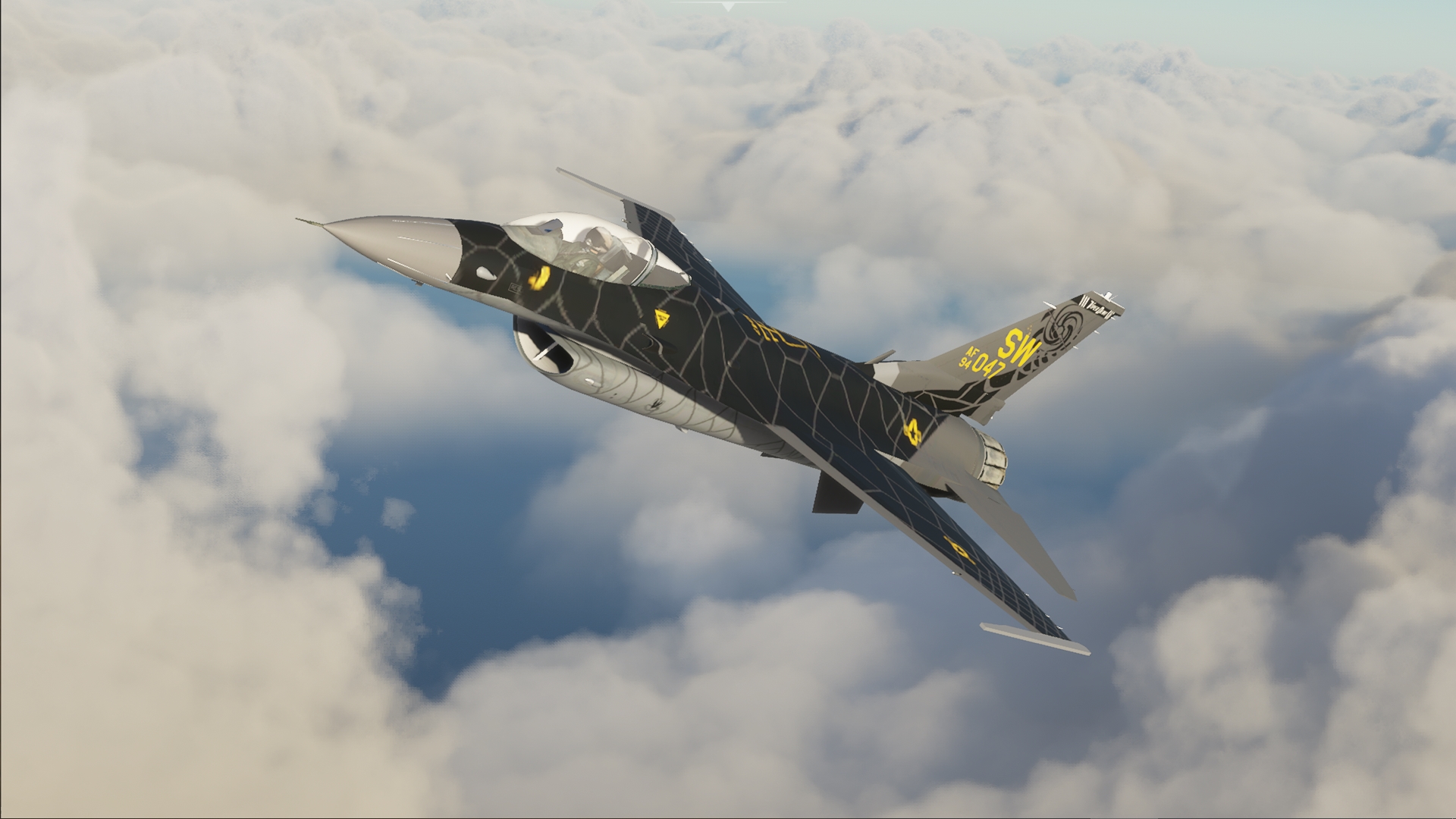
Here’s a good example of one of the planes I’m using to test. The shadow of the pilot’s head is shown on the far side of the glass, which is an opaque white.
This reminds me of when FS9 planes were brought into FSX and most of the glass textures needed fixing. Except this model has been updated to FSX format so I would have expected it to work.
Sicne the lighting model is soooo different from FSX there are going to be artifacts like this. I’ve noticed with my conversions that the glass textures do need some tweaking for better visuals.
It certainly does! Has anyone looked into the .NNZ files that the game creates when you fly a converted aircraft? It looks like it does it for both the MDLs and the BMPs in a special CVT folder. I wonder if it actually runs off of those or what.