and how does it fly?
Kinda like a chopper, haven’t done anything with it yet.
1 Like
Thanks. Much appreciate the tip!
1 Like
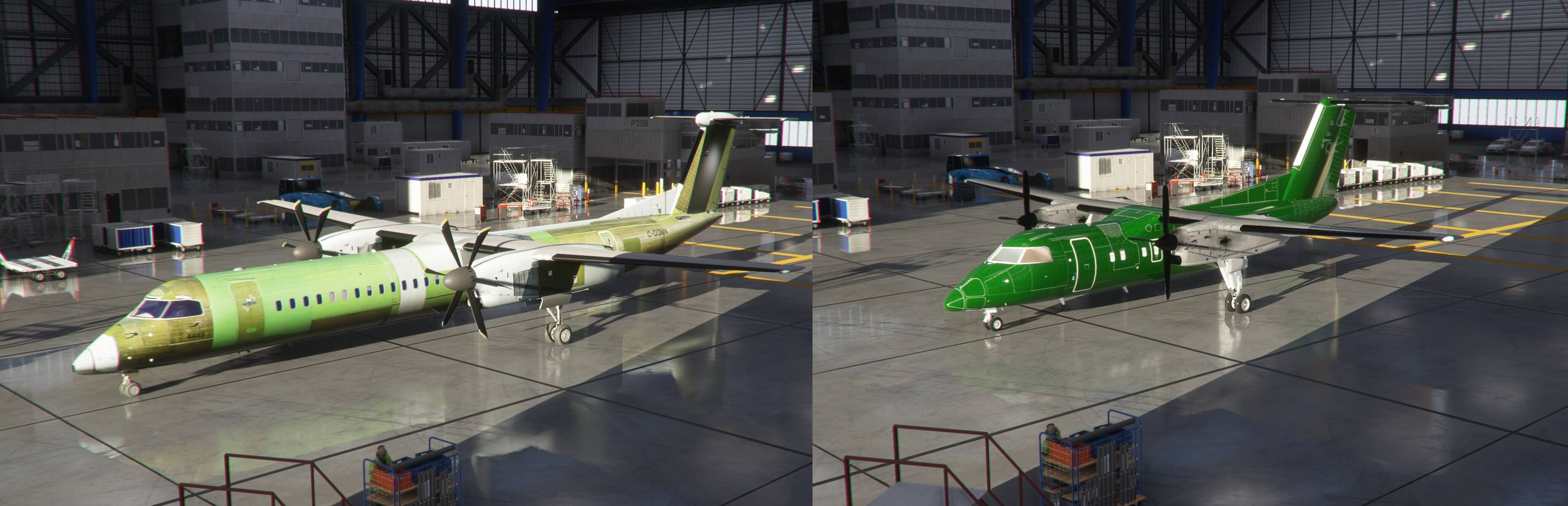
it should not affect existing legacy airplane. It didn’t affect my first fsx freeware conversion A333 TR, because those were done before the latest patch. But anything newly imported after this patch will have this problem. Am seeing a flip with certain lights code line as well, where it should be x, y, z coordinates based on official SDK, but in this patch, it becomes x, z, y. Am I the only one seeing this? It means in the next patch if things return to SDK normal default, I’ll have to update again or weird things will happen like calling the baggage truck and seeing the catering truck moving. What a pain.
Looking through the post and have not seen any guide on gauge implementation, any one have any references?
disregard after a little more digging I’ve found the issues, and was wondering what does msfs use instead of gauges?
not much technical info about legacy gauges around. 3D works mostly fine as part of the cockpit, 2D works only as background calculations as can’t be rendered (due to a game bug I guess). you can read this workaround but I am bad writer.
Hello guys,
I have converted a 737 and one issue remains that I can’t solve.
the more I increase engine power, the more I have difference on what it should be.
at full power I have something like 20% less of what it should be (compare to the N1 command sectors).
I have separate avionic software so, I can see the difference with the command sector, what it should be and the actual N1% I get. the difference decrease with altitude. at around FL300, N1% is as it should (no difference between commanded N1 and actual N1).
this makes me think that there are some correction tables I could tweak.
I try conversion with split .CFG and the .AIR file converted in .CFG to be able to tweak more, but I don’t know what to tweak.
I try basics like N1 min and max, same with N2, fuel flow, thrust scalar etc… but, no change.
there are complex correction tables, but I don’t know what to do with them.
if someone already solved this problem, please help.
Best Regards.

Question for folks.
For the A330 that’s been posted, is there a way to set external camera views “as if” they were cabin views looking out over the wings, etc?
Is there a technique that would work for any of the converted planes were no external model is showing from the cabin?
Thanks
Game keeps crashing at the picture with the plane flying by Statue. Anyone else ??
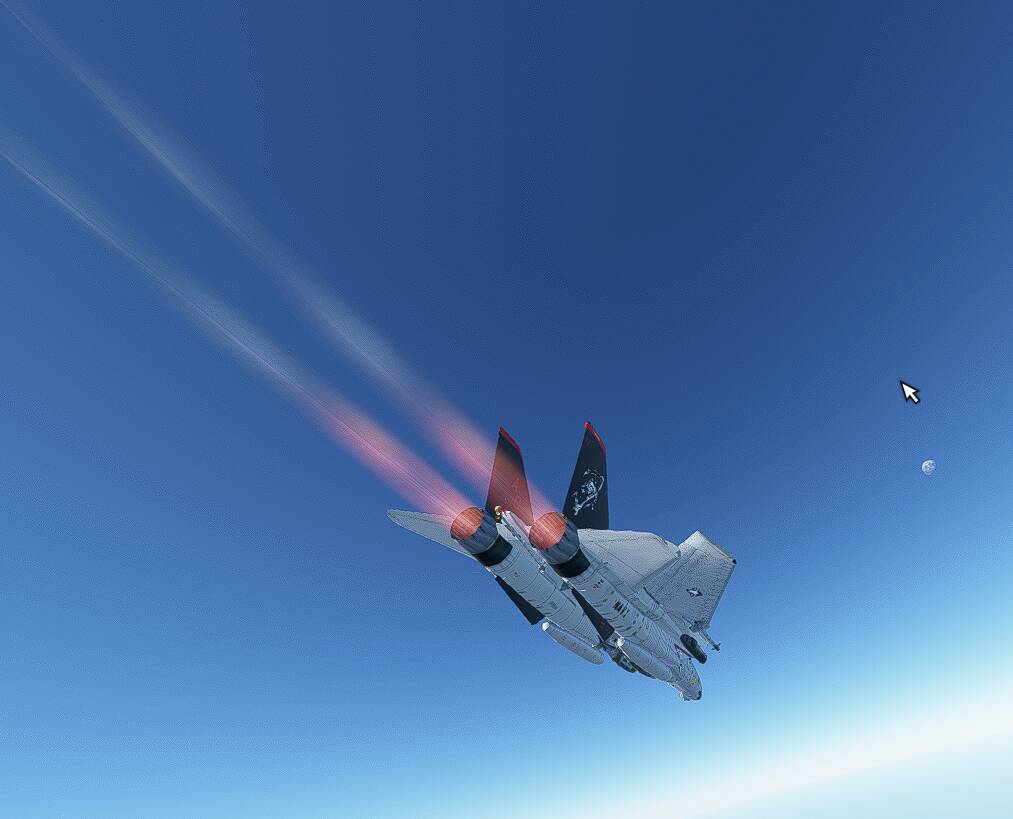
Just in case someone does not know about latest import progress

2 Likes
unfortunately, there is no way because these are actually 2 separate aircraft models stitched into one (exterior from FSX, interior/VC from MSFS 2020). The wingview from TR A333 comes from the model’s original interior/VC model, which I could not use because non-html gauges don’t work. So if I abandon that, then I abandon the wingview. That’s the trade off. You can of course still get a wingview using the drone camera but you won’t have the aircraft passenger cabin window to look out from. Example here for the A340-600:
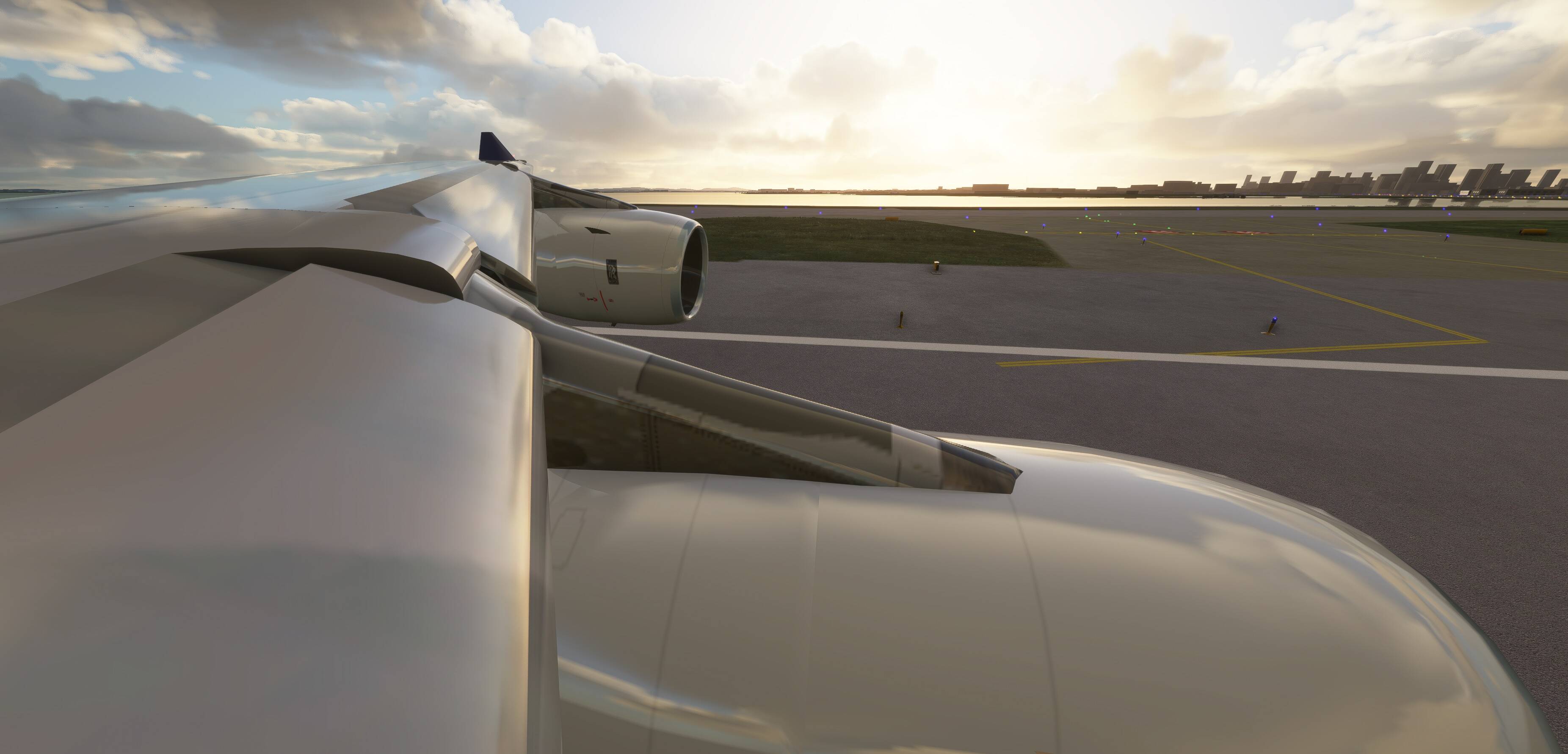
This is the case for all my current FSX imported Airbus collection that uses the same mod method.

4 Likes
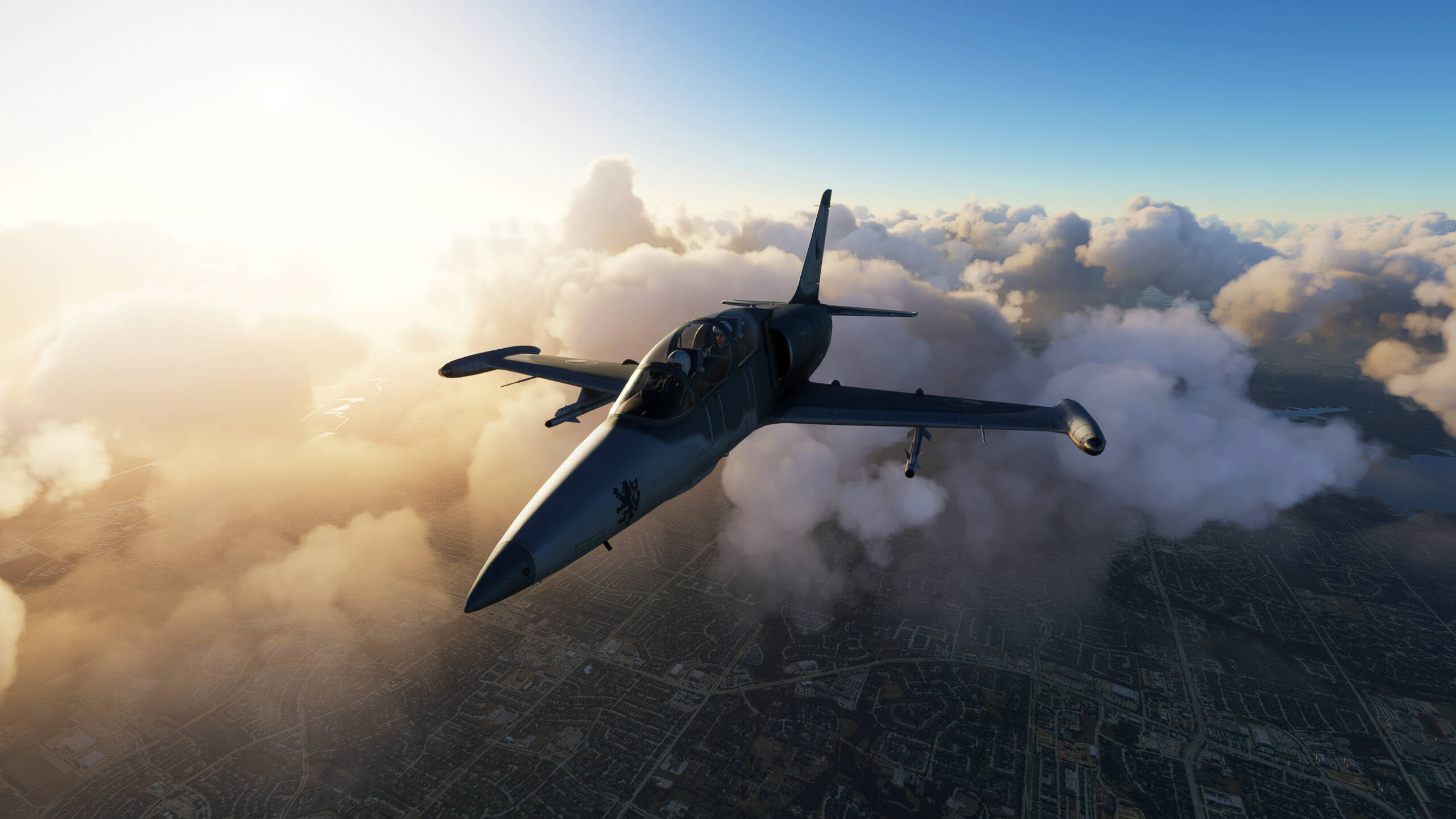
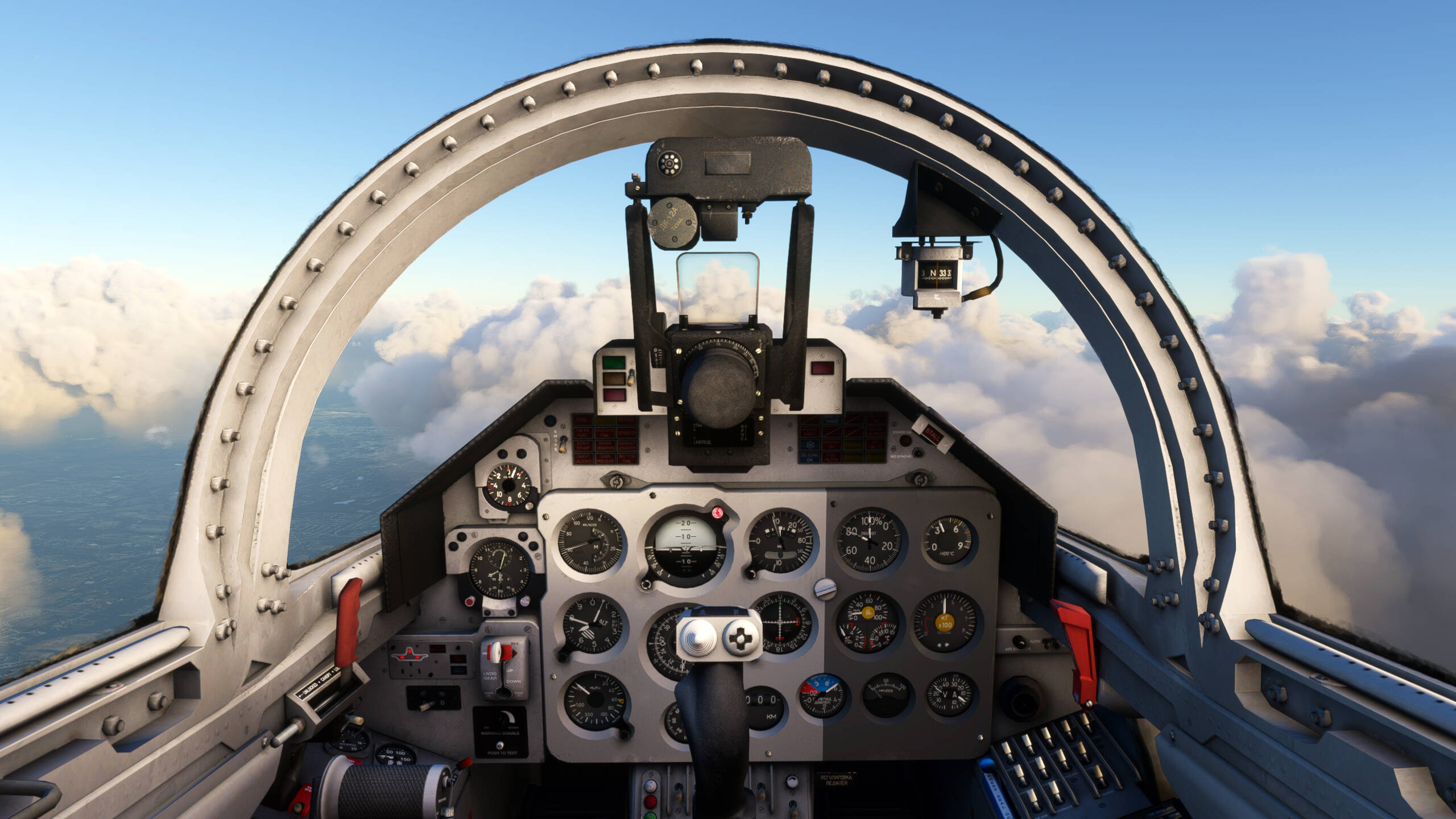
What great news … the boy who works with this program has to be paid even the mortgage … he has looked great.
1 Like
Hi guys,
I try to convert a mirage 2000 FSX model. It may come frome FS9 as it has exterior and interior models merged in one MDL file. I found on the web that one can choose to load either one or the other of these models when opening with ModelConverterX. I then tried and saved the 2 models separately, modified panel.cfg and launched Legacy importer to convert the entire aircraft.
Now i I select the mirage both in my hangar and in flight, MSFS doex not crash at all but I see no model. I can even hear the rumble of the engine but nothing to look at (and by the way, the invisible aircraft does not fly either as engine does not react to the throttle applied but that is a more common problem).
Any of you ever had this sort of glitch ?
I also tried on a Cauldron C460 FSX model (with VC in a separate model) and the 3D displays greatly on MSFS (but motor stops running a few seconds after loading) so I think the problem with mirage comes from the saving process of the 2 models par ModelConverterX … Any advice on the parameters to use ? I use FSX SDK v1a XtoMdl version. Would a P3D1.4 version perform better conversion ?
Thanks for any help you could provide.
Best regards
Normally when a legacy model does not appear in MFS2020, it is not a native FSX model, or saved as one. When you imported your FS9 mirage legacy model into MCX, how did you process it and save it to become a FSX native model? The cauldron appears to already be an FSX model, so that’s probably why its showing up in MFS2020.
Mirage is said to be a FSX aircraft but only has one model file containing VC as well. That is why it seems to me it was an FS9 model, updated to FSX.
In ModelConverterX, it loads as a FSX MDL and I exported the 2 files as FSX MDL but maybe that does not really change the file to genuine FSX file format ?
I am about to try the same process with P3D SDK XToMDL instead fo FSX SDK one…