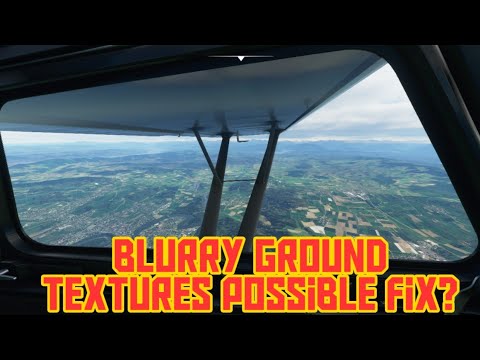
Fuzzy scenery


Hi - in the distance (unless close to my aircraft) the trees and land look fuzzy and sometimes buildings render in late. This occurred when xbox was introduced, before that it was clear.
I’ve tried fixing my nat - teredo in xbox settings to open, lowering my settings in msfs 2020, updating drivers, updating windows, turning game mode off etc etc
i’ve read the forums.
Ryzen 7 3700
rx 5600x
32 gb

Any help would be appreciated. :folded_hands:t2::folded_hands:t2:

Actually, you may want to do the opposite.
Play around with your Level of Detail sliders.
You may want to try increasing them.
There are two, terrain and objects.
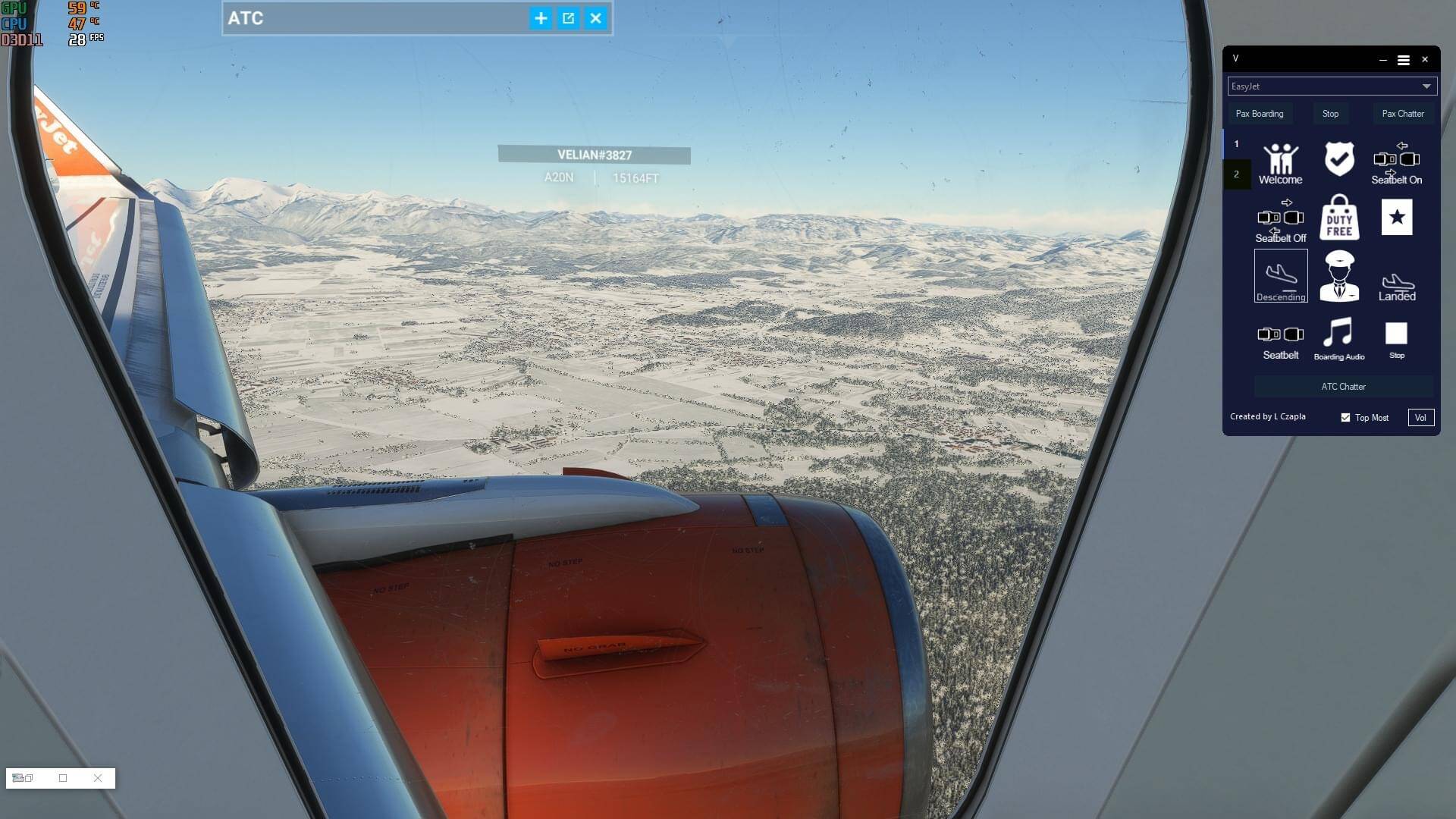
Thanks for replying
I’m not sure my system is good enough to set them any higher! But will have a go

1 Like

This is the dreaded shimmering. See:

Post your experience there!

Thanks for the reply

I take it no cure?

I see it doesn’t affect everyone

Unfortunately not. Flying at dusk/dawn or with heavy clouds helps a lot. It’s worst in bright daylight.

1 Like

Not sure anything on your end is wrong. It’s just the sim. A lot of terrain is dull, blurry and even not that colorful. :frowning:

I noticed it today over Naples.

1 Like

I seem to have two bugs then
The other one is my fps will go from 40 to 7 mid flight and I can never rectify it
Only happens occasionally but annoying

What about this? It could work

This is a separate issue. The shimmer only affects buildings and trees, not ground textures