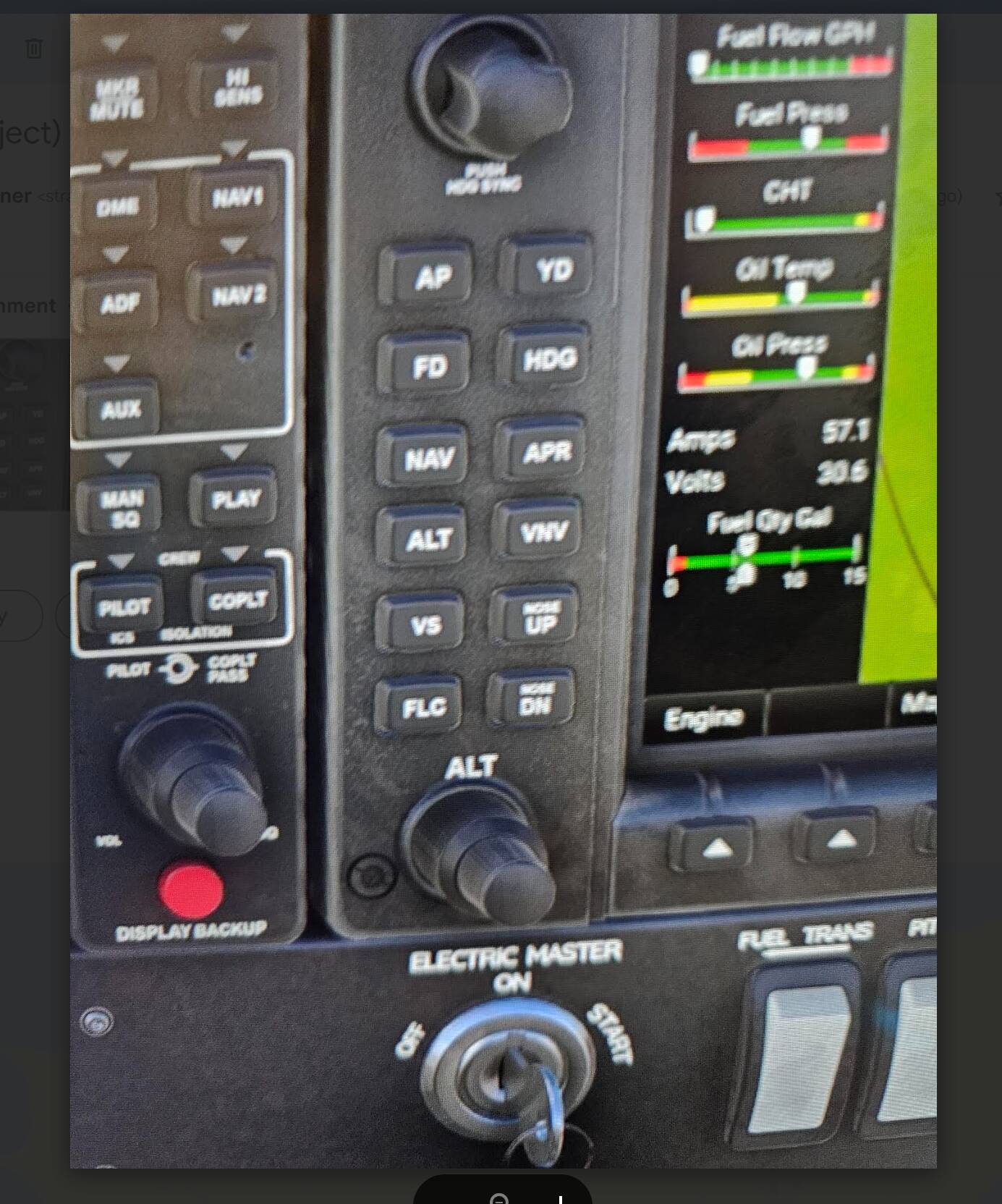
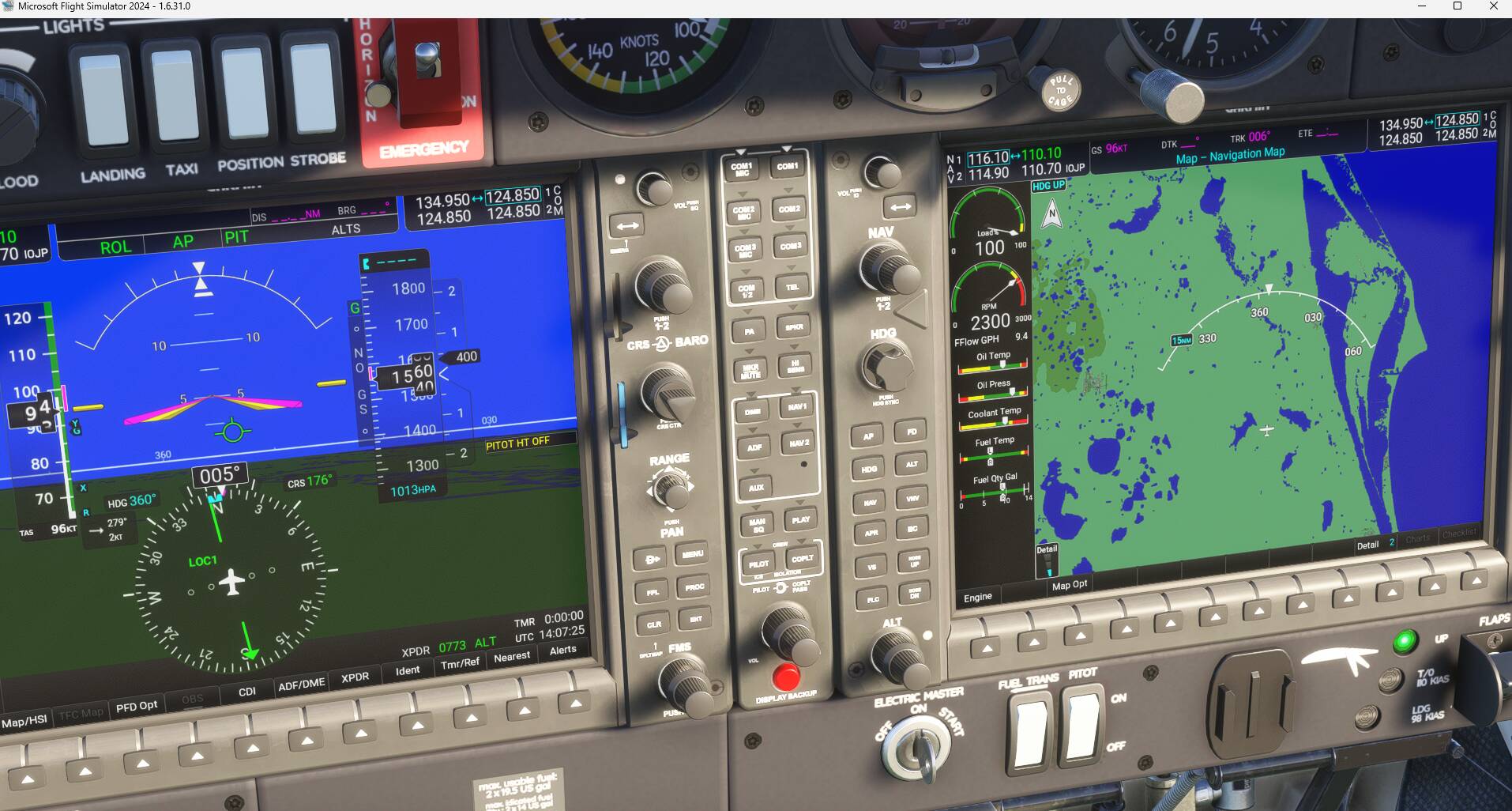
Description of the issue: trying to fly flightseeing missions in Career mode AND in Free flight. Try to set up and activate garmin in C172 and DA 40. FLC does not work. Can’t get it to follow a heading. Using FLC and if it works, won’t hold Alt at the required altitude.
FREQUENCY OF ISSUE
How often does this occur for you (Example: Just once, every time on sim load, intermittently)? Every time
REPRODUCTION STEPS
Please list clear steps you took in order to help our test team reproduce the same issue:
Fly a mission in career or in free flight.
Try to activate garmin
Won’t do as it’s told!
YOUR SETTINGS
If the issue still occurs with no mods and add-ons, please continue to report your issue. If not, please move this post to the User Support Hub.
What peripherals are you using, if relevant: controller and mouse
[PC Only] Are you using Developer Mode or have you made any changes to it?
[PC, MSFS 2020 Only] Are you using DX11 or DX12?
[PC Only] What GPU (Graphics Card) do you use?
[PC Only] What other relevant PC specs can you share?
Thank you for this report. We’ve moved your topic into the User Support Hub.
The Bug Reporting Hub is for posting suspected or confirmed bugs that other users are able to reproduce without duplicating an existing bug report. Using the template or providing all the relevant information about your bug and sim setup is required in order to provide valuable information, feedback, and replication steps to our test team.
If you are not sure if your issue is a bug or need further input from the community, please use the User Support Hub category. If the community can replicate your issue, first search the Bug category to see if there’s an existing topic. If it already exists, contribute to that report. Duplicate bug reports will be closed.
If you believe it is a new report and no duplicate exists, then create a new bug topic using the provided topic template.
All issues caused by or involving third-party addons/mods should be reported to the third-party developer. Assure that no addons/mods are used when reporting issues in Bug Reports.
The C172 with Garmin 1000 and the DA 40 NG. Perhaps they don’t have a yaw damper, I am just trying to activate what is shown on the Garmin click fields. I will check on my PC msfs 2024 if the yaw damper activates and update here in a while. I never really flew the DA40. Will check later.
Edit - It might be hard for other users to replicate on PS5 as not many seem to be reporting here.
I think it is the FD (Flight Director) that activates automatically when activating the autopilot on the C172. The C208 as a Yaw Dumper but don’t think lighter aircraft have one.
So I am in my PC version now.
The C172 does not even have a yaw button !
Nonetheless, I could not get ALt to hold at a set altitude using FLC. It would just carry on climbing. If I activated the heading mode, it would bounce all over the flight path. It was actually more stable without any AP. Bearing in mind using a controller and mouse is difficult enough without this issue. There are simply no Hotas 4’s to be had. Sold out totally and I see a post on Facebook says they will only be back in stock in “Early 2026”!
So my sense is that this situation will end up putting some folk off playing this sim.
C172 in PC version, I don’t know how to do that because they are not on the same screen, nor is that screen connected to a PC. I will try with a phone and email but it wont be clear.


 - no yaw damper but there is one in the DA40