Game Crashed when Requesting IFR Clearance

ISSUE DESCRIPTION

Description of the issue:

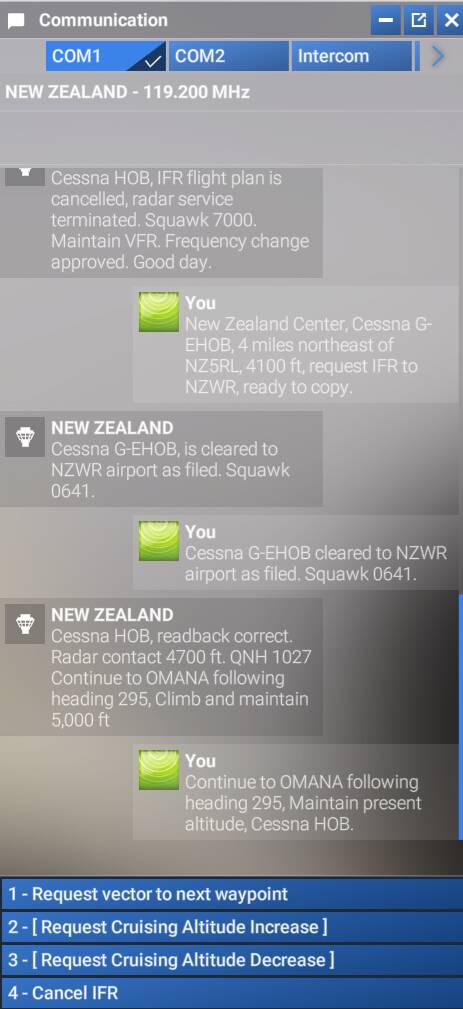
MSFS24 (SU3) Game client crashes immediately after “requesting IFR clearance” dialogue chain is completed with ATC for certain routes.

After many retries, I pinpointed the exact leg that caused my game to CTD to be RNAV 6 approach of NZWR, Whangarei (a handmade scenery airport comes with the game).

Tried without any community addon, and also with the official Whangarei airport scenery disabled, and still causes CTD. Also tried with different aircraft and still the same.

The other approach for this airfield seems to be fine.

This is the first time I have ever encountered such bug, I wonder if there are similar approaches or other waypoints that will cause the same issue.

FREQUENCY OF ISSUE

How often does this occur for you (Example: Just once, every time on sim load, intermittently)?

Always.

REPRODUCTION STEPS

Please list clear steps you took in order to help our test team reproduce the same issue:

  1. Create a flight plan including RNAV 6 approach of NZWR, Whangarei, runway 06.

  2. Send it to ATC via EFB

  3. Contact ATC in-flight for requesting IFR clearance, and finish the dialogue chain.

MEDIA

I created a demonstration flight plan that would replicate this bug

RNAV 6 NZWR.PLN (1013 Bytes)
I’ve had repeatable ATC crashes years back in 2020. Select a specific option on the menu, and the sim falls over. I suspected at the time that it might be an Azure TTS issue, and the sim is getting sent junk data, or sending junk data, that the system can’t handle.

Have you tried disabled Azure TTS? I don’t think I’ve actually tried that in 2024, come to think of it.

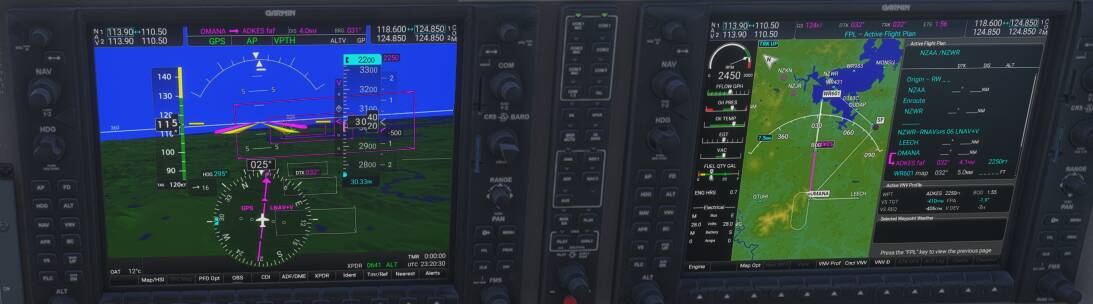
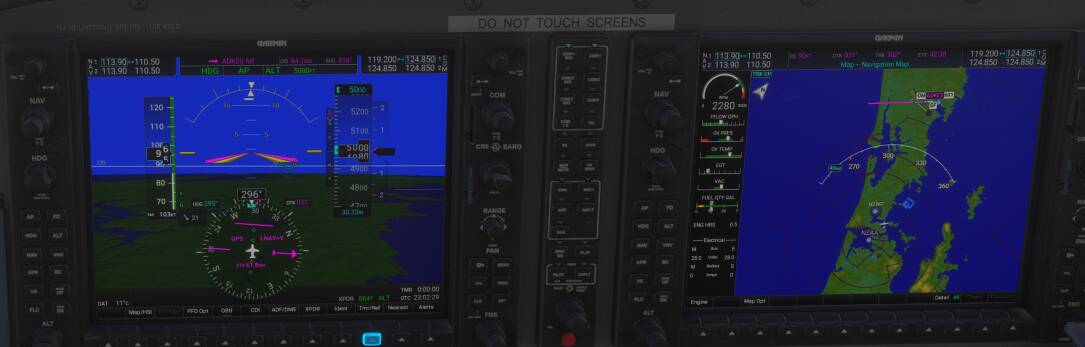
I started on the runway, and took off, and had no crashes yet. I also tried cancelling the IFR flight plan, then refiling it to see if that would trigger it, but nothing yet. Currently on my way at 5000ft.

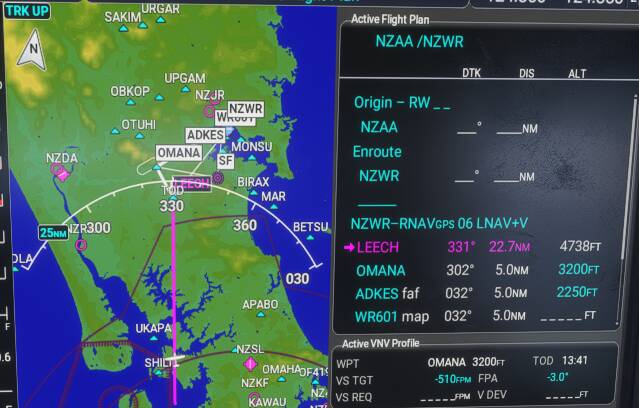
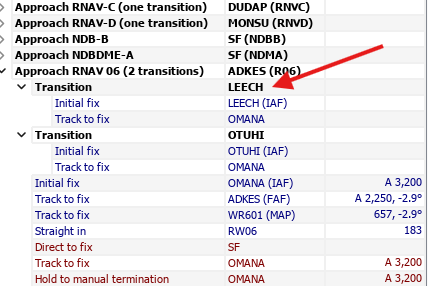
The plan looked like it was bypassing either IAF, and going straight for OMANA, which didn’t look right in the G1000. I reloaded it in the G1000, so I’m heading to LEECH instead.

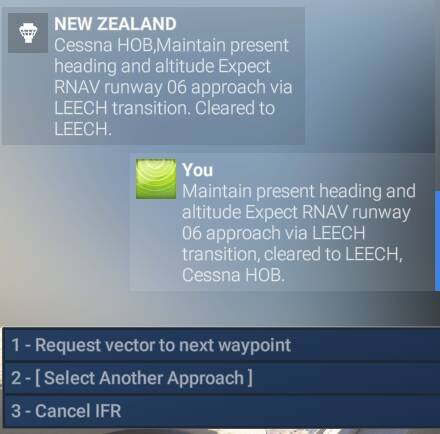
Just got cleared to LEECH.

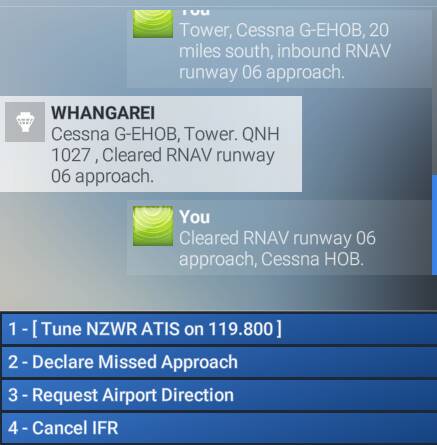
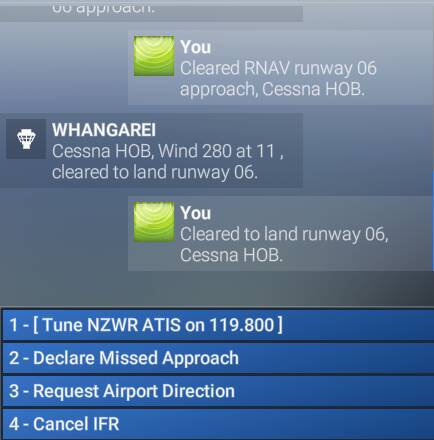
Switched to Tower, and cleared for the approach.

Descending to 2200.

Cleared to land.

Just landing, and requested taxi to parking.

I don’t think it was relevant, as I didn’t actually change what was filed to ATC, but in the avionics, I chose LEECH, not OMANA. In the G1000 I couldn’t even pick OMANA, only vectors, LEECH or OTUHI. To be fair I didn’t actually try vectors.

Incidentally this was quite fun. I don’t fly G1000 planes very often, and I’d forgotten how useful VPATH is for stepping down to each of the fixes on the approach.

1 Like

Thanks for the testing!

That flight plan was just made up for testing the variables after I encountered the CTD, and makes no sense otherwise lol.

And the STAR does not matter, as anything under RNAV 6 will cause the crash on my experience.

Hmm, I tried it on my PC and my laptop, both caused CTD as soon as I talked to Auckland Tower about IFR after take off or airspawn, yet you did not encounter it… I guess it might have something to do with my settings or Marketplace Library contents then.

As I had removed all the stuff in my community folder for testing, but the Marketplace Library is just too inconvenient to selecte and turn all those contents on&off…

1 Like

Have you tried flying it VFR, but still interacting with ATC/Tower when you get there? I also just realised I am using Navigraph data, not Asobo nav data. No idea whether that would make a difference or not though. Just confirmed that both the sim, and LNM have AIRAC 2510.

I would have thought that would cause issues when trying to import a flight plan into the sim, rather than a specific ATC interaction, but who knows?!

Did you try using safe mode, that will disable everyhting.

1 Like

How can I activate safe mode? This particular CTD does not trigger safe mode at launch for some reason. And tbh, I haven’t got prompted for safe mode at launch since SU2, no matter CTD, force quit, or bad internet when exiting.

I’ve not tested this with 2024.

1 Like

If the above doesn’t work, at any point with the sim running, use Windows task manager to stop the sim.
It should prompt you for Safe Mode as you restart the sim the next time.

Nah, as I said before, I never get the safemode prompt at launch no matter CTD, force quit, or bad internet when exiting. And by force quit, I meant both task manager and alt+f4. And the ‘running.lock’ trick above doesn’t do anything either.

I am just gonna leave this problem be for now, as it really is only one very specific procedure so far. Maybe some other simmer would encounter the same issue and reply here, and if not, then I guess it is just some extremely lucky/unlucky combinations of marketplace addons casue it.

1 Like

Yes, I suspect it probably is.
I am surprised that you couldn’t trigger safe mode.
I had not heard of that previously!