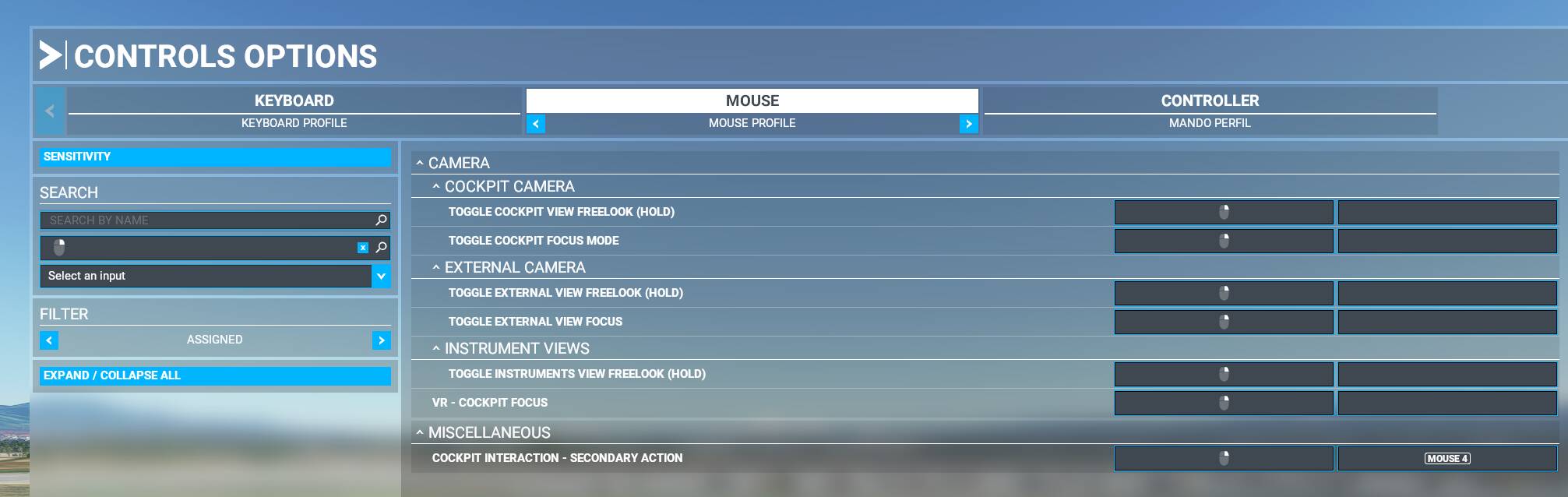
Same here. I also can’t use the Mouse and Controller at the same time no more. That’s a big problem when approaching. or flying and doing atc at the same time.
Pretty much same here. The No vibration/ no feedback issue seems like a separate issue. Not sure why " Xbox Controller no feedback on PC" was merged with this thread. Floating/drifting view/ camera angle seems fixed for the most part with controller profiles and other game options. But 0 feedback seems like something else is at issue.
Same here. When i use the XBOX Controller to control the aircraft, the mouse doesn’t work. I can’t, for example, control the aircraft and disable auto thrust with my mouse. It’s a big problem when approaching or taking off.
Also, my menu isn’t working properly, as the controller is take as the “main” use, i cant press with the mouse to go back to the principal menu.
Hey guys! Any walkaroundfor this? Today I try to fly but impossible with the new system.
All buttons for xbox controller are remapped. I need back old settings, now its unplayable.
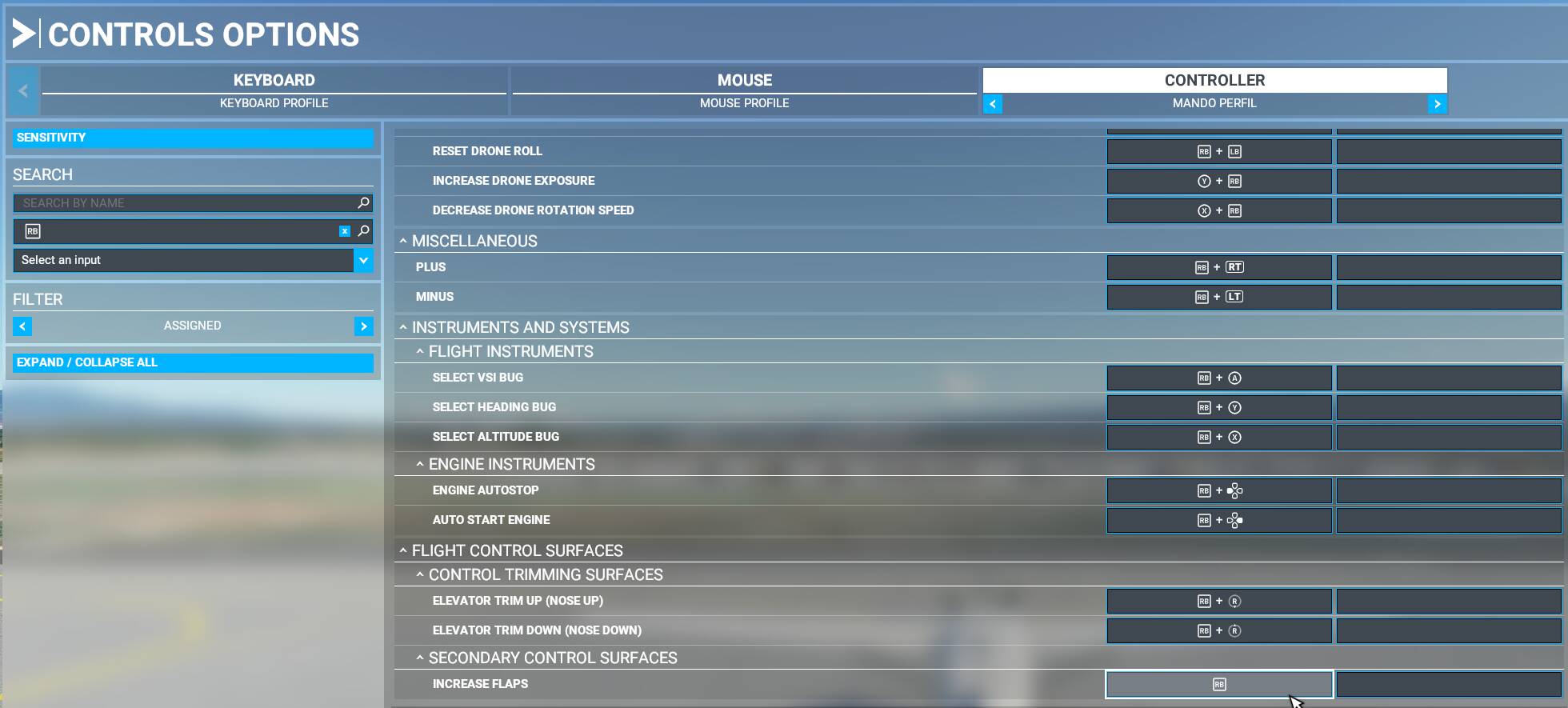
If I try to remap, like: Flaps (increase/decrease)(RB/LB) doesn’t work
I just tried to use my DS4 controller (with “DS 4 windows” emulation) and it worke normal yesterday and now (after an accidental unplugging and replugging) it does not work anymore let alone get detected. For reference it starts to work in any other app and win just normal after plugging it back in but MSFS2020 completely rejects it. I tried relaunching the game and checked for a stable cable connection, it keeps ignoring the controller. I had these types of issues since SU5 and they continue past this update and its awfully annoying, I cant do anything without a controller.
I have a similar problem too! However, I use a PS4 DualShock controller. In terms of control options, I’ve set up the left stick to my ailerons & elevators. My right stick is only set to the rudder.
In the sensitivity screen, I have it set up with 80% sensitivity on the axis with 10% dead zone, and testing seems to show the complete range of the test, as you can see I have the left stick, pushed to the left.
The rudder works perfectly and even resets to the default position, so does elevators. However, when using the ailerons, yawing left is full but yawing right is a mess. It doesn’t go all the way (stuck halfway) even flickers like crazy.
However, I think I found a solution. I installed DS4Windows, I applied the same sensitivity. But I still had the same glitchy issues.
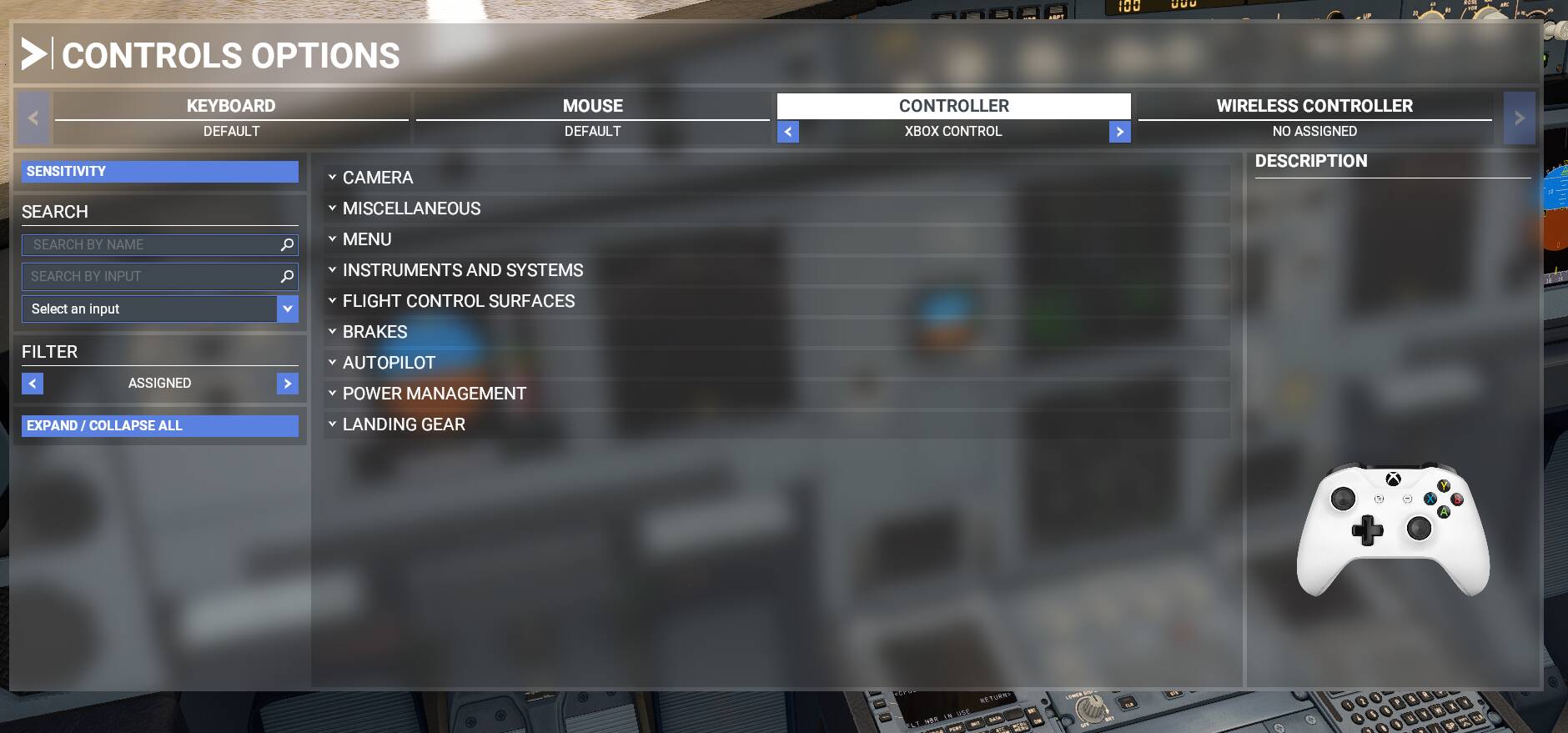
My solution in this case, as you can see in the photo. Seeing that it for some reason mapped 2 controllers. I select the “wireless controller” tab (not the Xbox controller emulated) to have no assigned controls ( I did this by singularly unassigning every button - very tedious).
And so far, checking in the lower ECAM of my flight controls. I am getting the full range of my ailerons as well as all the other controls (Rudder and Elevator.
Yeah, the game forgets my settings every time I start the game. After setting up everything once again (which takes ages..), the game still doesn’t let me bind LB and RB to flaps, LT and RT just change my view up and down.. it’s like the game is trying to use the drone controls inside the cockpit, but even after deleting all the bindings for the drone/slew camera there don’t seem to be any difference. At this point I don’t think this bug is getting fixed anytime soon (possibly never).
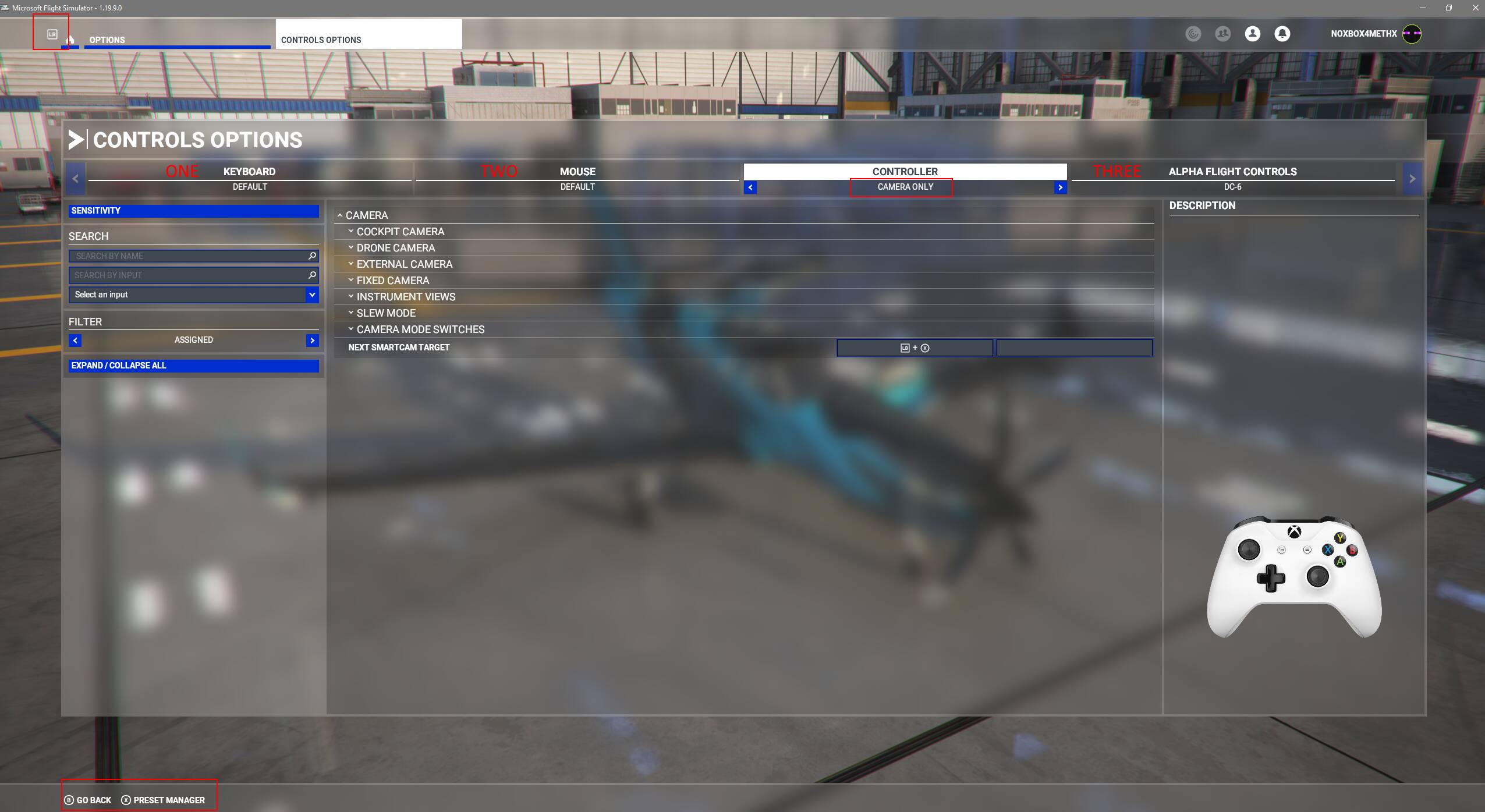
Anyone know how I can get rid of the annoying button labeling that tells me to use B, X , LB, or RB etc for interaction? When the only thing I wanted the controller for was Camera Usage!
Sim need to do a priority list on attached hardware / Controllers, or put in the option to get rid of Keyboard / Controller shortcut keys. My Controller has no setup for the buttons that the Sim is saying to use as I deleted them!
Ever since today’s update 5 the freelook in the cockpit is drifting around considerably. I tried changing the cockpit interaction mode to legacy in the accessibility options, but it is still drifting. Is there any fix?
Glad you mentioned it thought maybe it was just my controller. I couldn’t get it to stop which is annoying cos I like to use it for the showcase camera. as soon as I unplugged it movement stop so is definitely that doing it. If even tried adding a deadzone to the stick but still did it.
Same scenario here! Submitted to Zendesk. Game is unplayable.
Unbelievable…one would assume they would test another product MADE BY THE SAME COMPANY before release.
Before Sim Update 5 there was no problem while flying with the Elite Xbox controller together with mouse + keyboard. But after sim update 5, the right analog drifts only in the cockpit. I tried the sensitivity options but nothing. Flying is now impossible. Screen goes all over the place