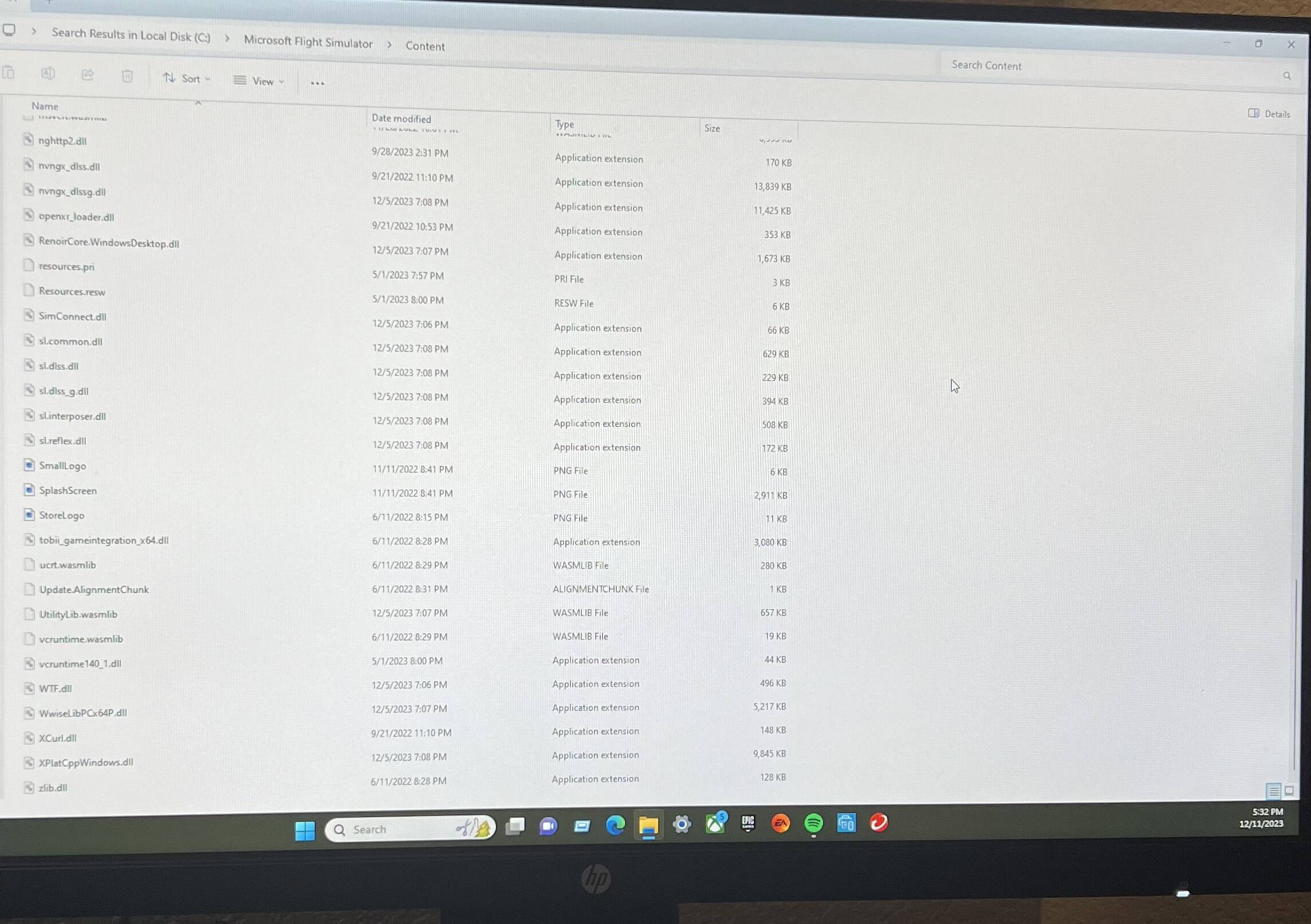
Hello, I’ve been dealing with this problem for a a couple weeks now. I can’t find a way to fix it.
Problem: General Update stuck at 100% and won’t do anything
I have tried to redo the update muiltiple times and it always ends the same. Someone told me to delete a certain file for the update but that did not work either.
Any help is appreciated!
Hello
Let’s try to solve that problem.
First we are going to go to the official folder, which in my case is this path.
C:\Users\YourUser\AppData\Local\Packages\Microsoft.FlightSimulator_8wekyb3d8bbwe\LocalCache\Packages\Official\OneStore
Now scroll down all the way and see if there are any blank files (They are incomplete)
If so, we eliminate them with the Simulator closed.
Once this is done, enter the simulator again.
If it doesn’t work, we’ll try more things.
1 Like
I don’t see anything with 0KB
Should I delete “Update Alignment Chunk” ?
I think it is not on the right route.
Follow the steps that your partner put above.
1 Like
That is definitely not the right location for the “OneStore” folder.
Tried all, nothing worked. At this point maybe I should just delete the whole game and redownload
I don’t have a folder called that…
In that checklist, there was a link to two others.
Did you go through those two as well?
Yes, did not fix anything.
1 Like
You could try this, but notice the caution.
https://flightsimulator.zendesk.com/hc/en-us/articles/4409228619538-How-to-delete-a-cloud-save-on-PC-to-fix-some-loading-issues-or-reset-the-logbook
If this doesn’t work, I would recommend you submit a Zendesk request from the Support tab at the top of the page.
1 Like
If I just delete the whole game will that work? Then reinstall. That will be faster for me at this point.
You could try, a lot of times unless you fix the issue it won’t make much difference.
However like you said, at this point it may be worth the try.
If you do go that route, uninstall from the Windows Apps & Features menu, then remove all left over folders, except your community folder.
Move your community folder to another location where it will be safe for after you reinstall.
You can move it back in after you get the sim running.
1 Like