I very much like the new avionics in TBM and Longitude (haven’t tested the CJ4 yet). But no Navigraph charts on mfd is imho a very sad step back. I hope they sort out that licensing-thing very quickly.
1 Like
 Thank you for using the Bug section, using templates provided will greatly help the team reproducing the issue and ease the process of fixing it.
Are you using Developer Mode or made changes in it?
No
Have you disabled/removed all your mods and addons?
Yes
Brief description of the issue:
APPR does not illuminate when selected. NAV works, but when I click APPR, it does not activate/turn green. If NAV is turned off, no change, APPR still doesn’t activate. Occurs in FMS, LOC1 and LOC2.
Provide Screenshot(s)/video(s) of the issue encountered:
N/A as APPR button is not illuminated
Detailed steps to reproduce the issue encountered:
PC specs and/or peripheral set up if relevant:
Build Version # when you first started experiencing this issue:
1.30.12.0
 For anyone who wants to contribute on this issue, Click on the button below to use this template:
Do you have the same issue if you follow the OP’s steps to reproduce it?
Provide extra information to complete the original description of the issue:
If relevant, provide additional screenshots/video:
Post moved to official support thread for triage.
Don’t let yourself get frustrated. It’s an opportunity to learn how to run the real-world systems. Think how handy that will be when you’re onboard a flight and the pilot passes out. You’ll be able to take control!
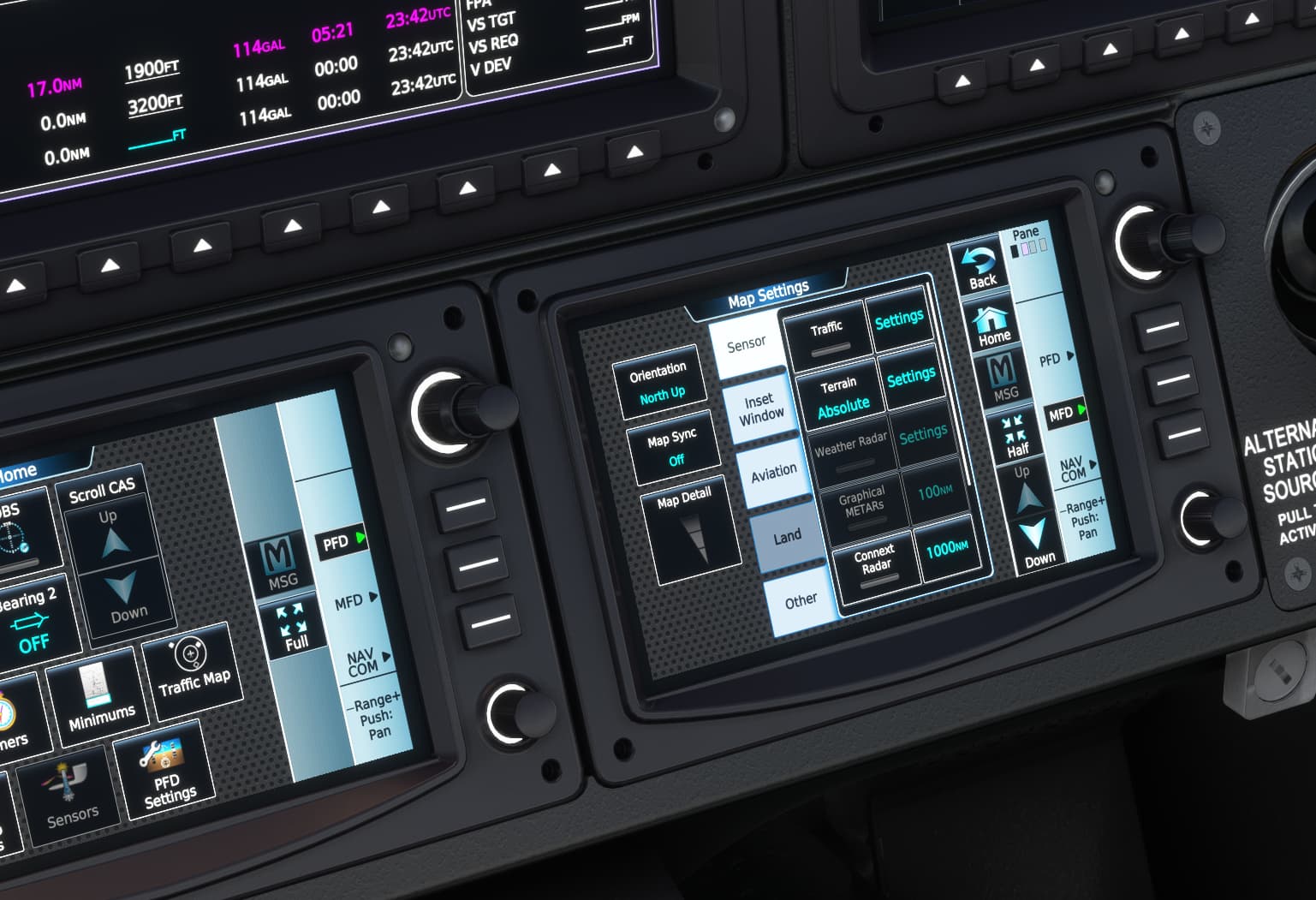
And yes, there are settings to change the map to North Up. It’s found by navigating around the MENU button next to the Garmin display. There’s going to be a lot of fun stuff for you to discover!
2 Likes
The devs of the Vision Jet were waiting for the AAU1 update to go live first before they customize it specifically to the Vision Jet. Originally the VJ is using the WT G3000 mod but with VJ-specific pages like the Honda Jet did previously. So hopefully in a few weeks or so, the AAU1 features will become available for the VJ.
1 Like
Hello with the new update 1.30.12.0 the Displays on the Cessna longitude are not loading. I tried starting cold and dark turning on the battery. Starting with warm from a runway. Turning on Dev-mod did not change anything. I deleted my Cache and deleted the previous wt g3000 mod.
Thank you for using the Bug section, using templates provided will greatly help the team reproducing the issue and ease the process of fixing it.
Are you using Developer Mode or made changes in it?
did not change anything
Have you disabled/removed all your mods and addons?
i did not remove all my mods and addons, i removed previous g3000 wt mod.
Brief description of the issue:
The Screens are Blacked out, even with power. Planes interiors light are showing. you can hear the TOS system Test running up, but all screeens keep blank.
Provide Screenshot(s)/video(s) of the issue encountered:
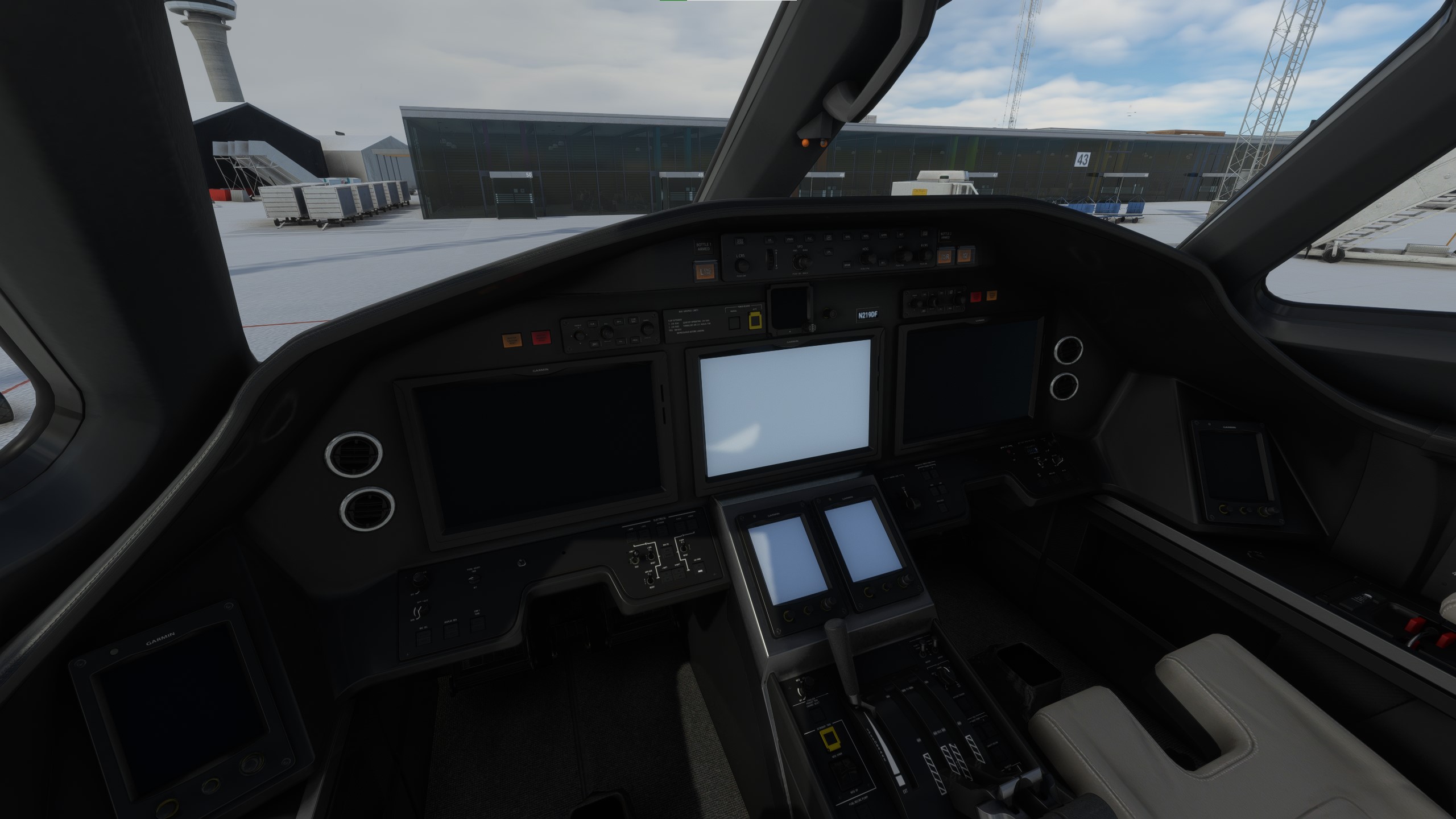
Detailed steps to reproduce the issue encountered:
The Screen are like shown in the Screenshot directly at loading the plane. Even in the Screen where you confirm to start the flight, the screens are already black/grayed out.
PC specs and/or peripheral set up if relevant:
good PC
Build Version # when you first started experiencing this issue:
1.30.12.0
For anyone who wants to contribute on this issue, Click on the button below to use this template:
Do you have the same issue if you follow the OP’s steps to reproduce it?
Provide extra information to complete the original description of the issue:
If relevant, provide additional screenshots/video:
Did you have the PMS750/GNS550 in your community folder?
Moved to Official Support Thread.
1 Like
When in the approach segment of the flight plan are you engaging APPR? What modes are listed on the top of the PFD and in what color?
You need to remove all Longitude mods. This includes the flight dynamics mod, the new lights mod, etc.
2 Likes
i do not use any other mod for the longitude. i only have the working title gns430 from the store installed. i had pms750 installed, but deleting it did not change it either.
1 Like
Unfortunately, it is not possible to get into this condition without some mod affecting the Longitude being active. I would clear your Community folder temporarily and try again.
1 Like

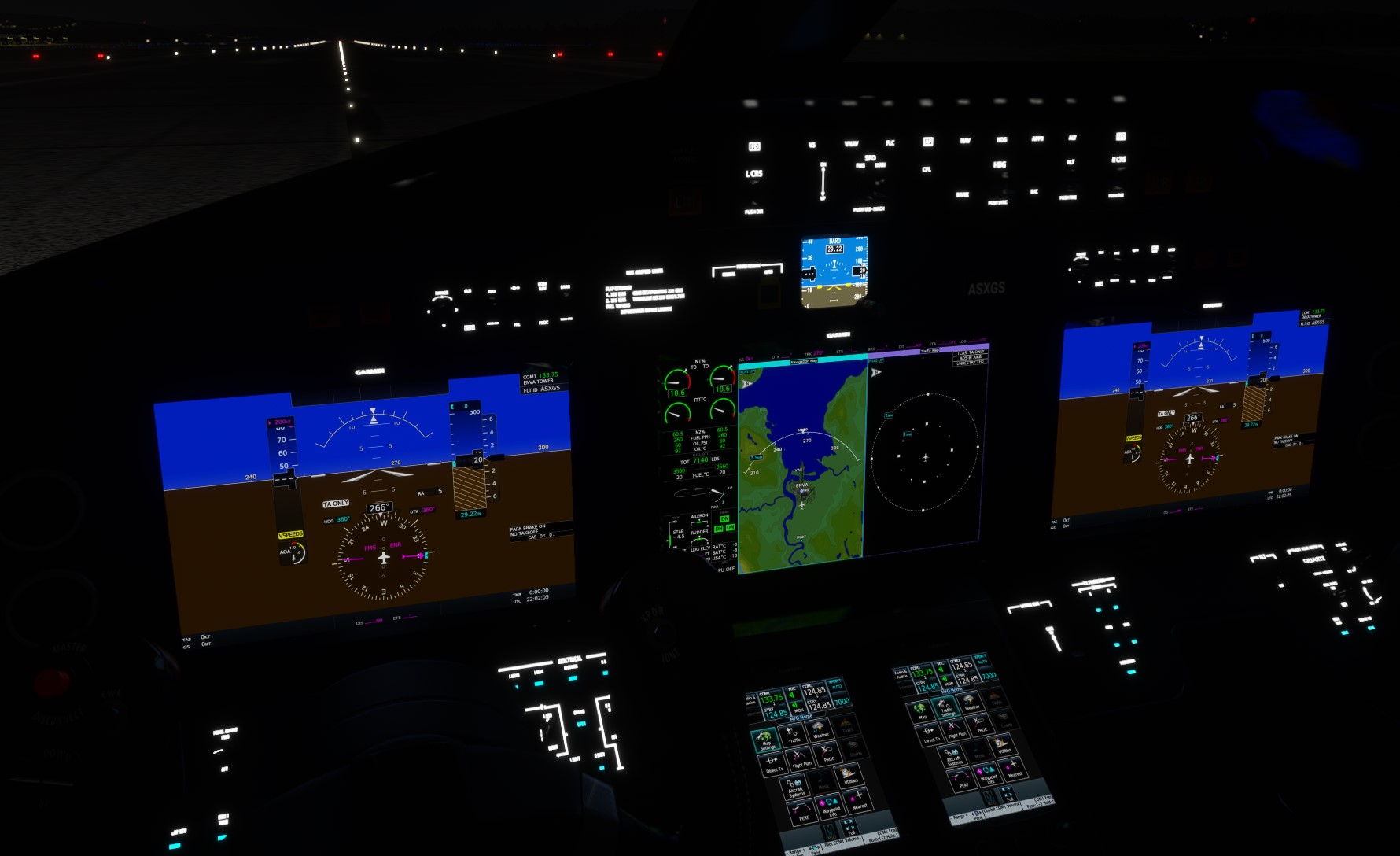
WT G3000 Working Title G3000 Mod need deinstalled?
I’m away from my sim for a bit.
Can someone check if the AAU1 release has the two green lights for the FMS/Manual speed control knob which were missing in the beta? Without these it is far to easy to be in the wrong speed mode and not realise.
Hoping they made it to the release.
There were no changes from the previous beta to the release. We would not release changes that would not be tested by the community.
Any changes to 3D models also have a much longer lead time.
1 Like
OK thanks for info.
Hope those lights get added at some point. I am referring to the Longitude…
One other thing.
The notes for the G5000 say “Independent PFD and GTC options”.
Does this mean we can now have independent control of each PFD, cos that was not in the beta. If not, what does it mean?
Yes, remove the mod.
1 Like
Avionics died on the VisionJet earlier today after update on approach into Tokyo.
Best I can figure AAU1 just conflicting with older G3K.
But it’s happened in the past, so could just still be a Sim issue.
Is there a way to save/store the Map settings for example? Or d I need to set up my Map, MFD settings etc in the TBM on every flight again? Thx