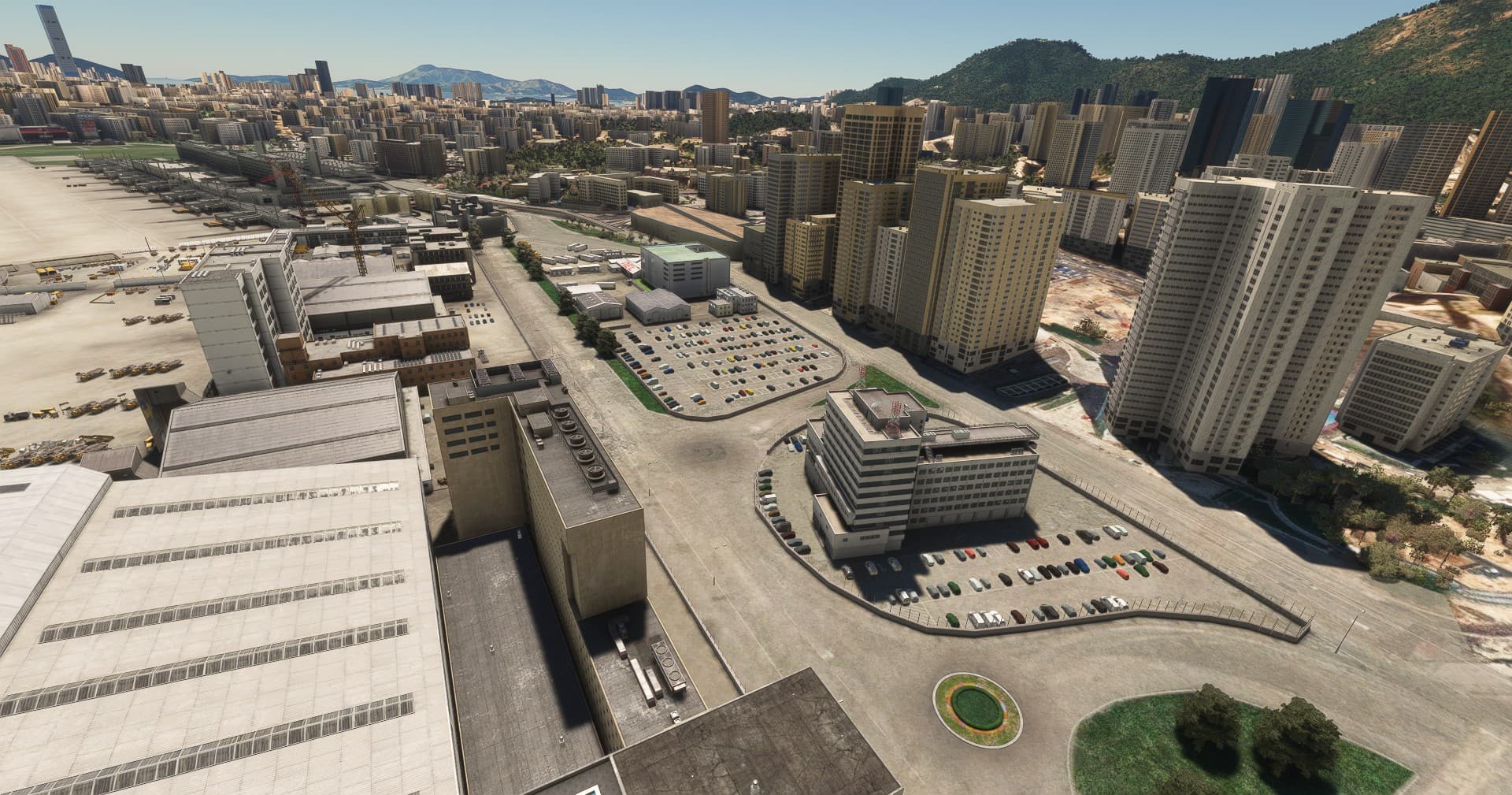
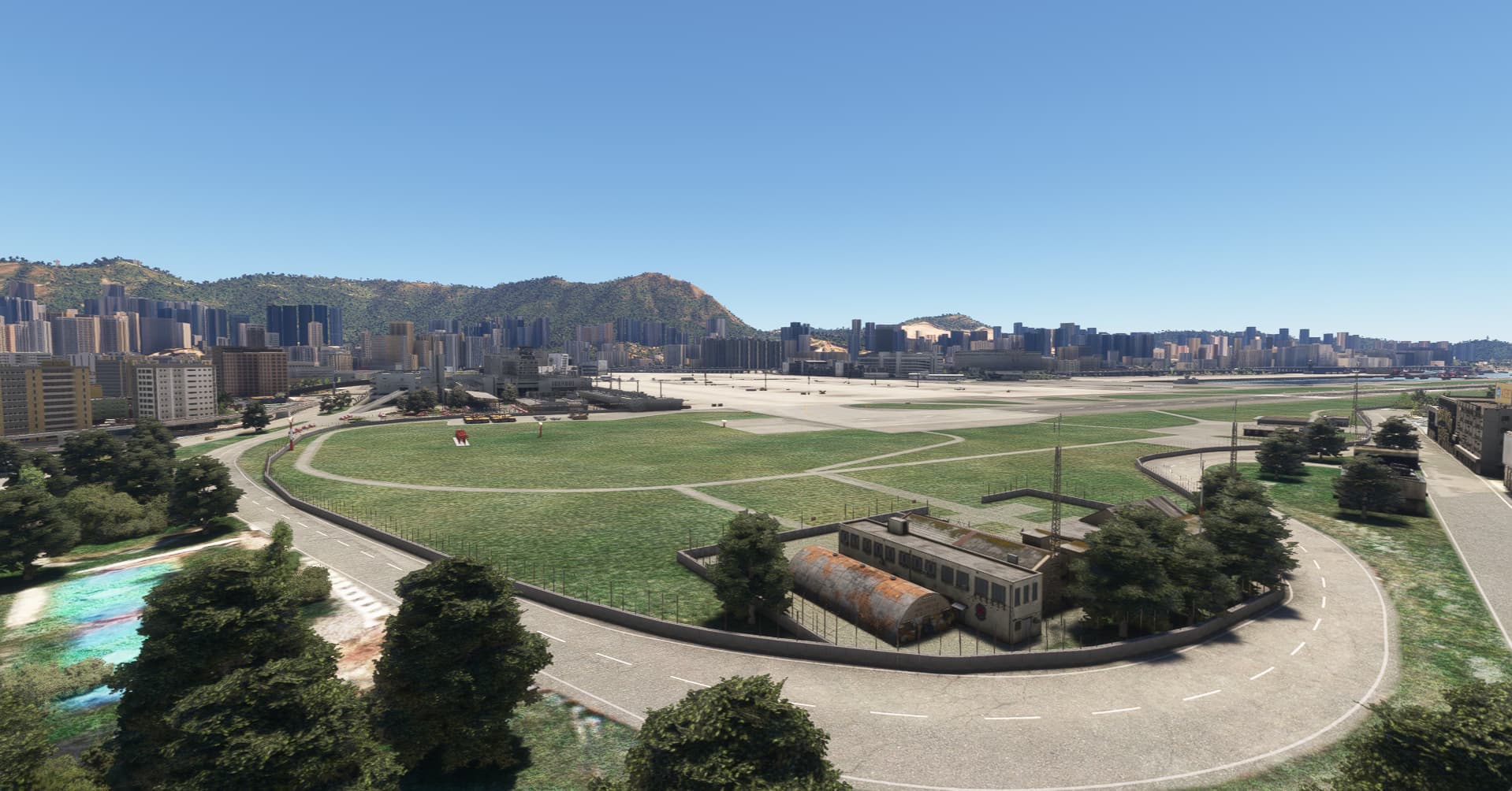
Gaya VHHX Airport fence appears in air

Are you using Developer Mode or made changes in it?

no

Have you disabled/removed all your mods and addons? If the issue still occurs with no mods and add-ons, please continue to report your issue. If not, please move this post to the User Support Hub.

no as this is addon scenery package

Brief description of the issue:

when flying to VHHX from the sim update, airport fence appears 100ft in the air.

Provide Screenshot(s)/video(s) of the issue encountered:


ICAO or coordinates (DevMode > Debug > Display position)

VHHX

Detailed steps to reproduce the issue encountered:

spawn in harbour near VHHX and fly to RW13

PC specs and/or peripheral set up if relevant:

Build Version # when you first started experiencing this issue:


:loudspeaker: For anyone who wants to contribute on this issue, Click on the button below to use this template:

Do you have the same issue if you follow the OP’s steps to reproduce it?

Provide extra information to complete the original description of the issue:

If relevant, provide additional screenshots/video:

Do you have the same issue if you follow the OP’s steps to reproduce it?

No

Provide extra information to complete the original description of the issue:

Can’t reproduce. See Screenshot.

If relevant, provide additional screenshots/video:

You probably have an add-on that’s causing this. I have the base VHHX from the game.

Do you have the same issue if you follow the OP’s steps to reproduce it?

no

Provide extra information to complete the original description of the issue:

fences are correctly positioned on the ground

If relevant, provide additional screenshots/video:

Most likely, it’s a conflict with another add-on. Go into Experimental > Scenery Package Order and make sure Gaya VHHX has priority over any other HK add-ons you might have. This should resolve your issue.

I think the problem is due to the timing of terrain LOD and object drawing.
At the airport where the flight starts, the objects are placed at the correct height because the terrain is detailed from the beginning,
However, when landing from a distant airport, objects are placed based on a less detailed terrain, so objects placed on uneven terrain may float or bury themselves.

If you start your flight from VHHX and the fence is floating, I think it is separate from the above problem.
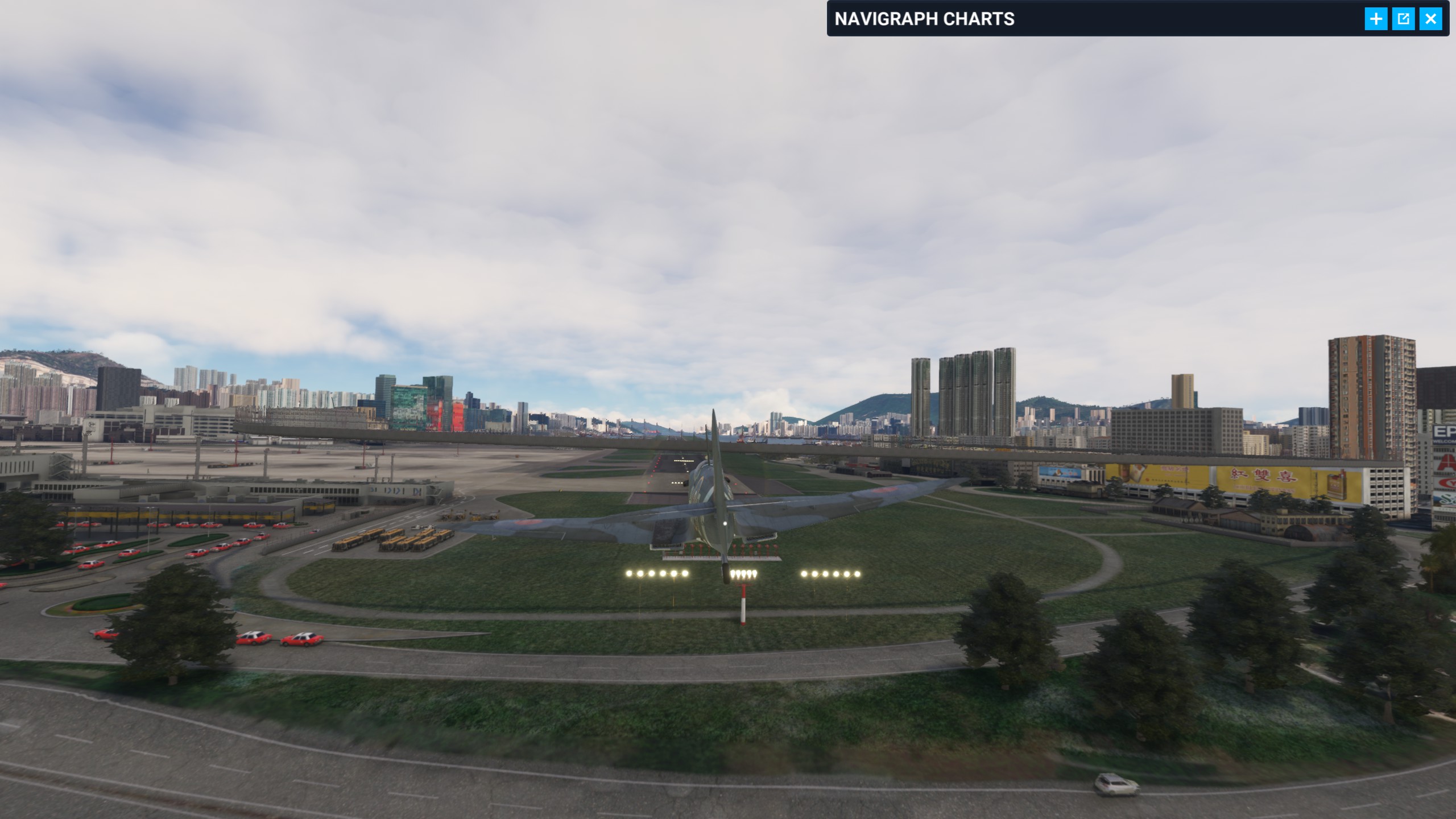
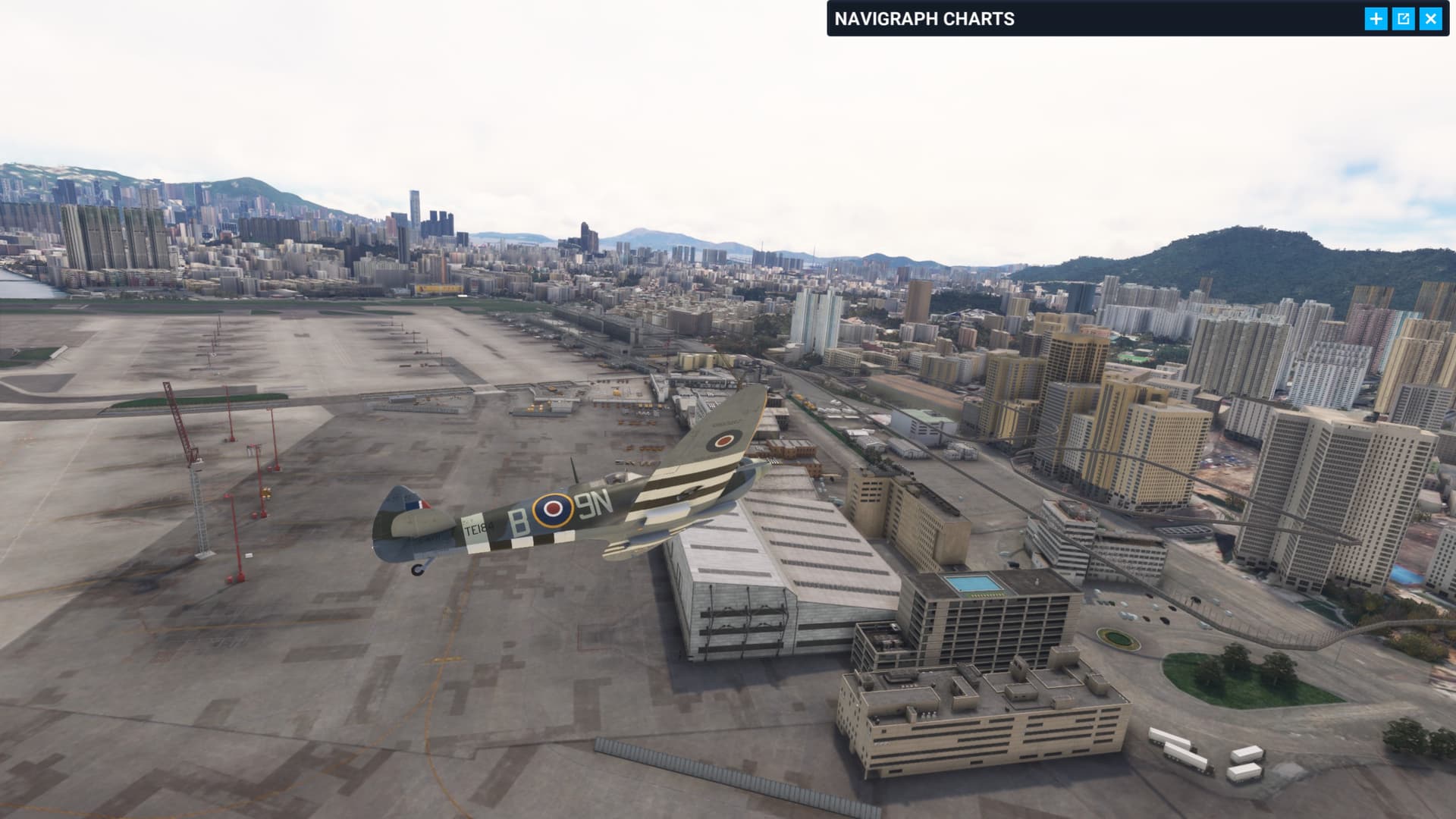
Then more sample points required making VHHX destination. Anyone want to test, and how far is a “distant airport?”

Im now flying in from YBBN to really test it, moving the package order fixed the initial problem when spawning in from HK Harbour area.

Moved to User Support Hub User Support Hub > Scenery & Airports since does not seem to be a bug.

Appears fixed after using the loading order tool

1 Like

This topic was automatically closed 365 days after the last reply. New replies are no longer allowed.