So, I want to get rid of the blue markings when floating with marker over objects that could be interacted with. Is that possible? I find it so unrealistic (no, kidding me), and you should be able to remove the options, I think.
Hello there,
Your topic has been moved to the #gd-commsupport:menus-and-activities subcategory of General Discussion & Community Support. The General Discussion category is meant for discussions that fall outside our other sub-categories.
Please check out these other categories for your future posts:
- Aircraft
is where you discuss current or future planes coming to MSFS as well as assistance with liveries. - World
is where you discuss scenery, airports, and weather. - Aviate, Navigate, Communicate
is where you ask for help with flying. - Tech Talk
is where you discuss installation, graphics, drivers, performance, CTDs, peripherals, and hardware. - Menus & Activities
is where you discuss activities (landing challenges, bush trips, etc), plus anything accessed by the menus including the Marketplace, settings, logbook, cameras, etc.
Turn off the help settings in your preferences…
Well…are you sure thats working? I think you can only hide the info about each control? Or am I wrong…? I think the blue..thing… remanins? Have to check this. Thanks. =)
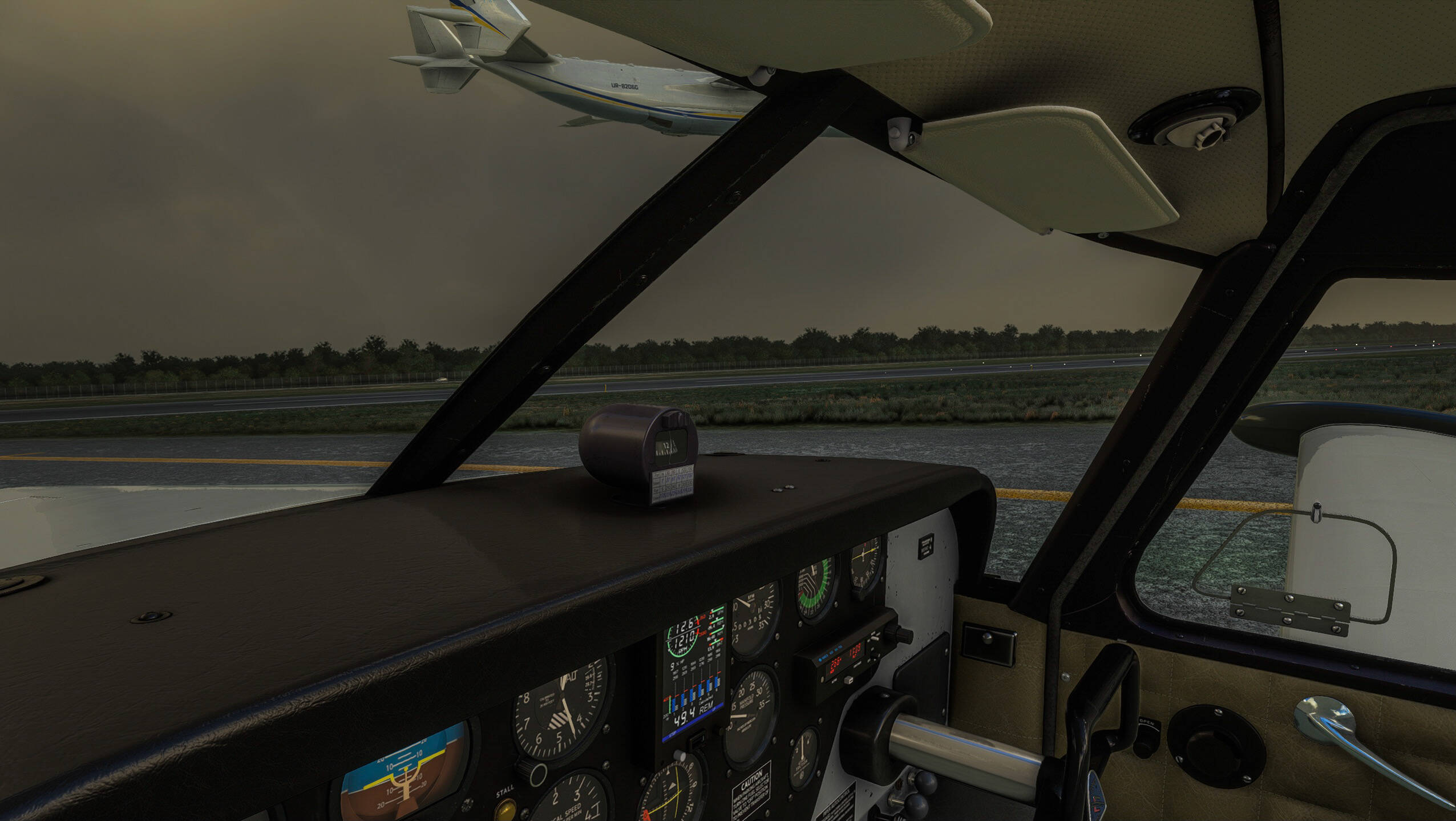
Beautiful! I wish there was an option to have the info about each gauge, knob etc when hovering, but without the blue goo.
The legacy interaction mode does just that, but you can’t latch on to a knob, or dial.
I think there is a mod on flightsim.to that does this, giving you the help pop-ups but without the blue highlighting.
You can have the tool-tips with the Legacy interaction mode. Just pick Delayed or Instant under General Options > Accessibility > Instrument Name Tooltips.
What does latch on a dial mean? I always used legacy controls so I am not aware of the difference.
I think it’s designed more for use with console controllers, but I could be wrong. The day they introduced the sim to the console market and defaulted to the latching interface, I switched back to Legacy and never looked back. I also have gone without tooltips almost since day one. They’re massive on the screen and somewhat invasive to me. If there is a community folder mod that reduces their size, I’d be willing to try them again.
2 Likes
Same reason for me. The combination of huge tool tips, and colour highlighted controls put me off, and I’ve never used the Modern interface since. As I say there is a mod to remove the blue highlight, but I don’t know of one for resizing the tool tips.
To be fair, most of the controls I use all the time are mapped to physical controls so I don’t use the mouse much anyway, but it would be nice to see options to alter the interface without resorting to addons.
I have tried both now, an so far, I have seen any difference except from the that the blue markings are gone. Whats really the difference? Are there some controls I cant control with either mouse och controller? No probelms so far (testing both controller and joystick)
I’ve had no issues not being able to interact with any control on any plane. My only issue is that without the tooltips, the panels on one or two addon planes have had unclear labels, forcing me to RTF*M to figure out what I was doing.
*Normal English = Flippin’
Johnny Dangerously fans = Farging
Fans of Australian Jim Henson sci-fi = Frelling
If you end your prayers with “So say we all” = Frakking