once again I am writing about what visually causes discomfort
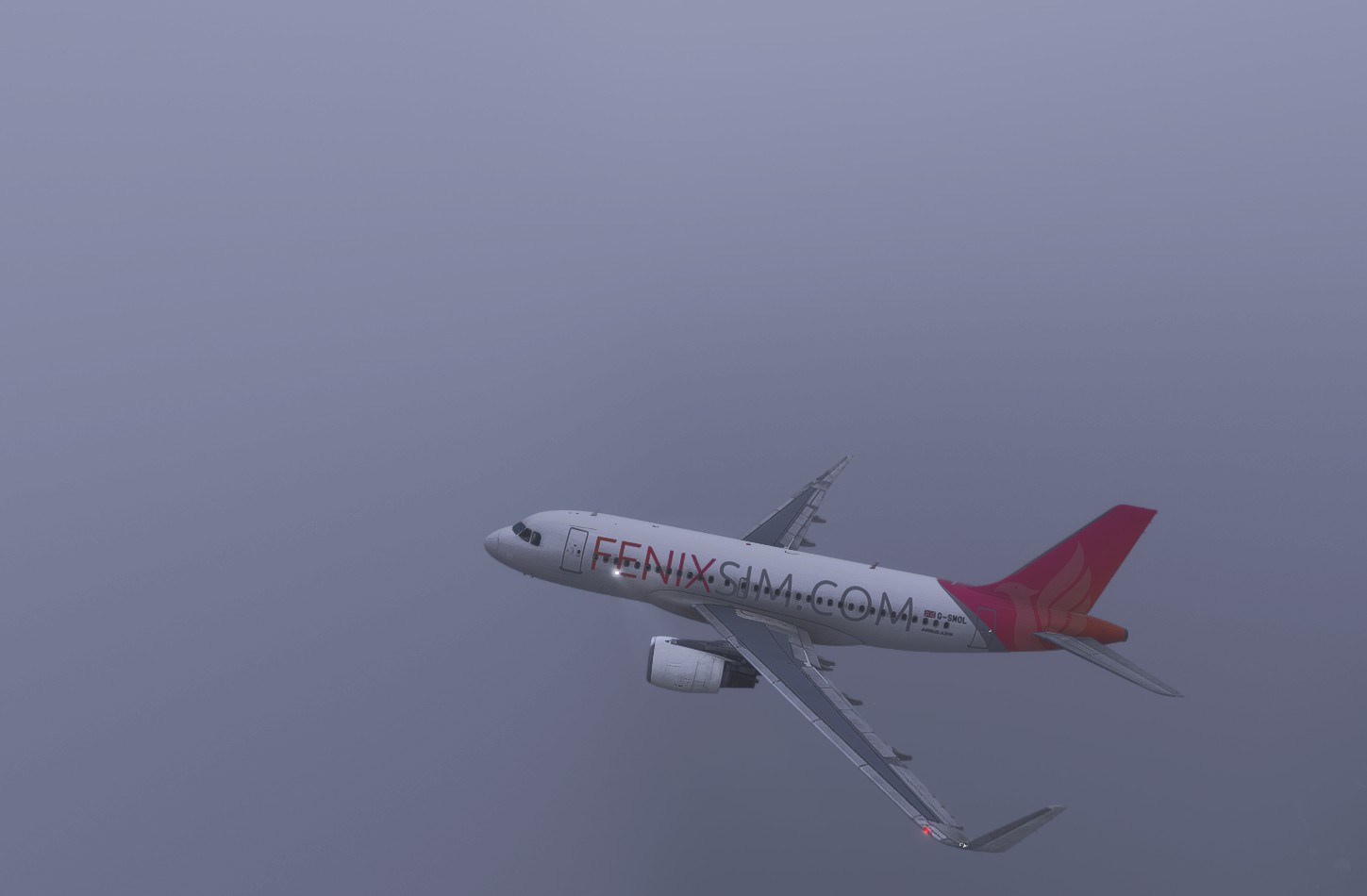
The color banding in Microsoft Flight Simulator 2024 is a visual artifact that manifests itself in the form of sharp transitions between shades, especially noticeable in the sky during sunrises and sunsets. This problem can be related to various factors, including graphics settings, HDR mode, and simulator engine features.
Possible causes and solutions
- Switch from 16-bit to 10-bit rendering
Some users have noticed that MSFS 2024 has a problem with stripes in the sky, especially during the transition from daylight to night light. This is thought to be due to the switch from 16-bit to 10-bit color rendering, which reduces the number of shades available and can cause a stripe effect. Previously, MSFS 2020 used 16-bit rendering, which provided smoother gradients.
dear Developers msfs 2024
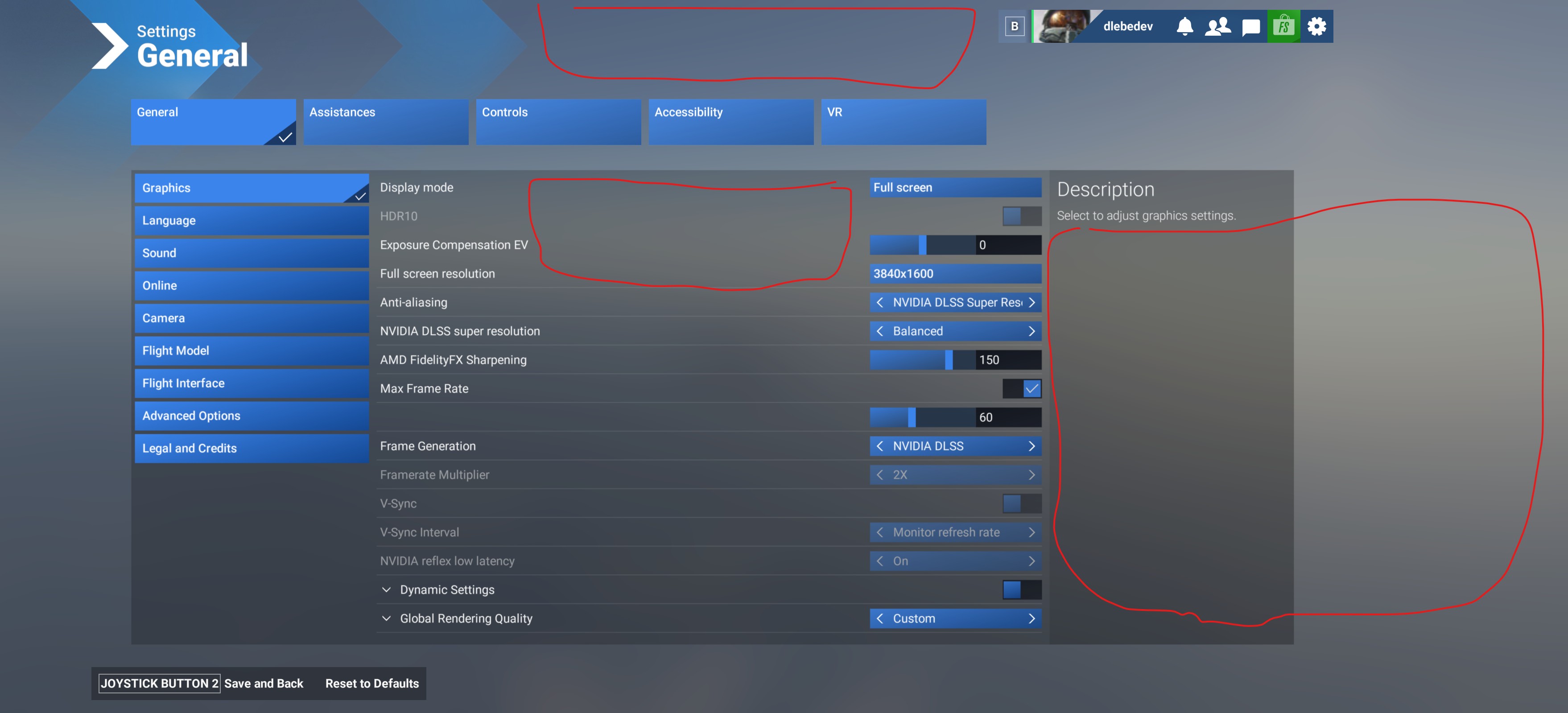
Please return these settings to the MSFS 2024 config so that you can turn these settings on and off yourself at will
{PostProcess
Enabled 1
EyeAdaptation 0
ColorGrading 0
Sharpen 1
Fringe 1
LensDistortion 0
Dirt 1
LensFlare 1
FilmGrain 0
Vignette 0
LensBlurMultiplier 1.000000
FringeMultiplier 1.000000
}
I see gradient bars in the sky as I move the cursor over the timeline
msfs 2020 had the same problem with gradient stripes, but when I set the ColorGrading 0 setting, the stripes disappeared and the picture was smooth and the FilmGrain 0 option also makes the clouds soft without grain.
PLEASE RETURN these settings to MSFS 2024