Using the template below will greatly help the team reproduce the issue and ease the process of fixing it. Before posting, search for an existing report. If you are not sure it’s a bug, please first report in User Support Hub.
3 tags are required - add them in the tag section next to the title above:
-
One for aircraft (start typing in your aircraft name in the tag section and pick correct option)
Feel free to delete this quote section after adding your appropriate tags.
ISSUE DESCRIPTION
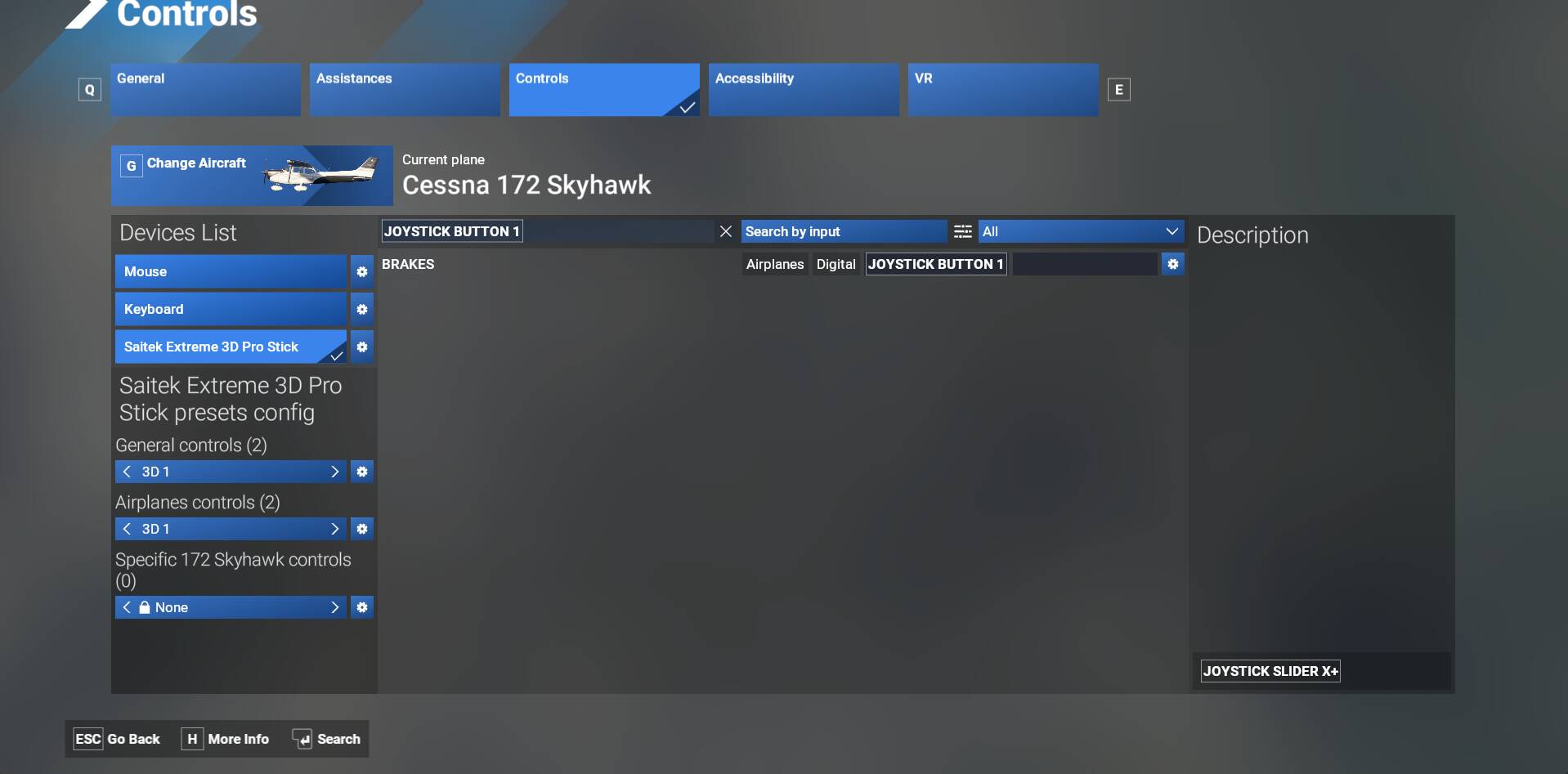
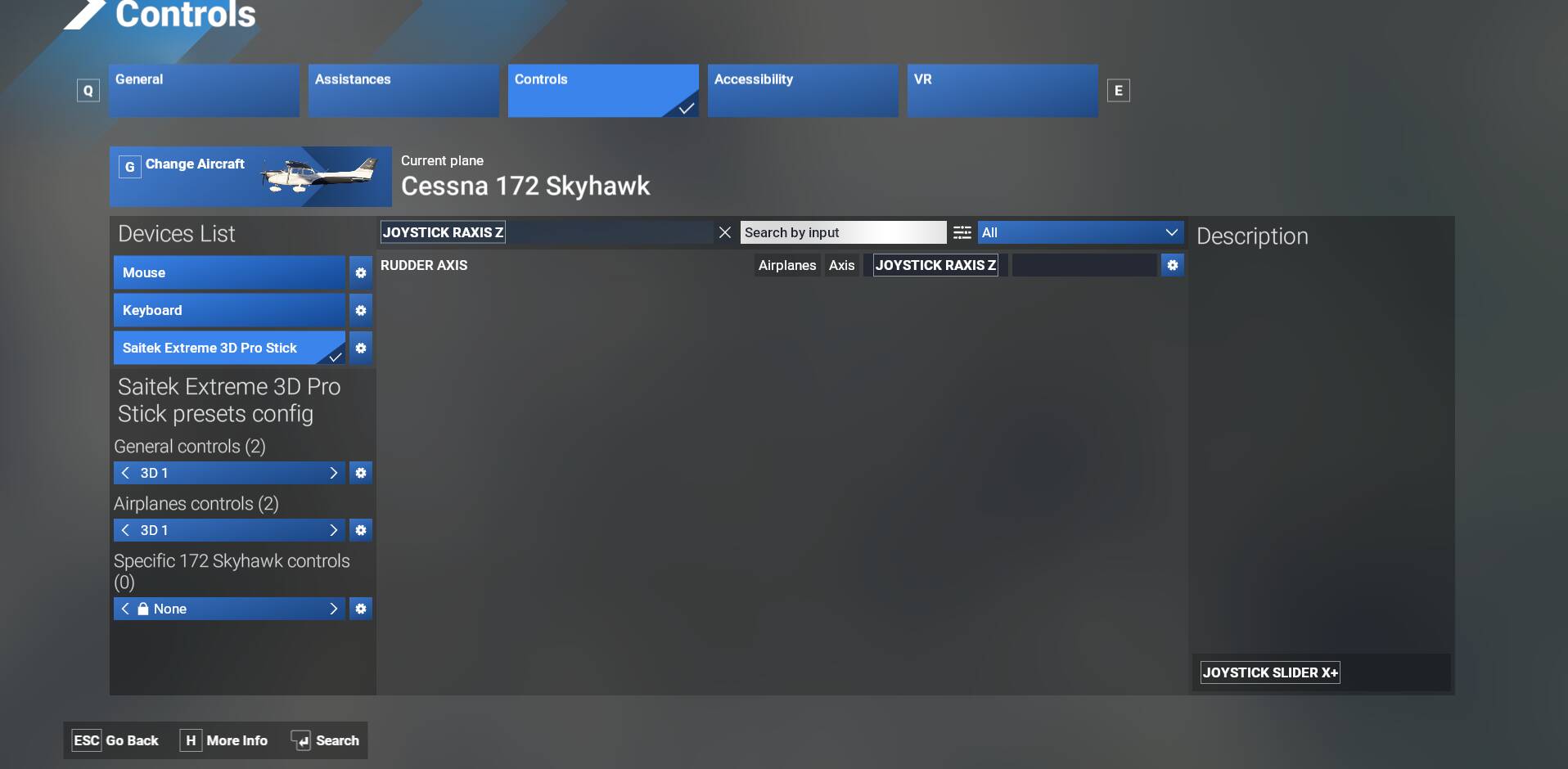
Description of the issue: MSFS2034 After landing and applying ground brakes, the steering rudder input through Joystick axis locks up. Brakes must be toggled again to free the vertical rudder steering control. By then the aircraft has departed the runway!
FREQUENCY OF ISSUE
Every landing of every aircraft I have flow.
REPRODUCTION STEPS
Please list clear steps you took in order to help our test team reproduce the same issue:
-
Land the aircraft, all axis’ of the joystick work as designed
-
Hit the brakes to slow the aircraft, Try to steer, rudder locked, no steering!
-
Tap the brakes again, Rudder functions until the brake is used again.
YOUR SETTINGS
If the issue still occurs with no mods and add-ons, please continue to report your issue. If not, please move this post to the User Support Hub.
What peripherals are you using, if relevant:
[PC OnlAre you using Developer Mode or have you made any changes to it? No Changes
[PC, MSFS 2020 Only] Are you using DX11 or DX12?
[PC Only] What GPU (Graphics Card) do you use? Nvidia RTX 3070 Ti
[PC Only] What other relevant PC specs can you share? Intel I9, Asus Moboard
MEDIA
Please add a screenshot or video of the issue occurring.