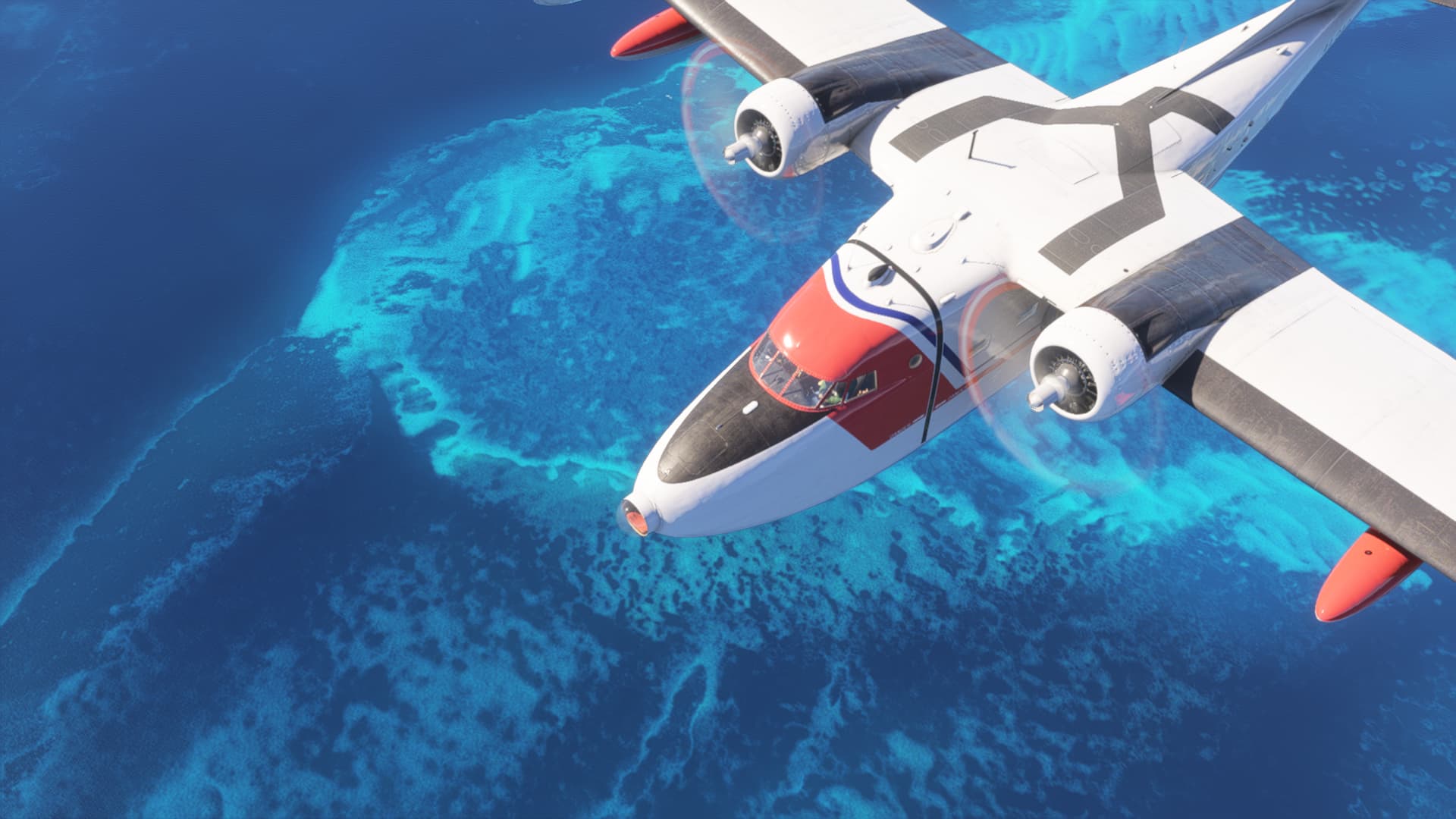
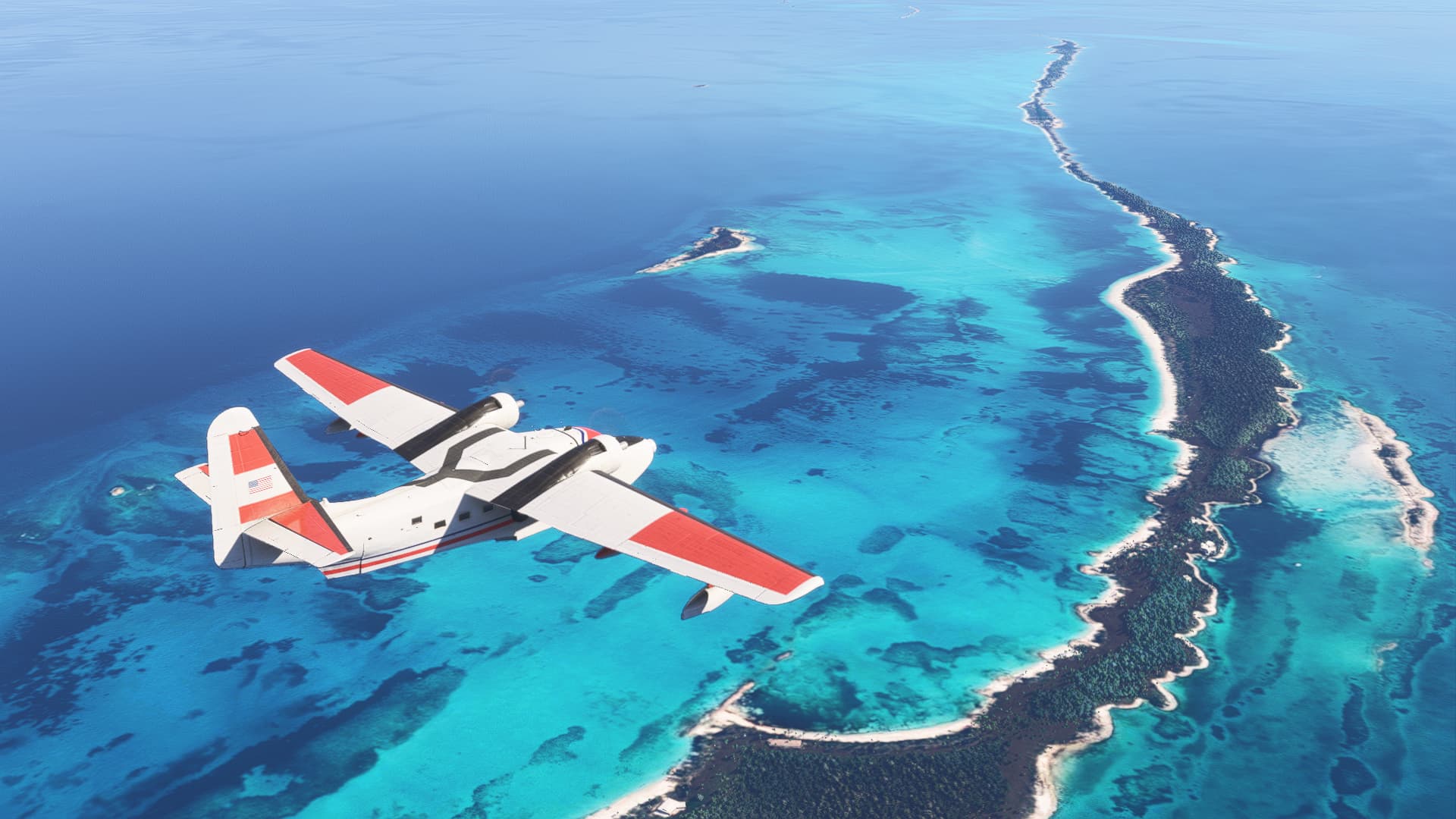
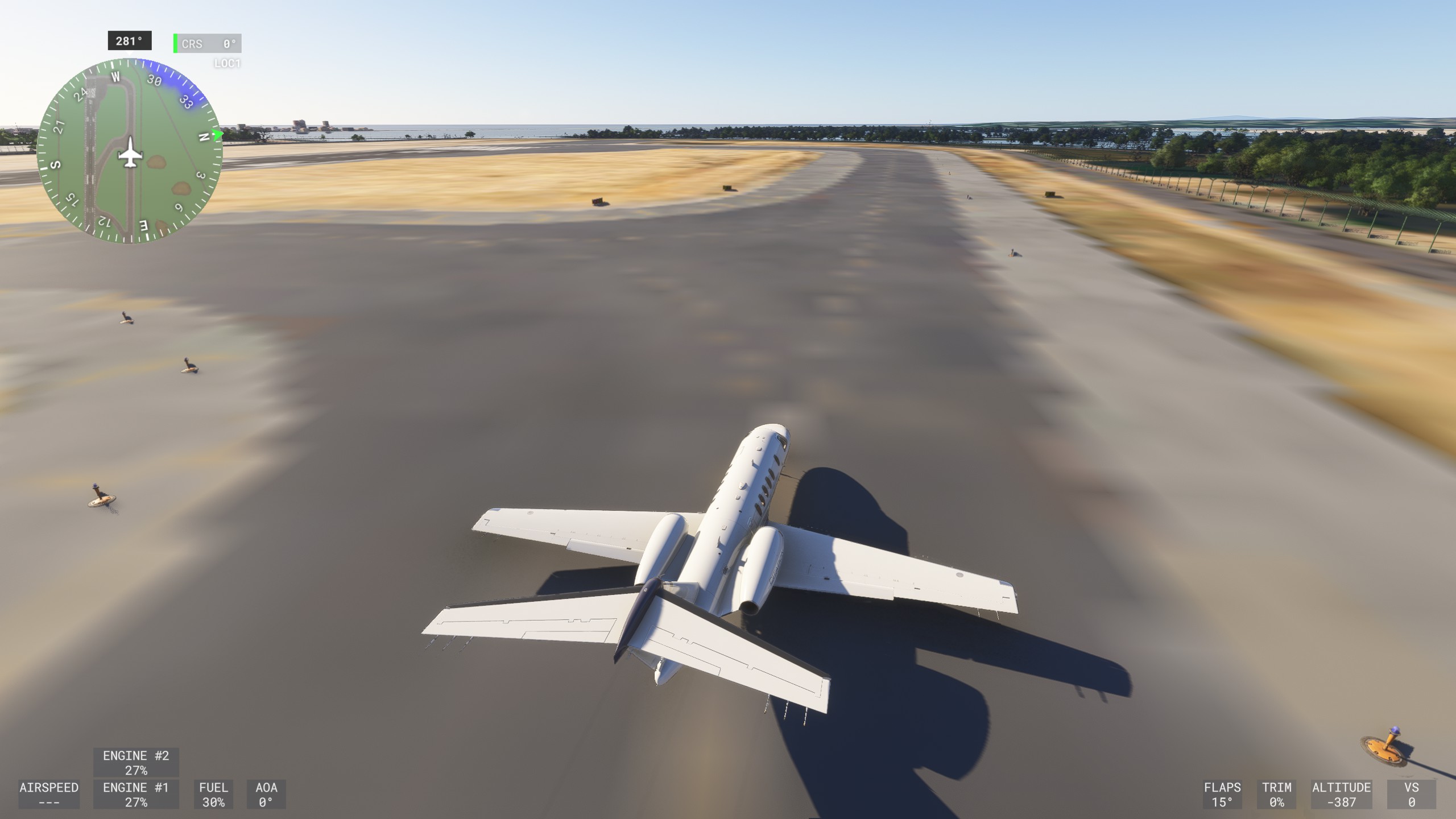
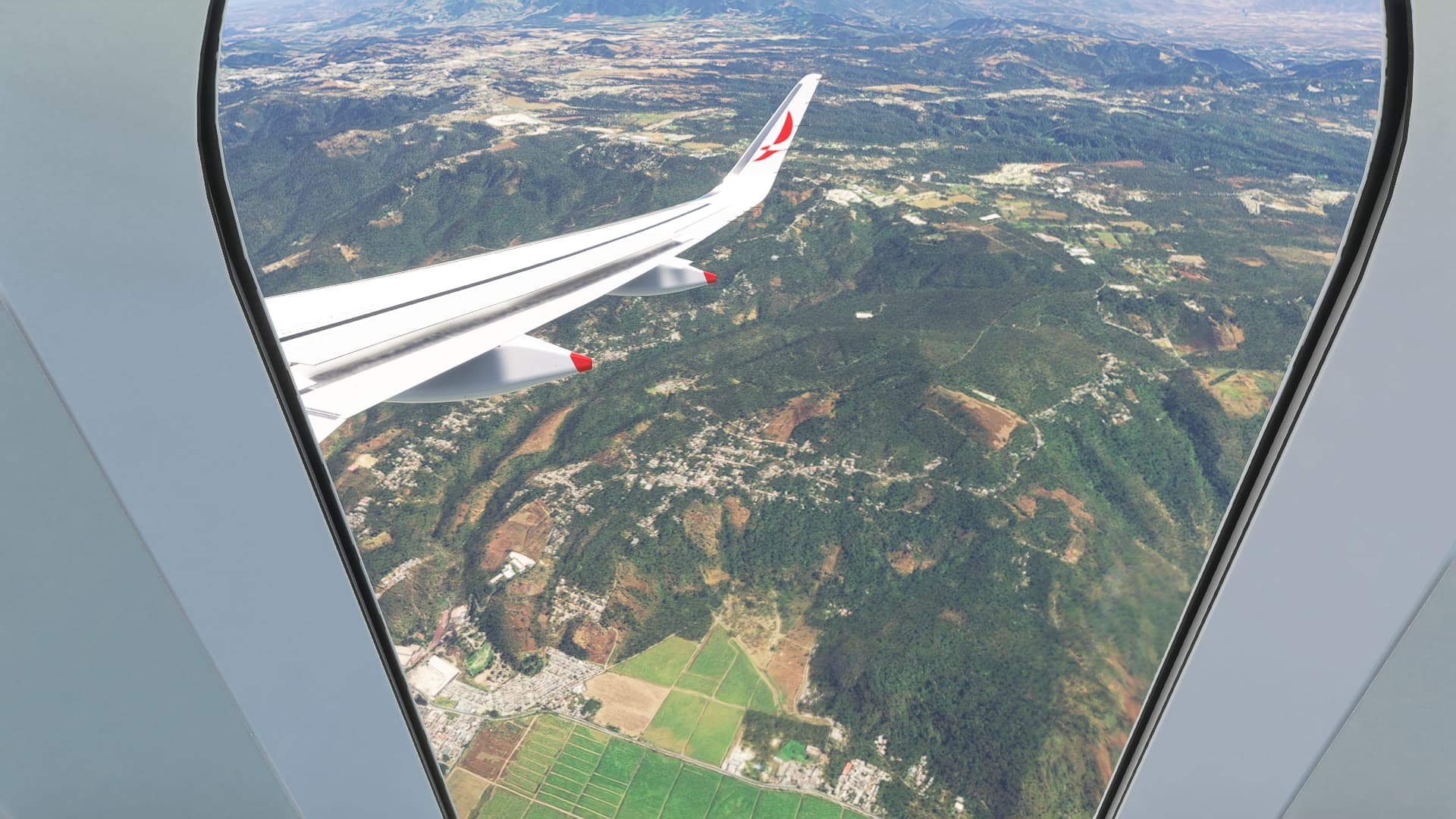
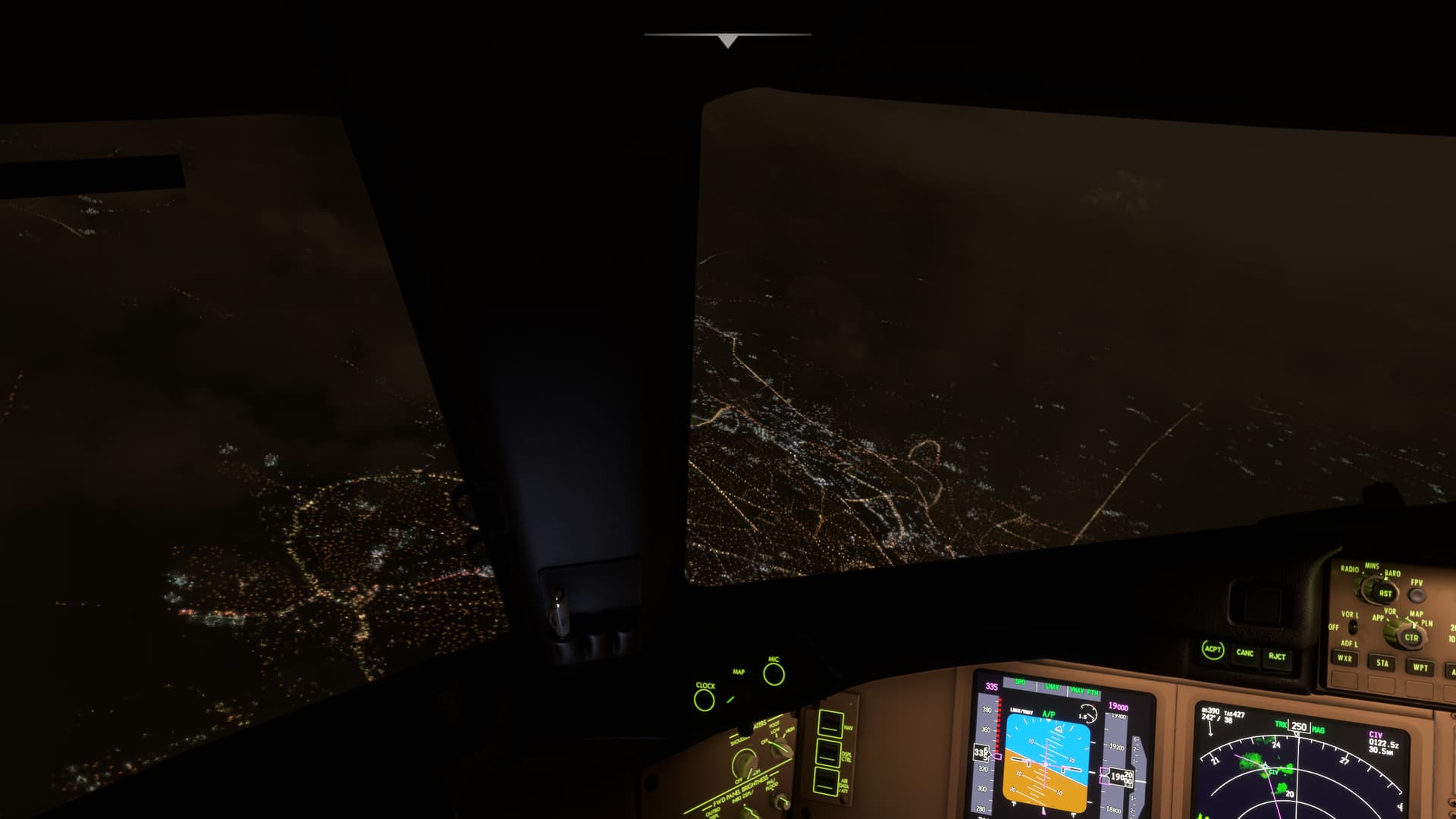
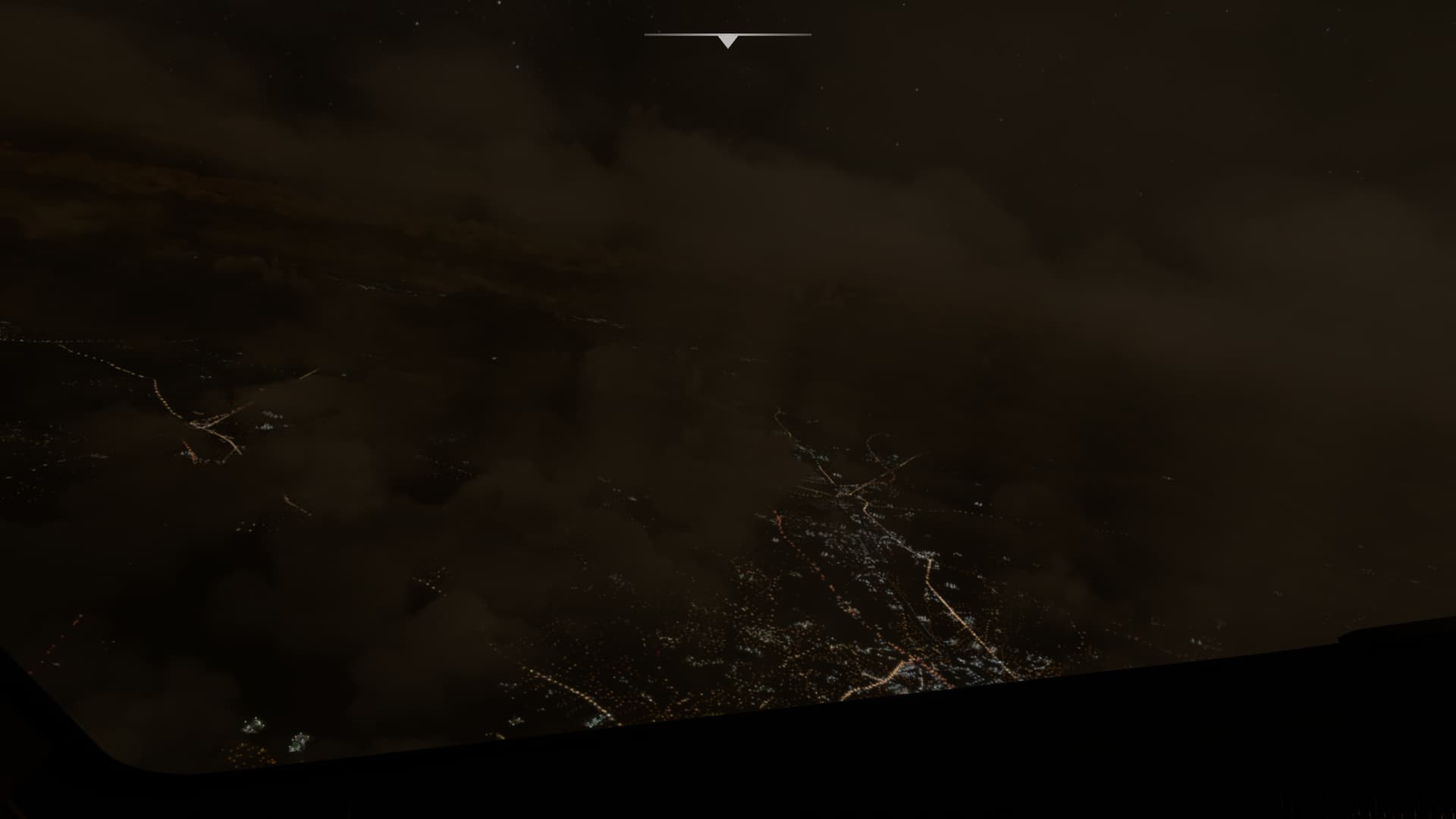
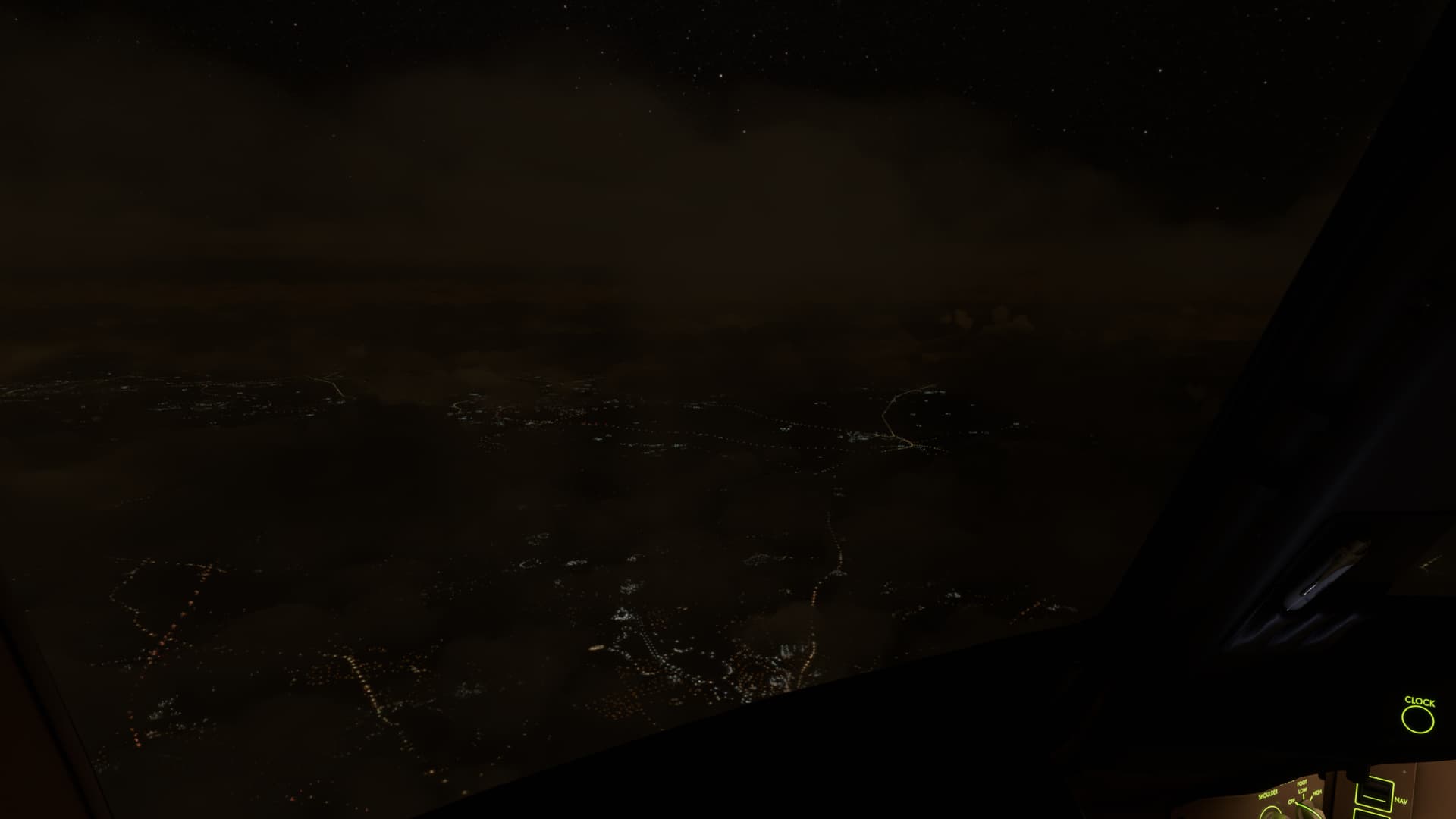
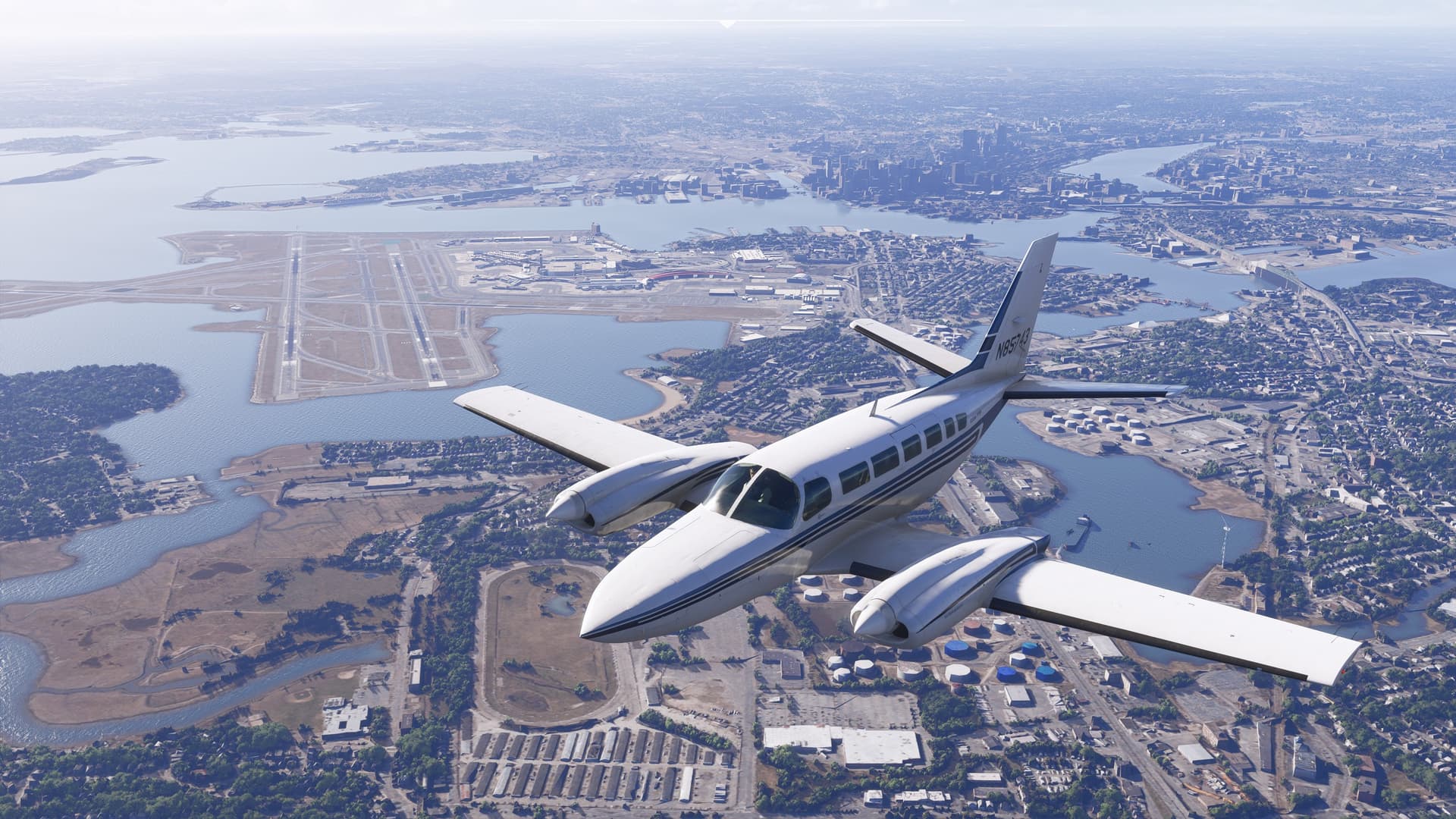
This is just bad imagery not a streaming or LOD issue. You can see exactly where it blends East-South-East of Nassau, for example:
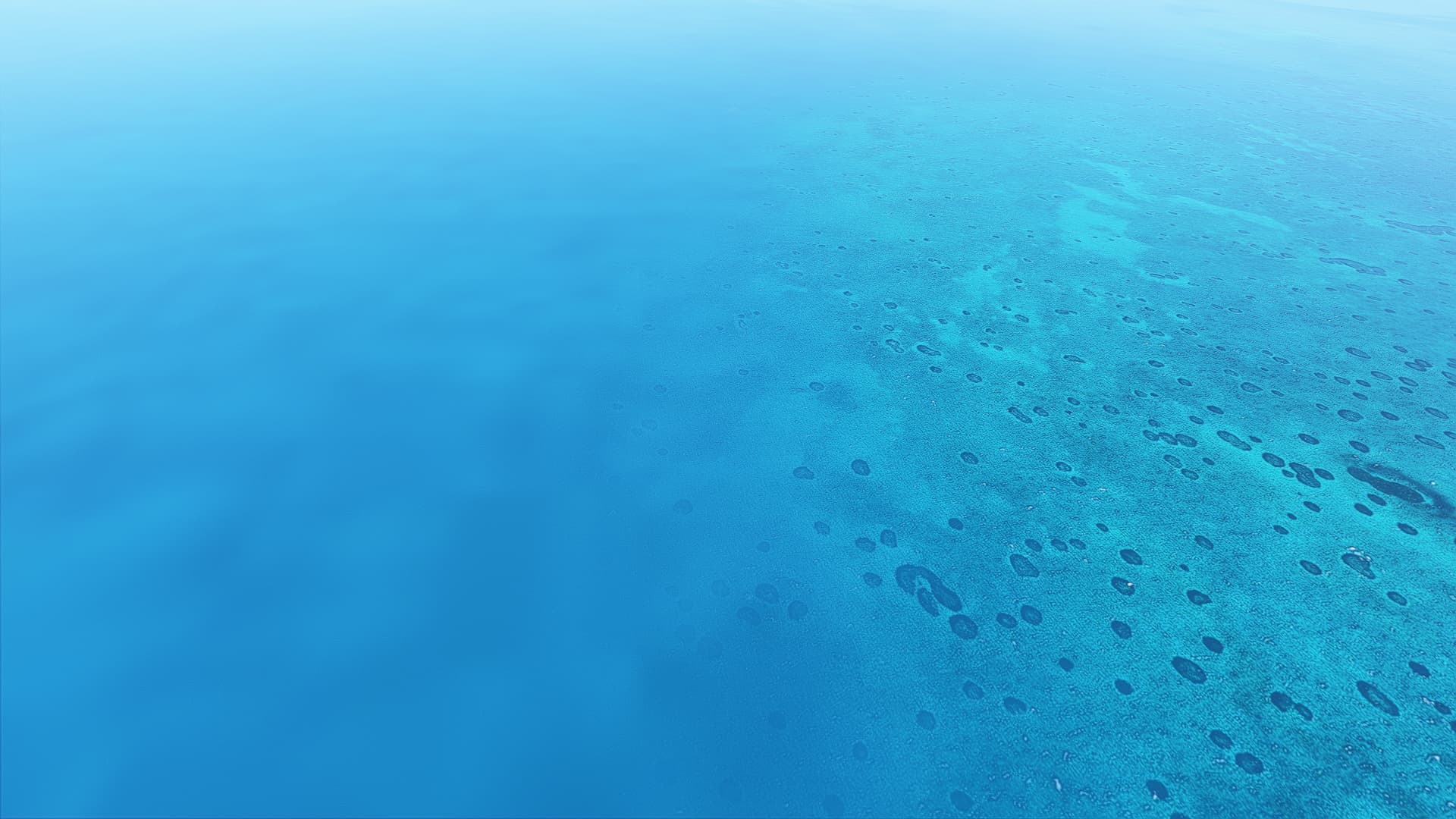

The rest of the Nassau area looks fine:
This is just bad imagery not a streaming or LOD issue. You can see exactly where it blends East-South-East of Nassau, for example:
The rest of the Nassau area looks fine:
Looking at MSFS2020, night lighting looked much better even without maxing out your graphic settings.
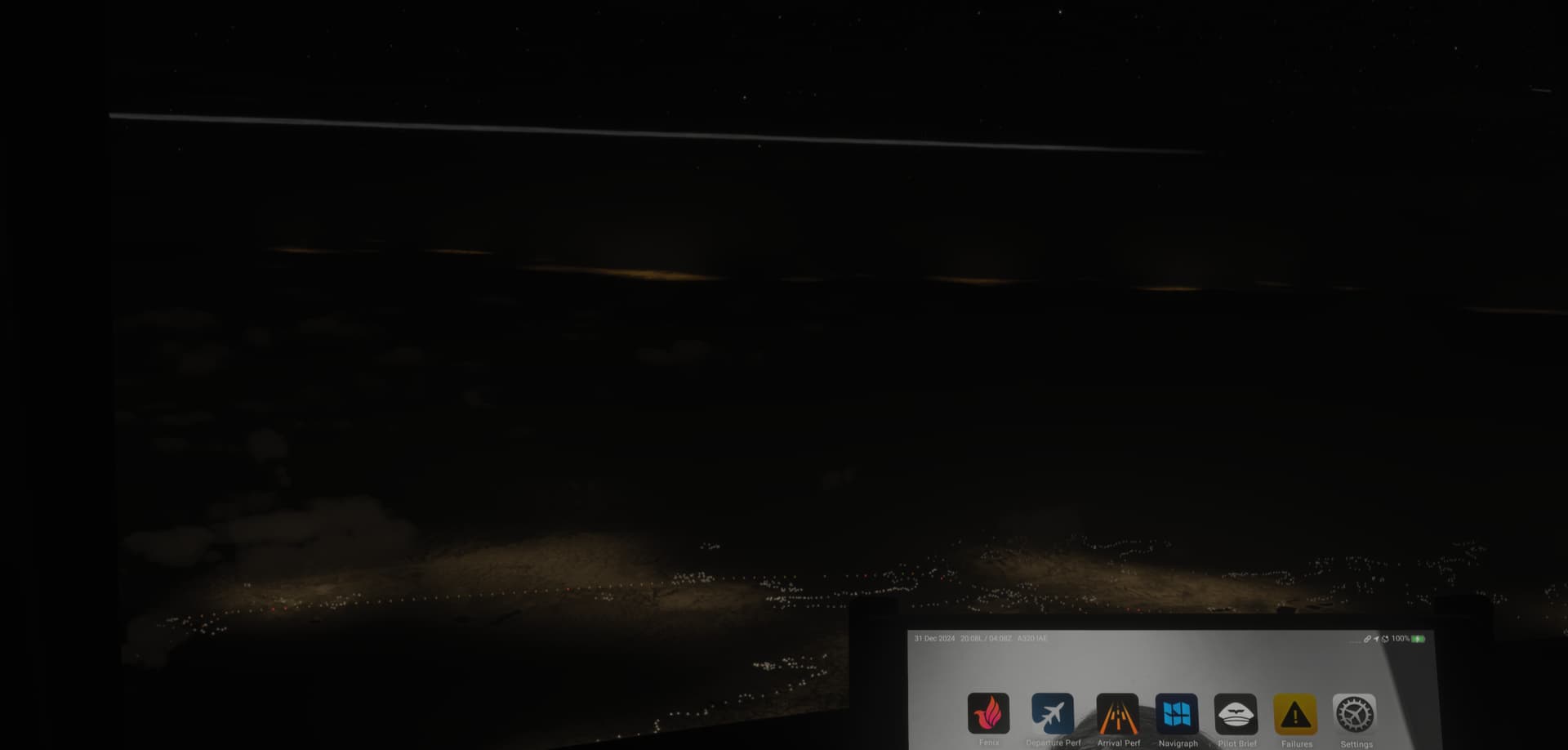
i thought there were clouds lol
I mostly fly airliners and the night lighting is terrible (as well as the LOD). This is supposed to be “the next generation of flight simulator”. It’s the one thing I was hoping for improvement from MSFS 2020, where I always avoided night flying.
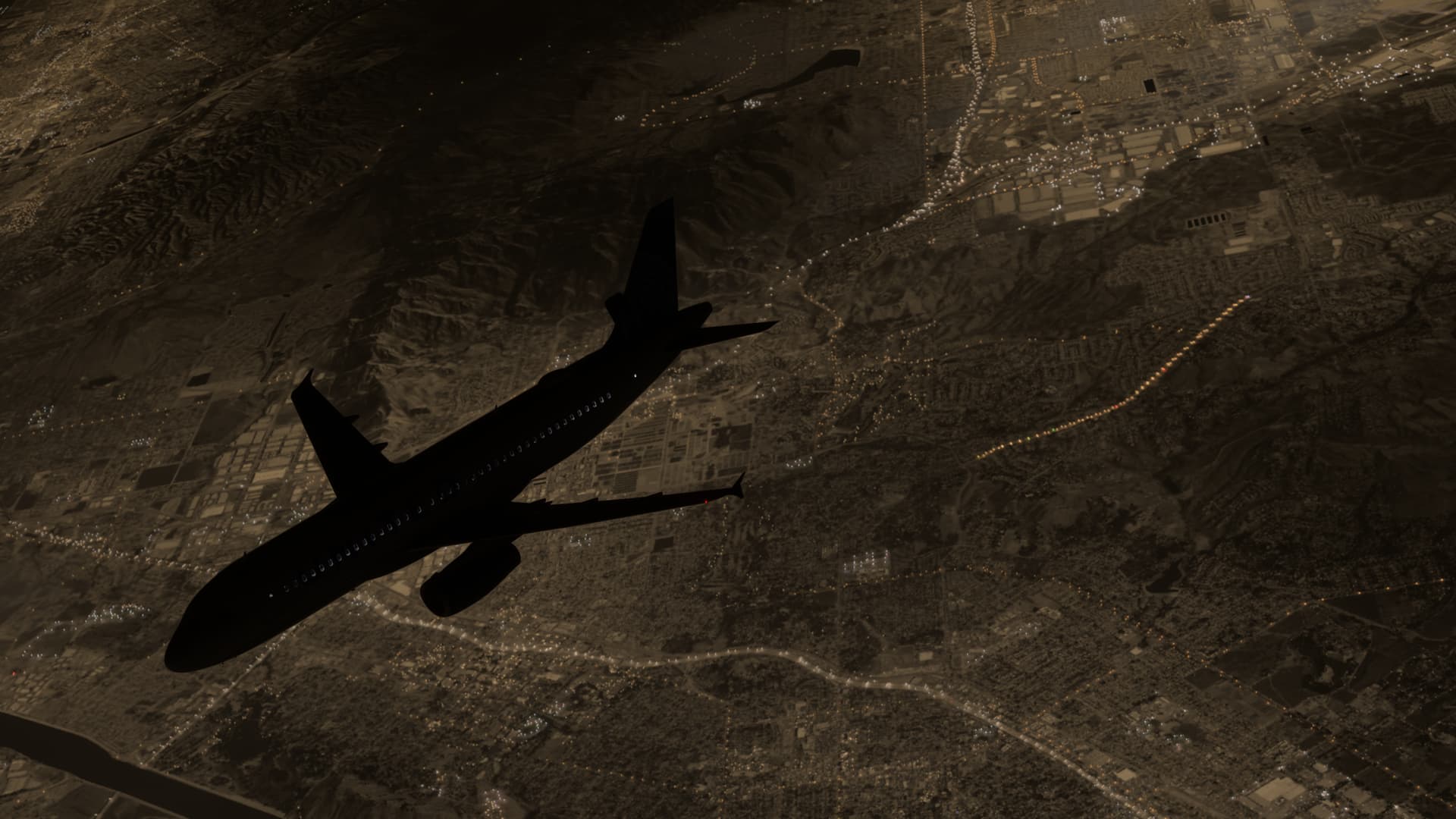
Just.. why is the ground glowing!?
I’m aware that it was brought up in the last developer livestream, but I fear it’s not going to be prioritised yet again.
All made on evenings in Germany. I don’t know why but the server is still not up to par. Max. bandwith used was 90 MBit/s.
Tried using a VPN to USA. The only difference I saw was that the ground texture loads before the building on the world map. Without the VPN it’s the other way around.
July 16, 2024
Jan 1, 2025
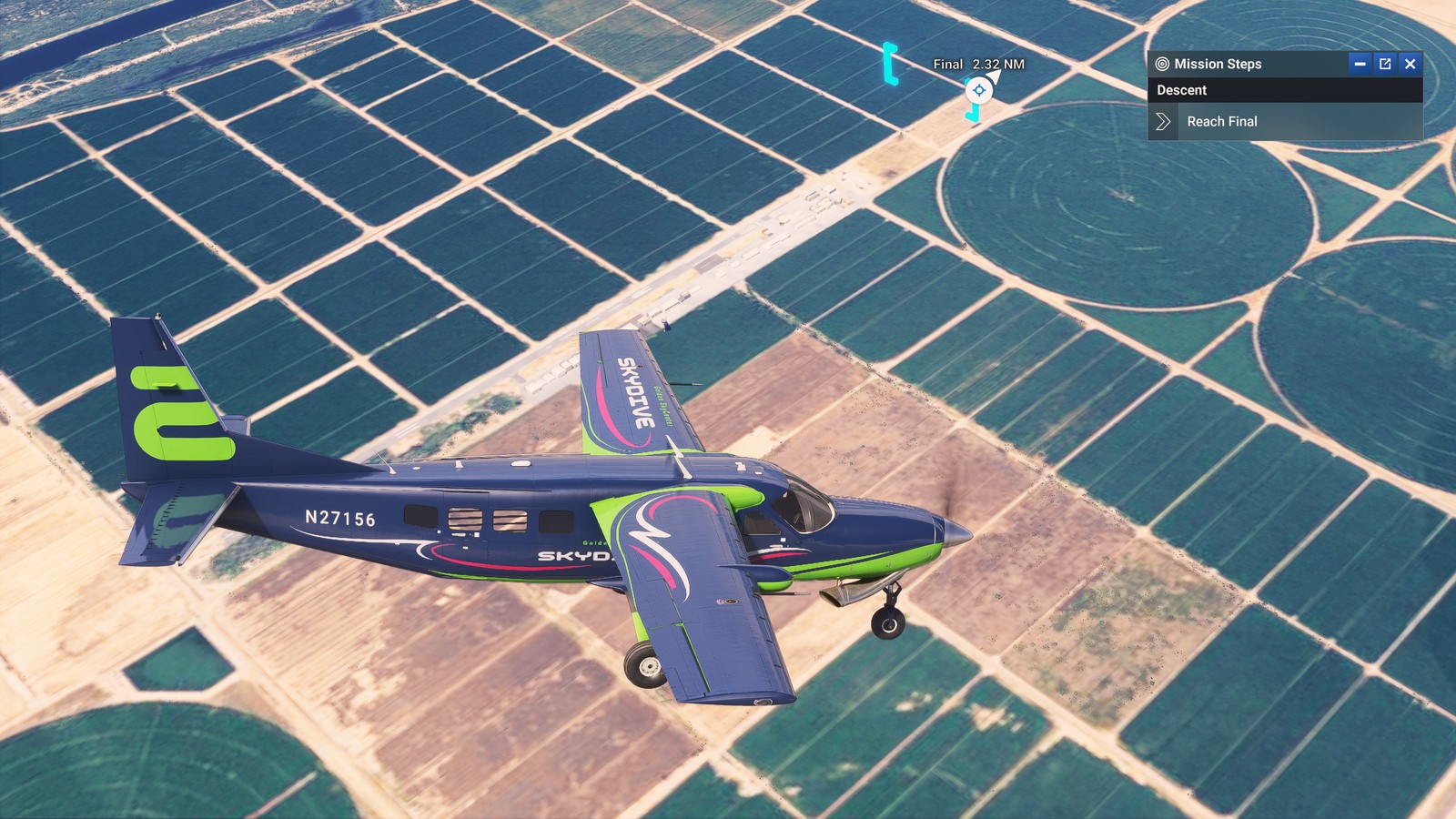
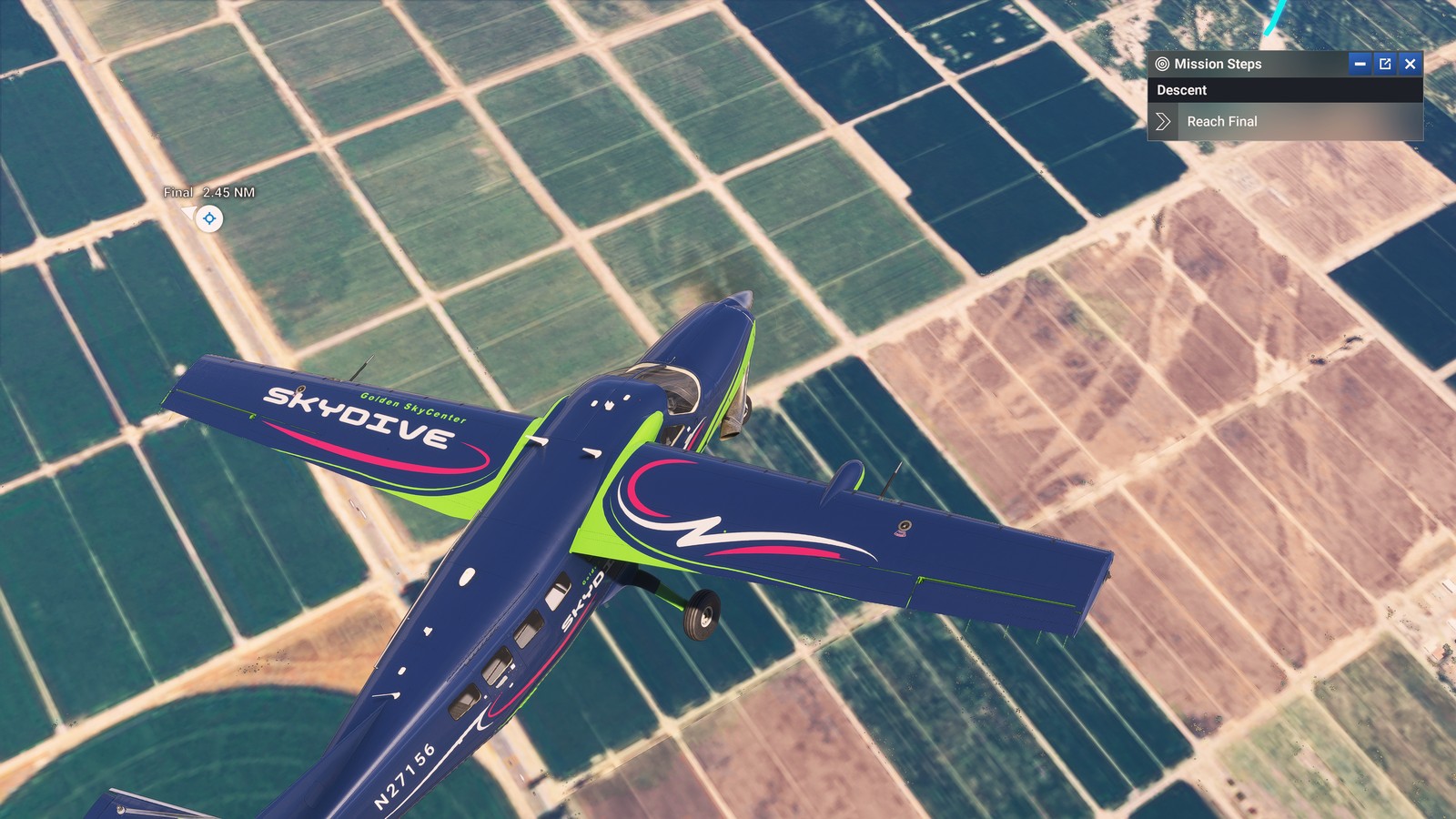
Both screenshots taken with ultra settings and 100 TLOD. It’s not the same place, but the message is clear 
That looks like ■■■■, and it’s exactly what I see in most cases.
What I don’t get about the photogrammetry is that even Google Earth VR looks much better than this at ground level and that is from 2016. How has this technology not improved at all in eight years?
I recently uninstalled FS2024 and reinstalled 2020. Started an evening flight just to compare to my FS2024 screenshots, and 2020 is clearly superior..
Even with their famous sepia masks, it isn’t as immersion breaking as it is currently in FS2024.
Both screenshots were taken with the ULTRA settings preset.
This HAS to be addressed.
yeah its very pathetic how we went backwards with 2024 haha
I wonder if MS will make a statement this week. We havent heard fron them for the last 20 days
Apparently there will be a development blog update tomorrow (9th Jan).
Do people really have the same issues as i do? I cant really imagine that honestly. I already did a reinstall like 2 weeks ago and so far no big update came out.
My ground textures are just horrible and wont load in properly.
Textures set to High and TLOD set to 200. Also 50mbits stable internet connection.
Any idea what could fix this so i dont get Flight Sim 95 textures anymore?
Live with it forn now and yes….lots of users are affected including me. I have a 1GB fiber and world texture are a blurry mess from day one. I also think this bug was one of the most voted in the last live stream
Why is Microsoft & the devs not specifically calling out this blurry issue? We haven’t seen anything targeting this problem. Crazy
Do we have an estimate on timing of the new data rollout?
Just give us the world locally again. I guarantee this is all because it’s streaming. Storage space is cheap. If nothing else, at least give us the option to download everything and those that can’t can stream it. I tried to do a visual approach this morning and it cant be done. I was on top of the airport before I could even see the runway. Absolutely untenable. Make Flight Sim Local Again!
This: