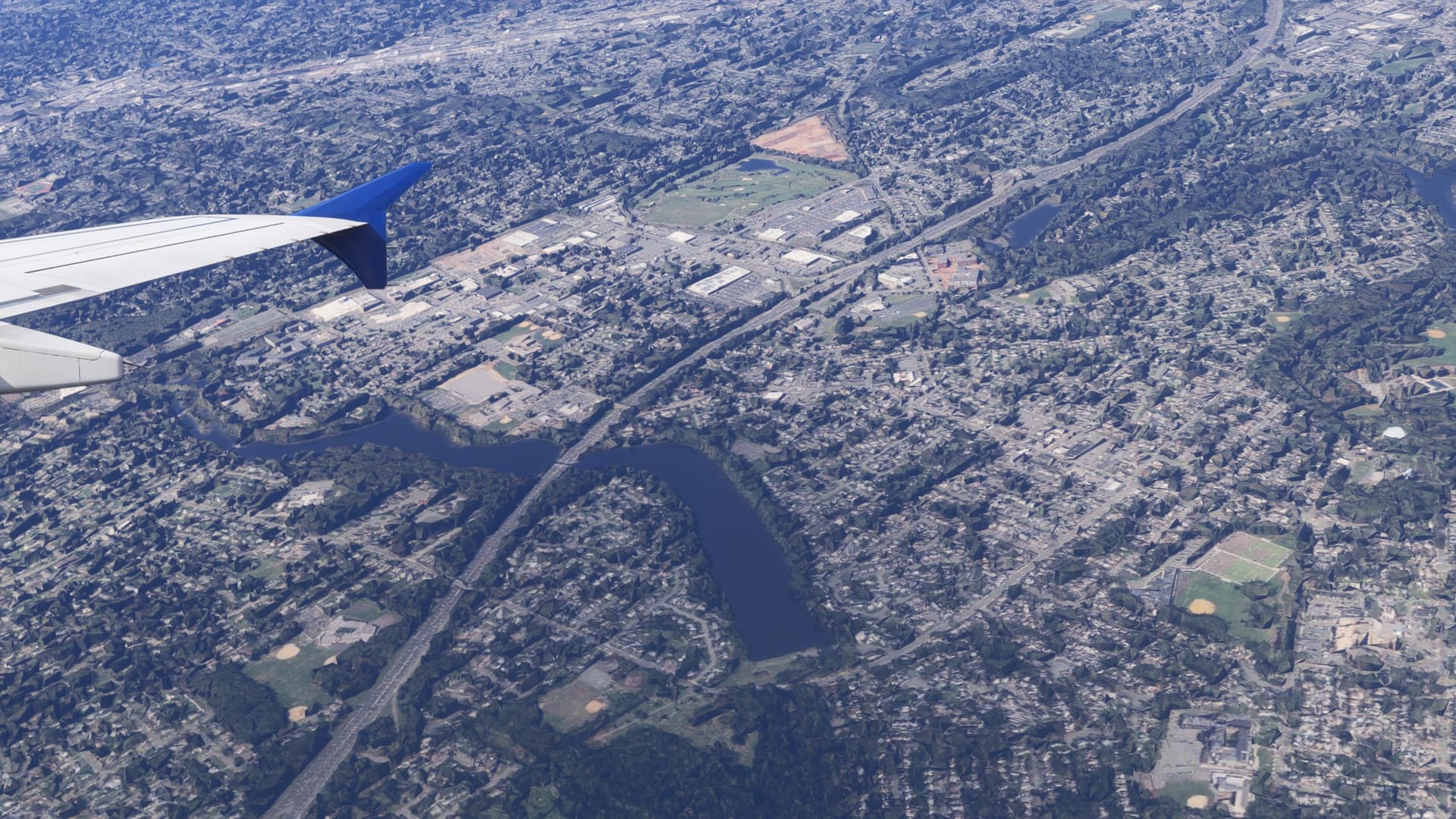
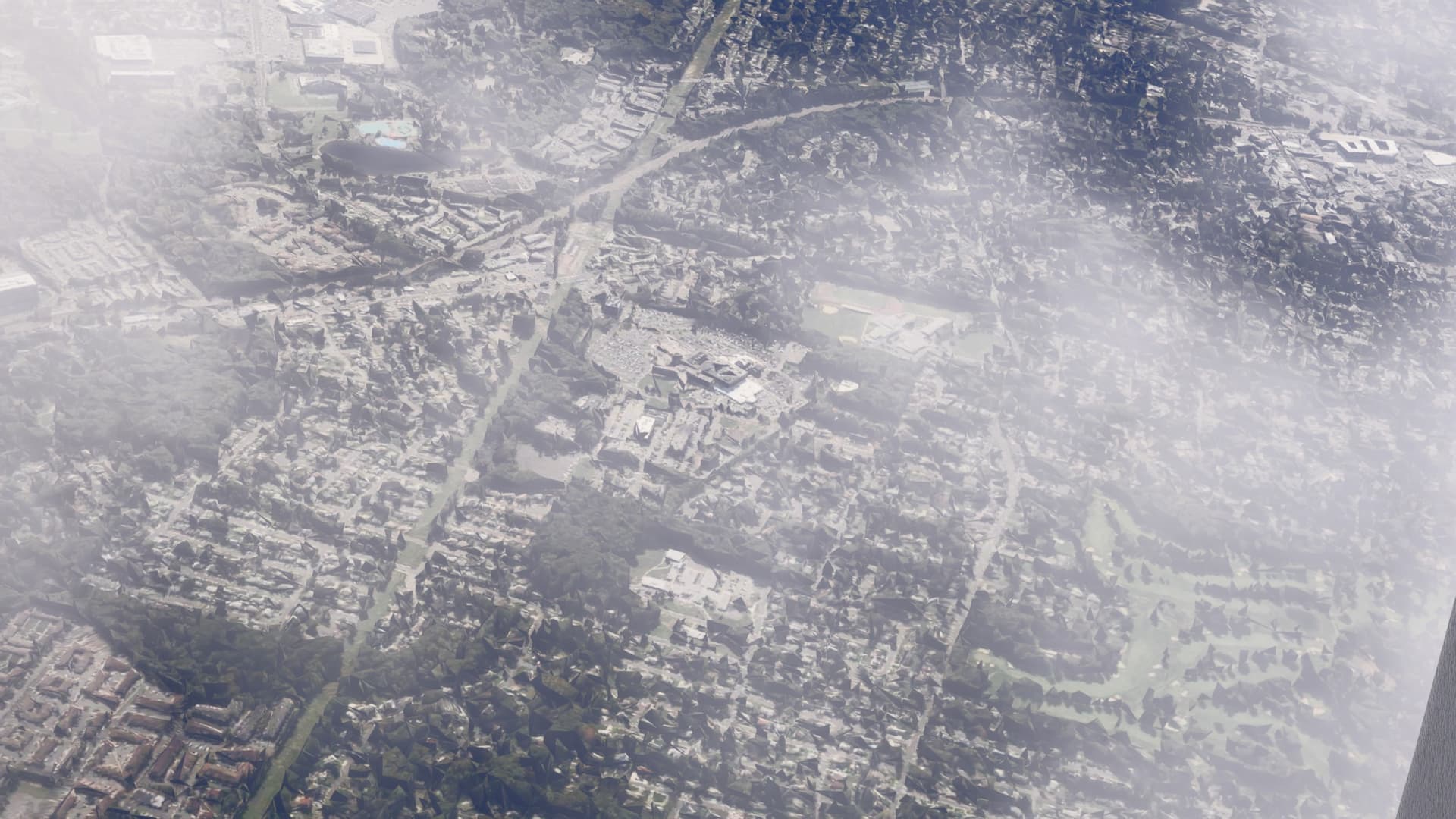
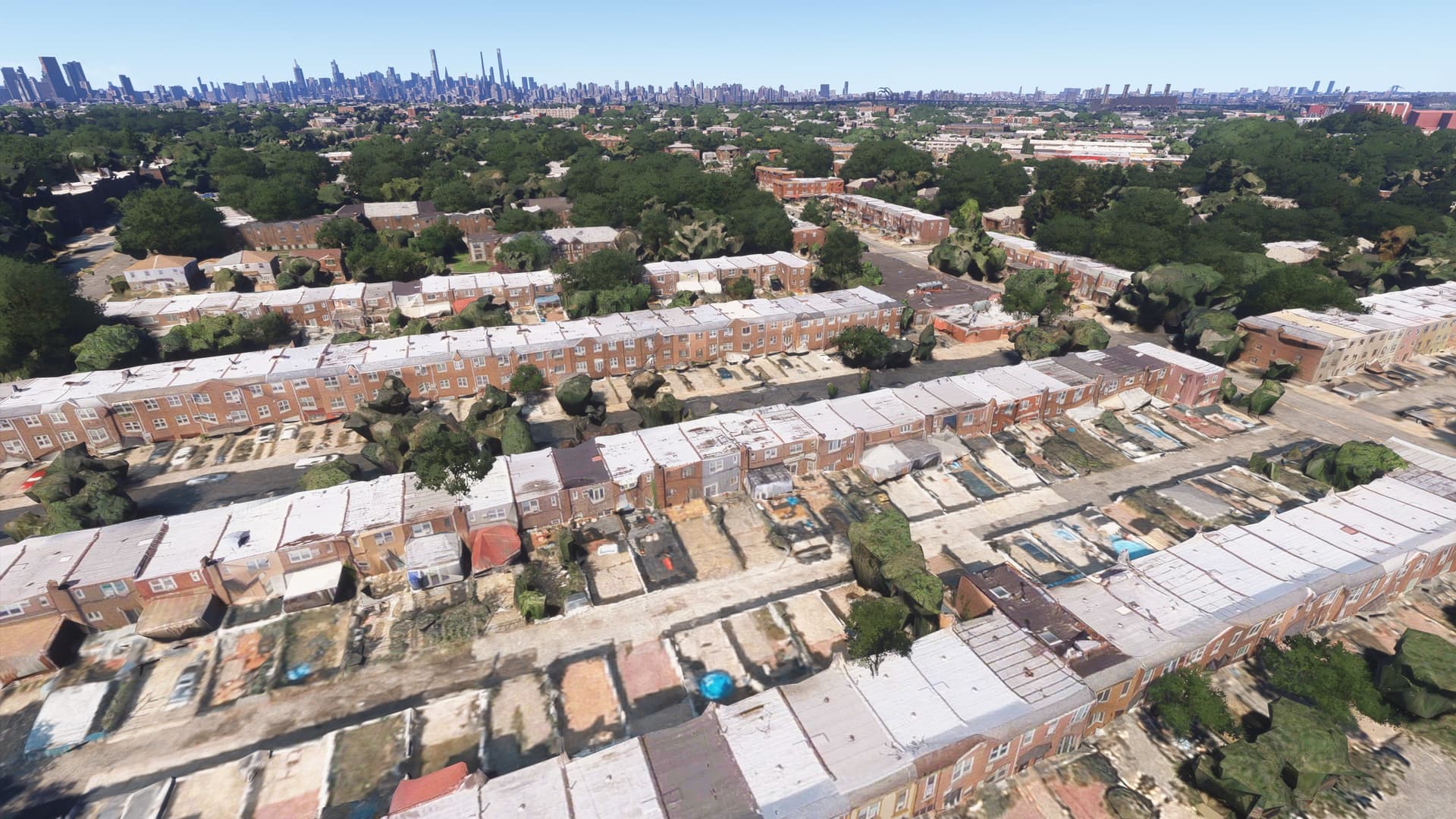
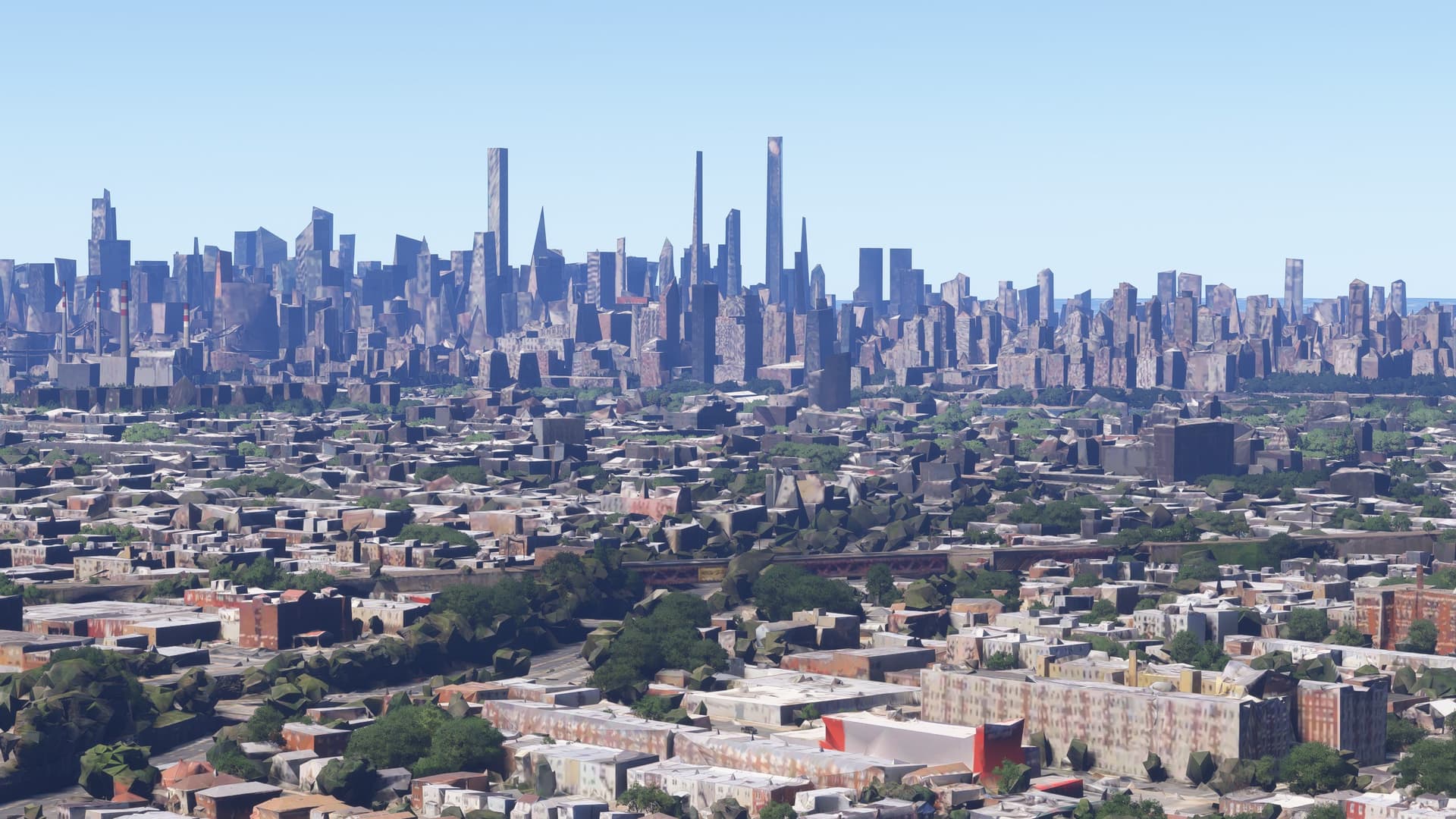
Haven’t seen anything posted about this but I’ve been having an issue on FS2024 with ground textures and buildings looking like a warzone. The buildings look damaged and blurry and the ground has blocks everywhere. I tried disabling photogrammetry which took away the blocks and blurriness but it looks terrible still. I am on the high-end preset for graphics. I attached some photos for reference. The last two are with photogrammetry off. These were taken in the NYC area, but I also experienced this issue when departing KMIA east towards the city. I did not have this issue months ago but with SU2 I was having too many CTD’s so I stopped using the sim. I just did a clean reinstall with SU3 beta and have not had any CTD’s but I can’t fix this issue.
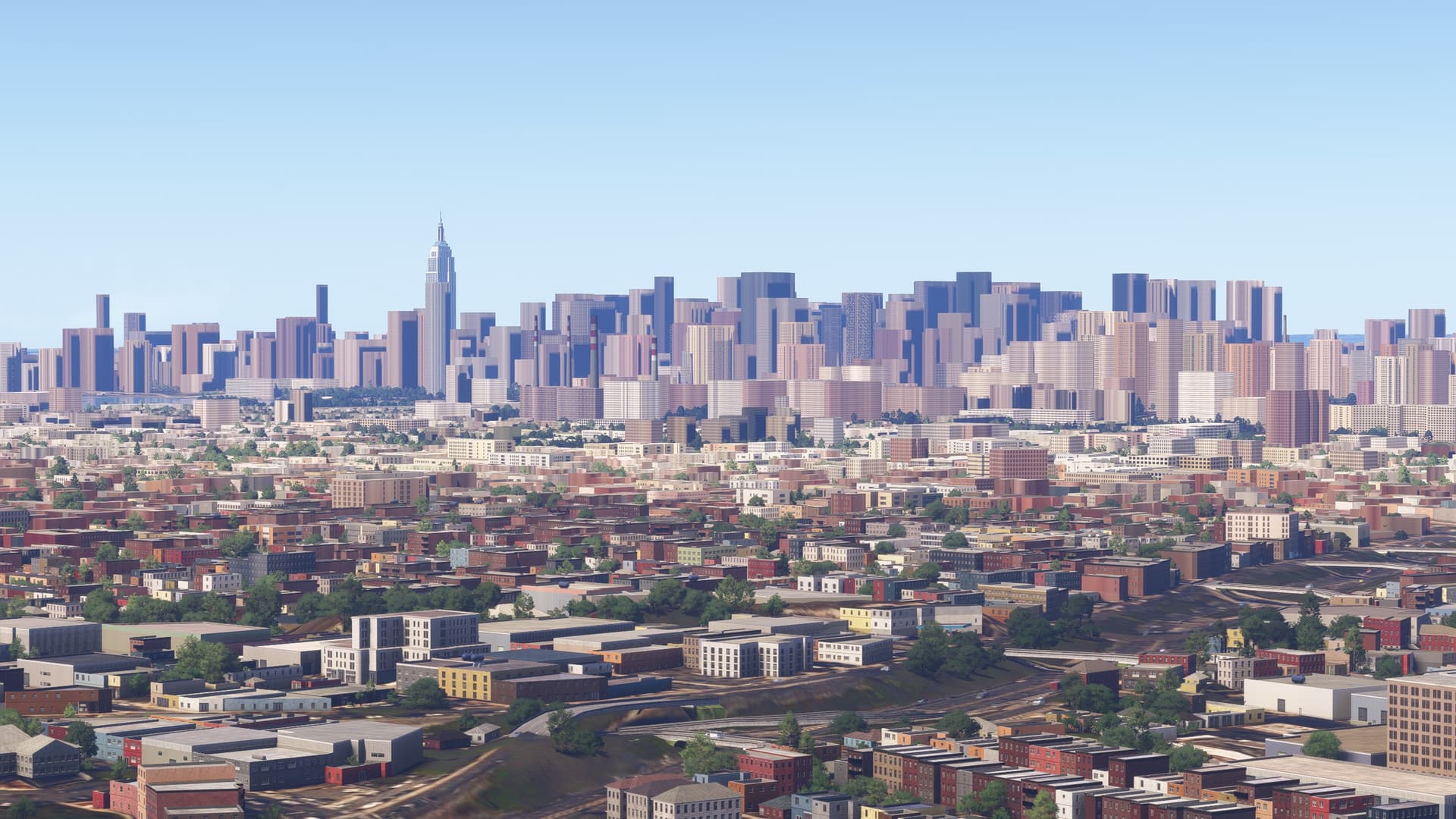
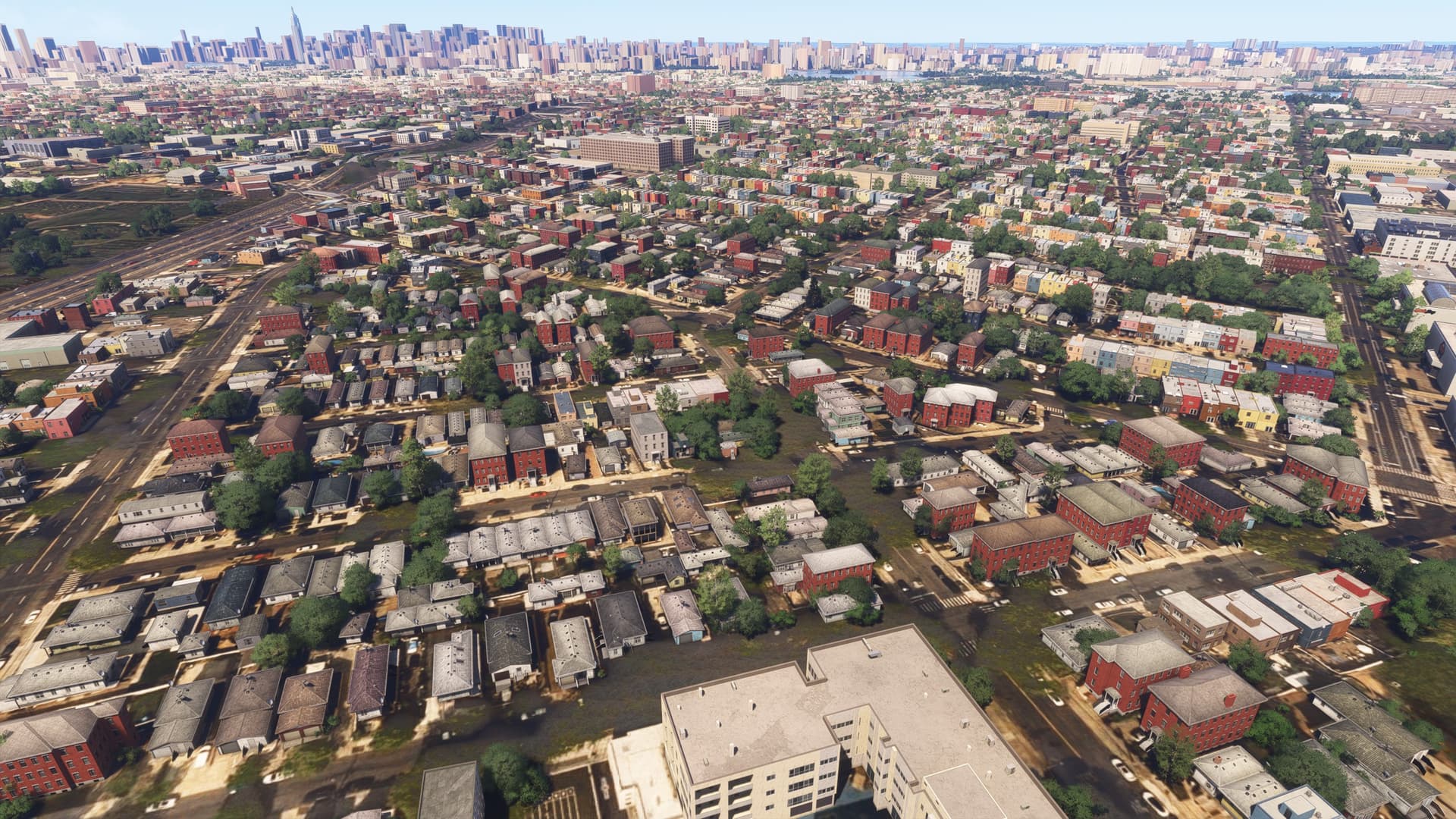
This is a known bug as below:
That’s crazy that it has been going on since release based on the date that was published. I haven’t experienced it until now. I guess I’ll have to go back to 2020 because I can’t look at textures like that.
Do you have Dynamic settings enabled?
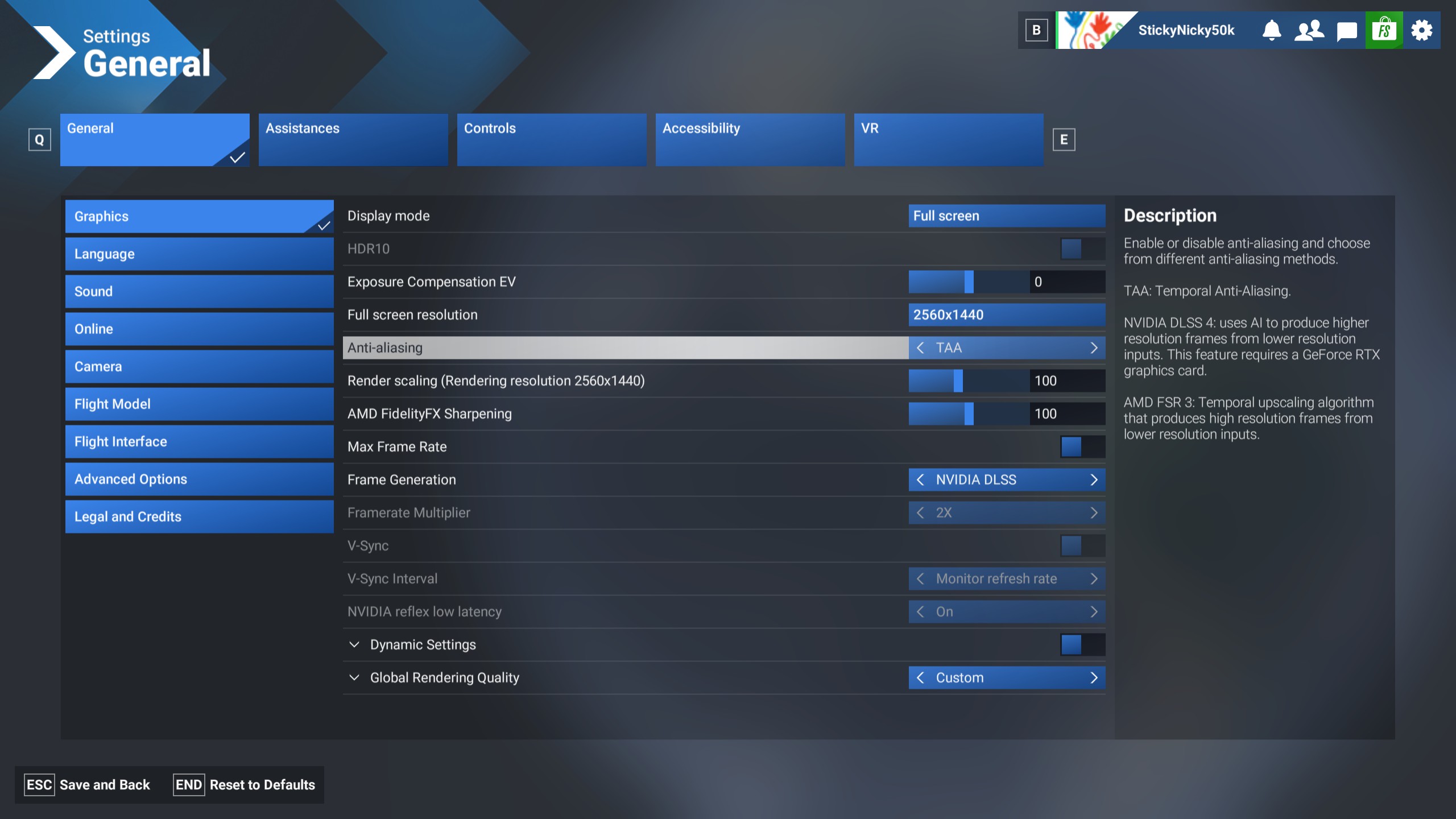

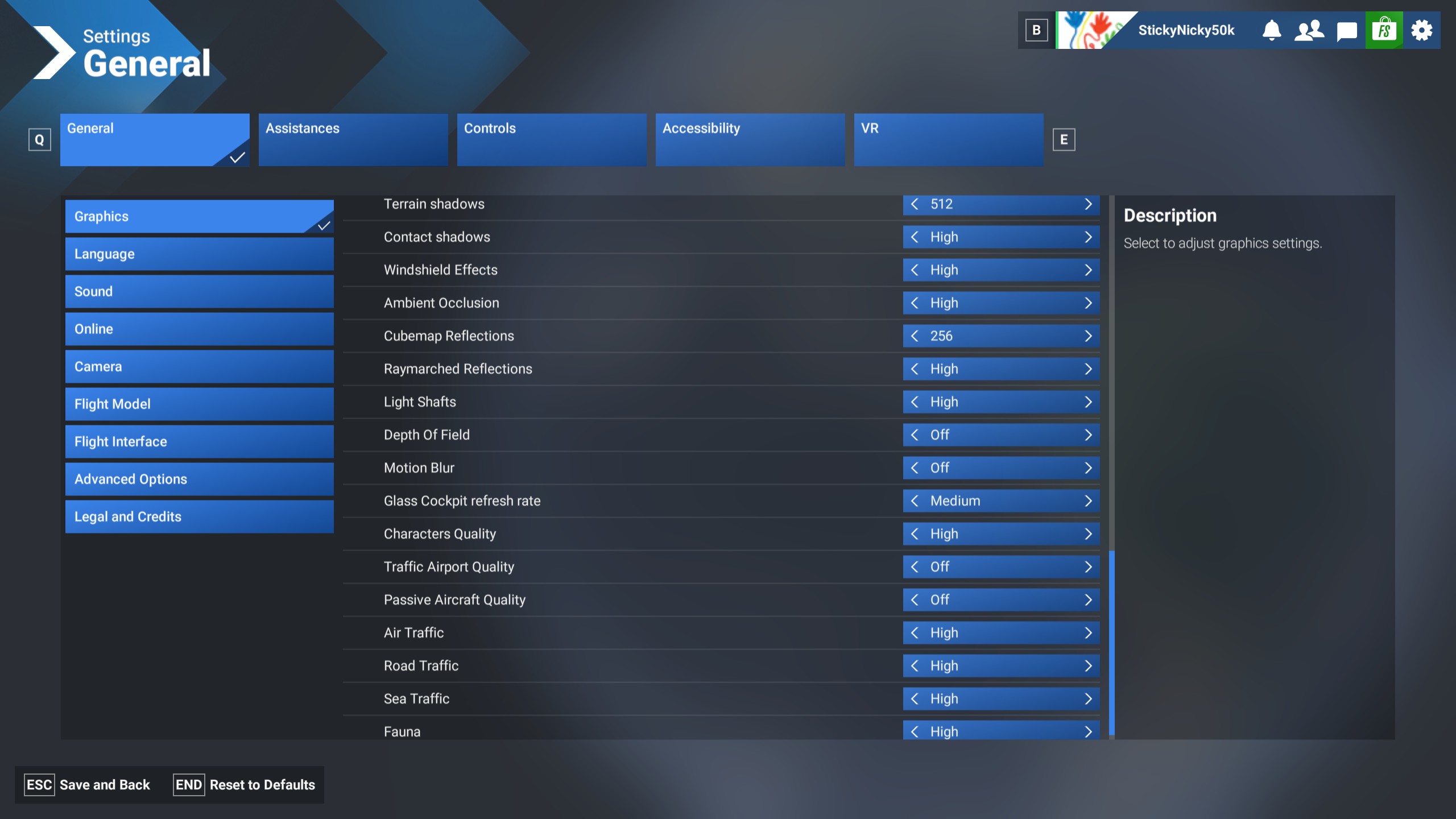
Has there been any update on this? I just reinstalled from scratch today and it still looks the same. I can’t figure out how to make the graphics looks good no matter what. Should I install everything instead of streaming?
Test with PG off vs On.
2020 is using the same Bing map data after SU 16.
I tried PG on both settings. Turning it off fixes the buildings looking destroyed but they get replaced with generic looking stuff that still looks pretty bad.
Try clearing your caches using…MSFS2020/2024 Cache Removal Tool for Microsoft Flight Simulator | MSFS
Also clear out the ‘SceneryIndexes’ folder (.dat files)
That actually helped a lot. I reloaded into NYC and it looks a lot better. Thank you!