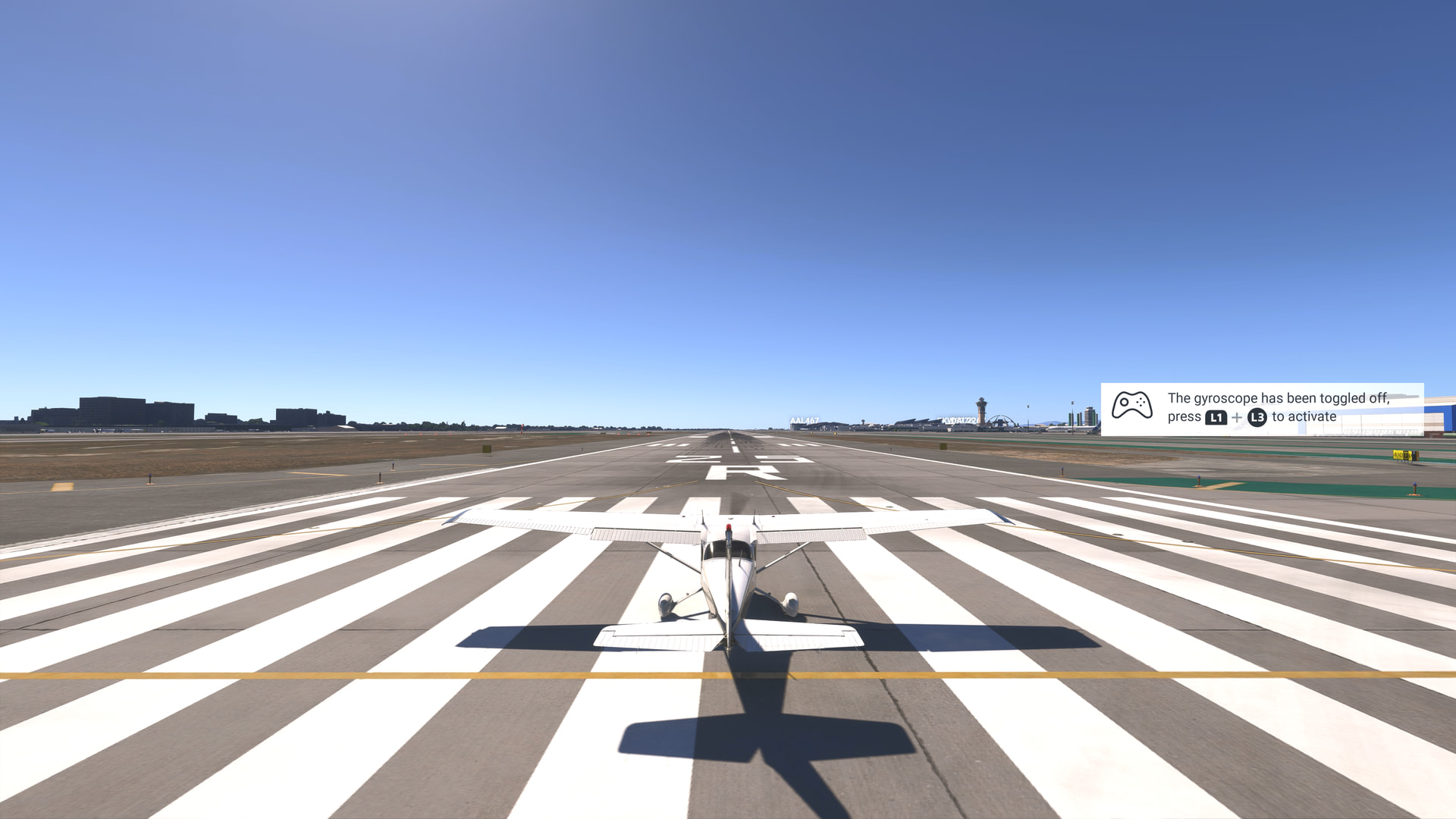
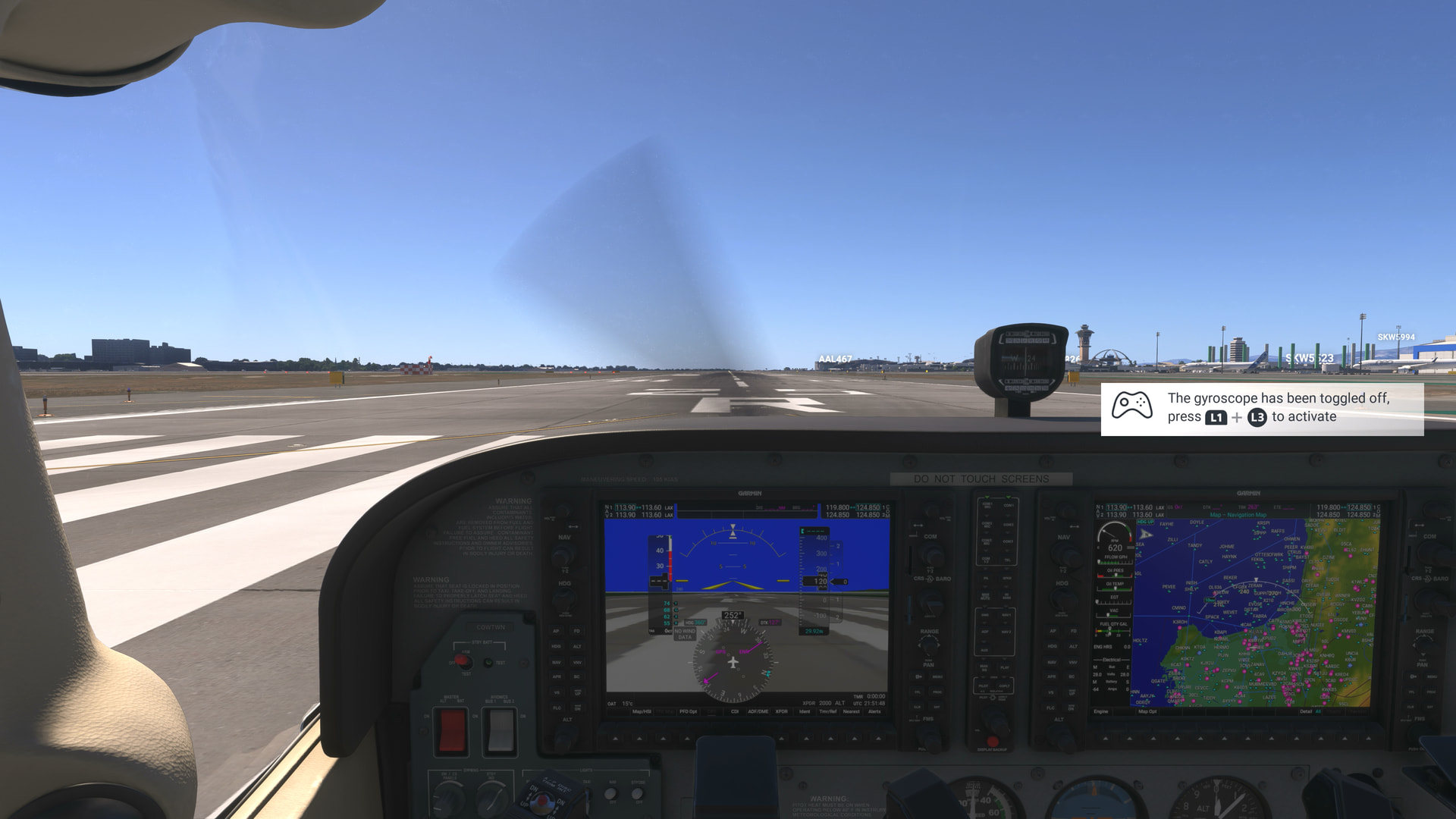
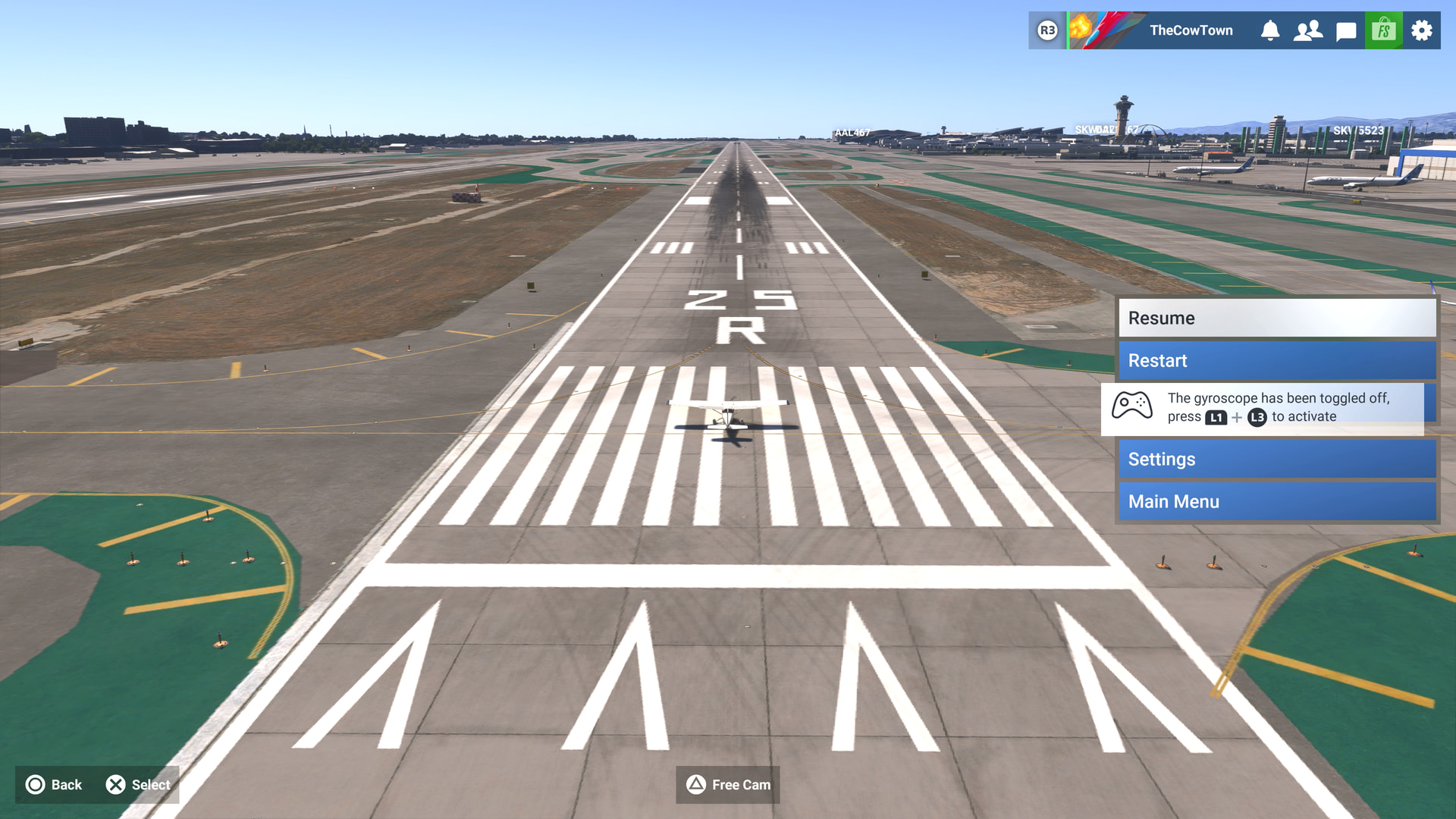
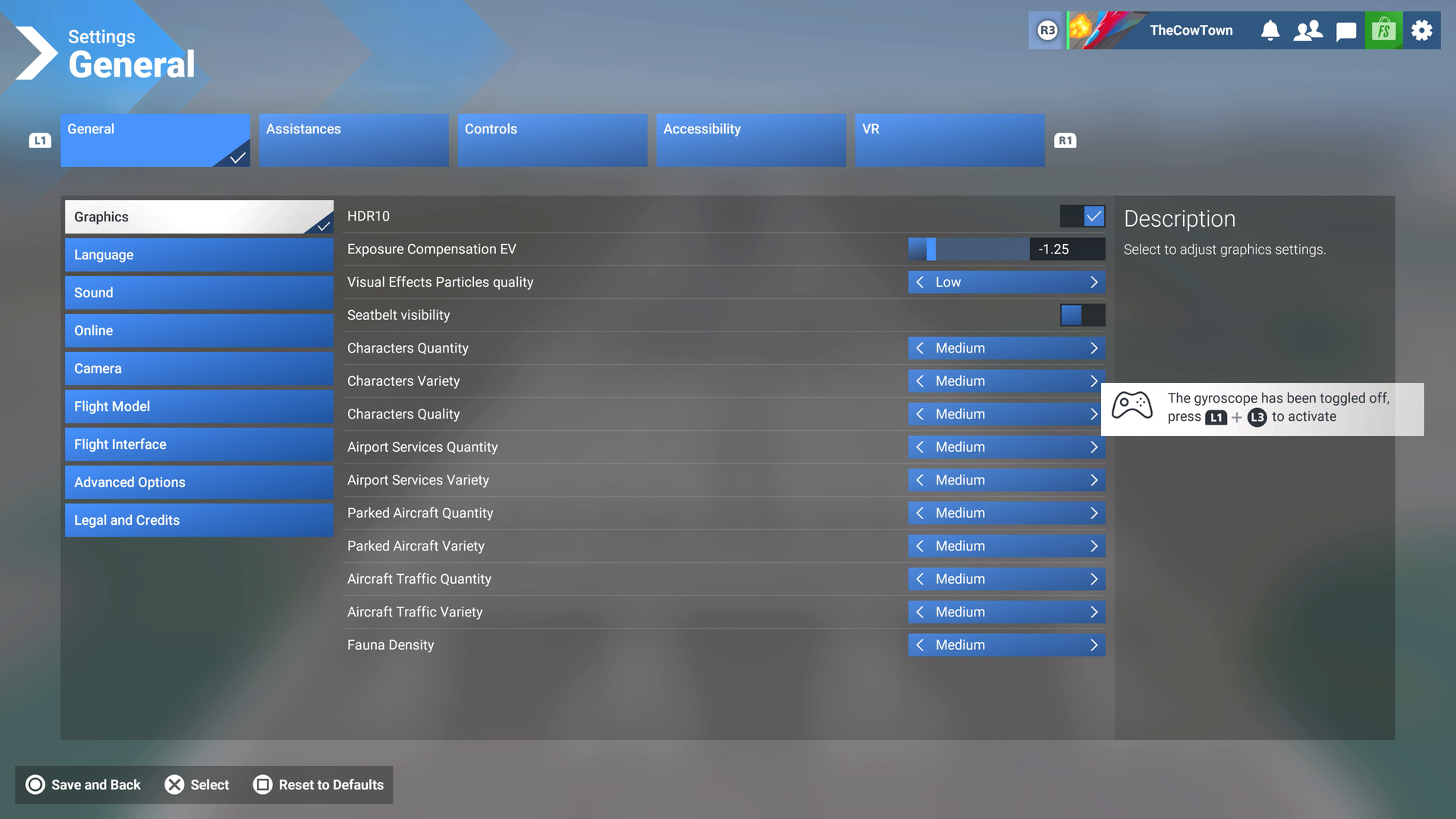
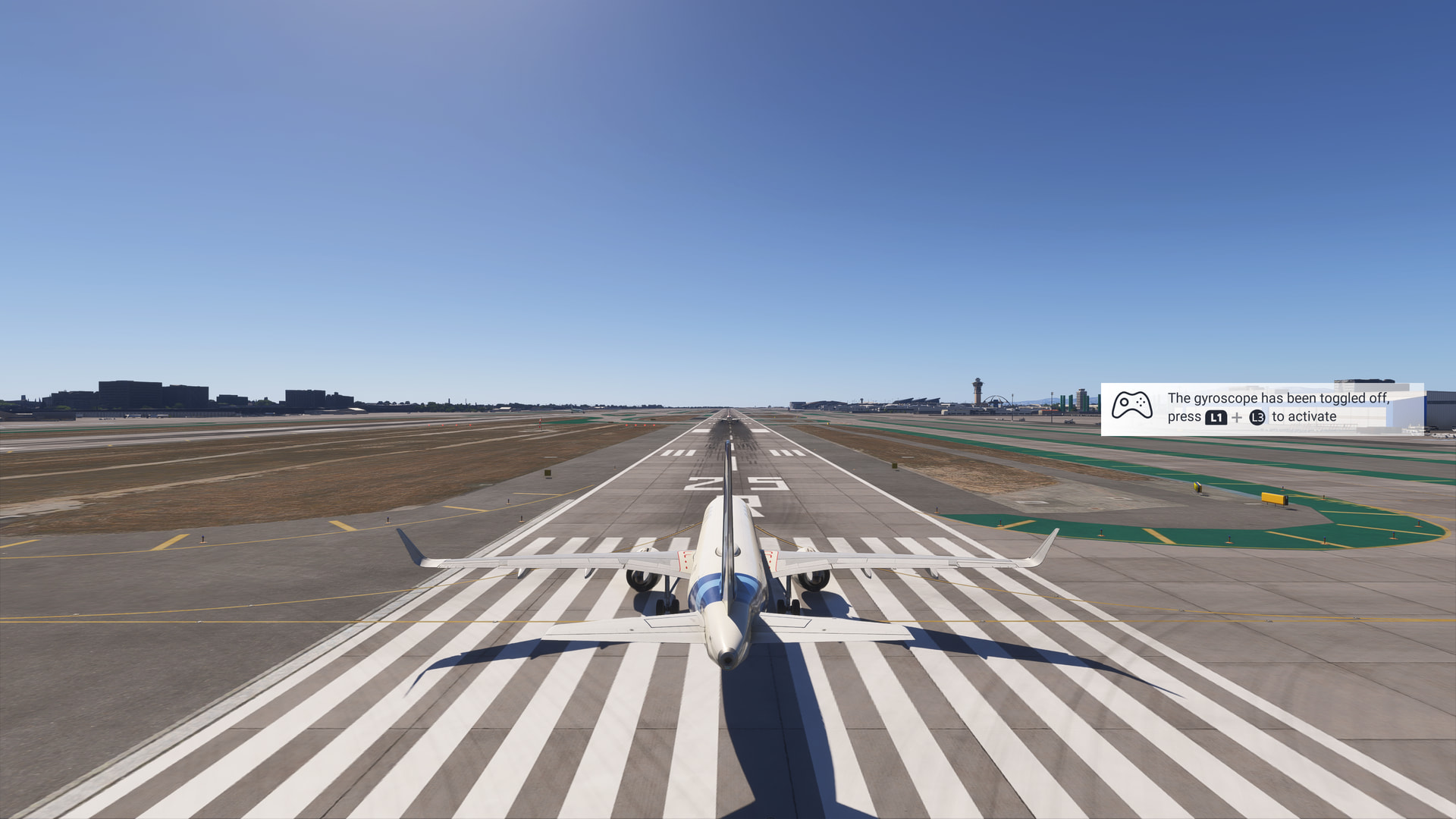
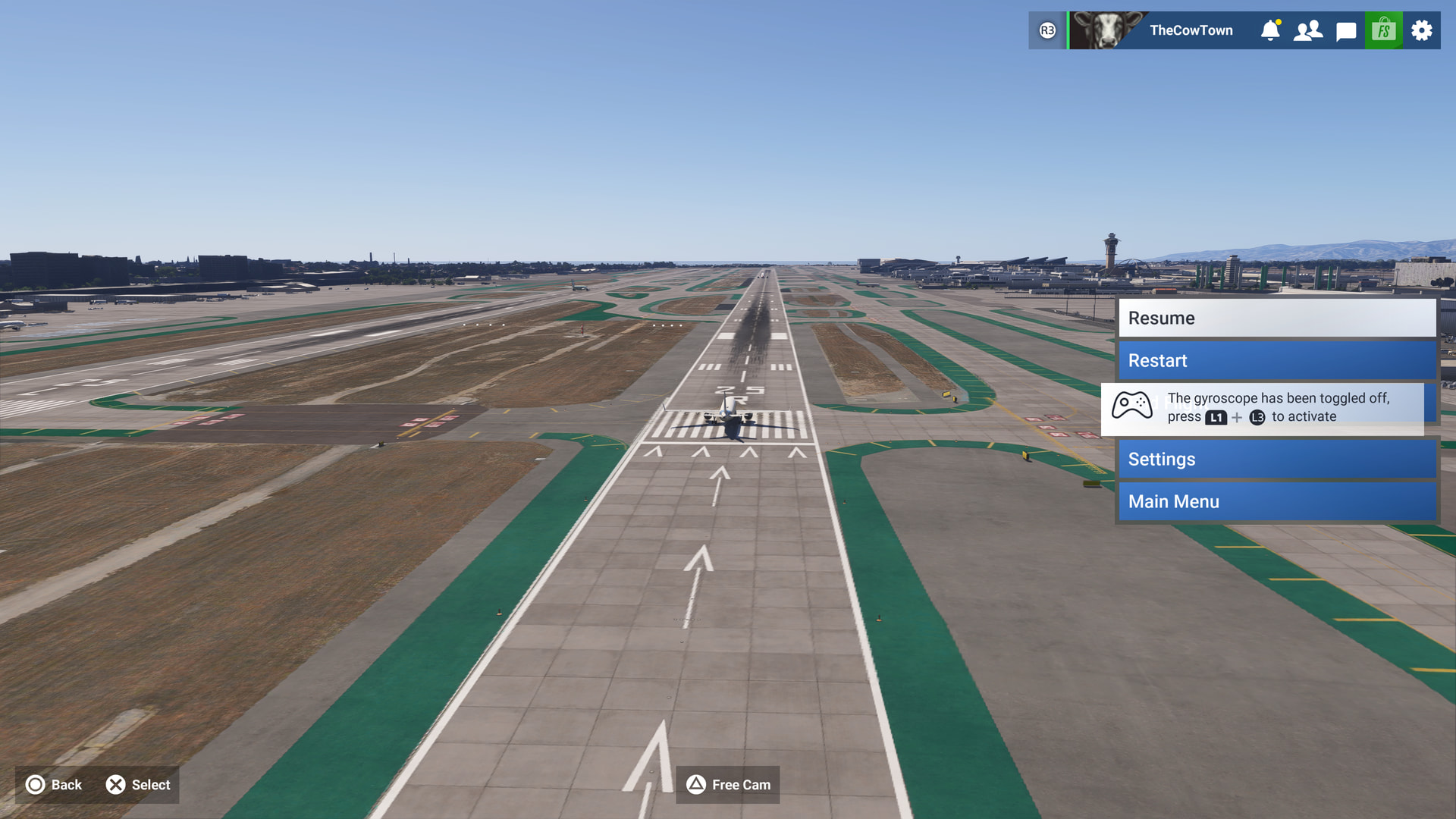
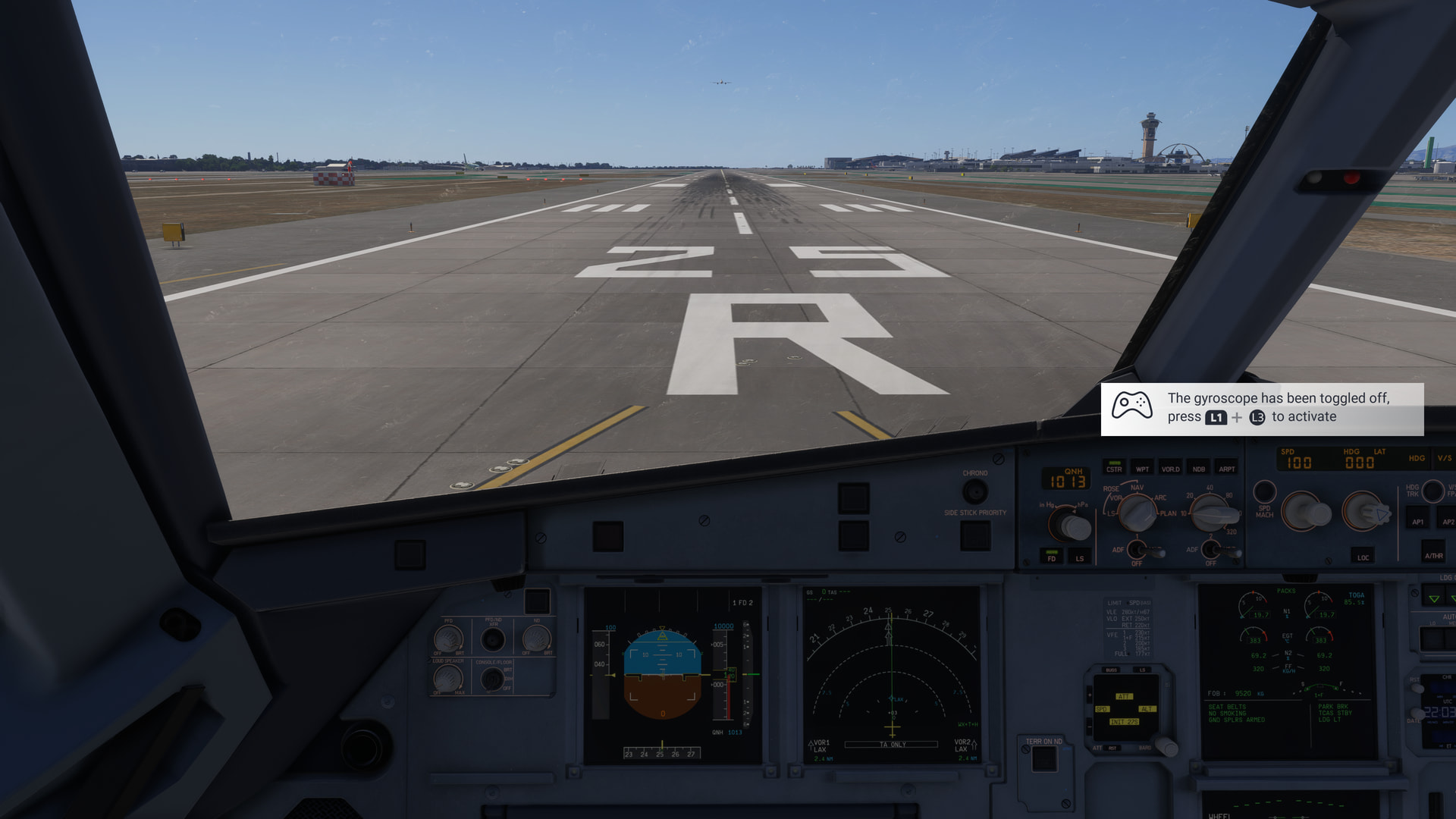
With the new 1.009.010 (1.9.10.0 on PC) SU7 Beta Build the prompt that says “The gyroscope has been toggled off/on, press L1 + L3 to activate” now stays on the screen permanently instead of fading away like it’s supposed to on both the PS5 and PC when using the DualSense Gyroscope.
(Side note: Can we get the ability to turn off that prompt off at some point? That would be awesome!)
FREQUENCY OF ISSUE
Seems to be happening almost 100% of the time on the PS5 and PC.
REPRODUCTION STEPS
Please list clear steps you took in order to help our test team reproduce the same issue:
Load into Free Flight on either the PS5 or PC (I rebooted the sim so a fresh boot nothing else was flown)
I tried with an Airbus A320 & Cessna 172 (Shouldn’t matter what you’re trying to fly) at KLAX
Toggle the Gyroscope on (It’ll probably disappear normally) and then off and it’ll just stay on the screen in external and internal cameras, in menus, and photo mode as well.
Seems like a general issue with in game hints. I‘m having the same problem with that message that appears when you first click on the 3d EFB reminding you that you can also access it via the toolbar. Sorry, I don‘t remember the exact wording of the message anymore.
We have created an internal ticket to see if our team already has this logged, and if not they will attempt to reproduce the issue and create a new bug report. This item is now marked as feedback-logged. If there is an existing bug report or one is created, we will move this thread to bug-logged.
This topic has now been updated from feedback-logged to bug-logged after successful internal reproductions. Please note that we do not provide estimated timelines for bug fixes to be released.
Thanks for helping us to identify this issue by creating a Bug Report.
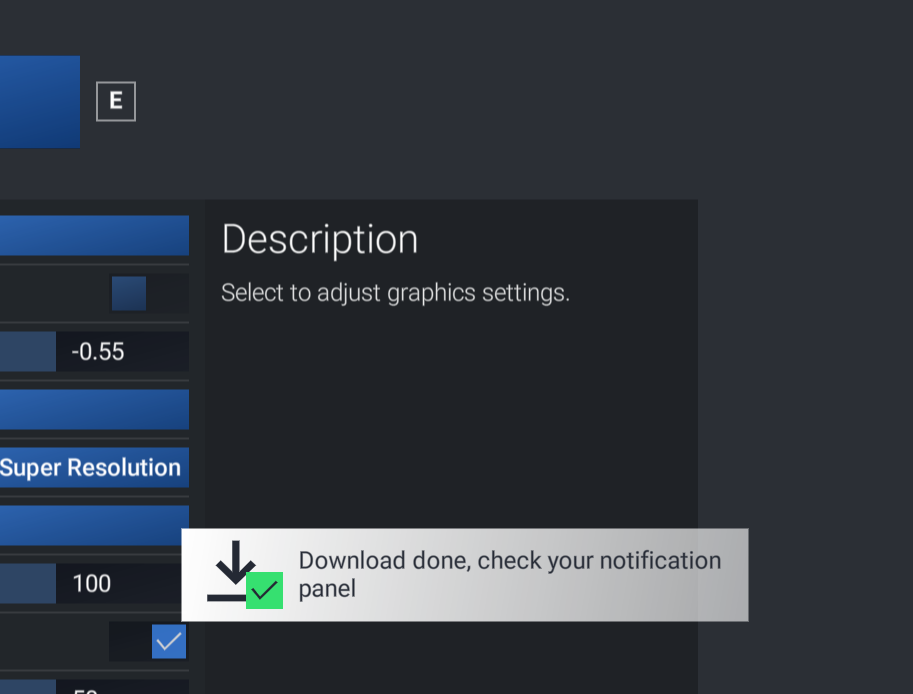
During 2 sessions now I have had a download notification and a connection notification appear and remain. The only way to remove these was to shut down the sim.
One for aircraft if related (start typing in your aircraft name in the tag section and pick correct option)
Black Square TBM-850 with Echo19 soundpack
Feel free to delete this quote section after adding your appropriate tags.
ISSUE DESCRIPTION
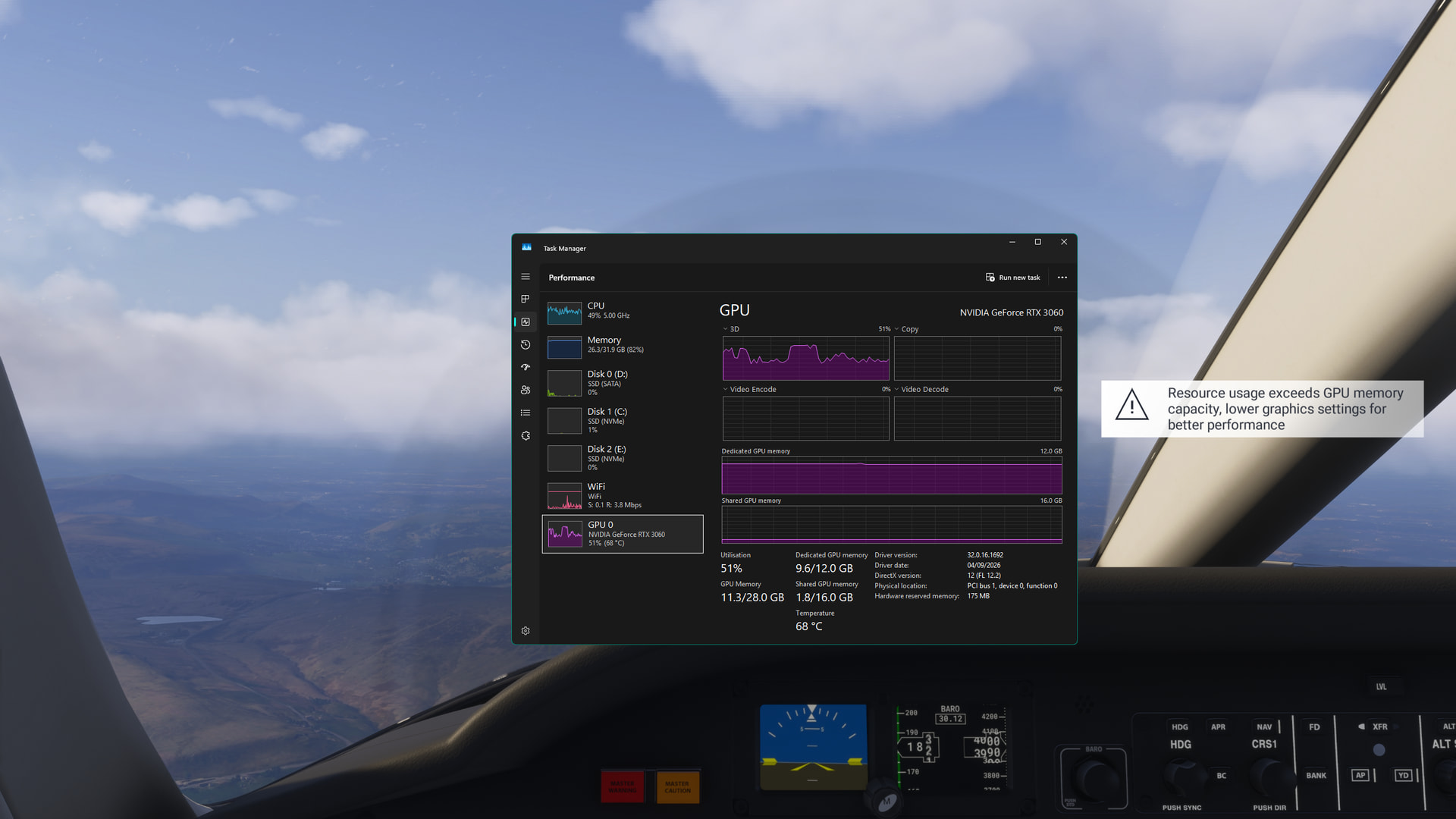
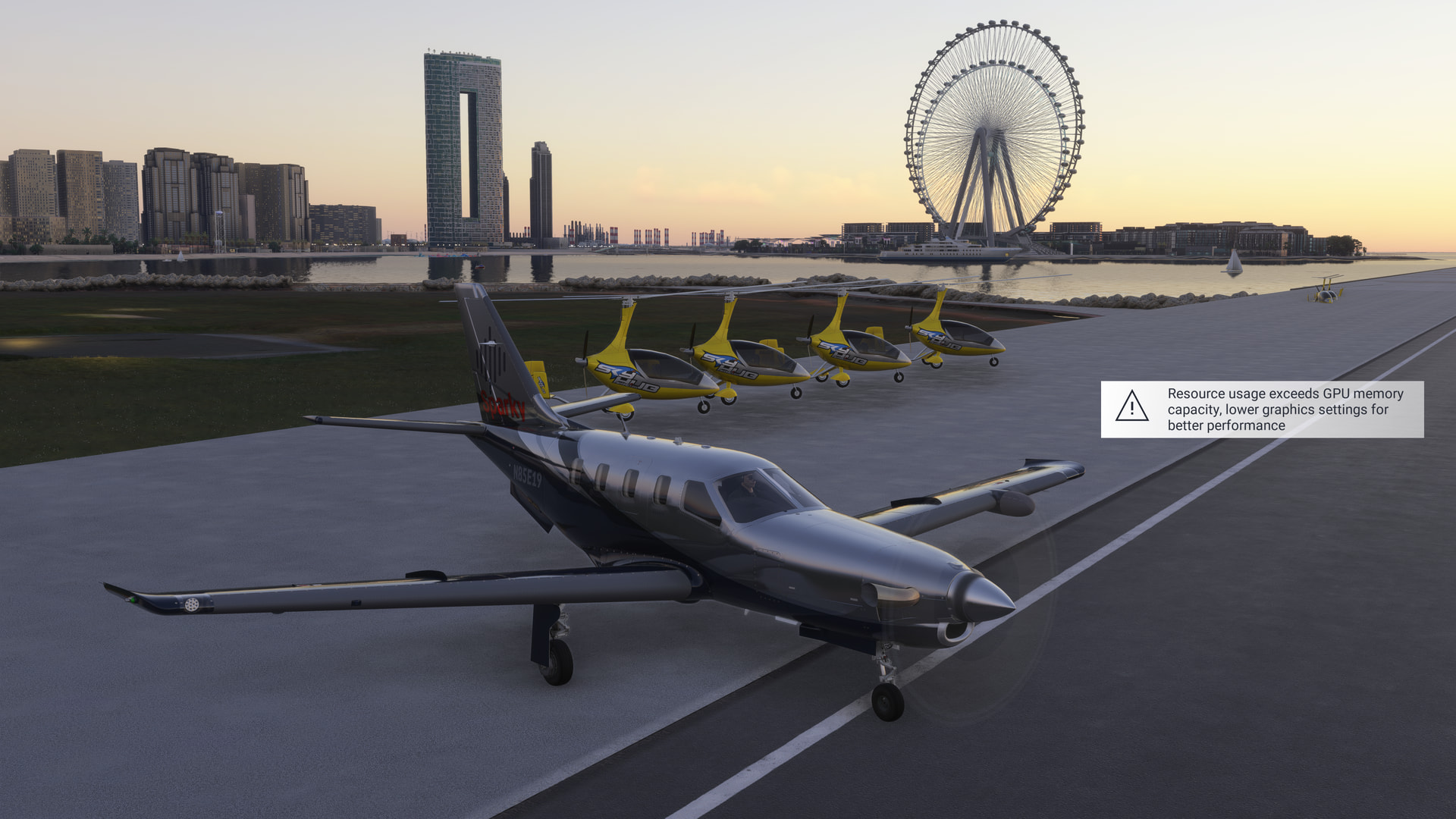
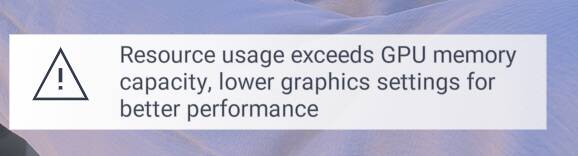
pop-up does not go away “Recource usage exceeds GPU memory capacity, lower graphics settings for better performance”
Description of the issue:
FREQUENCY OF ISSUE
How often does this occur for you (Example: Just once, every time on sim load, intermittently)?
Every time all the time
REPRODUCTION STEPS
Please list clear steps you took in order to help our test team reproduce the same issue:
Load on parking spot on airport what was on new iniBuilds (OMDB) Dubai International Airport with this time Black Square TBM-850 V0.1.4 with Echo19 BS TBM850 Soundpack V.0.1.0
When starting cold & dark and taxi to runway and take off the pop-up does not go away ever
YOUR SETTINGS
If the issue still occurs with no mods and add-ons, please continue to report your issue. If not, please move this post to the User Support Hub.
What peripherals are you using:
[PC Only] Are you using Developer Mode or have you made any changes to it?
No
[PC Only] What GPU (Graphics Card) do you use?
Sapphire Nitro+ RX 9070 XT with 16GB
[PC Only] What other relevant PC specs can you share?
AMD Ryzen 9 5900X on AM4 X570 with 32GB ram and all SSD’s
MEDIA
Please add a screenshot or video of the issue occurring.
I had the same problem. I hit escape and did a restart at that screen of options and it disappeared. This is persistent each time I create a new flight plan. I use this again. Hope it works for you.