ISSUE DESCRIPTION
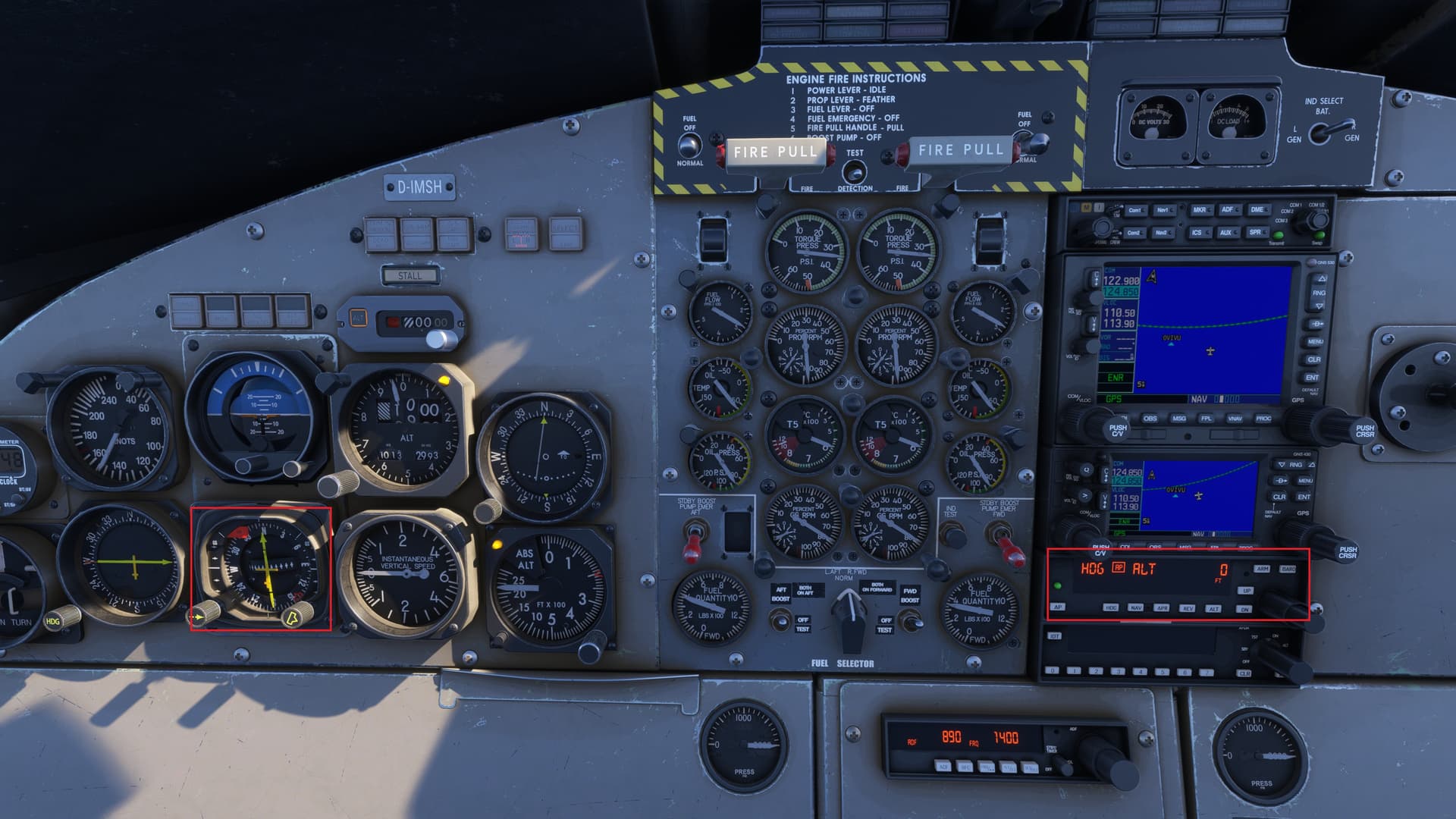
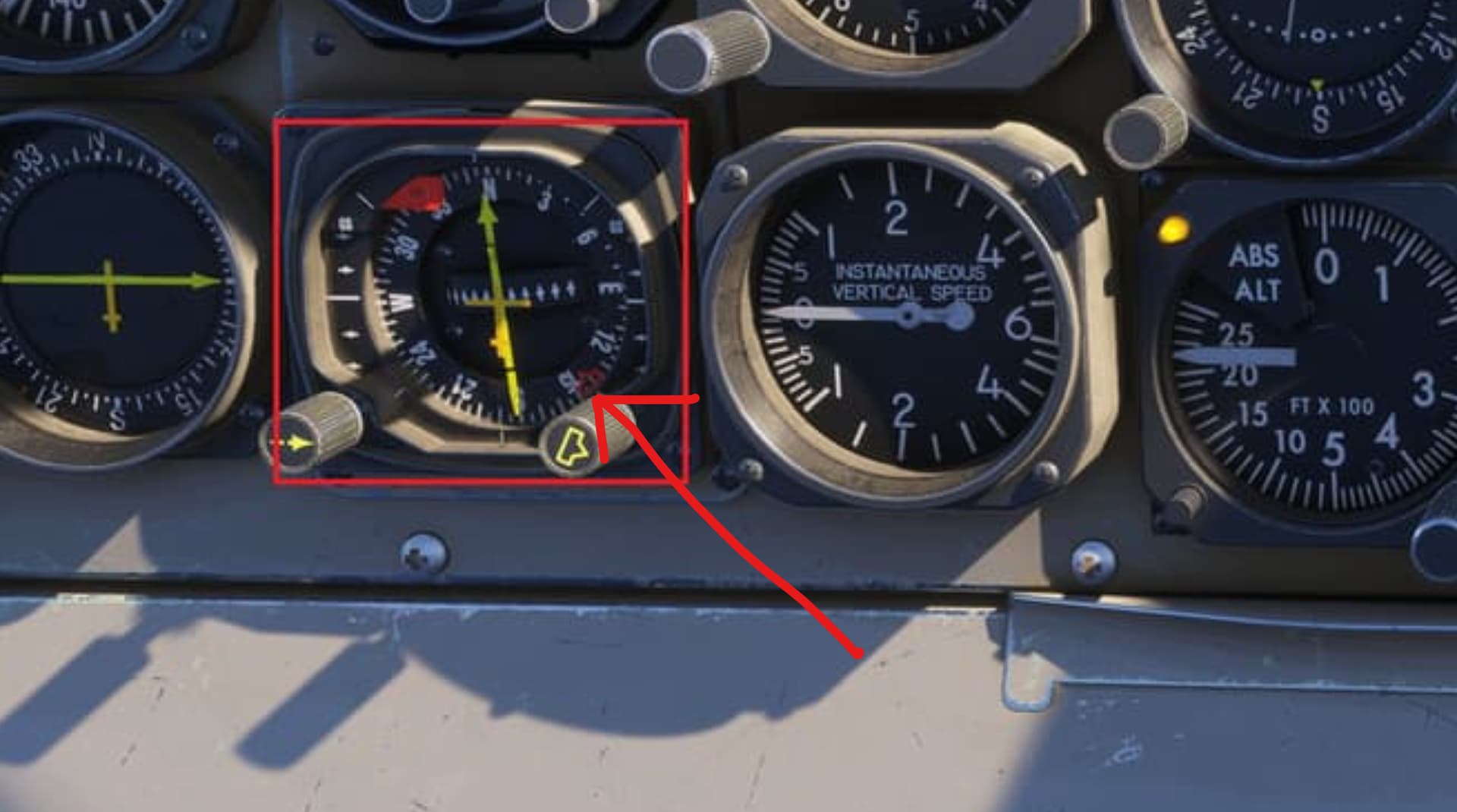
Sometimes when heading mode is selected after the autopilot is turned on. The plan flies about 140 degrees off the selected heading. For example, when the heading bug is set to 140 degrees the plane files north at about 0 degrees.
FREQUENCY OF ISSUE
Intermittently. Nothing I can determine that indicates the problem will occur
REPRODUCTION STEPS
Please list clear steps you took in order to help our test team reproduce the same issue:
-
Set heading bug to runway heading
-
Takeoff as normal
-
Turn autopilot on
-
Turn on heading mode
-
If the problem occurs, the plane makes a left turn -140 degrees from the selected heading
YOUR SETTINGS
If the issue still occurs with no mods and add-ons, please continue to report your issue. If not, please move this post to the User Support Hub.
What peripherals are you using, if relevant:
None
[PC Only] Are you using Developer Mode or have you made any changes to it?
No
[PC Only] What GPU (Graphics Card) do you use?
Nvidia GeForce RTX 5090
[PC Only] What other relevant PC specs can you share?
Windows 11, Intel(R) Core™ Ultra 9 285k