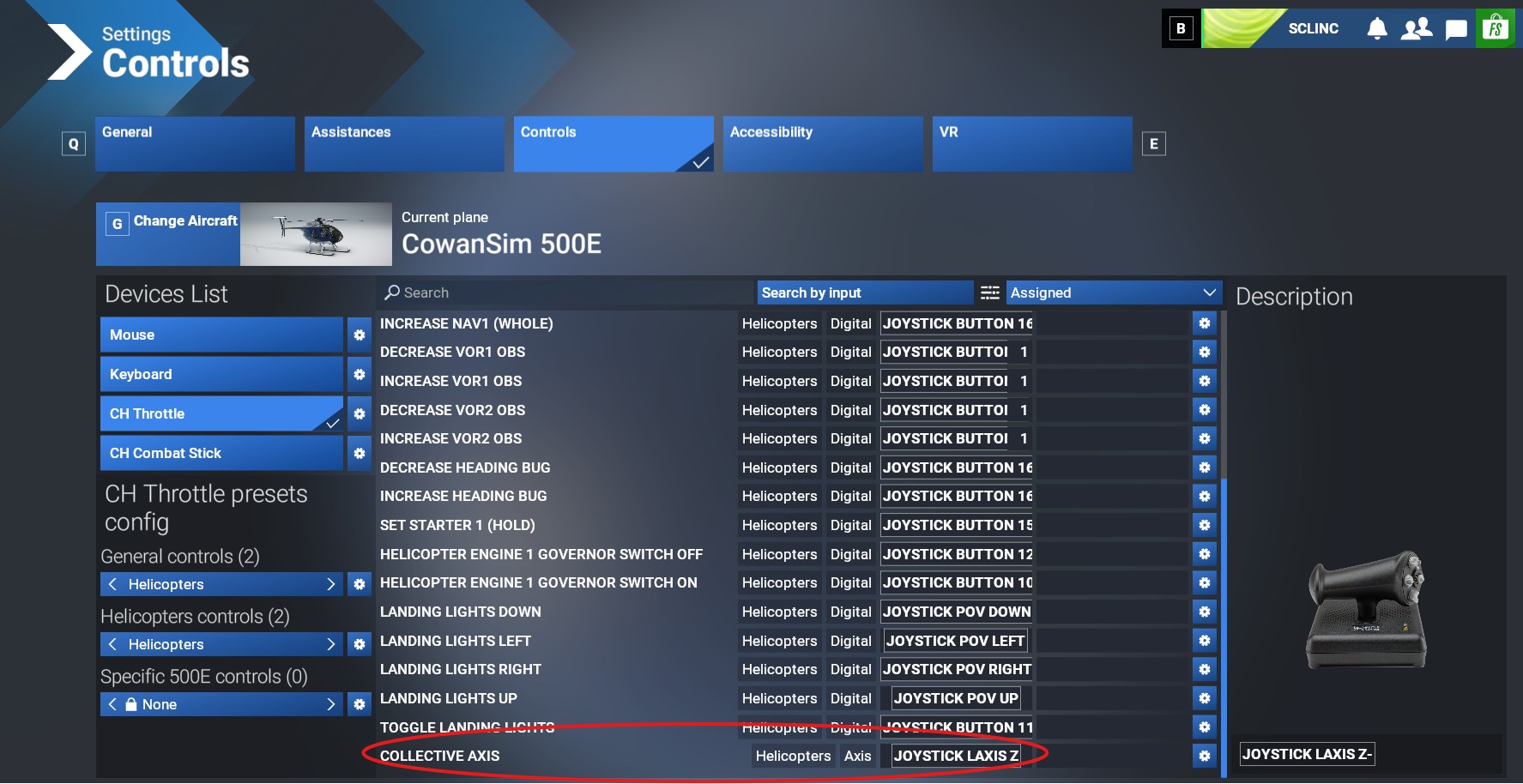
After mapping the collective axis to different controller axes, I can’t get it to work on anything except the default Cabri, where it works fine. Using the same controller profile, none of my other helicopters seem to work. Everything else works fine, like the Cyclic controls and even the Throttle, but not the collective for some reason. I’ve been editing the profiles, deleting them, creating new ones and can’t for the life of me figure this out. As mentioned, the collective does work on the Cabri but using the same profile with other helicopters, just the collective axis doesn’t work. In sim, the collective doesn’t move at all (indicating it’s not just a conflicting assignment). I’ve checked all controllers filtering for Assigned to see everything assigned for all of them and there aren’t any conflicts. I’ve found the xml file for the CH Pro Throttle, I’m using and this is the entry.
I’ve tried assigning the collective to the Z axis of the CH Combatstick I use for the cyclic and that also doesn’t work, even though it does work when assigned to the throttle. If anyone can see anything wrong with the XML, please let me know. I don’t really understand it.
By the way, I tested almost all the helicopters I have and for the default Cabri, H125, and Robinson the collective assignment works fine with the profile I have, but not for any others.
Maybe the non working helicopters are classified as “Airplane” in their cgf and therefore they would expect an airplane type controls profile. I needed to manually edit Flyinside’s helis config in FS24 to get collective mapping working on them, because they are set as “Airplane” instead of “Helicopter”.
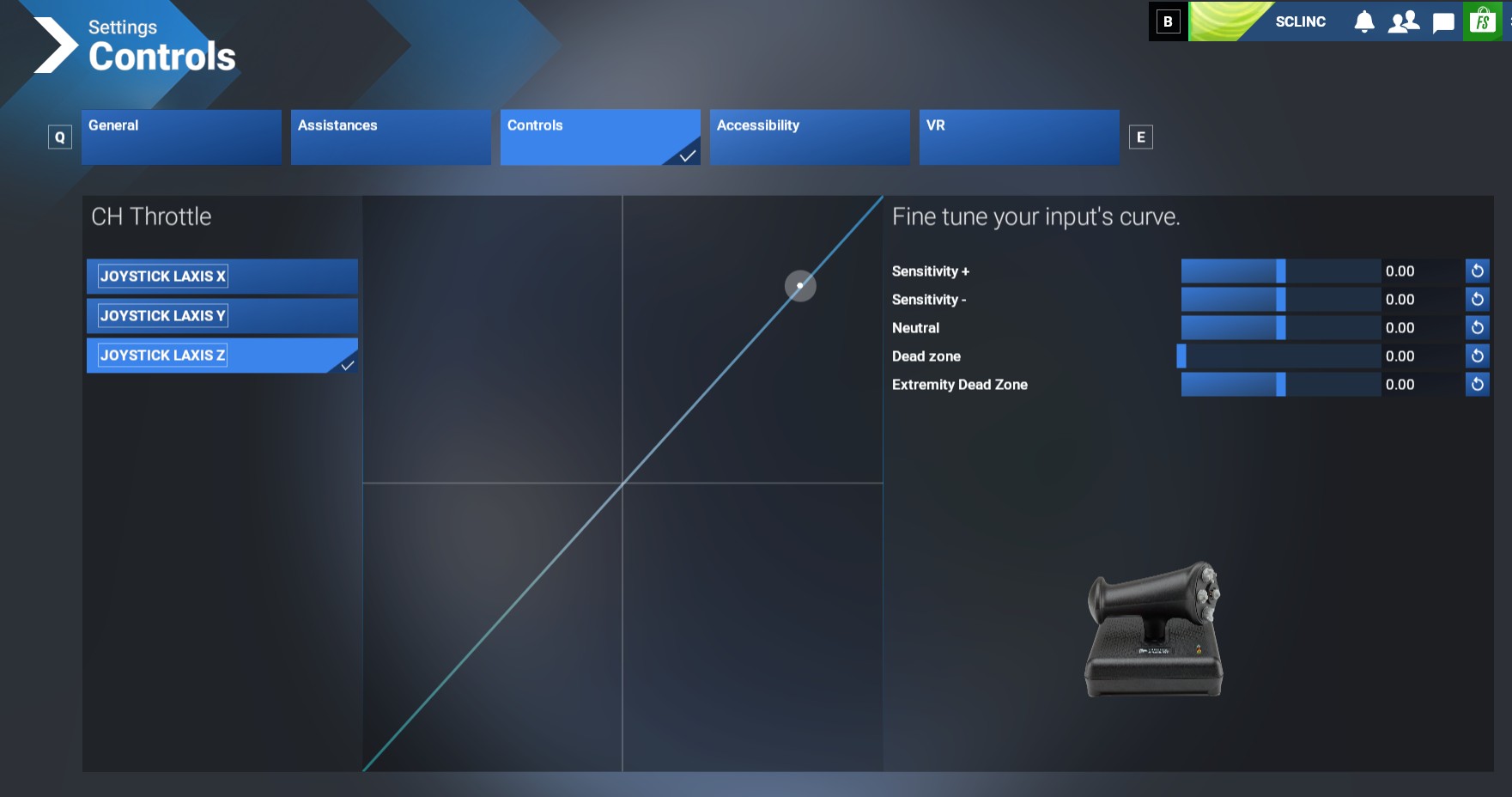
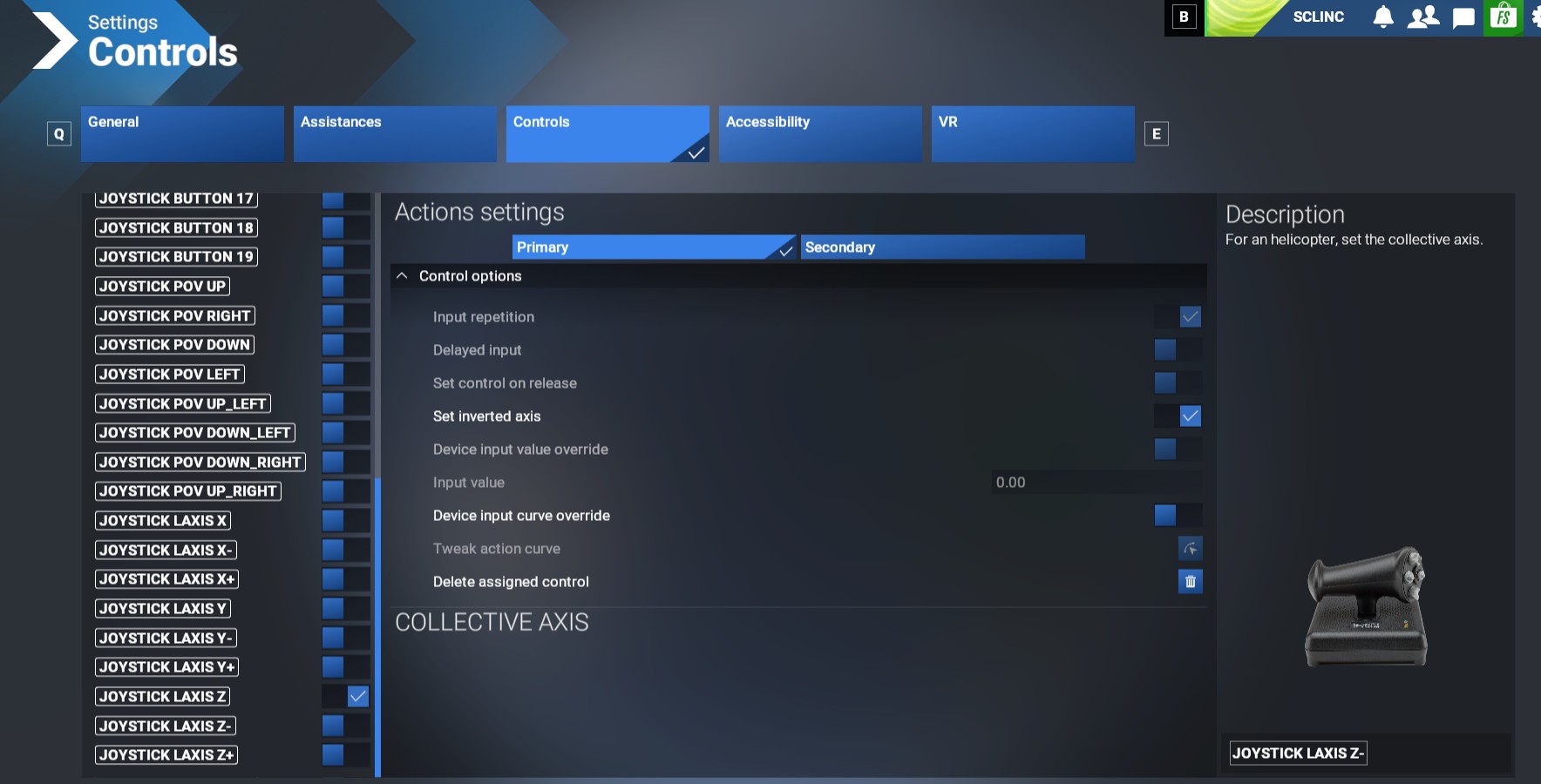
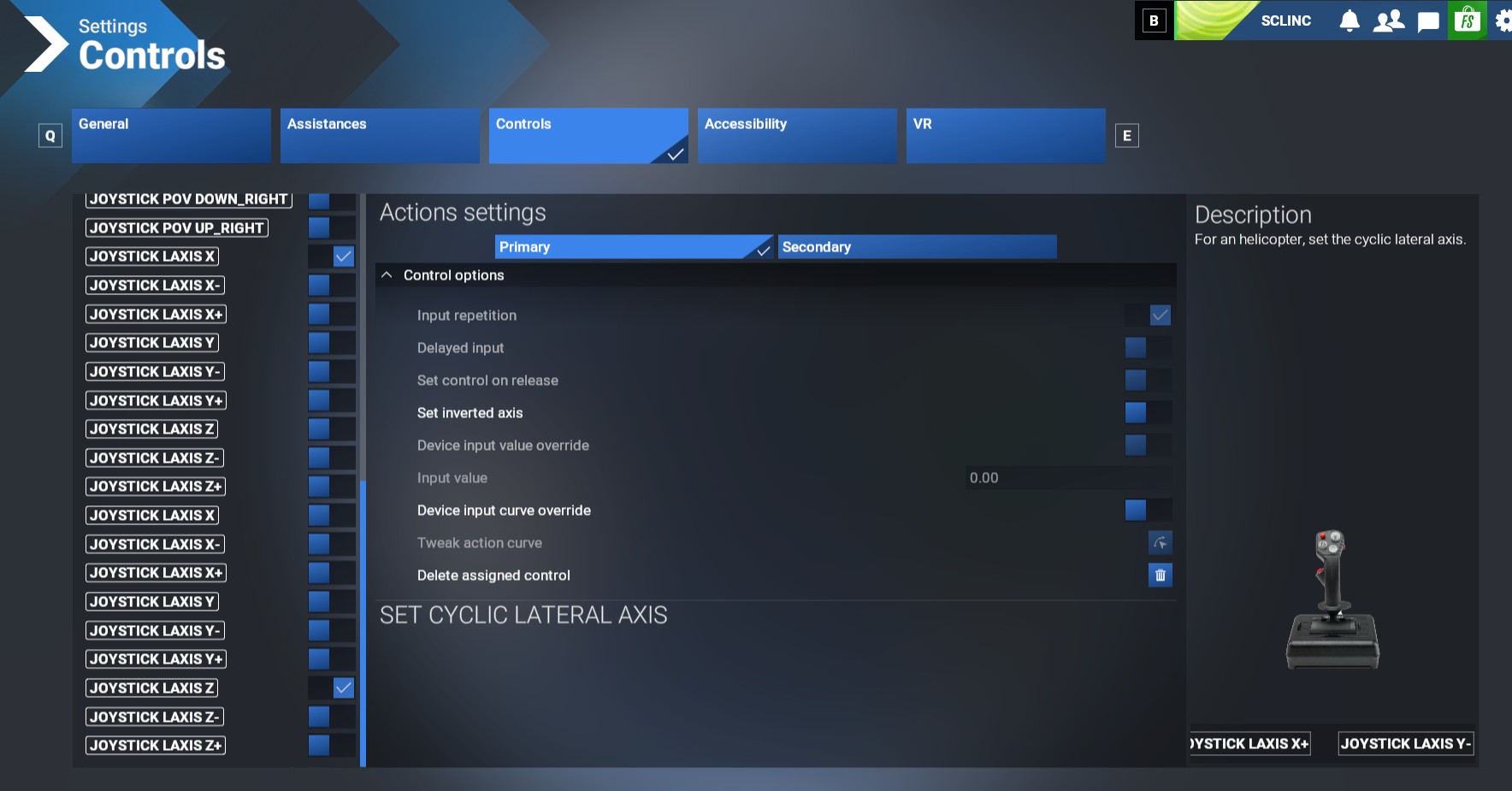
Here are my settings. I noticed something a bit odd on the last one. In my Combatstick settings for the Cyclic, there are two axis settings, including one for Z. When I uncheck it, it keeps popping back up. When I uncheck it and save, it seems to take for a bit but even then the collective doesn’t work. But it’s strange that it keeps coming back and won’t let me uncheck it. It’s the same for the cyclic longitudinal axis, except Y and Z.
I have a vague recollection that if the Throttle was set as “Throttle Axis” then the collective would not work with any other helicopter other than the Cabri. I know that sounds wrong, but worth a try!
I’ve tried setting it to regular throttle, but that didn’t help. The developer of Cowensim, instructs people to assign the Collective axis and I guess it works for most people, there are just a few of us struggling with this issue.
Have you specifically tried setting the axis of your controller (as being used for the throttle in the sim) as Set Helicopter Throttle Axis? And your Collective axis as Collective axis?
I use the Z on the Combatstick for the helicopter throttle and it works fine. I’ve tried assigning the collective to that axis with no effect. No matter where I assign the collective axis, it doesn’t work for me in any but a few default helos.
Well, you did try many different options with no positive effect. It looks like this CH throttle is not fit for the purpose. You may consider the option to buy a different quadrant that better suite the Heli flights. I have a Thrustmaster quadrant that works well but there are plenty of similar/better models on the market
Hi, I understand your frustration…Many weird things are showing up in this sim .Almost every time I launch the sim I have problems with the controls settings to be realigned.
When I started simming with FS 2002…and FS 2004 my joystick was a Microsoft Side winder that was quite good but I couldn’t make it work on FS2020 so I purchased the Thrustmaster Airbus Ed and after a while the Quadrant too .They work very well on all the airplanes. Good enough for the Helis.
You might contact the CH Customer Service for an help…maybe for a softer update..
I don’t think CH can help. The CH Pro Throttle works fine with the Cabri, so it’s not a hardware issue. It’s definitely something on the MSFS side of things and probably something to do with the XML file but I just can’t figure it out.
I also tried with my X52 and ran into the exact same problem. I only tested with the Cowansim MD500 and the Asobo H125, but same results. H125 works, MD500 doesn’t. So there is some difference between all the default helos and all the 3rd party helos that is stopping me from assigning the collective axis to any controller for 3rd party helos.
Does anyone know if there is a way to completely erase all controller profiles and reset to default? I know where the folder is where all the controller xml files are located, but I assume that with FS2024 being fully online, that those are backed up online and would be restored if I just deleted them. BTW, I’ve tried deleting all but the locked default profiles and that doesn’t solve the problem.