All right, thanks in advance!
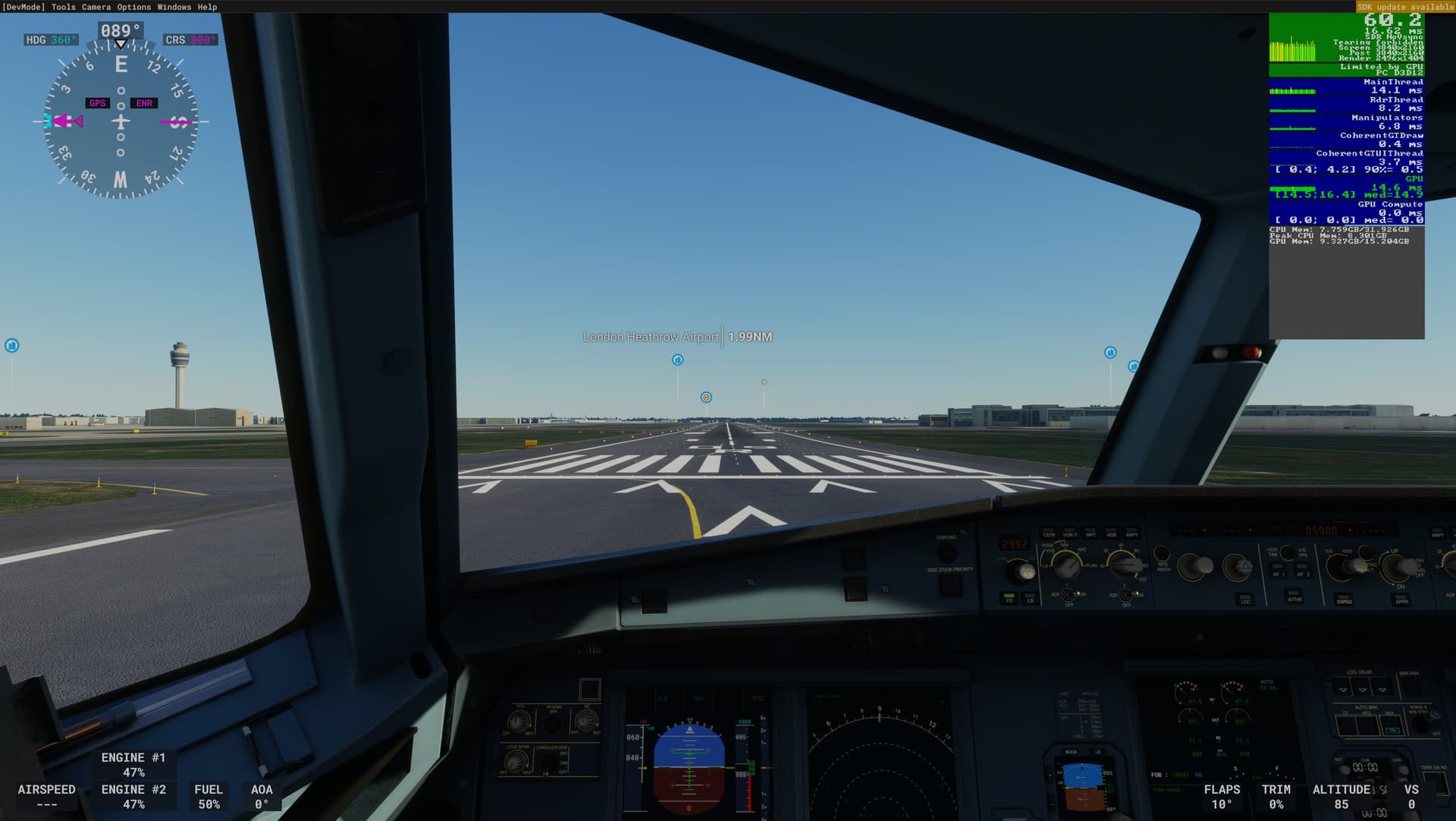
To determine the impact of FSR2 on my PC I did 3 tests as follows:
- FSR2 off at 4k (TAA) - result: 40fps
- FSR2 on at 4k - result: 66fps
- FSR2 off but render at 1440p (TAA) & QLED TV upscales to 4k - result: 60fps
My PC:
- Win 11 w/2H22
- AMD 5900x CPU
- 32 gig HyperX Predator Black DDR4 3600MHz
- Sapphire Pulse RX 6800 w/16gig vram
- NVME M.2 1TB drive x2
- Samsung QLED TV w/120Hz refresh rate (2nd monitor off)
Adrenaline SW - v22.11.1 (dated 11/15/22)
MSFS settings (SU11):
- Graphics:
- all ultra settings (T-LOD 200)
- Full Screen 4k resolution
- DX12
- vsync off
- Rolling cache off
- Multiplayer off
- Airport Life - all off/zero
- Land & Sea Traffic - all off/zero
Test set up:
- A320 NEO sitting at Heathrow EGLL runway 09R
FSR2 off:
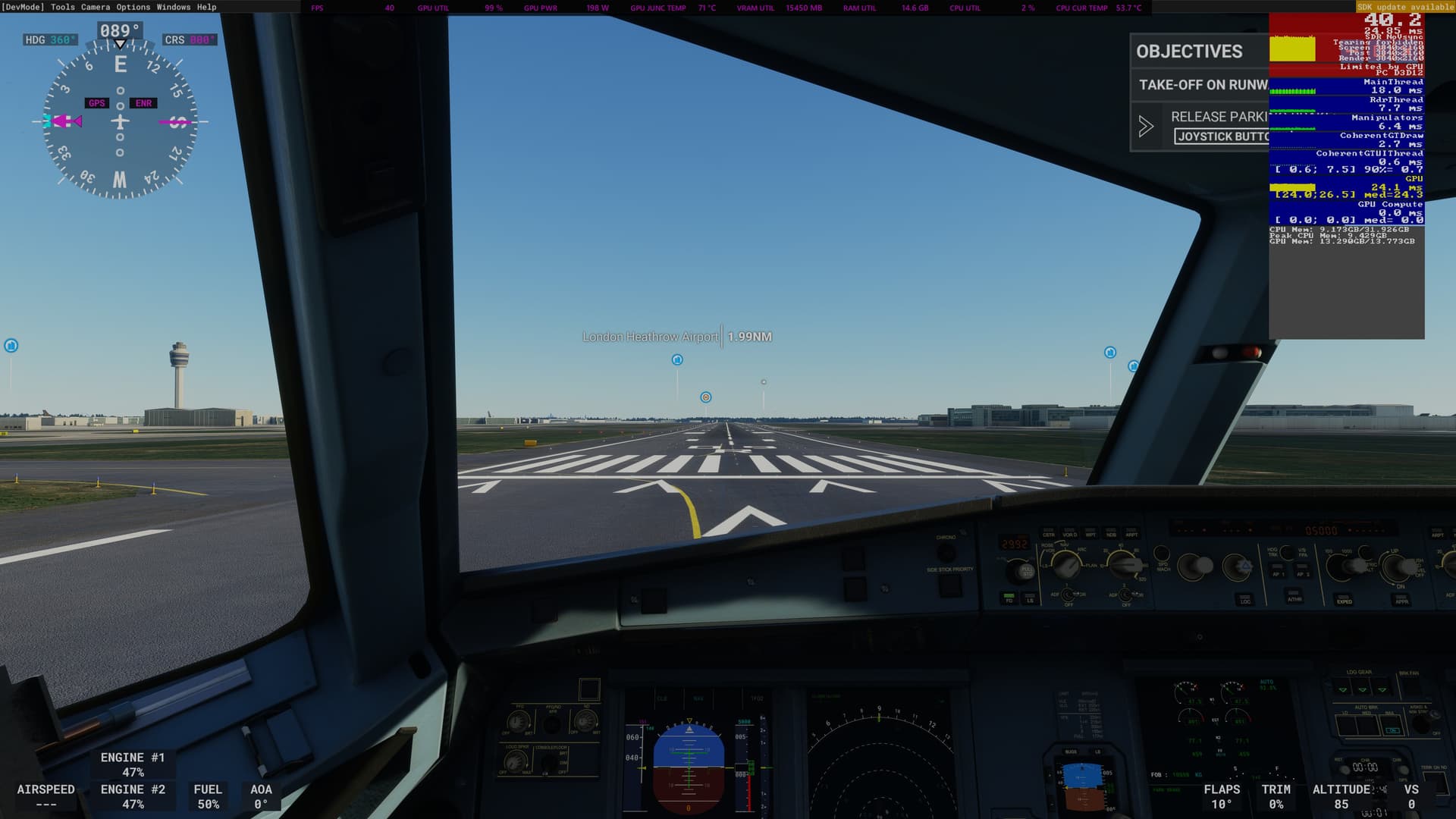
FSR2 on:

FSR2 off but render at 1440p & QLED TV upscales to 4k
1 Like
Wow, thanks al lot for all your effort. In the meantime I have tried the same settings (but for me 3440 x 1440) under the same scenarios/conditions. Sadly and frustrating, in my case it won’t make any difference if I set FSR or not. Also “just” around 40 fps in all conditions… And when I putted back DX11, I even got better results…?!
Because of your setting “rolling cache off” (why?), it remarked me that in both setiings (on/off), all scenery in London was constantly rendering and looking bad (also after a long while) , which was way better in the past. I also noticed that, I think after SU11, I never saw the “limited by GPU” phrase in the devmodecounter anymore. Maybe one this has something to do with it.
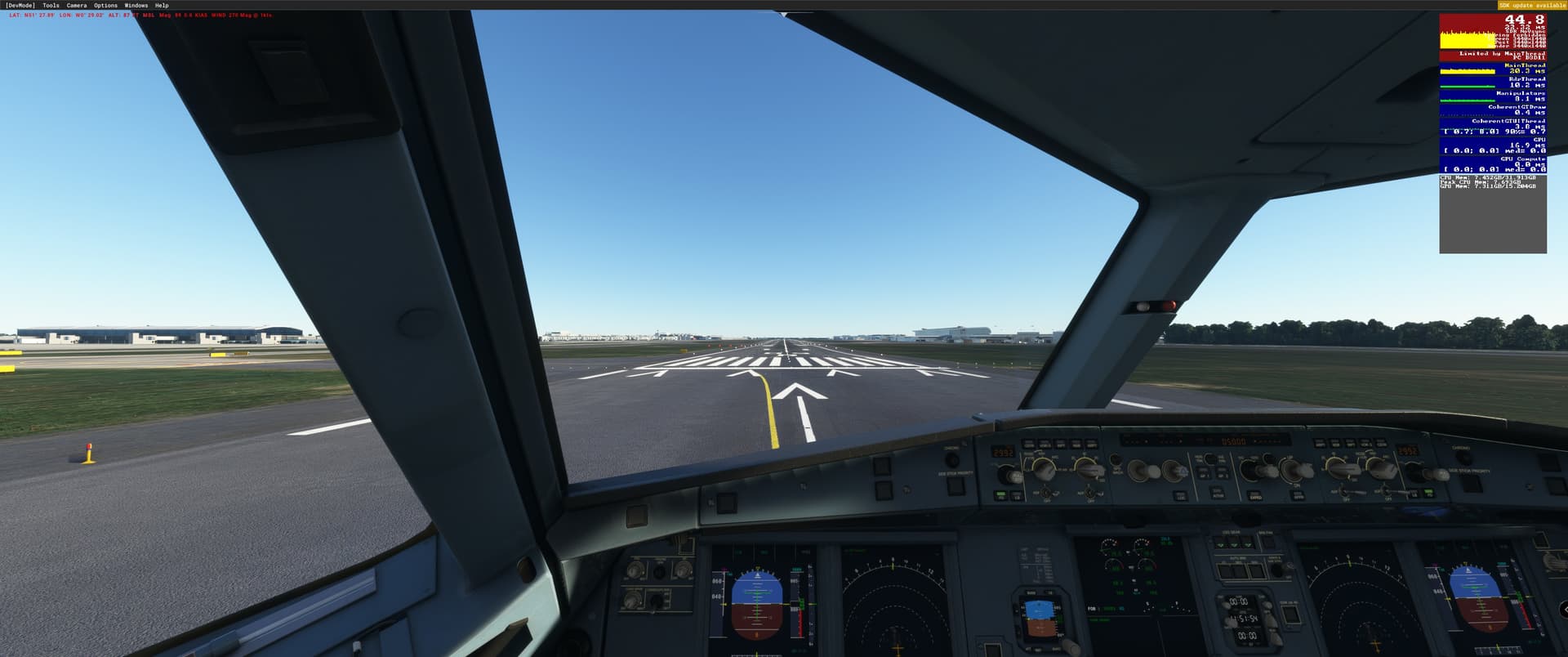
Hereby some screens of my situation, also with some specs. I really don’t know what Im doing wrong. Can you maybe encouter something wrong about it?
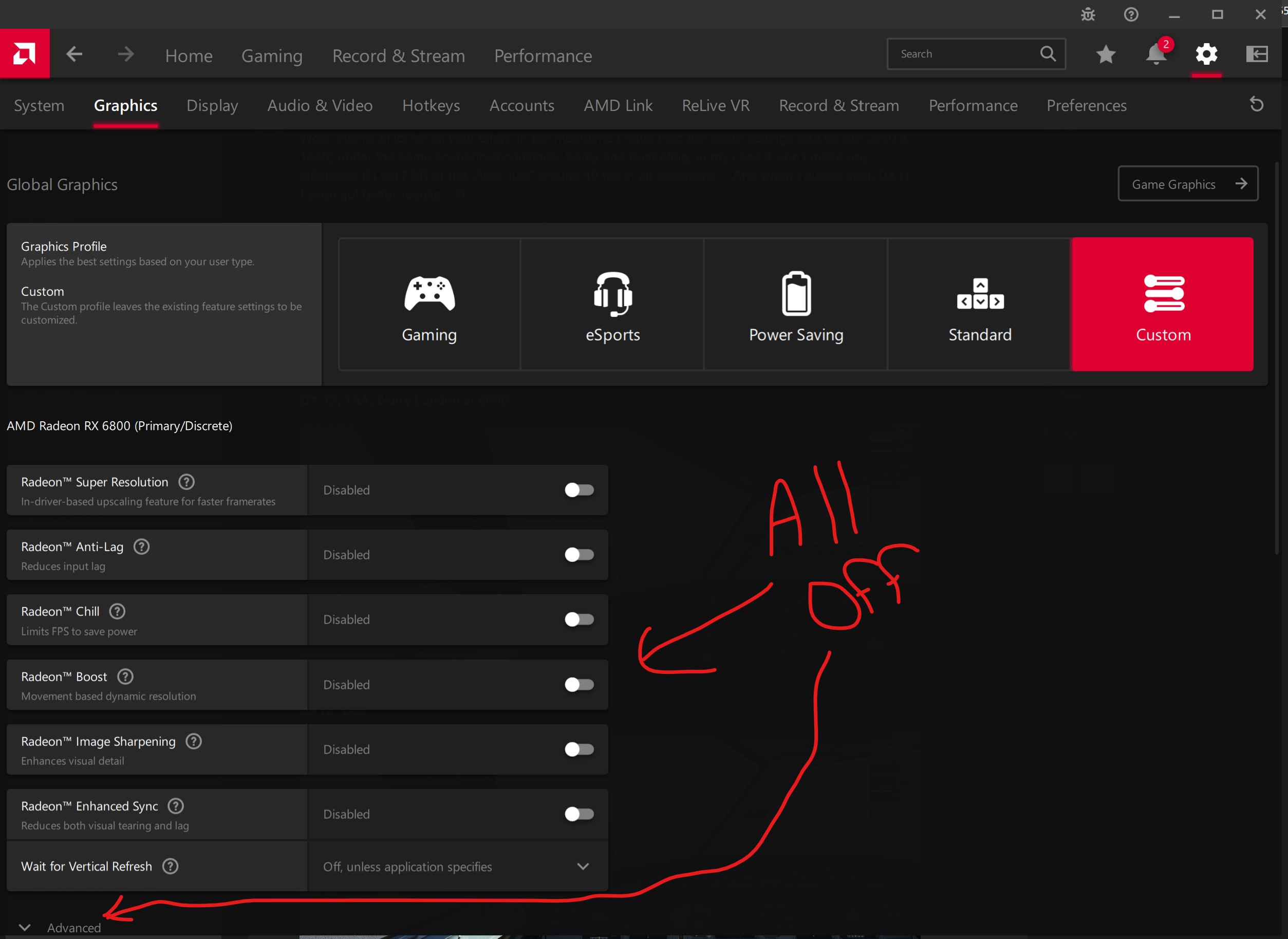
All RSR off in Adrenaline 
DX 12, TAA, blurry London at 6000

DX12, TAA
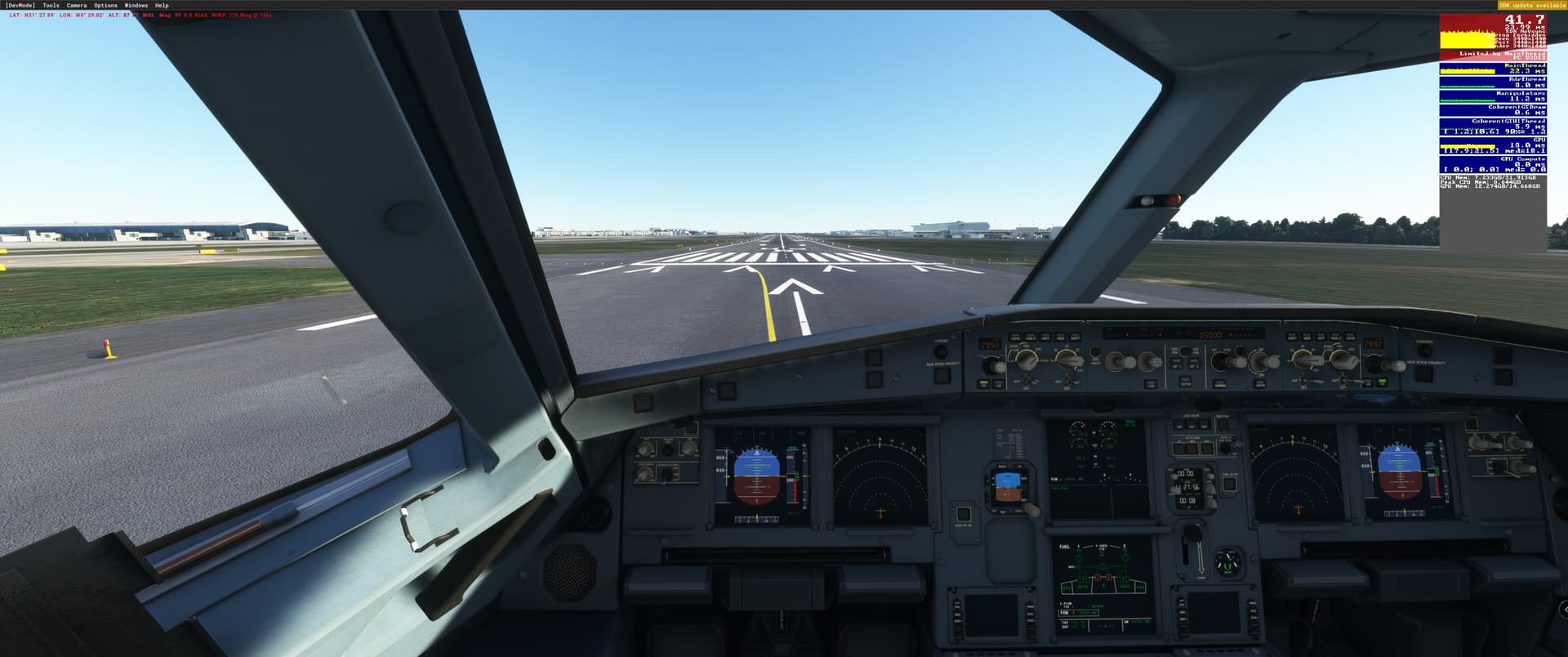
FRS2
DX11, TAA
DXdiag

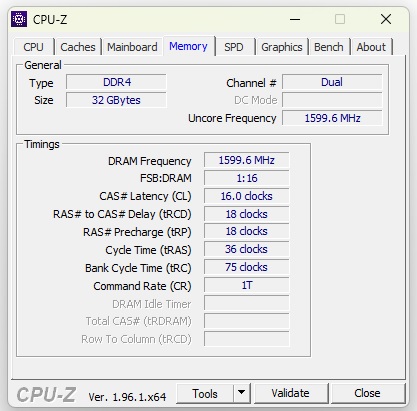
CPUZ for memory specs, XMP with DOCP profile set in BIOS.
Thanks again!
Ok I can see why you are frustrated!
A couple more things to check:
- Make sure all of your graphics and display settings for both displays are off in the AMD Adrenalin software (see pic below)
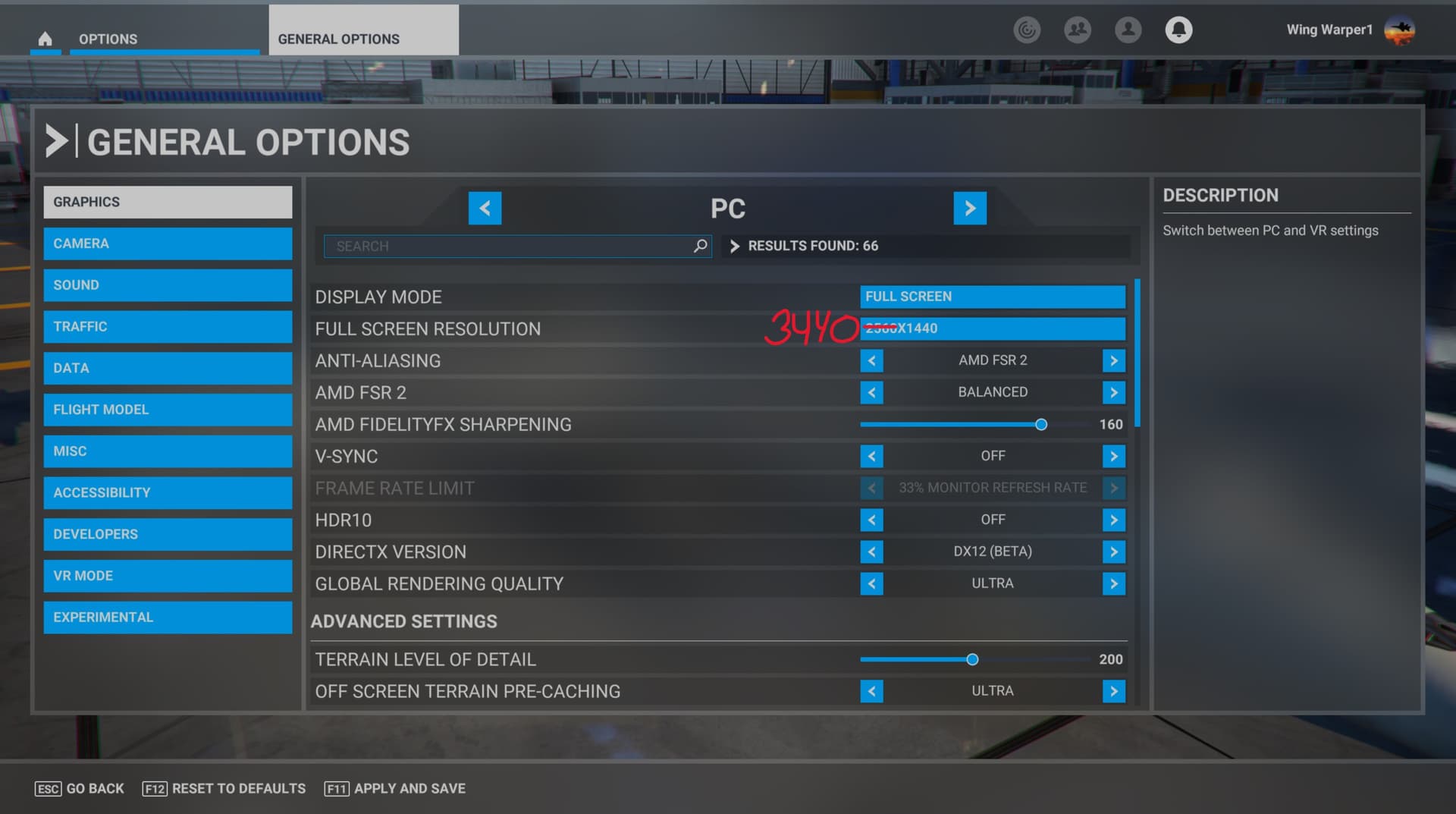
- Ensure your MSFS 2020 graphics settings are as per pic below
In addition, are you using any 3rd party add ons which would be in your community folder? If you do, I would recommend to temporarily move them out of that folder to somewhere else so you can deal with just the basic simulator. That way, you can eliminate any issues created by a 3rd party feature.
At your native resolution of 3440x1440 and your XT graphics card you should be getting higher fps than mine!

Yeah that should be at least the same. So from now on thanks to you I know that that must be possible somehow. Im going to test more, also without Community. Maybe Im going to reinstall the whole bunch, but that costed 1 day haha. I let you know if there are any progresses!
Any luck? Tried all the settings in this thread and changed the resolution around and never got the green light. Mirroring the latest post from 5 days ago to see what happens will all settings off and FSR2 on in sim.
I have tested more of multiple scenarios, also with the exclude of the Community folder, but unfortunatly still the only difference I have percieved is a +/- 5fps better performance when using DX11…???
The more I test, the more I got confused. I have read many , mostly positive experiences about FSR2, but not for me, even with same or better specs and use of DX12. I really got no clue at moment.
The only thing left is that maybe something has to do with my PSU (850w) or RAM (32 GB Corsair Vengeance LPX 3200) with BIOS settings (xmp DOCP on, Multithread on/off also made no sense).
Or completely reinstall MSFS and go for the 5800x3d, but that are my ultimate steps.
Maybe someone can advise about this?
@ UpstateElf898, you should test to firstly put your Windows resolution lower than native before startup MSFS. Its not the way how it meant to be, but thats the only way RSR becomes activated by me, if i want to use that. Maybe we are in the same boat?
I tried just about every combo, trust me. Still couldn’t get it. I’m doing a flight now with what the guy suggested with shutting everything off and loading MSFS with the resolution set to one step below my native with AMD FSR2 active on performance, which is the only setting that doesn’t cause shimmering in the PMDG. I like it so far. Remember, you need to use DX12 to get the AMD FSR2 option in MSFS. Hopefully with the sim set one step lower than my default resolution it is doing something. Maybe I didn’t do something right but the light never came on even though I mirrored all the settings. Point is the sim runs smooth and my FPS are acceptable and the FPS/GPU box is sitting in the green and not red or yellow.
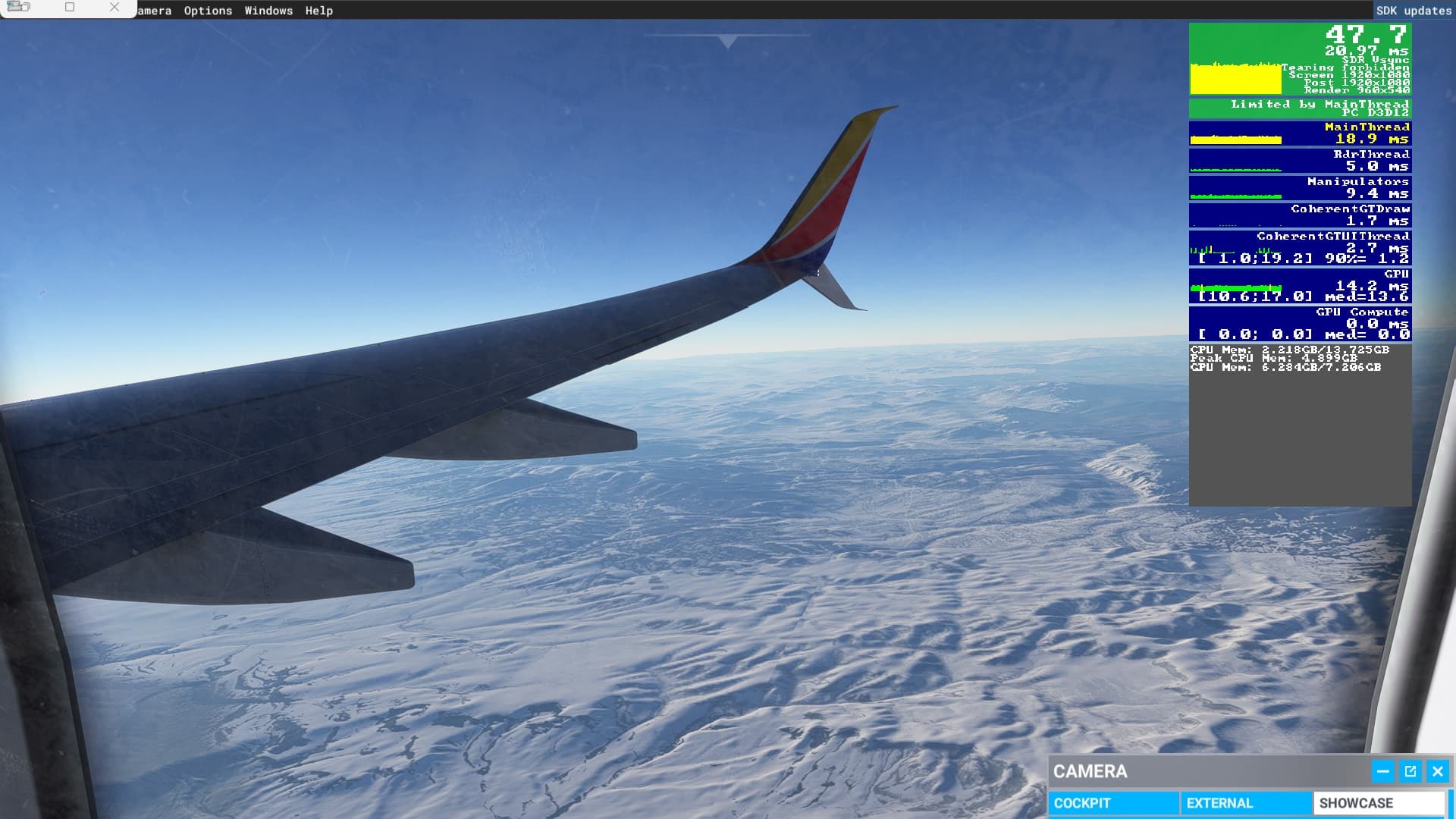
Can someone interpret what they see from this??
Everything looks good if your native screen resolution is 1920x1080. With FSR2 your Full Screen Resolution in the sim should be set to your native resolution of your monitor and the driver will take care of the rendering/upscaling. Only with RSR did you need to set your Full Screen Resolution to something less than your native resolution. If using FSR2, you need to turn RSR off at the driver level.
Thanks for feedback ,so just make sure sim is the same as native with FSR2, will change and check next flight. Thank you, sir.