Maybe this is already reported as a bug but i could not find it.
I have 2 questions about the atc window (communication panel) in msfs 2024.
1:
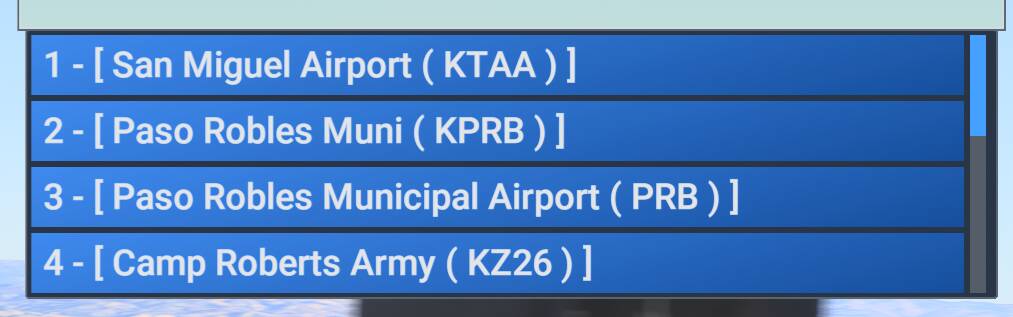
When selecting the airports to find a frequency i always have to scrol multiple times to go down the list. Is there a way to select on icao code to get to the right frequency? I am in VR and efb is not working so. The pull downlist should be much longer in the atc window.
Any tips ho to get the frequency faster and easier.
When doing vip missions in career i can not activate the obligated passenger calls in the intercom window. Is see them on my quick reply but i can not select them manualy and missing important calls.
Any tips how to tackle this?