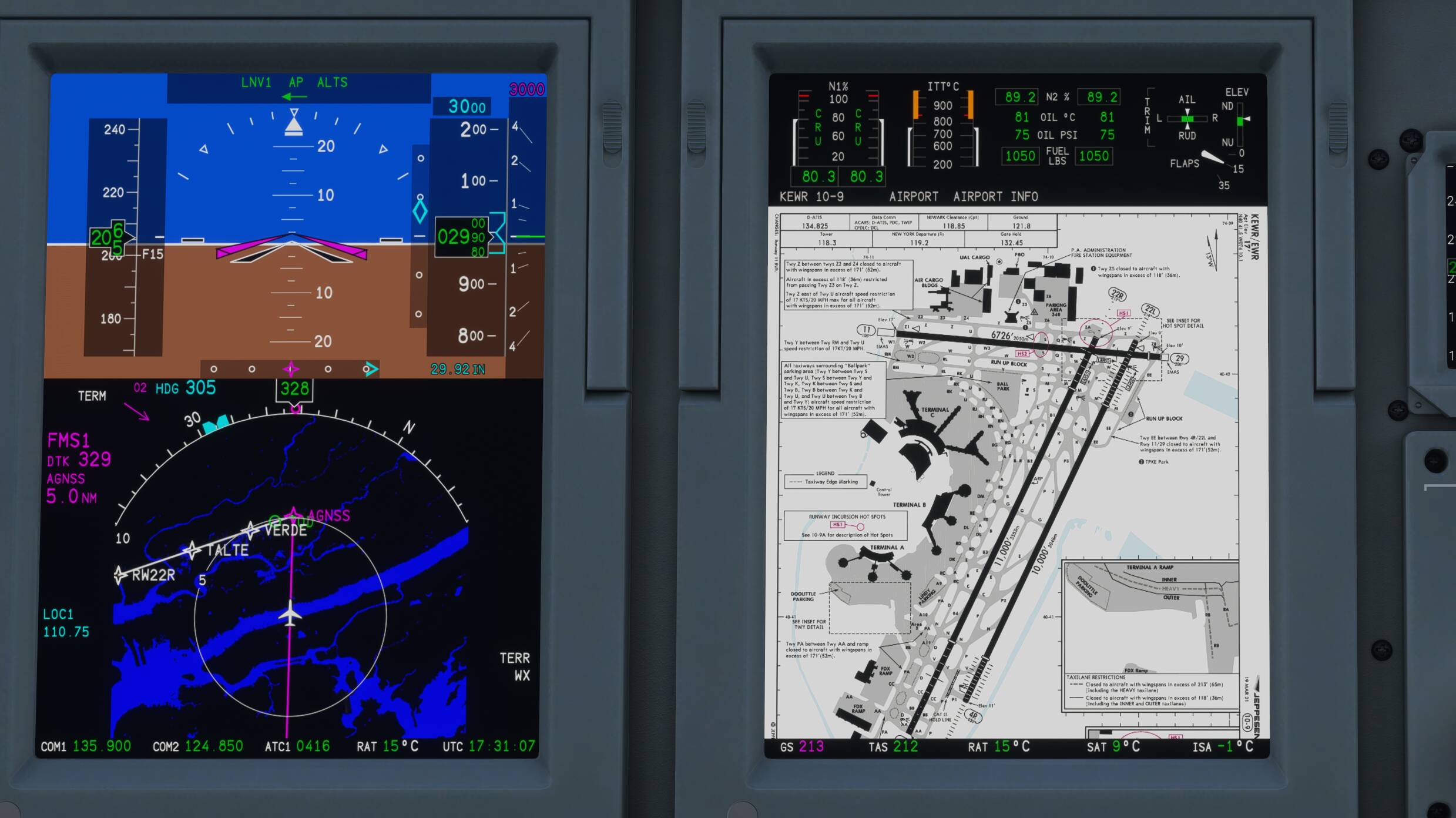
What I can offer now with VATSIM as my recommended and best option,
I use PC for only msfs and NTB for Vatsim client (also vroute, Navigraph charts, weather web,…) with voice comm channel. On sim PC is also vPilot running but as next Vatsim app to also on NTB vPilot for only voice comm, I don’t stress sim PC with voice over vPilot, it is on NTB but cooperate with vPilot second app on sim PC perfectly. Try check vPilot web page for detailed info how to do this, in case you want also this solution. I recommend this as MUST!
Ok thank you I will look into these two also, I am making a list so I will download all of these and work out the best to cover each purpose, thesis for your reply
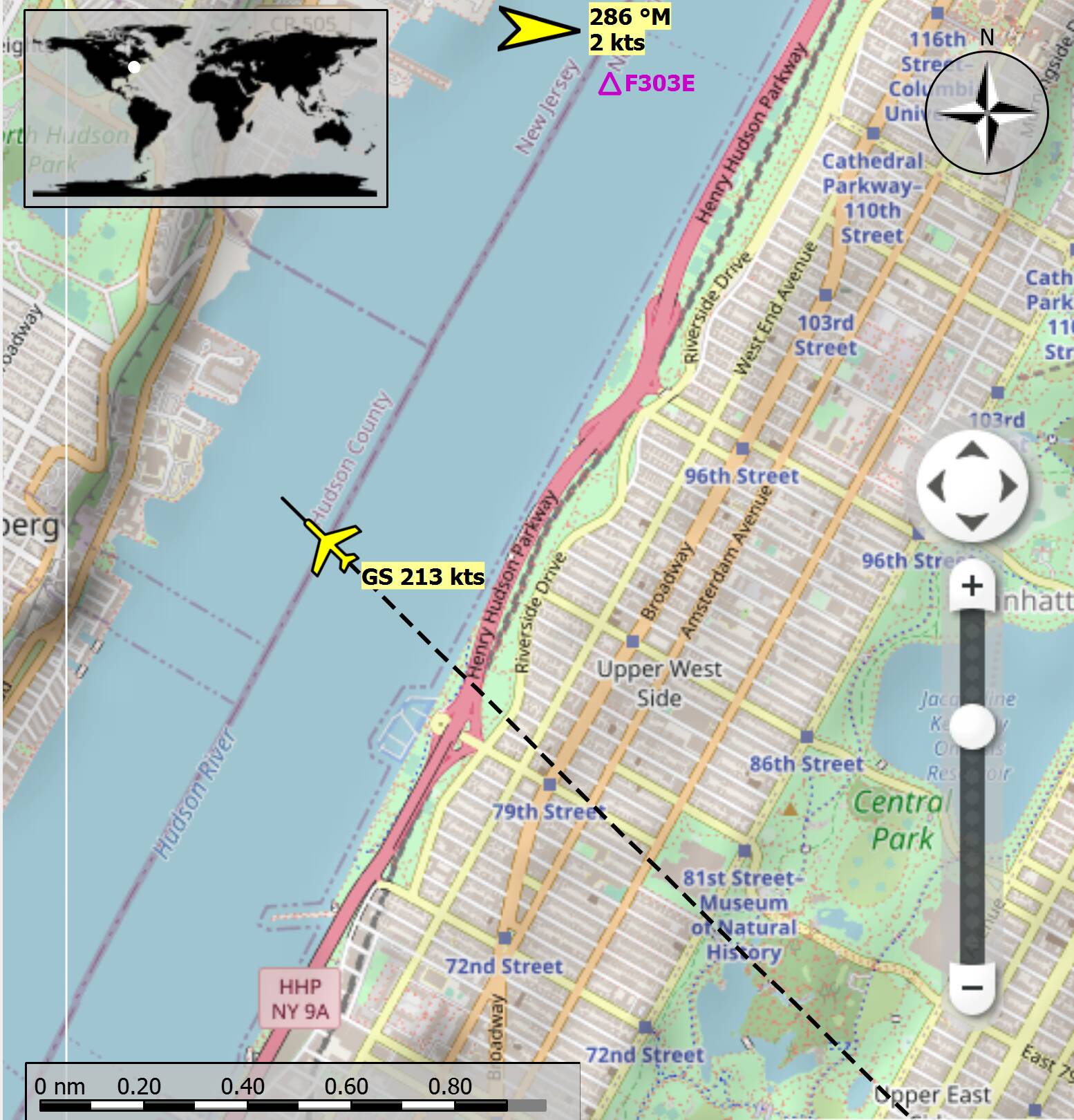
3rd screenshot. Little Navmap 2.6.0.Beta
This is a separate program independant of FS2020 and Navigraph.
I use this application to see where I am on the map (street map).
Here, I just crossed over Central Park in New York City, USA.
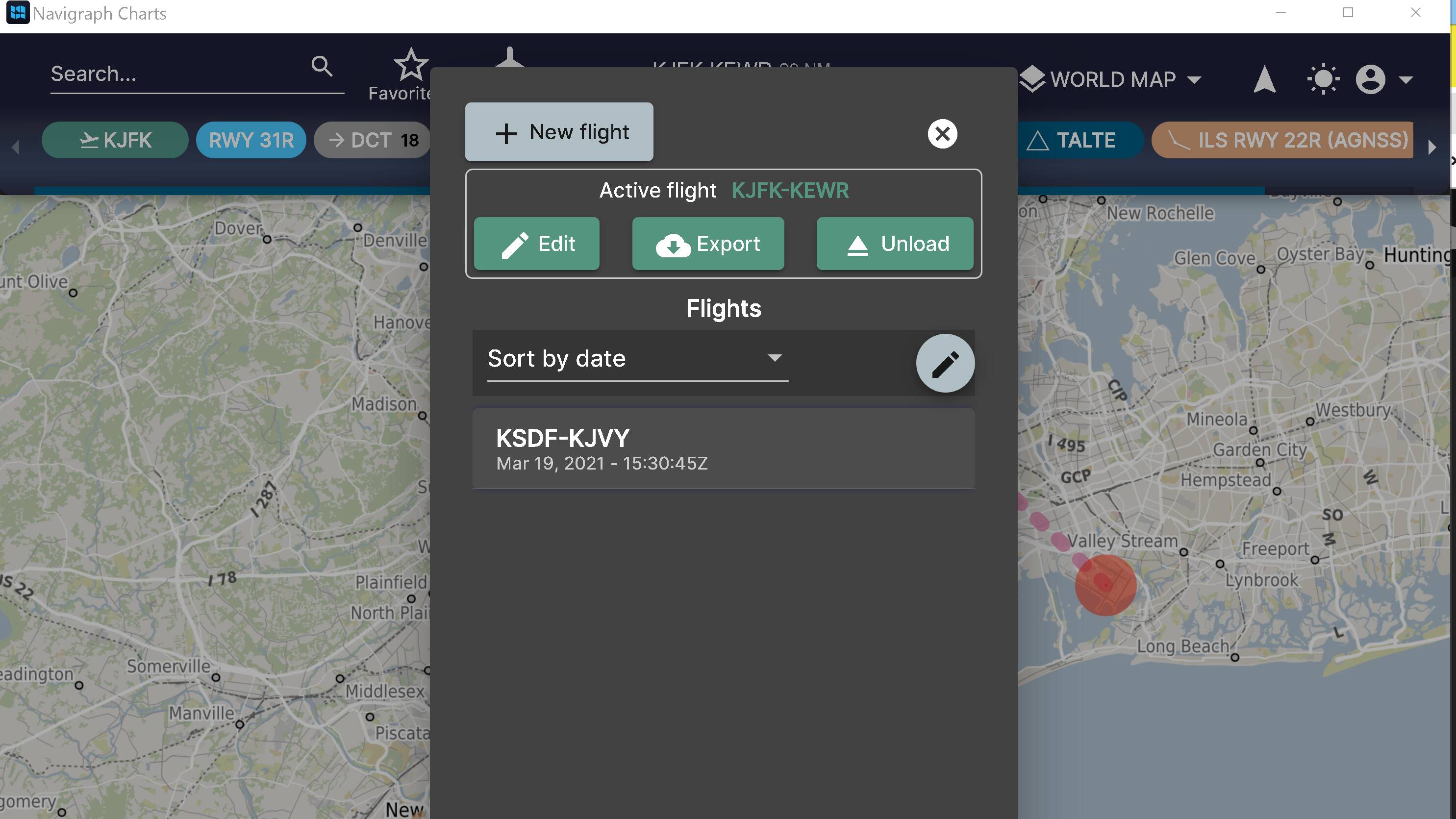
Ok so do flight plan in navigraph itself, skip SIM brief, then export file to MSFS correct?
A: yes but understand pls that SimBrief is free and only one solution for users to not pay money.
Upload this flight plan to Vatsim via vPilot for Vatsim correct?
A: this procedure you need do manually in vPilot, there are other options also you need set.
Don’t use comms through vPilot but instead use it through NTB correct?
A: yes via my Notebook as second PC with main vPilot app running as also independed voice channel.
Check vPilot webpage how to connect vPilot with NTB?
A: yes in case you want have same cfg as I have - 2x vPilot apps running on sim PC and voice on Notebook.
Vroute does what?
A: as I mentioned already is same like Vatspy and show VATSIM Live traffic with many other good features. Google is your friend every time.
Now my navigraph map is going to be my main real time view of my aircraft on the map on my tablet to show where I am correct?
A: maybe yes, I don’t use this Live Map.
Most comments so far and your question was about charts and software. What however is even more important that you a) know your plane and are able to keep course, speed and altitude as instructed by the controller b) know and be somewhat fluent in basic radio communication phraseology. Practice beforehand before logging in. Maybe just log in as a listener and inform the controller accordingly.
YES YES YES, I just wanted to be setup ready to go because I know that what you mentioned is far more important so I can keep focus on those things, thanks so much for this info and I will find a group locally for sure!