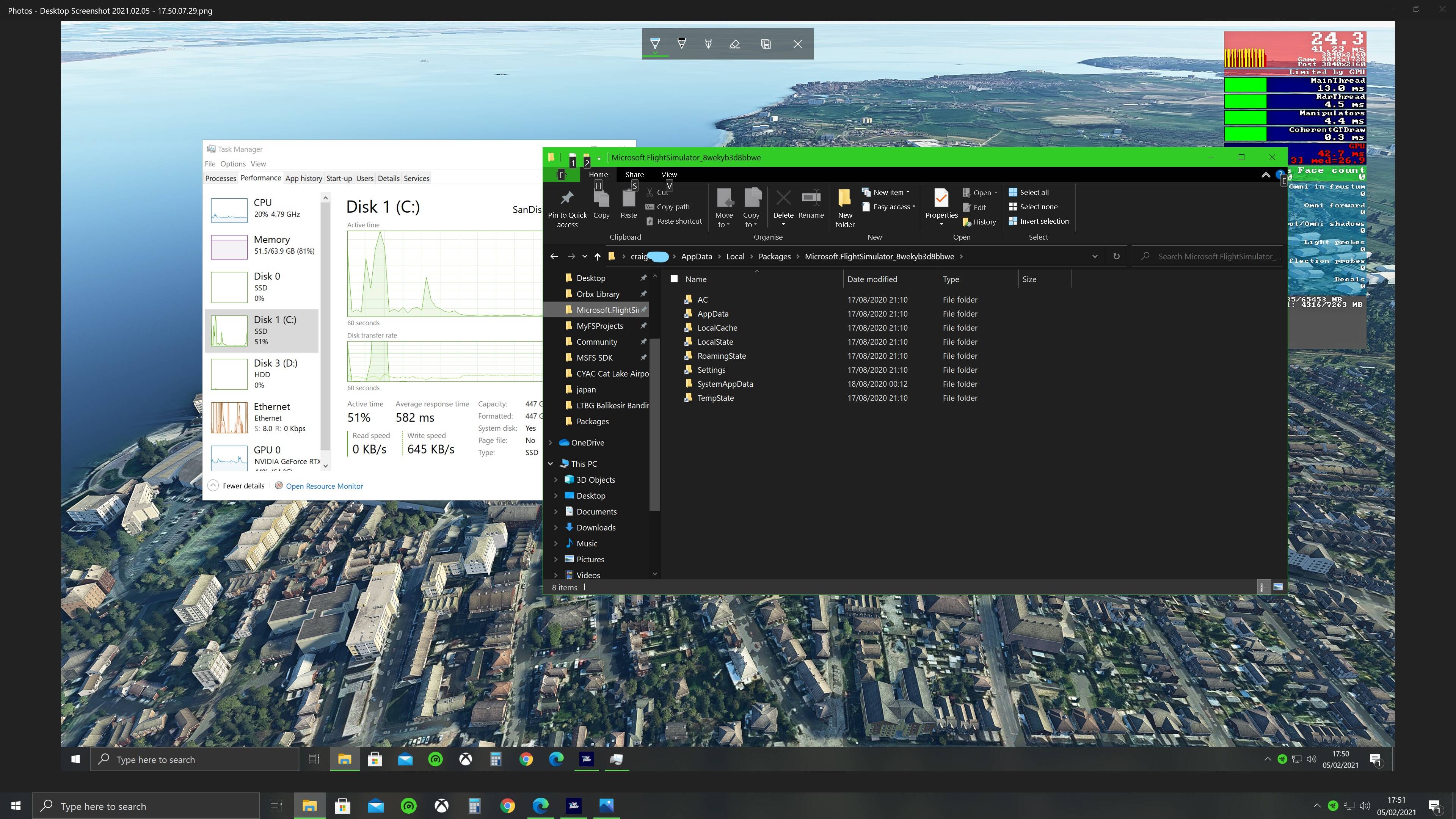
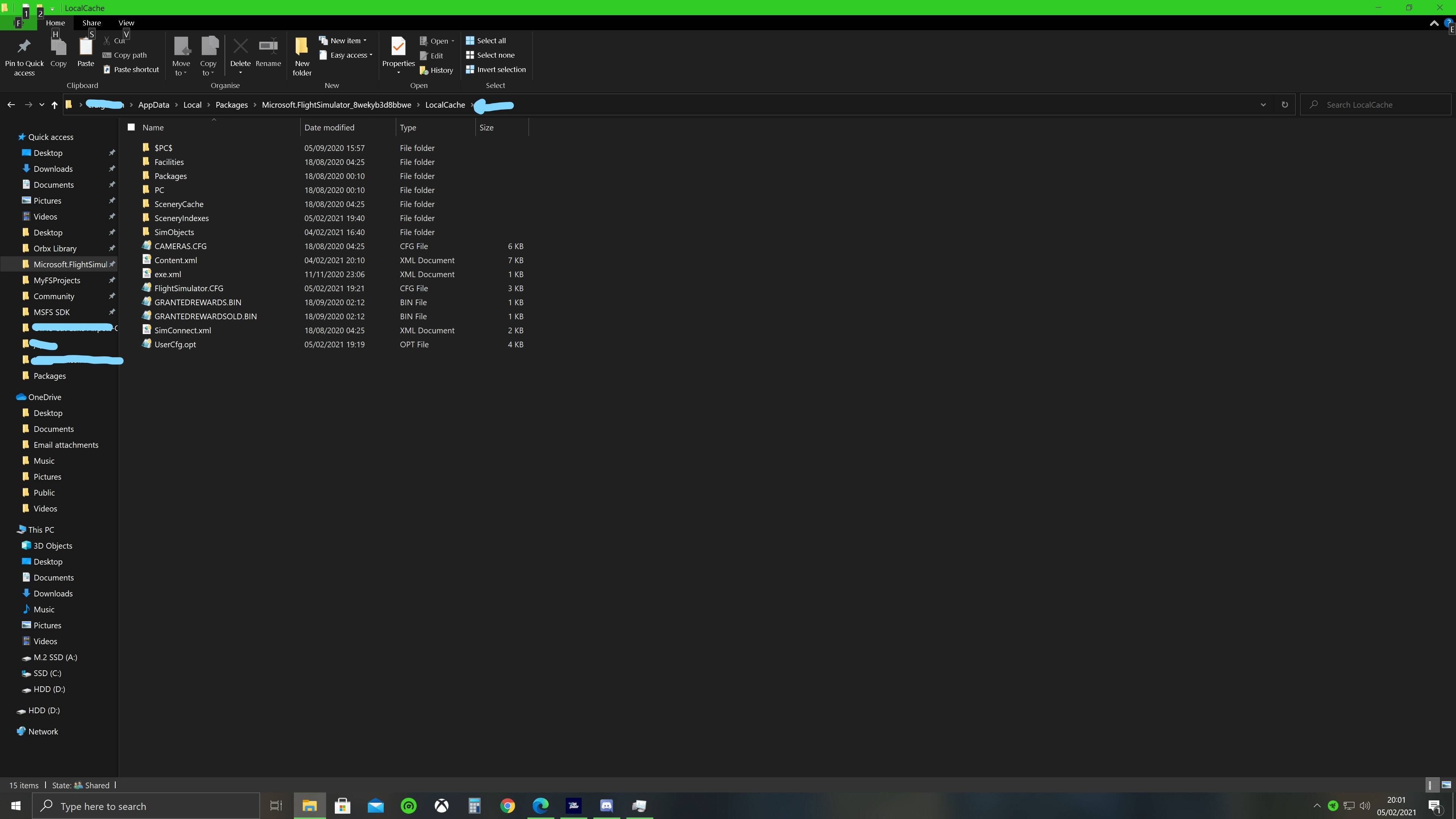
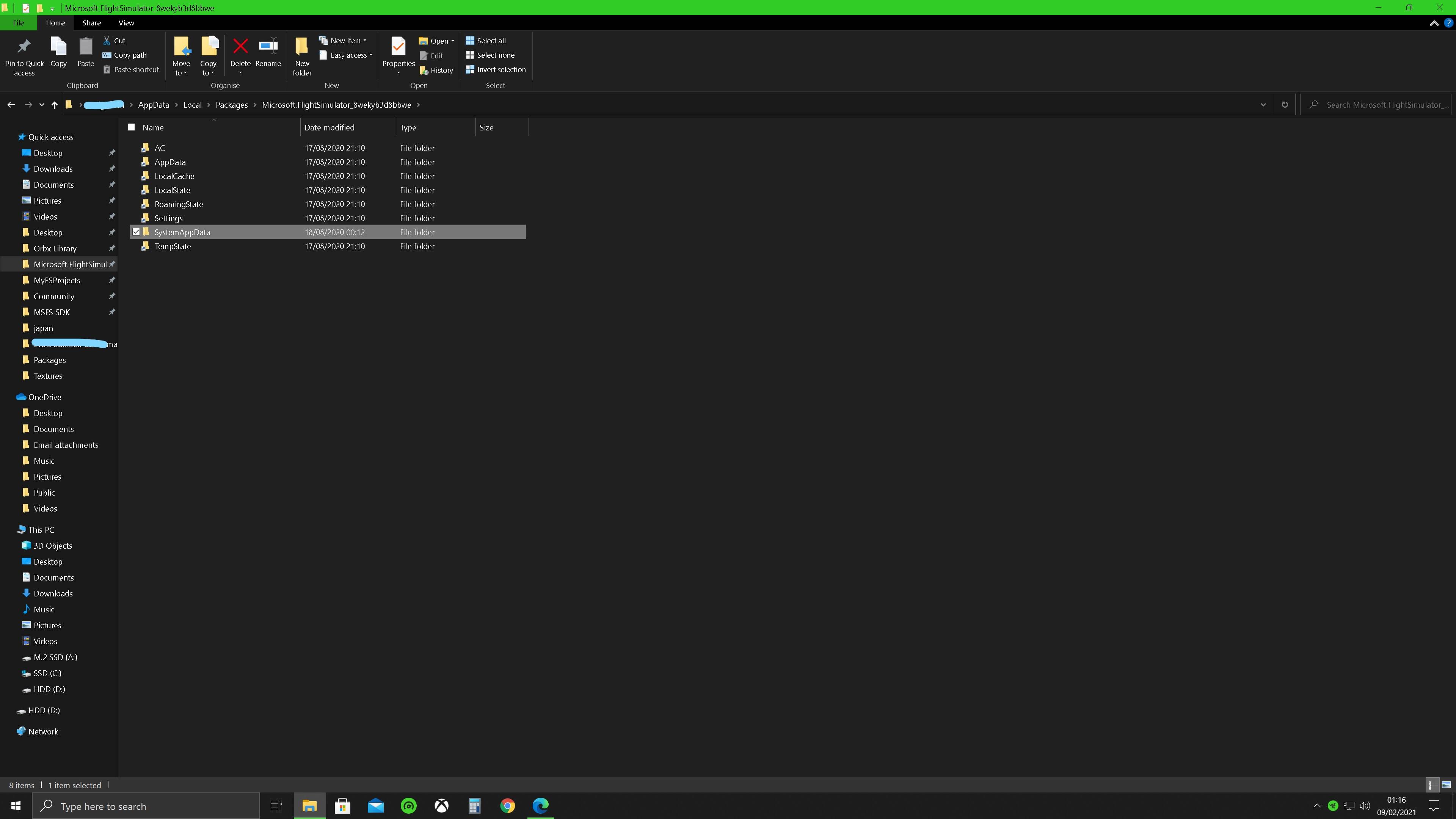
So i noticed when messing with a ram chache that when using the sim most of the drive activity isn’t on the drive where I have all the main sim files installed but on my slower c drive which contains the Microsoft.FlightSimulator_8wekyb3d8bbwe files
I want to know is it possible to move all these files to my faster drive.
Hopefully these pics will help explain. I have searched but only saw about moving the manual cache folder not all folder.
Want to move the files contained in these folder to my much faster drive. help much appreciated.
Hi if you installed MSFS via the store there is an option to move installations via APP’s and Features. I have not used it to move MSFS, but I have used it to move other Apps before now.
Settings > Apps & Features > Slelect MSFS and you will see an option to move.
Read through it all but that seems only be on about the main game files 100+ gb files, doesn’t seem they are on about the rest of the files. I don’t really want to change it without a clear idea of how to do it so I don’t end up having to redownload everything.
Reason i want to do it is because it seems once the sim is loading most if not all the work is being done by the drive that doesn’t have the main game file packages on and not using my much faster m.2 nvme drive. The m.2 only seems to show any use during load up.
If you backup to local cache in the folder address, do the folders have a shortcut icon on them? I moved the game to another drive, but was left with shortcuts on my C drive. I dont think they are actually still on the old drive, but are replaced with “shortcut” to new location. someone correct me if I am wrong
is also these files but also has the shortcut icon on page before so guess they aren’t actually still on that drive then. the same folder does show on my drive A: and yeah just found the previous folder on my a: drive also. ATleast the files left don’t take up much space.
Wonder what is being used by the c: drive then as it is the only drive showing activity when the sim is in flight. Sure it relates to the streaming data received during flight or maybe windows does soemthing whe using the sim.
Anyone got any ideas?
I’ll try do bit more investigating myself to see what is happening.
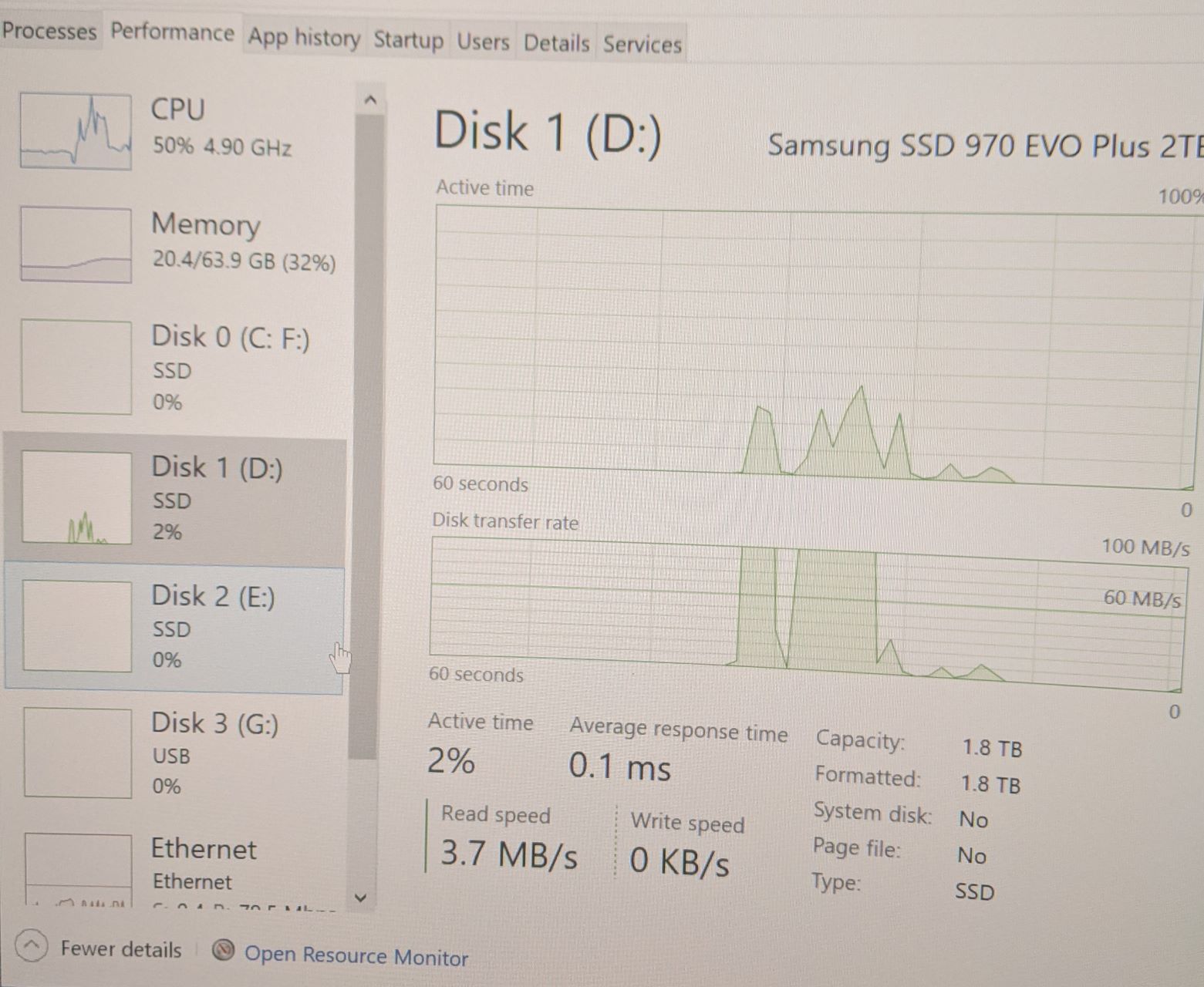
I just moved mine over two days ago and didn’t bother to check the drive activity during the sim. just checked now and all seems to be fine. minimal activity if any on the original (c) drive…