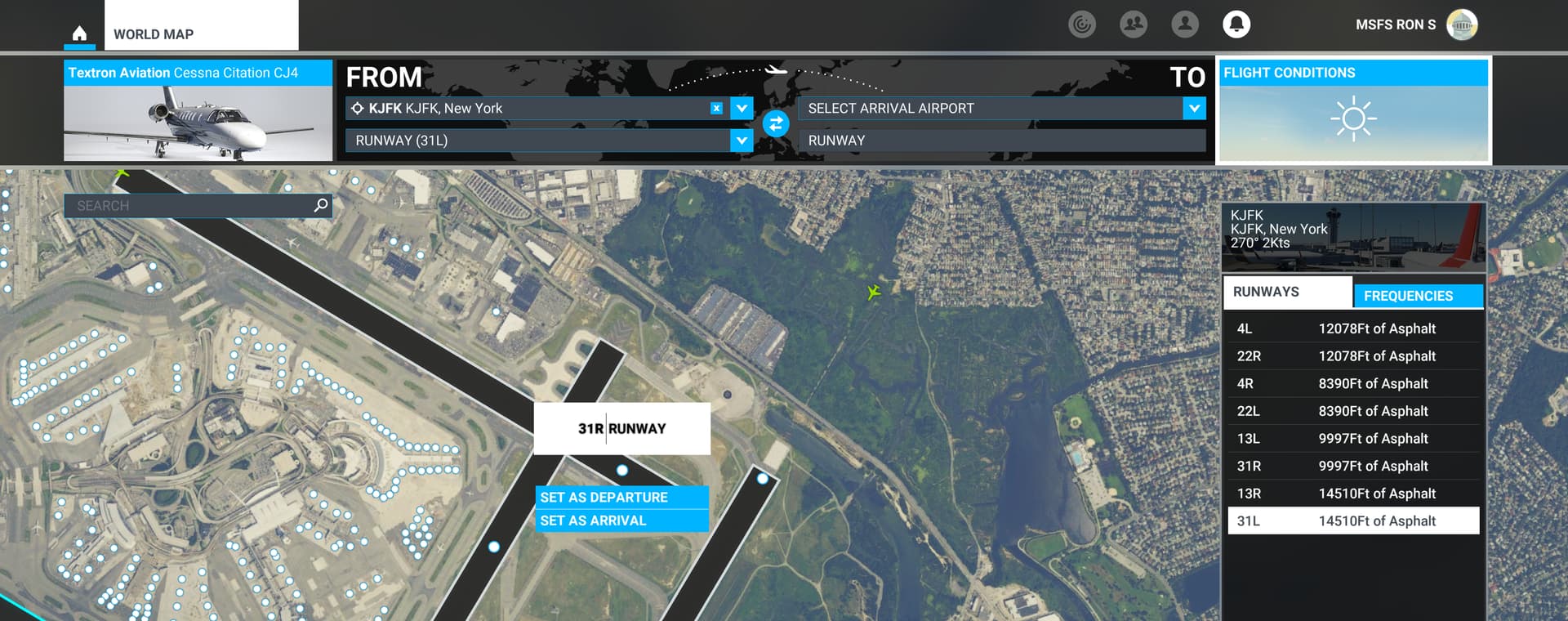
Hi there, I have been using the Taxi Ribbon to find the runway where I need to TakeOff from…But how do I find the correct runway not using the Taxi Ribbon? Sorry about the question… Any help is greatly appreciated. .TIA
Real airport charts aren’t going to help as the sim generates alphabetical taxiway labels procedurally.
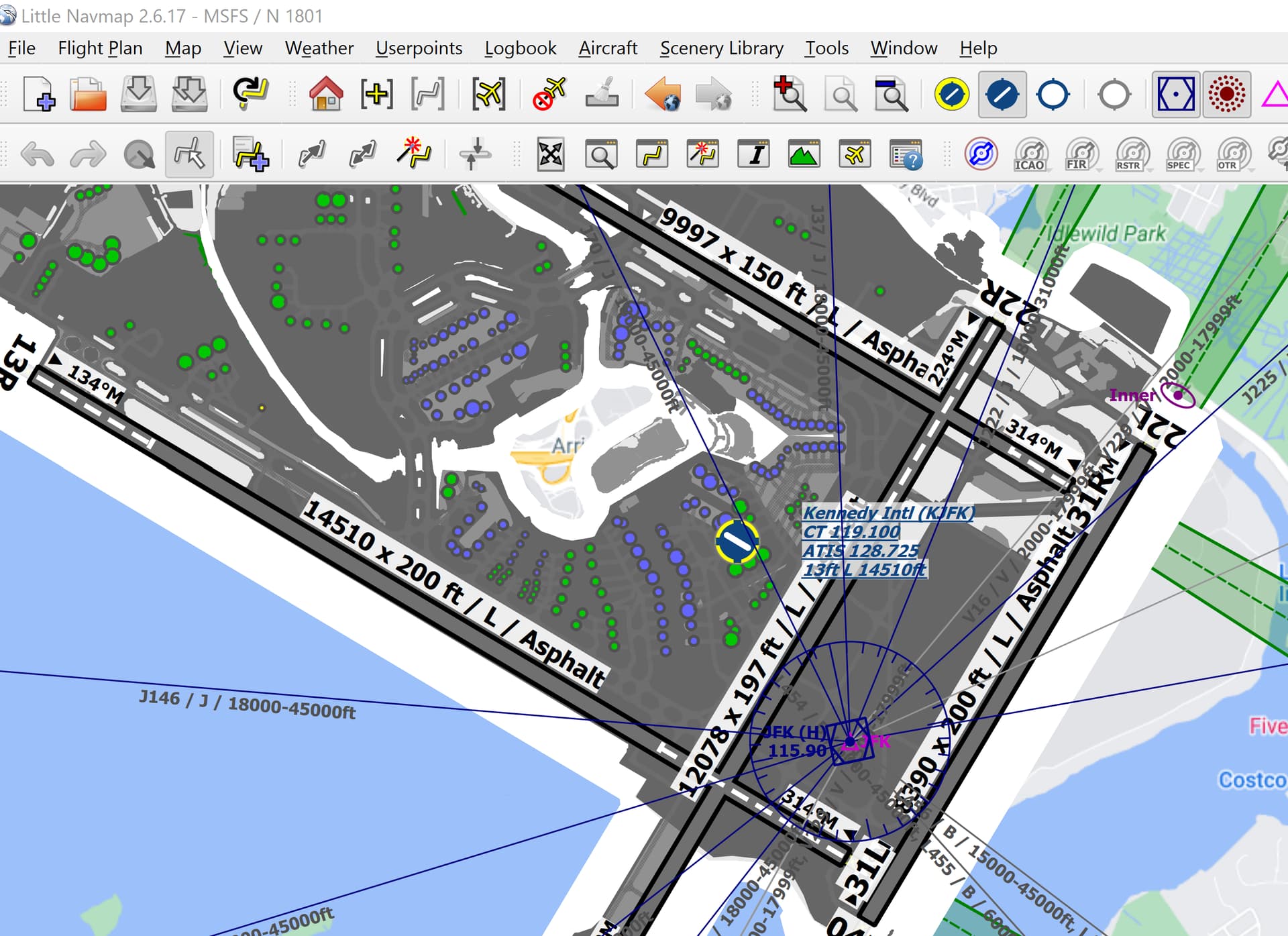
The best tool I’ve found is to use Little Nav Map to simulate an iPad like view of the airport as well as it’s primary role of flight planning and serving as a living, moving sectional map.
When zoomed in to the airport at which you’re departing, it actually shows the taxiways with the sim’s procedurally generated labels assigned. So when Ground says “Taxi to Runway 7 via Taxiway Charlie, Bravo” you can look at the over head view, see where your plane is exactly on the ramp and navigate using the labeled taxiways.
I just use the Navigraph airport chart. Even if the letters are incorrect at default airports you can still use the chart as a map and it works fine for me.
If the tower gives your clearance for runway 26, then you check which running way is running along the lines of 260 degress, and there you go. If you get clearance for say runway 6 then your going to taxi to the east/west runway and start from the west end heading east.
This seems to work anywhere in the game so far for me.
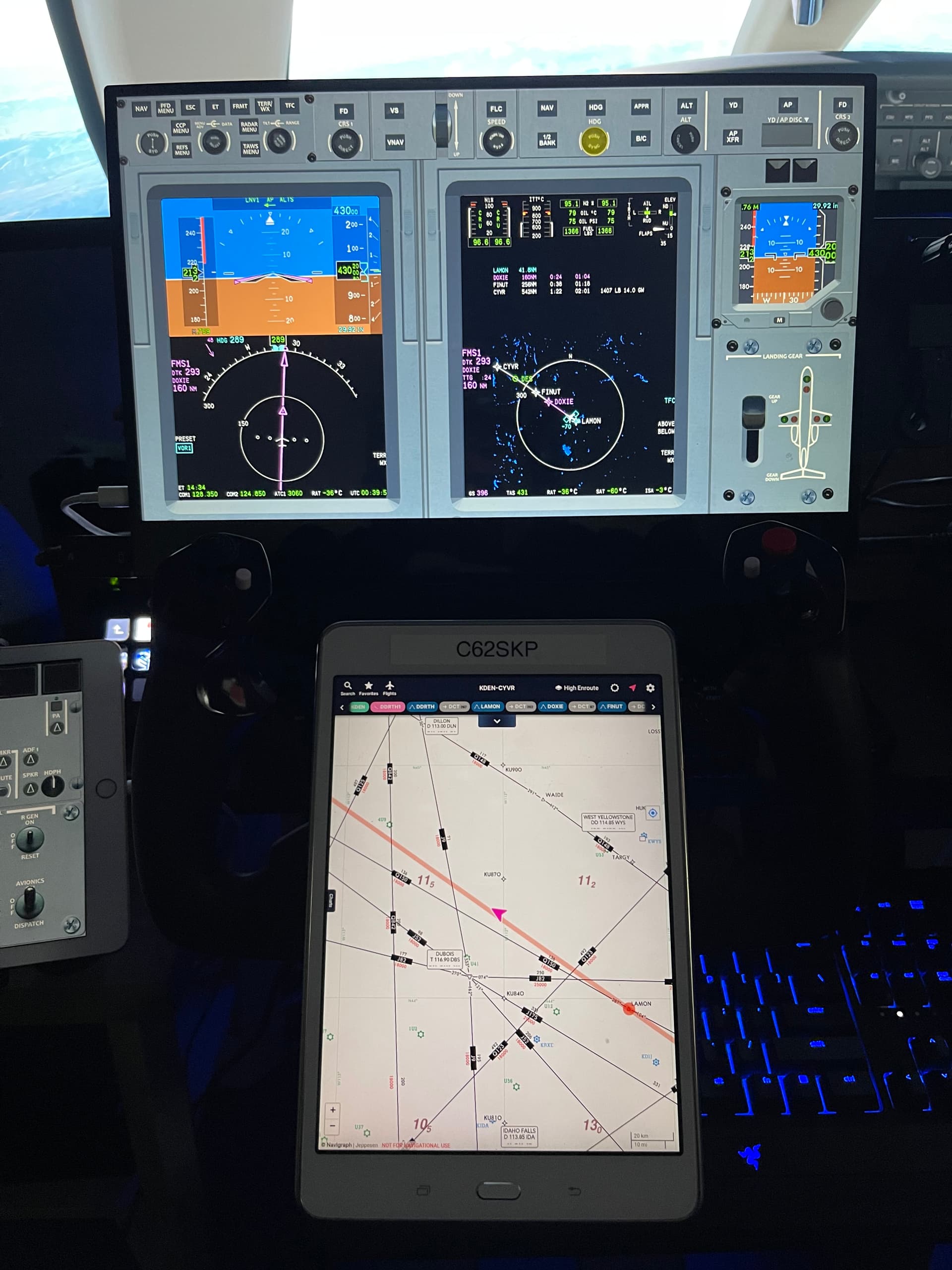
Navigraph Charts on a Tablet (or you could use the in game plugin or windows app on 2nd monitor).
I also use Pilot2ATC so the taxiway directions are much more accurate and if there is an error in the taxiways you can fix it yourself. The signs will not be correct unless its a hand built airport.
I use little nav map, and I like it. But my biggest complaint is when I zoom in the map, it will often zoom back out by itself when I don’t want it to. Is there any setting to fix that?
I just taxi and look for a long straight taxiway/runway and go to the end of that and its usually a runway threshold and i take off. I know its cowboy stuff but it works since i don’t use the default ATC as its an immersion breaker.
I think they are intends to give airports flavour, to make them feel dynamic, and alive. That’s why I maintain that their behaviour is intended, and not an accident. As you taxi around they will often make a beeline for your position in an attempt to get in front of you.