Hello simmers! I am curious about how much fps I can expect with a RX 7900XTX? Can you tell me how much fps you get in a dense scenery like London or New York when you play with 4k (UHD). It would be also interesting with which cpu you run the sim. Do you play it native or with AMD fsr? Thanks in advance!
The GPU isn’t the only thing that matters.
2 Likes
Hi @OrcaHaken675929 ,
Thank you for your post! Your topic has been moved to a sub-category of the User Support Hub
The General Discussion category is meant for discussions that fall outside of our other sub-categories.
If you would like other users to help you with an issue you are experiencing in the sim, consider these User Support Hub categories for your future post:
User Support Hub > Aircraft & Systems
User Support Hub > ATC, Traffic & NAVAIDs
User Support Hub > Crashes (CTDs)
User Support Hub > Hardware & Peripherals
User Support Hub > Install, Performance & Graphics
User Support Hub > Scenery & Airports
User Support Hub > User Interface & Activities
User Support Hub > Virtual Reality (VR)
User Support Hub > Weather & Live Weather
User Support Hub > Miscellaneous
Here is my Sapphire Nitro RX 7900 XTX.
i7-14700K, 64 GB GSkill 6400 MT/s.
4K, Ultra, T LoD=400, O Lod=900
HDR, TAA, DX12
TV - 65" 4K HDR 60 HZ
Native display - no DLSS, FG, or FSR
Default options on the RX 7900 XTX with Quality setting.
On the runway at KJFK 31R
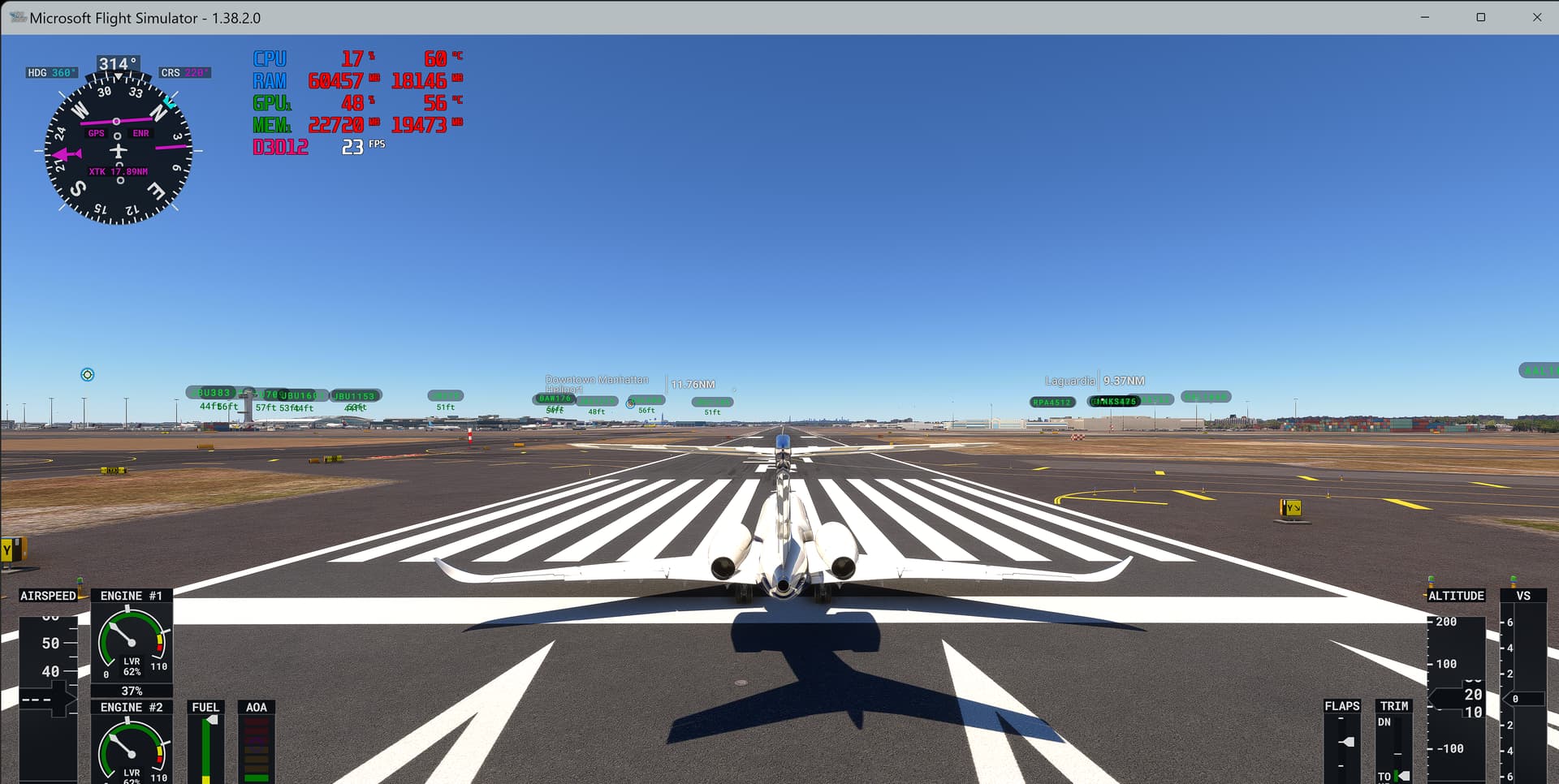
KEWR - Newark NJ
Drzewiecki Design
I did not have MSI Afterburner displaying but was showing 22.4 GB of VRAM being used on a similar flight over KEWR.

FPS with native 4K runs around 25 to 30 FPS.
Dense scenery or not it runs the same.
I don’t care about FPS.
I care about the graphics.
Thr RX 7900 XTX and its 24GB of VRAM is perfect
for FS2020/FS2024.
It also ran fine with my previous i5-13600K.
1 Like
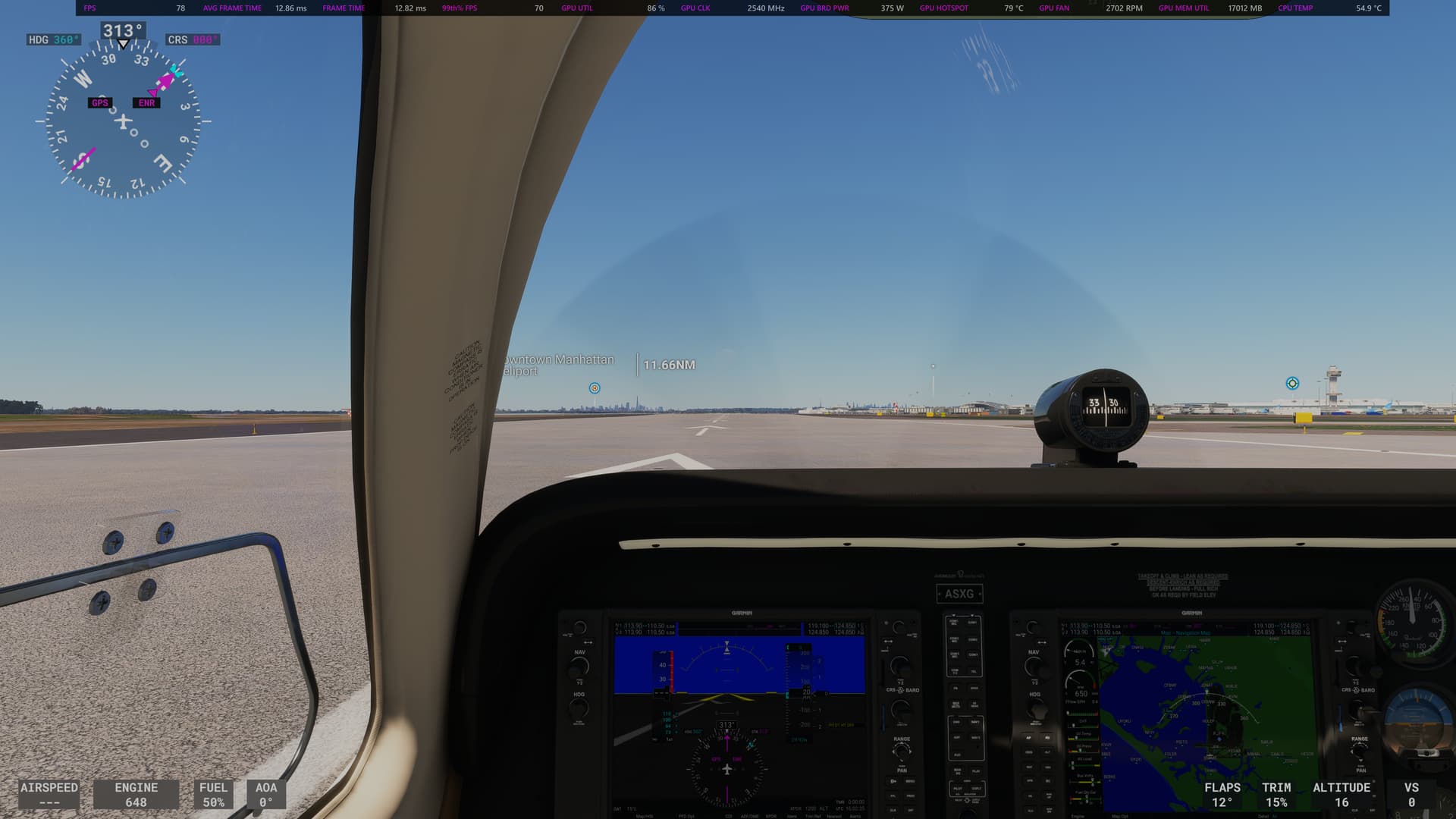
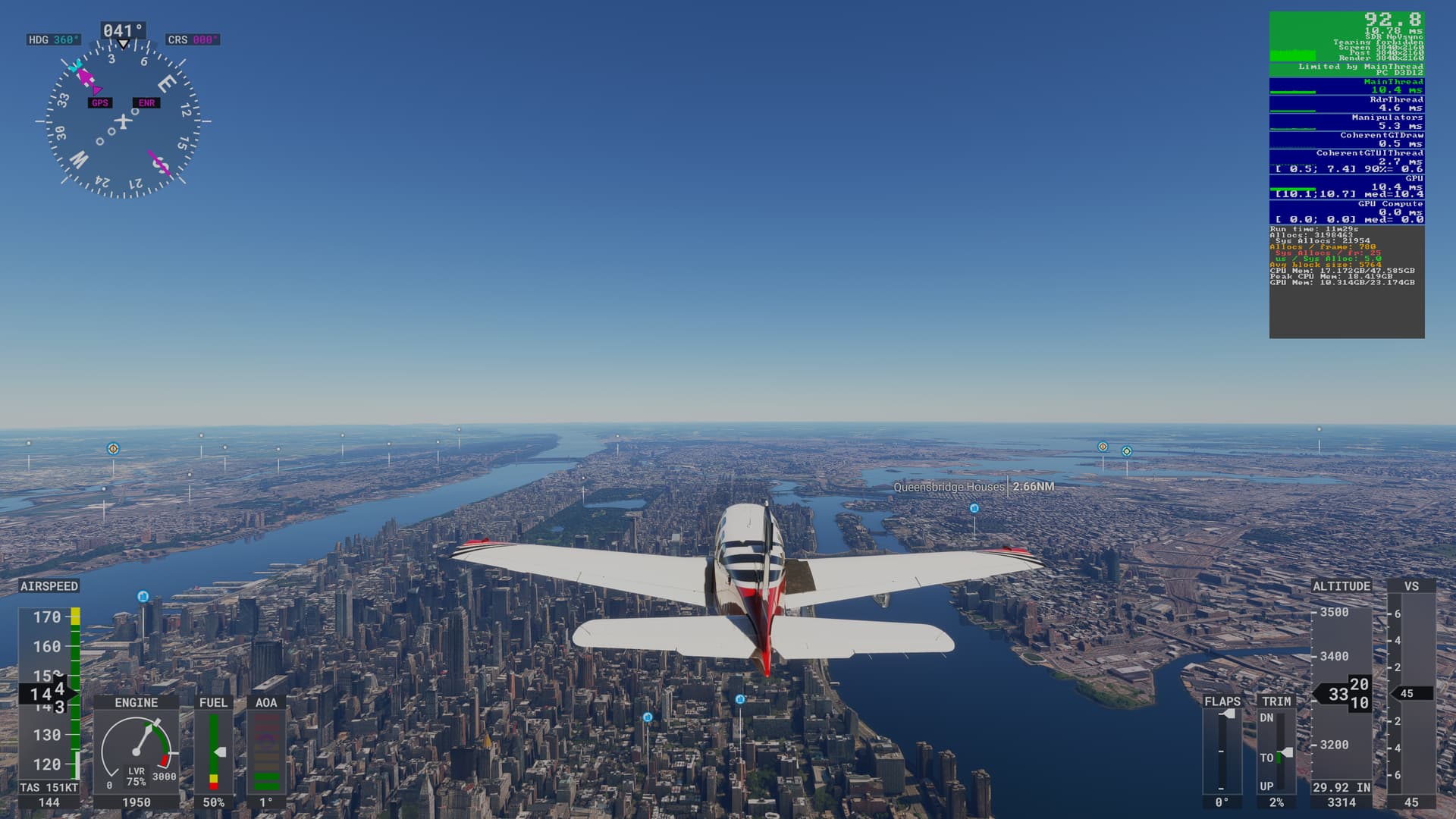
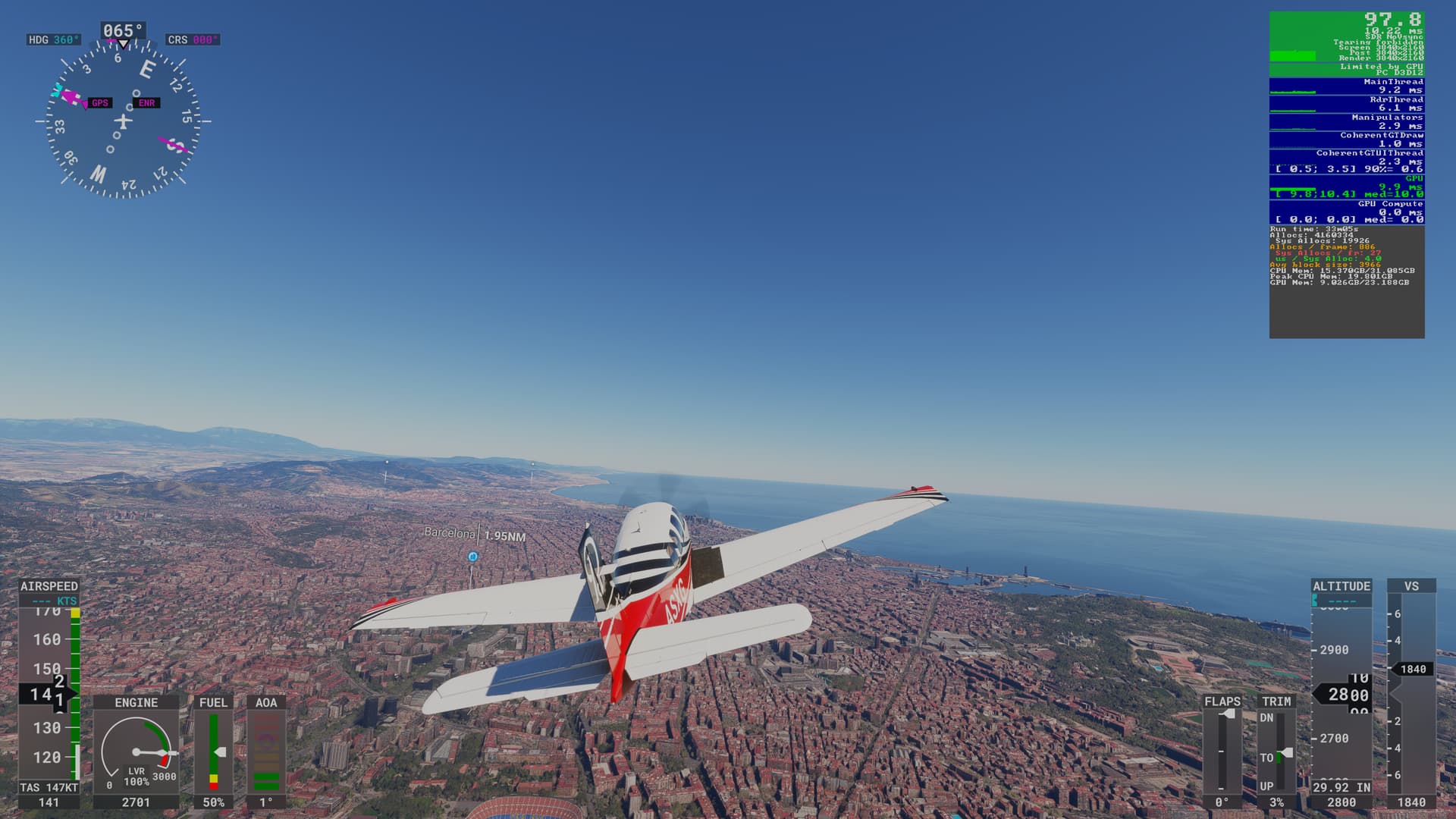
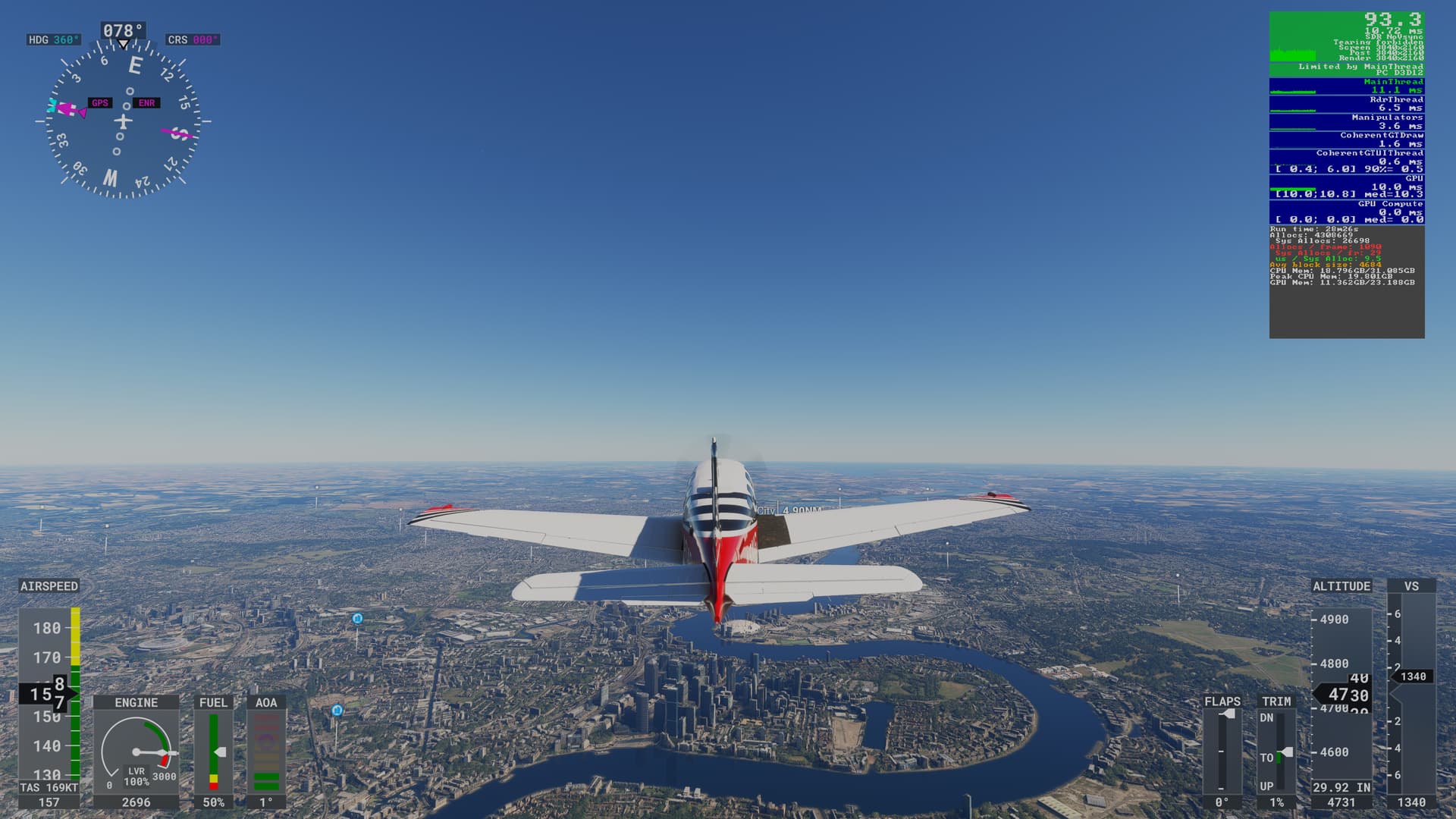
Since not many fly 4k HDR @ Tlod= 400 & Olod=900 (stunningly beautiful pics though) I thought I’d give additional feedback. I have a Sapphire Pulse 7900xtx running 4k w/TAA, everything at ultra Olod=200; Tlod=200 (no frame gen), no traffic, no weather. You can get more fps using FSR2 and obviously significantly more using AMD’s frame gen (click on my gamer pic to see my PC specs).
You really don’t need to worry about fps with the 7900xtx with a modern processor (like an AMD x3d) just enjoy the smooth sim with beautiful scenery.
On runway at Kennedy w/Asobo G36 Bonanza
Over NYC w/Asobo G36 Bonanza
Over Barcelona w/Asobo G36 Bonanza
Over London w/Asobo G36 Bonanza
1 Like
I would phrase this as “the GPU won’t be your limiting factor most of the time” 
Even with a fast CPU you’ll bog down in 2020 at large airports in large cities with lots of traffic in a complex airplane, while better conditions will lead to pretty great frame rates overall. With a Ryzen 7 5800X3D (good but not the latest generation CPU) I tend to drop to or even under 30fps on the ground at big custom airports in Los Angeles, for instance, and scenery load stutters can strike even when frame rate is better (45-60 flying at modest heights over LA).
The upcoming MSFS 2024 should handle these cases better, based on what we’ve been told and what we’ve seen so far in the tech alpha.
So my recommendation is feel free to hop onto the RX 7900 XTX bandwagon if you have the money – it will serve you well! But don’t upgrade any CPU/motherboard stuff until after you’ve seen MSFS 2024 in action.
(The AFMF frame-doubling feature isn’t half bad either and can help with slower frame rate areas a bit, though it can be a bit finicky and slow frame rates can result in some visible artifacts. I fly without it myself, but it’s better than I expected!)
(I run at native 4K resolution, without FSR – I find that all the upscaling solutions don’t handle glass panels and textures very well and I much prefer the clean native resolution. The 7900 XTX handles this quite well, and usually leaves me some GPU headroom on MSFS 2020 where I’m usually CPU limited.)
1 Like
I think it will be about what you get now. There may be a trade-off, so more detailed graphics leads to lower frame rate ; there may be some rendering improvements that give you a bit more. But I don’t think it will be significantly different either way.
It has to be credibly useable on XBox which is the lower bound for resources.
Hi, I’m thinking about trading my 4080 Super for the 7900 XTX, mostly for the Vram but with the crispness of DLSS 4 I’m hesitant and also does the sim have native frame gen with AMD?
No, that would require FSR 3.1 which, despite coming out almost a year and a half ago, is still not integrated into either 2020 or 2024 natively.
I won’t recommend. The 7900xtx may be a hair faster in some games.
Any upgrade path will have to be a used 4090 or a new 5090. I know the “price”.
I don’t regret getting the 4080Super over the 7900xtx.
thanks for the replies and I thought so..was tempted as I can’t believe there is no VRAM middle ground …24gb Nvidia i sold my 3090 for the native fram gen but now see EHAM @4k with AI traffic eat up towards 15…when I fly I see more texture popping and morphing …which is a major trade off
The 7900xtx and 4080 Super are about the same in performance (full disclosure I have a 7900xtx). I believe native frame gen is a non-issue with the sim as you don’t have a lot of fast action such as in a fps game. AMD’s current frame gen works very good with the sim and MS/Asobo are still tracking to incorporate FSR3.1 natively into the sim. Personally, I use FSR2 with AMD’s frame gen capping my frame rate at 72fps and then doubling it to 144 to match my monitors refresh rate. I turn on HDR10 to negate any blurriness FSR2 introduces so very crisp and very smooth on my 55" 4k Oled TV.
While the 7900xtx does have the advantage of 24 vs 16gig of vram, unfortunately the 7900xtx just went out of production and hence they are difficult to find at this point.
I know MS/Asobo are working on a solution for the vram issue and I believe they are targeting a fix by SU2.
Thanks for the reply, I just made a deal to temporarily trade my 4080 Super for a 7900 XTX to test for a week, I’ll decide after to keep or just wait a bit longer and sell and bite the major bullet with for a 4090 used
Well done!  It’s great that you can take it for a spin before committing. I do recommend that you uninstall the Nvidia drivers 1st and do a DDU to ensure everything is gone and cleaned up relating to your 4080 prior to installing the 7900xtx. Nvidia and AMD drivers don’t play well together.
that sounds like an expensive upgrade which probably wont be reflected in performance.
2020 or 24? Can you clarify how you turn on fsr in 2020 if possible, or is that only a 24 thing?
You can turn on FSR2 in the sim (both 20 & 24) via the same parameter to turn on DLSS.
Hi there, I am a total gaming newbie and stuck with what I think rather low fps in msfs2024 on a ryzen 9 7950x with 64 GB, AMD rx7900xt, and triple monitor setup (each 1650x1050 with 60Hz, no VRR support). Fresh Win11 install. I cannot really go higher than medium settings (trees low) in the sim, which brings approximately 25-30 fps at a busy airport (e.g. JFK) and up to around 65 fps in rural areas. 45-55 fps in NY City. Normally its CPU limited around 20%. With high or ultra, FPS gets halved and it becomes GPU limited. I tested various tricks posted here in the forum: FSR3 via Optiscaler (gives me immediate CTD, maybe because of multi-monitor ?), AMD Fluid Motion Frames via Adrenalin (basically no effect, maybe because too old monitors not supporting VRR ?). Perhaps somebody more experienced than I am could give me some advice on whether (and if, how ?) these FPS values can be improved or not with my current hardware setup. Or could a Ryzen 9 9950X3D greatly improve the situation ? Any thoughts on this are welcome. Thanks.