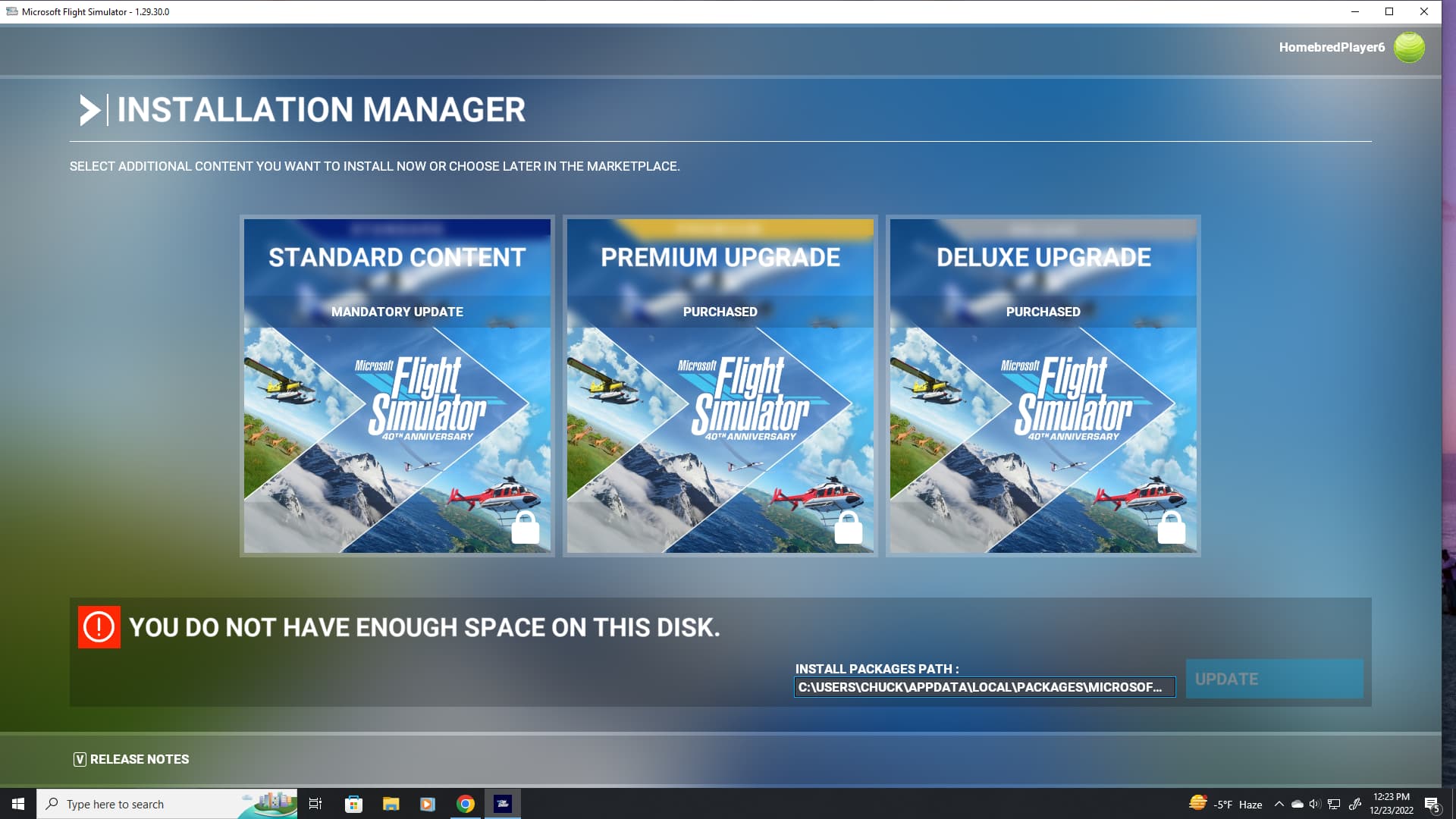
I haven’t flown since the beginning of July due to a broken flight stick. How much space do I need to update everything?
I have 159 GB free on C:/. I never uninstalled it. What’s going on?
I haven’t flown since the beginning of July due to a broken flight stick. How much space do I need to update everything?
I have 159 GB free on C:/. I never uninstalled it. What’s going on?
Should be more than enough. Just update and see where it leaves you and then make changes to adjust as necessary. Hard to give an answer because we don’t know what it’ll tell you when you go to update. Once you update you can always go into the content manager and uninstall stuff you don’t need. Can easily trim 10’s of gigs from doing just that.
I should have been more clear. It won’t let me update because it says I don’t have enough space.
Time to get the virtual scissors out. How much space are you lacking? Can you install into a drive with more space?
I don’t know. It doesn’t even tell me how much I need. I would think 160gb is plenty, but apparently not?
If I were to uninstall and re-install, could I save my community and official folders by moving them somewhere else and then pasting them back in?
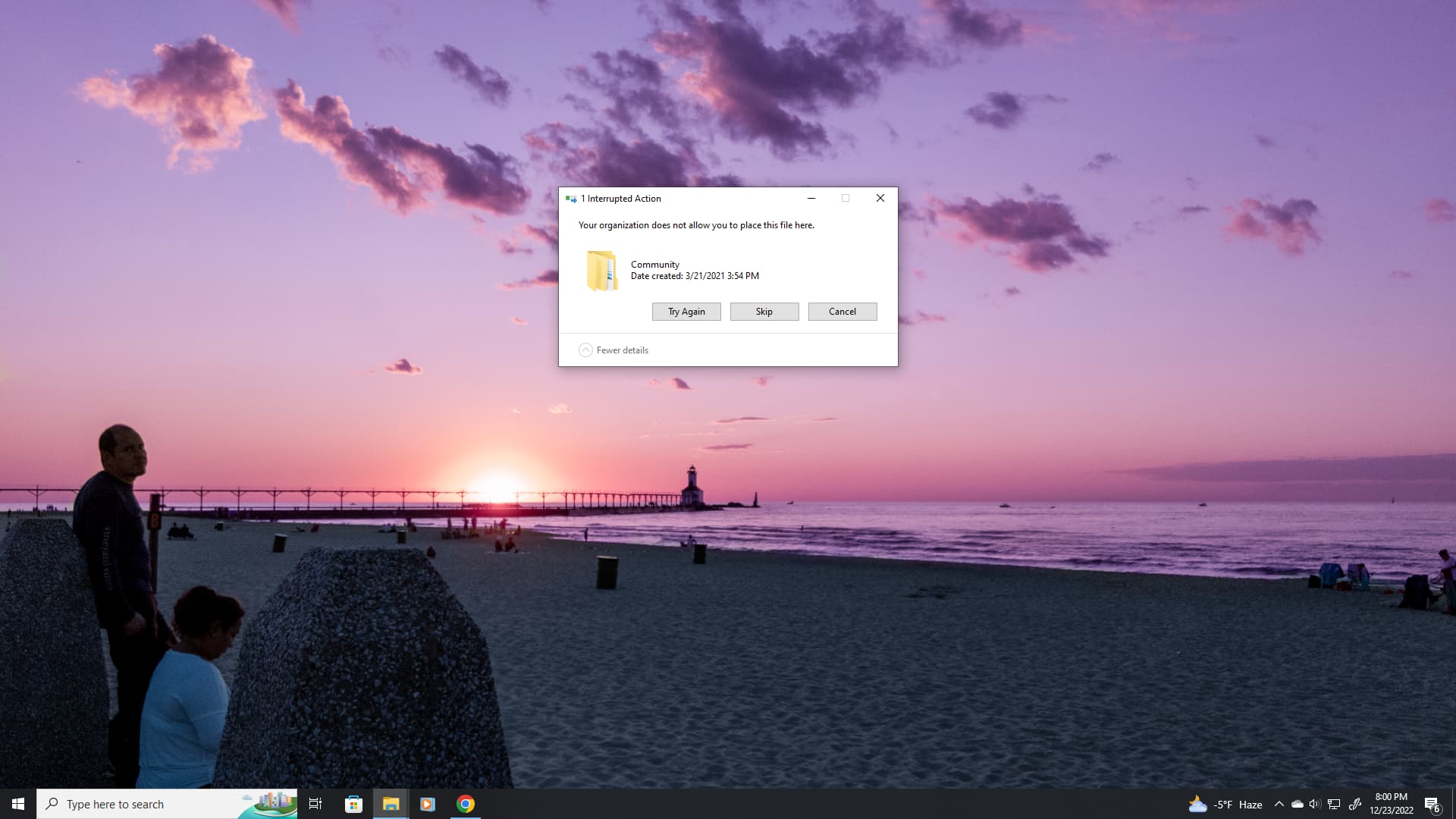
Update: when trying to copy the Community and Official folders to a different drive, I get a message “Your organization does not allow you to place this file here”
Just use the FS2020 App “Move” command.
See, what I don’t understand is that the game seems to be on a different drive than the community and official folders (which is the default C path) What would happen if I just uninstalled and reinstalled it? That’d be the easiest thing to do I think, but would it wipe out everything?
It is not on a different drive due to Symbolic Links.
See this post:
If I uninstall it, would that wipe out my community folder?
Just make a copy of your community folder to your desktop and then when you get the installed all sorted just drop it into your new directory and overwrite.
You can close this now. Accidentally uninstalled it.