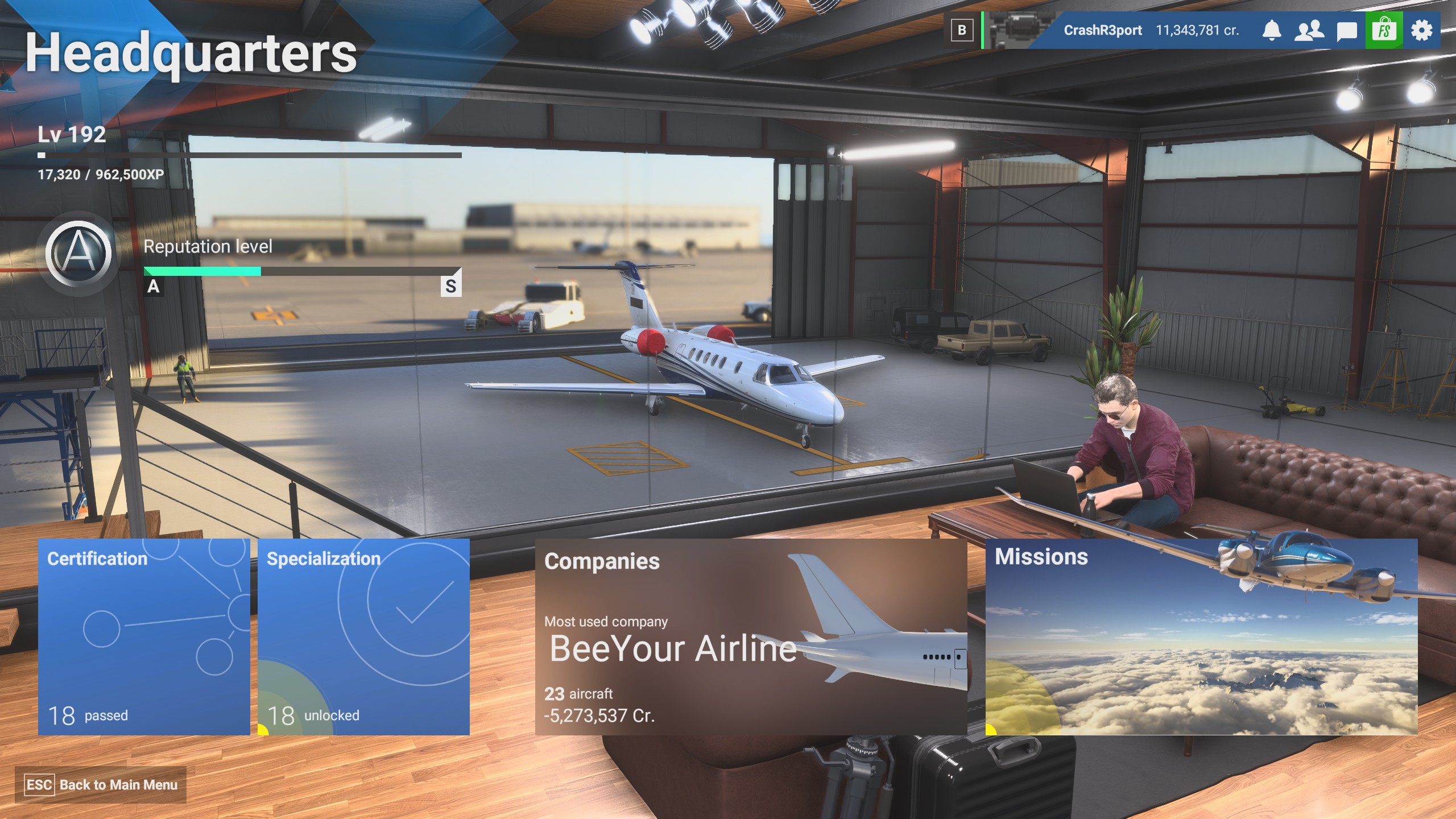
Not sure if this is possible…but, how do I change the aircraft that is parked in my headquarters hanger? Currently it is one of my CJ4s but I’d like to be able to swap it out. Is this possible?

Moved to User Support Hub for community assistance.
Normally when you buy bigger aircraft you get an upgrade. If you went from a vision jet to an airliner your office gets upgraded and the picture of the most expensive aircaft you own gets to be in your hangar.
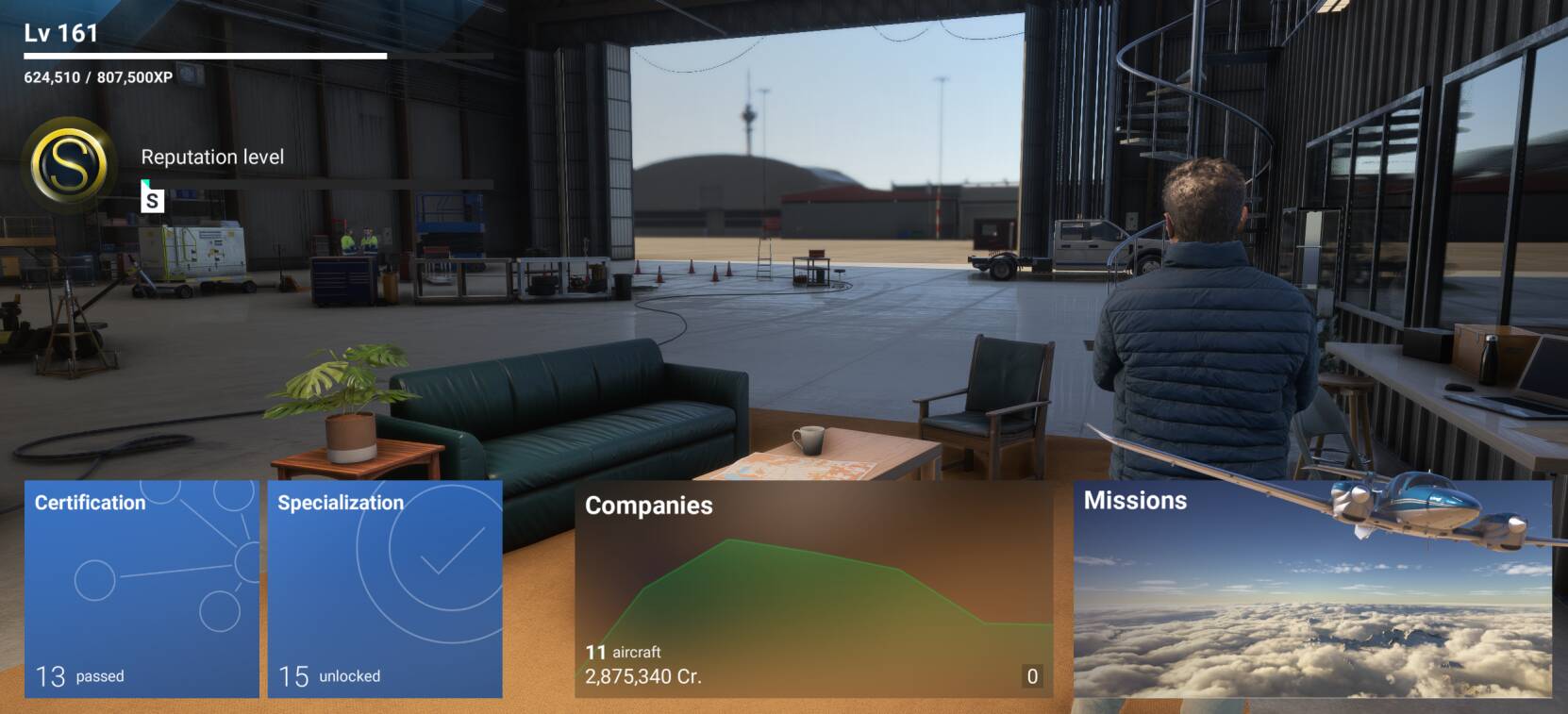
EG, Zadma does not appear to have bought an expensive plane because your company is still in the hangar.
Crash’s is a VIP company with the CJ4 as the most expensive aircraft.
I do not think there is any other way to change it - to my knowledge anyway.
Wishlist item??
So it upgraded my hangar to one too “nice” for the planes that I own, so instead I see nothing?
If you baught an expensive plan that worked in the hanger then sold it. It doesnt go back to the previous hanger/HQ. It just shows the hanger empty.
Weird - wonder if it’s because I was in the SU4 beta where I would have owned many large/expensive planes. Biggest/most expensive plane I’ve ever owned in my non-beta Career is a Caravan.
I think because you basically (in sim) do not have an office of your own, it’s a public hangar. So your plane won’t show. If you have the credits, buy a VIP plane (like a CJ4 or pc24) and see if you get promoted to your own office.
We will have the answer then. 

I guess I just thought my hangar space/office upgraded as my companies did - as I thought I previously saw smaller spaces with smaller aircraft. Could be totally hallucinating that though 
1 Like
From what ive seen its based on the planes you buy.
1 Like