Hi all
Since we have a massive update for msfs24 but I did not get any download page for the update? Is that normal? And how to check my current installed version for msfs24
1 Like
probably it automatically downloaded without your knowledge. I have windowed mode and the version is in the window title.
Good tips. I reverted to windowed mode and see my version 1.2.7.0
2 Likes
5 Likes
This is NOT true anymore
You now can click ALT+ENTER, that will change your screen to “windowed” and on the left end upper corner you´ll see the version number of your simulator.
1 Like
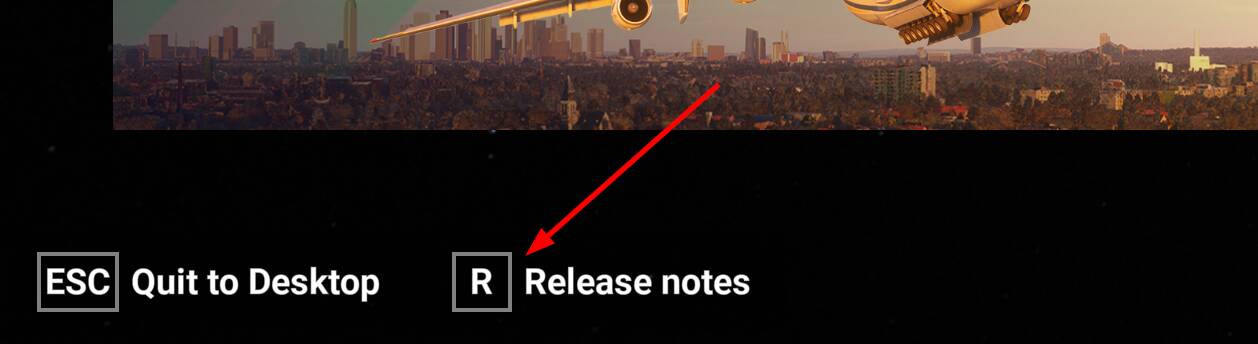
So can anyone say how to check installed version now (as of Dec 17th 2025)? It’s not on the main screen even in windowed mode (unless it’s under the task bar, which can’t be moved in W11) and it’s not in the release notes. Thanks.
Are you cure? 

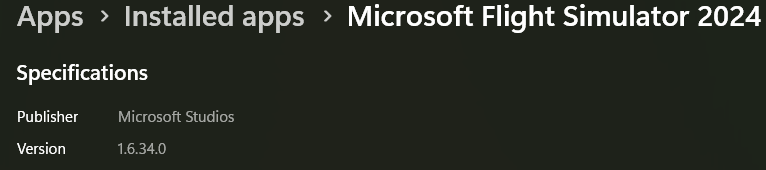
Open Windows Settings, go to Apps > Installed apps. Find Microsoft Flight Simulator 2024 on the list and click the three dots next to it > Advanced options. The installed version number will be shown there.
1 Like
Oops, - hiding in plain sight!
Thanks.
1 Like
“To check if your Microsoft Flight Simulator 2024 (MSFS 2024) is updated with Sim Update 4 (SU4), you can verify the installed version number or check the in-game release notes. The official version number for SU4 is 1.6.32.0 or later.” From Google AI search. I found by right clicking the MSFS2024 app in Windows 11 and selecting more then app settings. 1.6.34.0 shows i have the latest .