Hi All,
This is probably a stupid question, but I’m trying to work out how I can determine the weather at my destination airport when I’m flying with the inbuilt MSFS 2024 historial weather (the one that goes back up to 24 hours).
If I’m flying say 16 hours behind current time, things like real world METARs, NOAA etc obviously aren’t accurate. Clearly MSFS has access to the historical data (I presume it downloads it form the server) however I’m not sure how I can access that for flight planning purposes. Nor am I sure how a program like BATC access it to determine arrivial runways etc when its also running using historial weather.
I realise I could fix this with ActiveSky (which I do own) but I’m trying to avoid using it due to the transitions and the fact BATC doesn’t read ActiveSky weather data.
LittleNavMap indicates that MSFS doesn’t allow access to the weather within the sim, so its just pulling NOAA data I presume.
Any advice?
Cheers
Click on the destination airport in EFB. There is a weather tab. Suffice to say if it is a small airport it might not be available. Simbrief if you have it. I’m not sure if it rolls back time though. Haven’t tried that.
1 Like
Keep in mind that the EFB is showing the real world METAR, which is not necessarily what the Live Weather in the sim is doing, and very often the case is quite a bit different than the sim’s weather.
1 Like
Hi @SkipTalbot
That’s a great question! I’m not too sure if we have a way to show the Historical Weather METAR via the EFB or any other in-sim area. I’ll take a look to see if I can find anything out!
The MSFS Team
4 Likes
Thanks Chewwy94 - Thats the part I’m interested in.
I understand that MSFS 2024 can recall historical weather up to 24 hours, but my question is how do I view that weather. I.e, through what application or means can I check the weather at my arrival airport if I’m running say, 16 hours behind current time.
Again, I understand I can do this with ActiveSky however my preference is to use the in sim weather engine.
Cheers
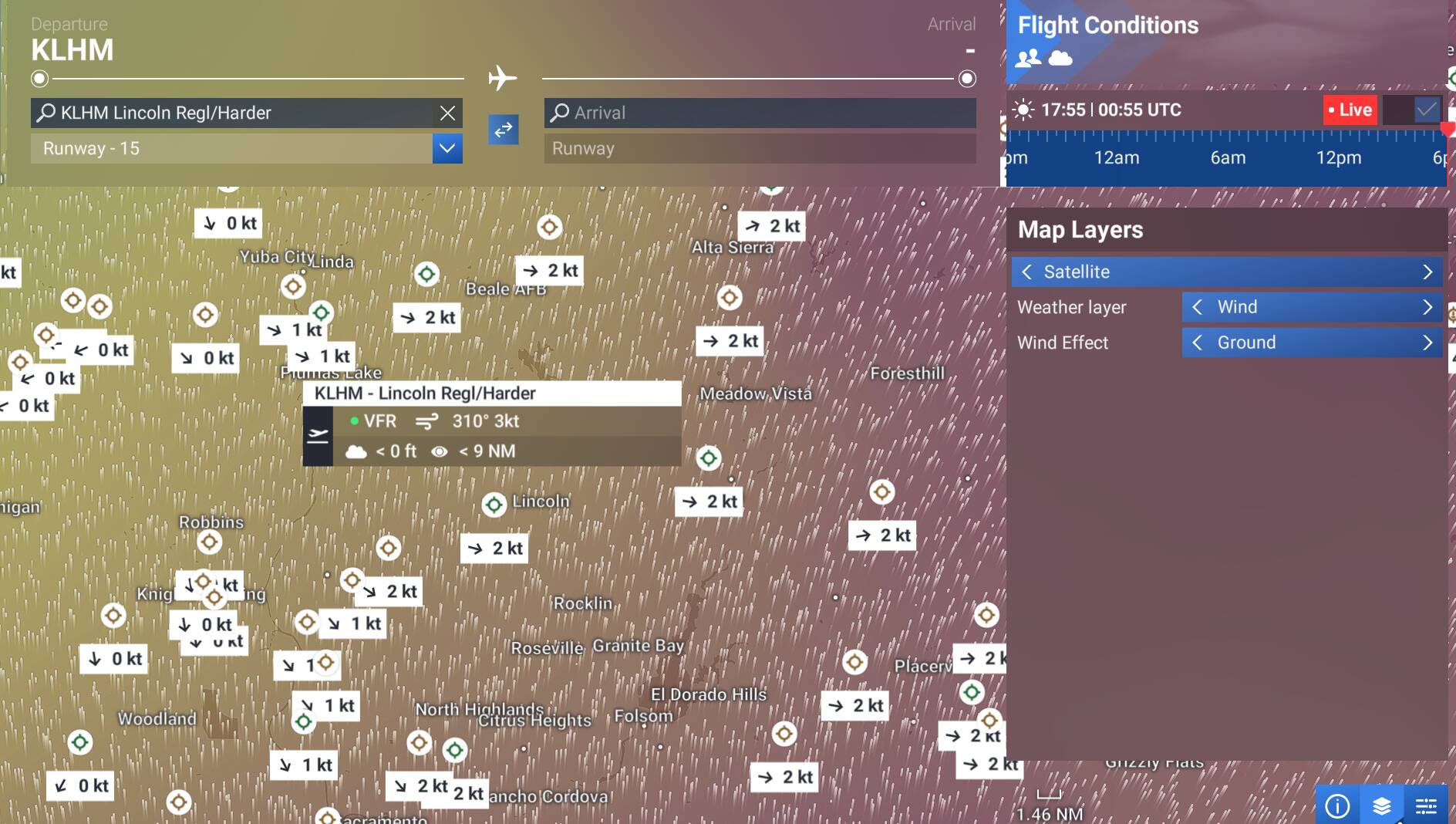
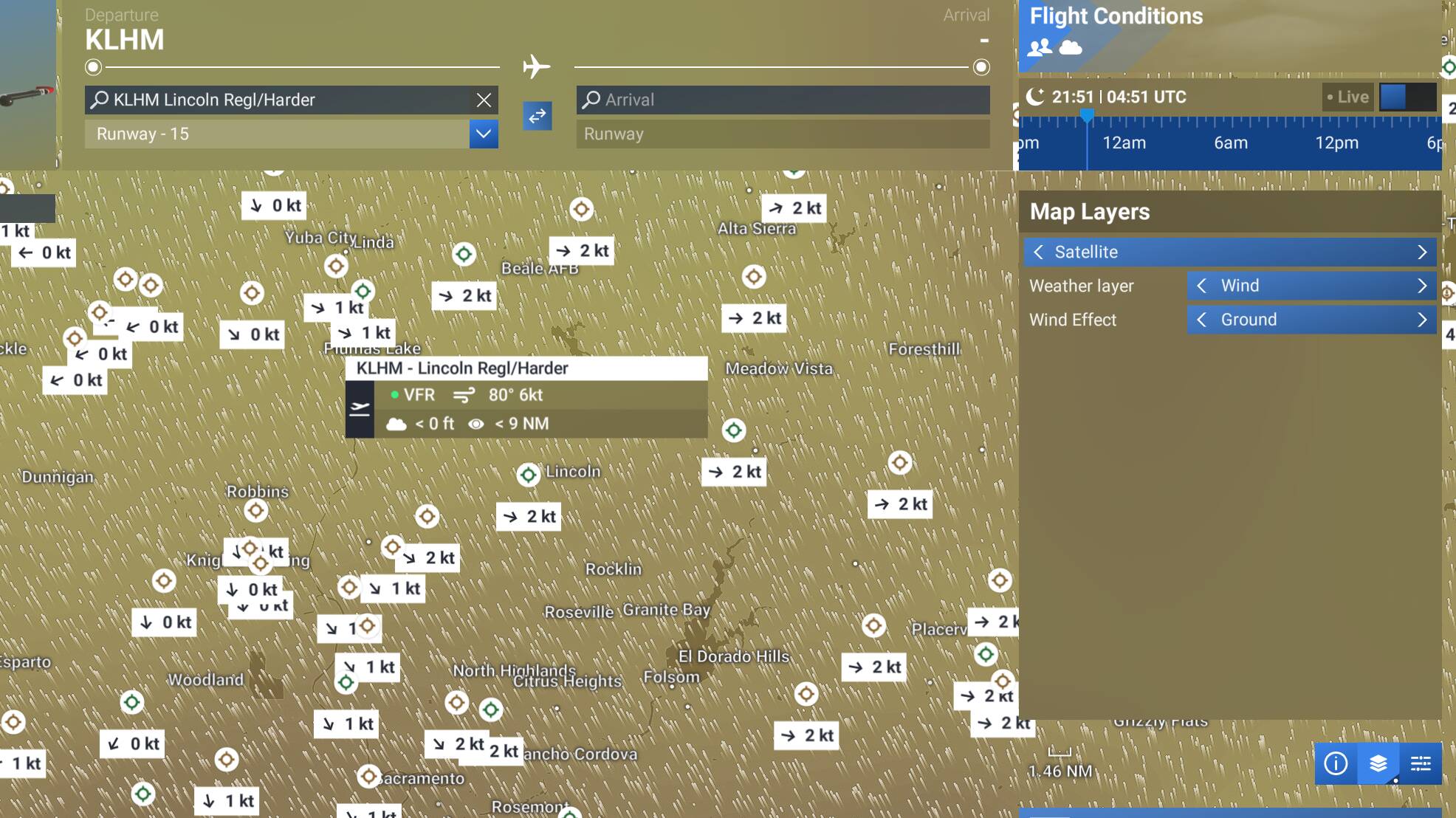
For some basic info from the sim itself, you can set the map layer to advanced - shows wind, clouds, or precip. Selecting the airport for departure will also show some basic info. Not a full METAR, but it’s better than nothing.
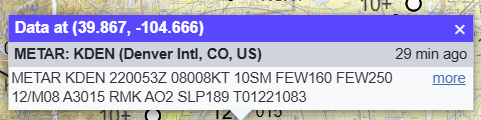
Current
Here it is 20 hours or so ago:
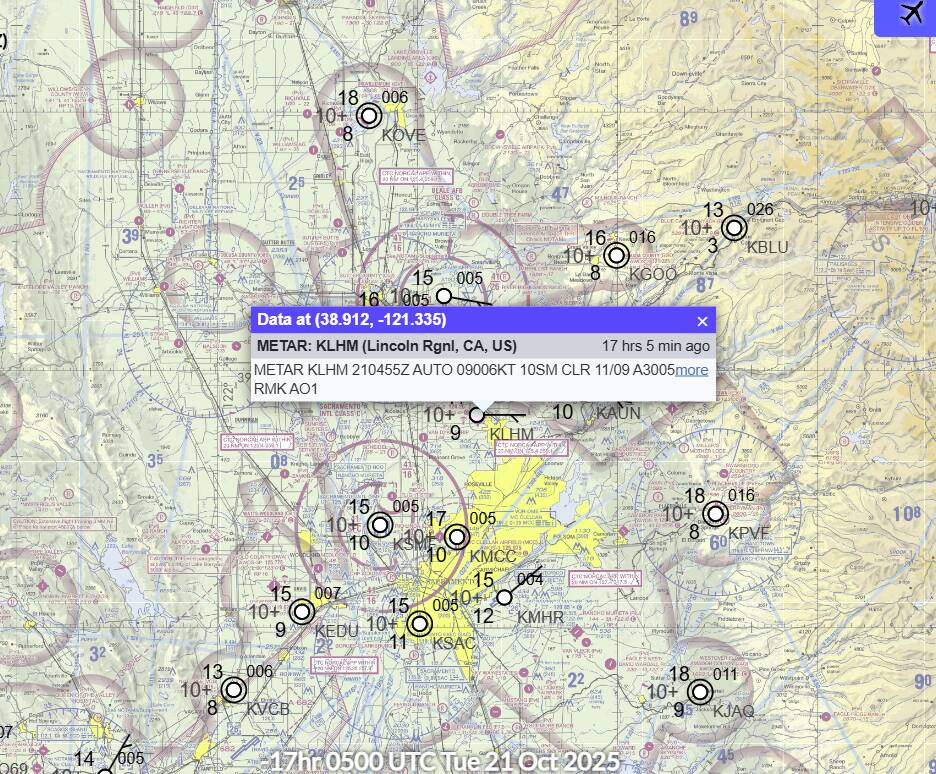
Here is similar comparison using Aviation Weather Center (this is what I use in the sim exclusively):
Current:
And a look back to 05z, as above
Just be advised that the in-sim advanced weather layers are really wonky - they tend to get stuck. Hence why I use AWC. Unfortunately, that’s only good for the US in terms of weather depiction, though METARs are available globally.
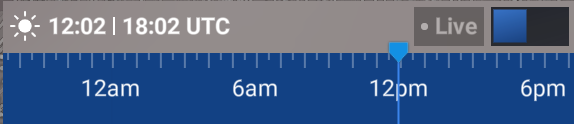
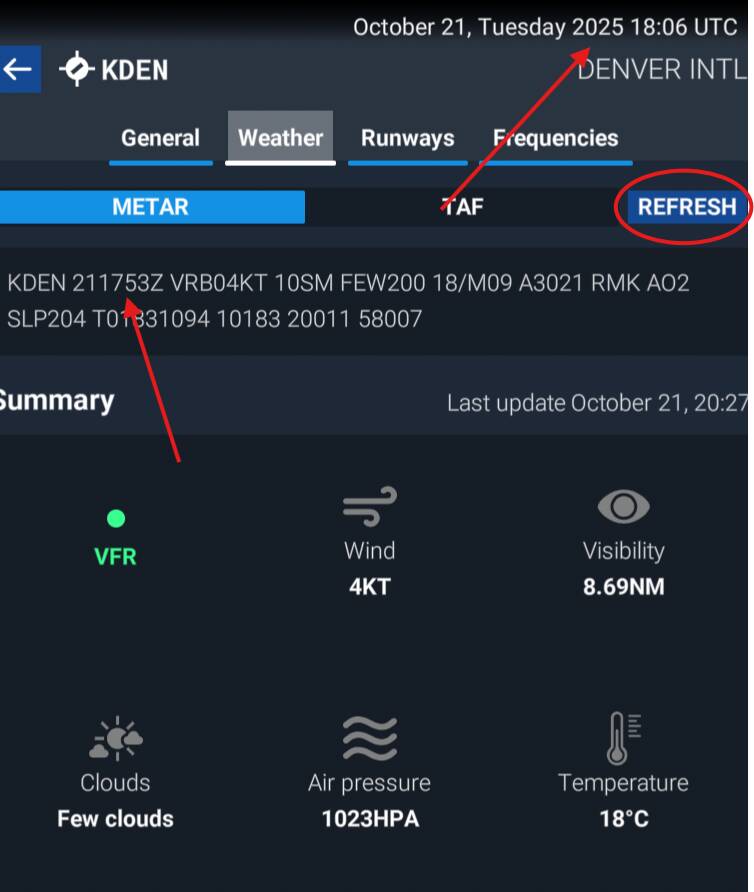
Also, move the time slider and refresh the METAR in the EFB and it will show the METAR for the time in the slider.
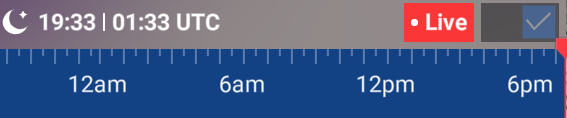
Current (0133Z - took this a minute after the EFB below)
EFB (note the current time)
R/W verification on AWC:
Back to 1802Z (yesterday):
EFB (note the updated (past) time in the top right and the METAR itself)
R/W verification:
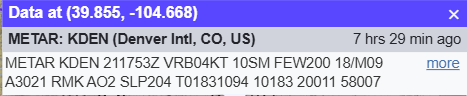
So, there you go - a way to do it entirely within the sim. Still lacks in the depiction and enroute department, but current and historical METAR and TAF work.
2 Likes
Hi CharlieFox00 - Thanks for the replies!
Is it possible to adjust the time in the EFB without actually adjusting the SIM time? I.e. can I be flying along and check the WX within the EFB without actually altering the SIM time? Changing the time in the SIM has effects on a variety of other things like monitoring software etc…
Not that I’m aware of. I’m not sure what your goal would be, anyway. If you’re looking to see what the weather will be at your destination, just use the TAF (tab is on the same page). It’s a forecast, but it’ll get you in the ballpark. If your destination doesn’t have a TAF, pull one up from a nearby airport that does.
Otherwise, most METARs are generated at 53-57 past the hour and are good for the following hour, so checking an hour or so before arrival should be good. Listen to the ATIS as you get close enough.
If you really must get the METAR several hours ahead at the arrival time, but you’re flying in the past, you can pull it up in Aviation Weather Center using the method I described earlier. Just realize this isn’t very realistic - it’s kind of a cheat. In the real world we truly don’t know what the weather will be when we arrive, just what is forecast, then what is observed within that hour window prior.
Thanks mate - It seems this is a round-a-bout way to get to the end point. That said, (please do not ping CM’s) it would be great if you could feedback that this is perhaps a weak spot in that there’s no way to seamlessly check weather if i’m not flying “live”.