I’m trying to get to know the A320 and A321 in MSFS 2024 and I’m following some tutorials online, but there are two things I really don’t understand:
How do I change flight plan mid-flight?
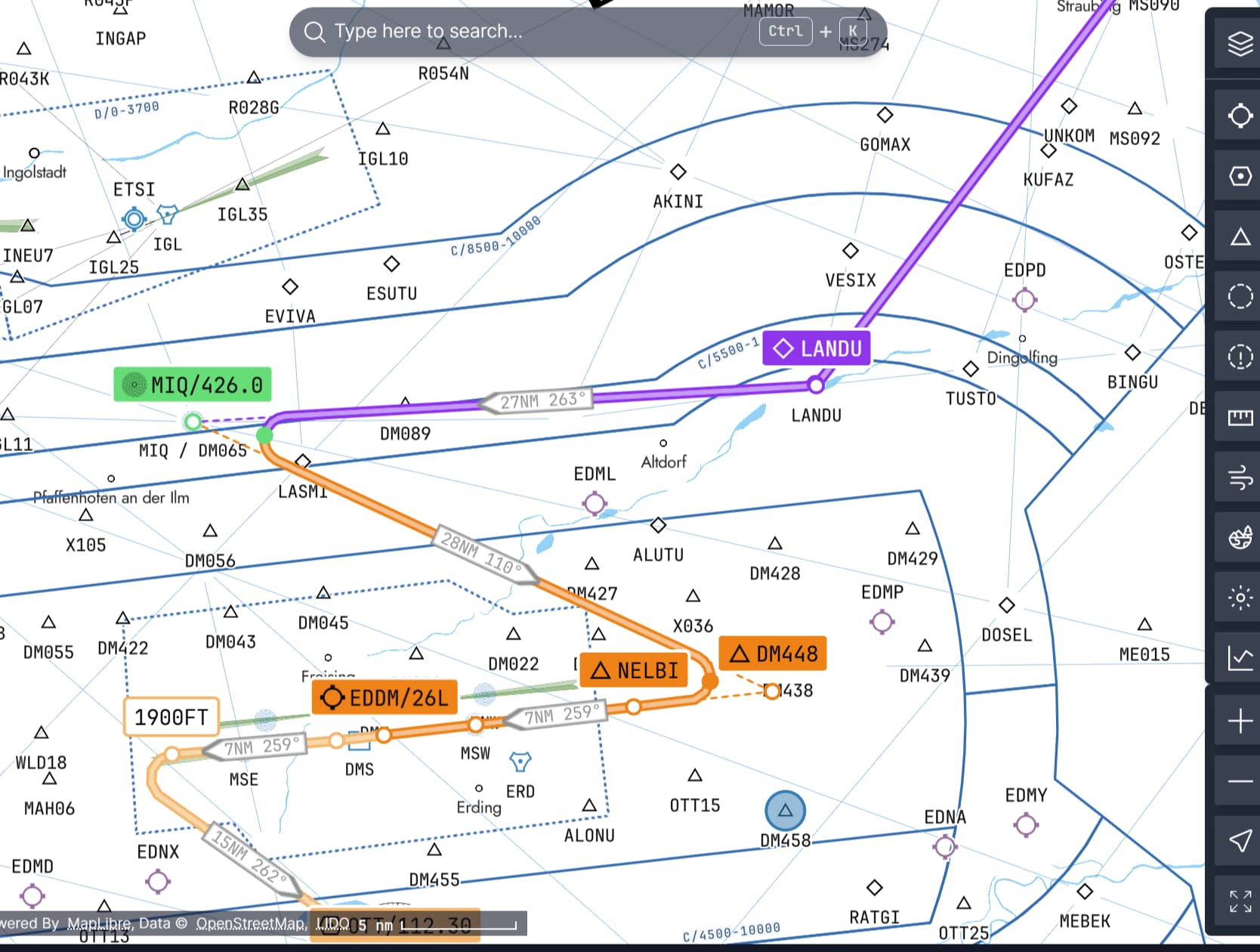
For example, I planned to land on runway X, but then active runway changed for Y and ATC direct me to a new waypoint. How do I reorganize, delete or add new waypoints in the MCDU?
In the tutorial I was following, I was told that the autopilot should manage the altitude. So, you could set 45000ft, but autopilot will follow the flight plan. But for me, it doesn’t work. I import my flight plan from Simbrief into the MCDU, but I still need to do manual altitude. Also, why is my descent locked at 100ft/min when in managed mode?
If you are in cruise, you can change the arrival, for that, just scrolldown your flight plan until your arrival (exemple LFPG09L), click on it then you can change the arrival runway and approach.
The MCDU update the end of the flight plan in consequence.
You may have Discontinuity or MANUAL leg, that’s OK because some arrival expect you to be vectored by ATC manually. If you don’t fly with ATC, you can delete the discontinuity (click CLR then the discontinuity)
/!\ If you are already on the approach and you want to change it
You will have a MCDU message “SELECT TRK or HDG” something like this. You need to tell the plane manually where to go by PULLING the HDG knob (you can still go the same direction, just you need to switch the plane to SELECTED instead of MANAGED). Then change your stuff in the MCDU, then PUSH again the HDG knob to go back to managed.
Yes it should follow altitude. In the ini page, you should set the CRZ FL (cruise flight level) and it should be visible in the PERF page.
Once airborne, dial the altitude on the MCP (the panel with the autopilot buttons) then PUSH the ALT knob to let the plane enter MANAGED altitude. It will climb UP TO the altitude you set in the MCP panel.
For the descent, it’s the same. When ready to descent (approaching you T/D top of descent waypoint), dial the lowest altitude you want the plane to descent and PUSH the ALT knob.
If you descent too soon from the T/D waypoint, the plane will descent 1000ft/mn only because..it’s too soon. If you descent just before or at T/D, it will fhollow a much faster descent rate.
for the flight path, there must have been a problem somehow. ATC asked me to go direct to a waypoint, but didn’t really understand so I was looking for a new approach instead and I think so broke something.
For the altitude, I think the import didn’t work fully. I will try with the new Sim Update and post some screenshots here if it happens again.
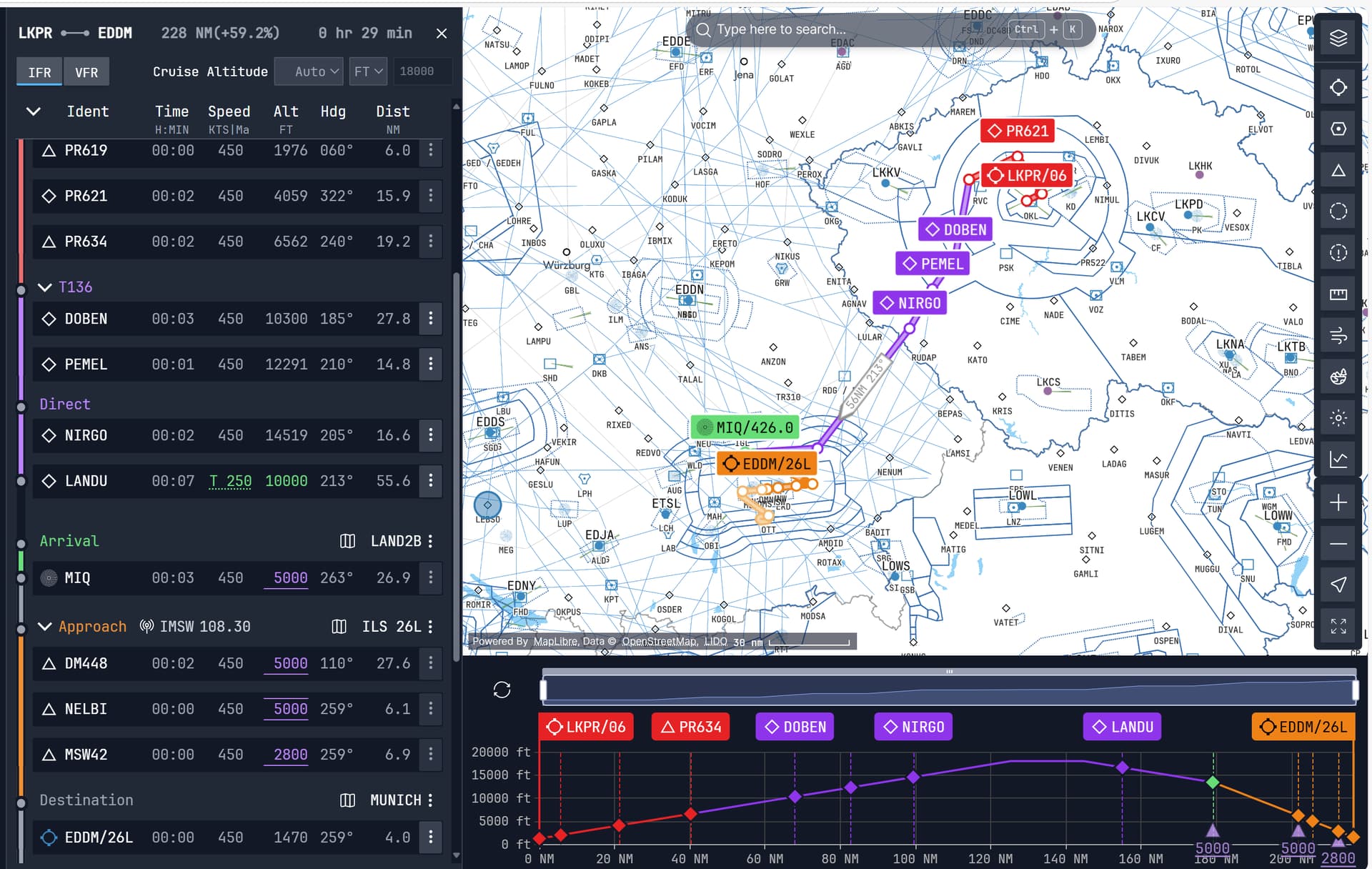
In web-based planner, it tells me to fly at 20’000 ft. In the game EFB, it shows me 24’000 ft. In Simbrief it shows me 30’000 ft (or if I remove MIQ, 8’000 ft.).
So, which flight plan should I take? I took the flight plan from the web-planner, then imported it into the EFB.
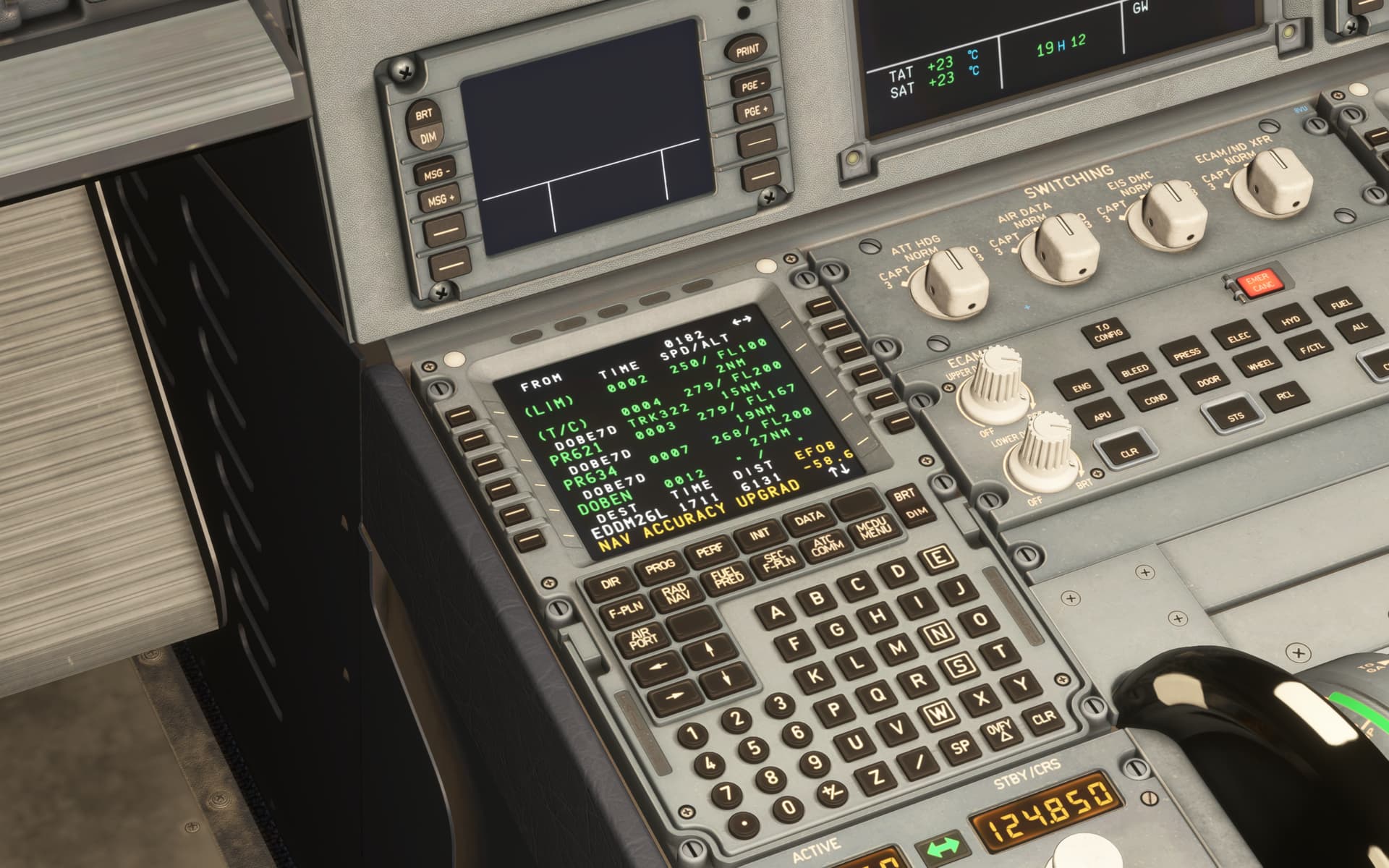
Now the MCDU, why does it go from FL200 to FL167 when in my flight plan it was showing that PR621 is at 7630 ft? How can I change that?