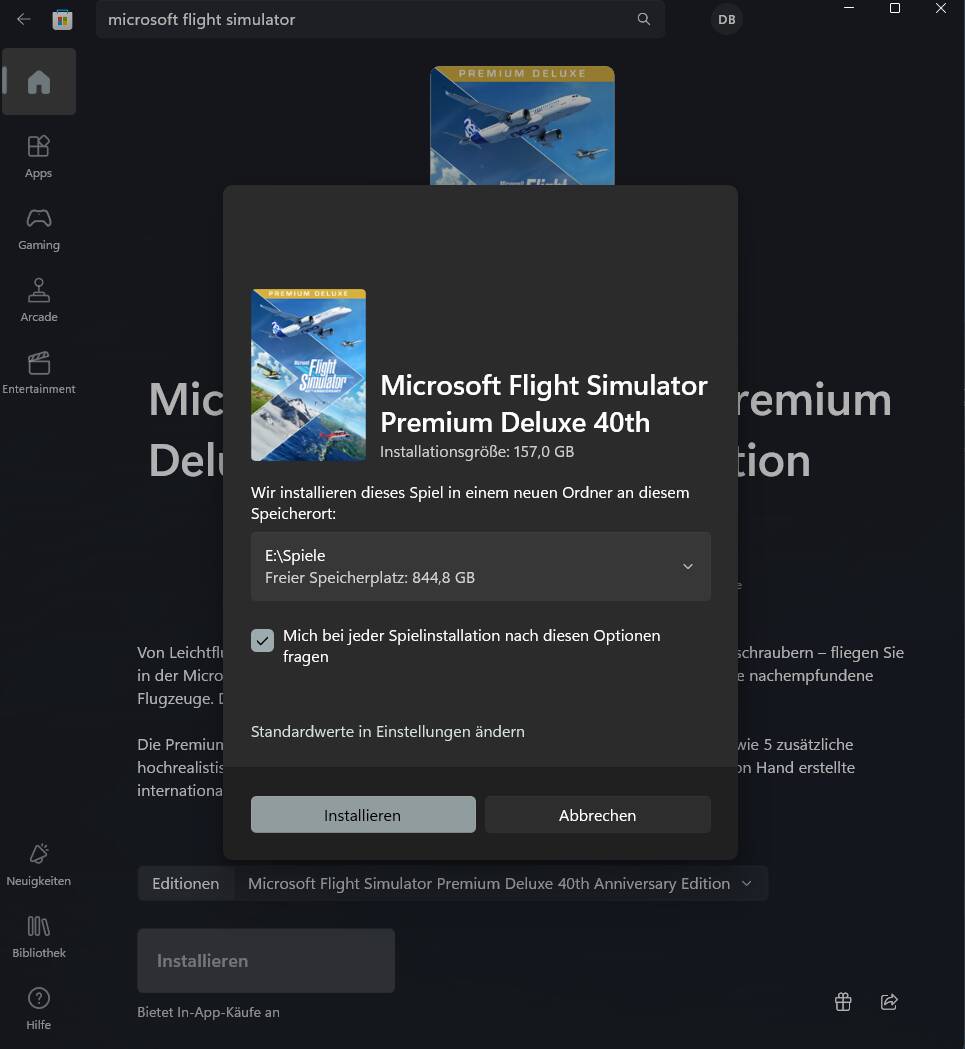
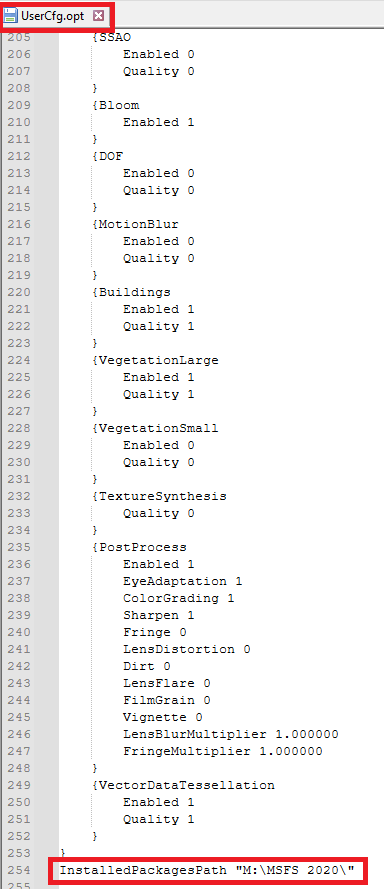
I had a very early installation of FS2020 directly at the root directory of E:\FS2020. Now I am forced to use “Microsoft Flight Simulator” as primary game directory, which is causing lot of troubles with scripts and BAT files due to spaces and length.
Is there any way to change that? I don’t want such a long and complicated directory name.
I think you didn’t get what my problem is. I want to use a CUSTOM PATH for MSFS2020. Such as:
E:\FS2020\
and not:
E:\FS2020\Microsoft Flight Simulator\
I can only select a path and it’s automatically to installing to “Microsoft Flight Simulator”. That is causing a lot of troubles with scripts and long paths, e.g. if I want to use BAT files.
In the past I could chose a folder to install MSFS2020, now I can’t because it’s always using “Microsoft Flight Simulator”.
Yes, I understood, but don’t know why it doesn’t work.
I did a re-install and specified E:/MSFS as the flight sim folder.
This worked for me, no issues. I now have ALL my msfs addons in the same drive.