Hi.
Thanks Asobo and Microsoft for Goty version.
After Goty installation I See in Cockpit and External view, HUD.
To turn off the HUD, I open Menu, Options, Camera, Chase Camera, but I don’t see any “Instrument Heads-Up Display”.
How can I turn off HUD without this option?
Many thanks for your help.
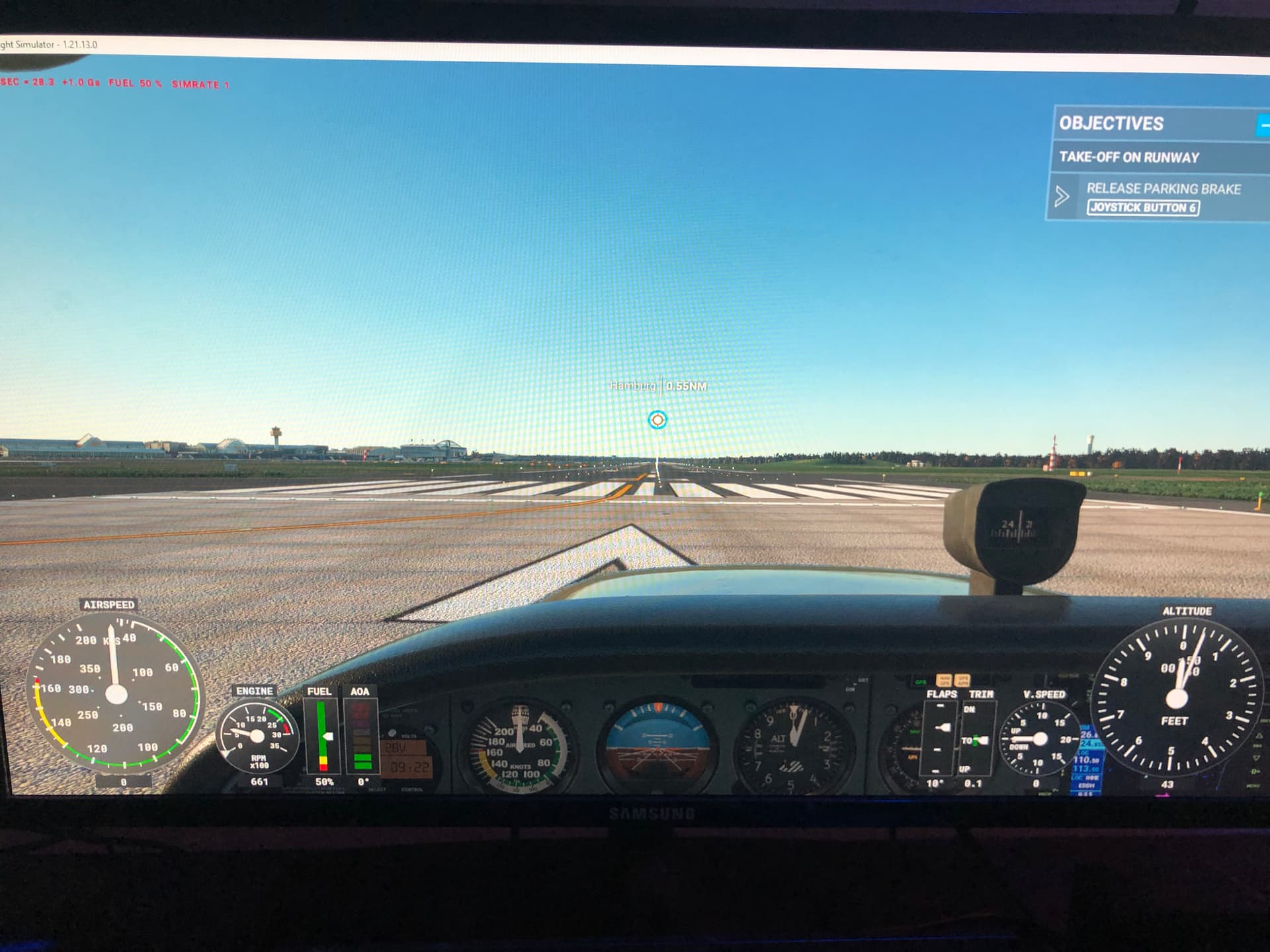
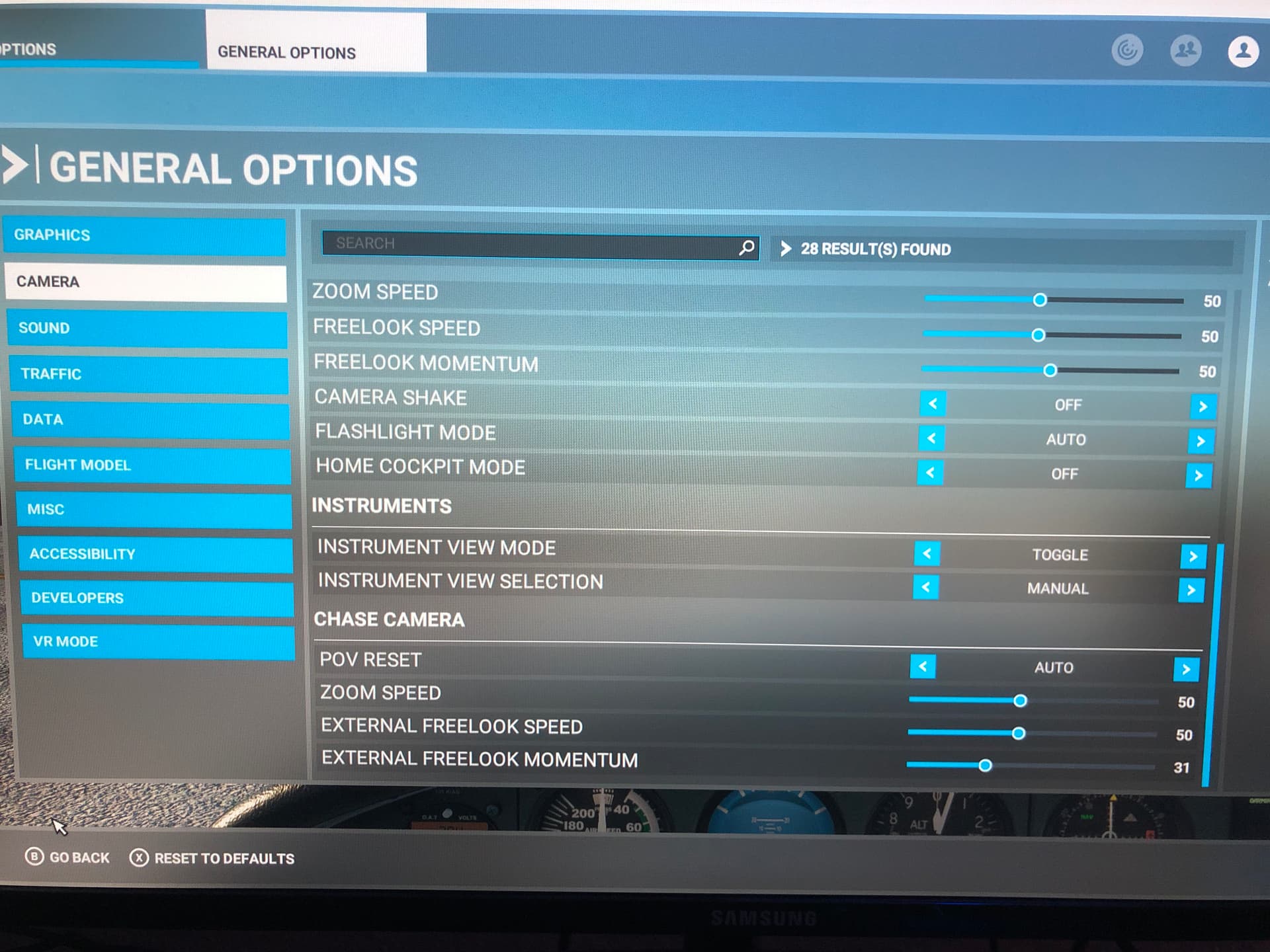
They moved it.
Assistance Options → User Experience → Instrument Heads Up Display → Minimal / Full.
Thank you very much for your help! Now is All correct! 

You can turn it all off in the Assistance menu where you can turn off the beginner settings.
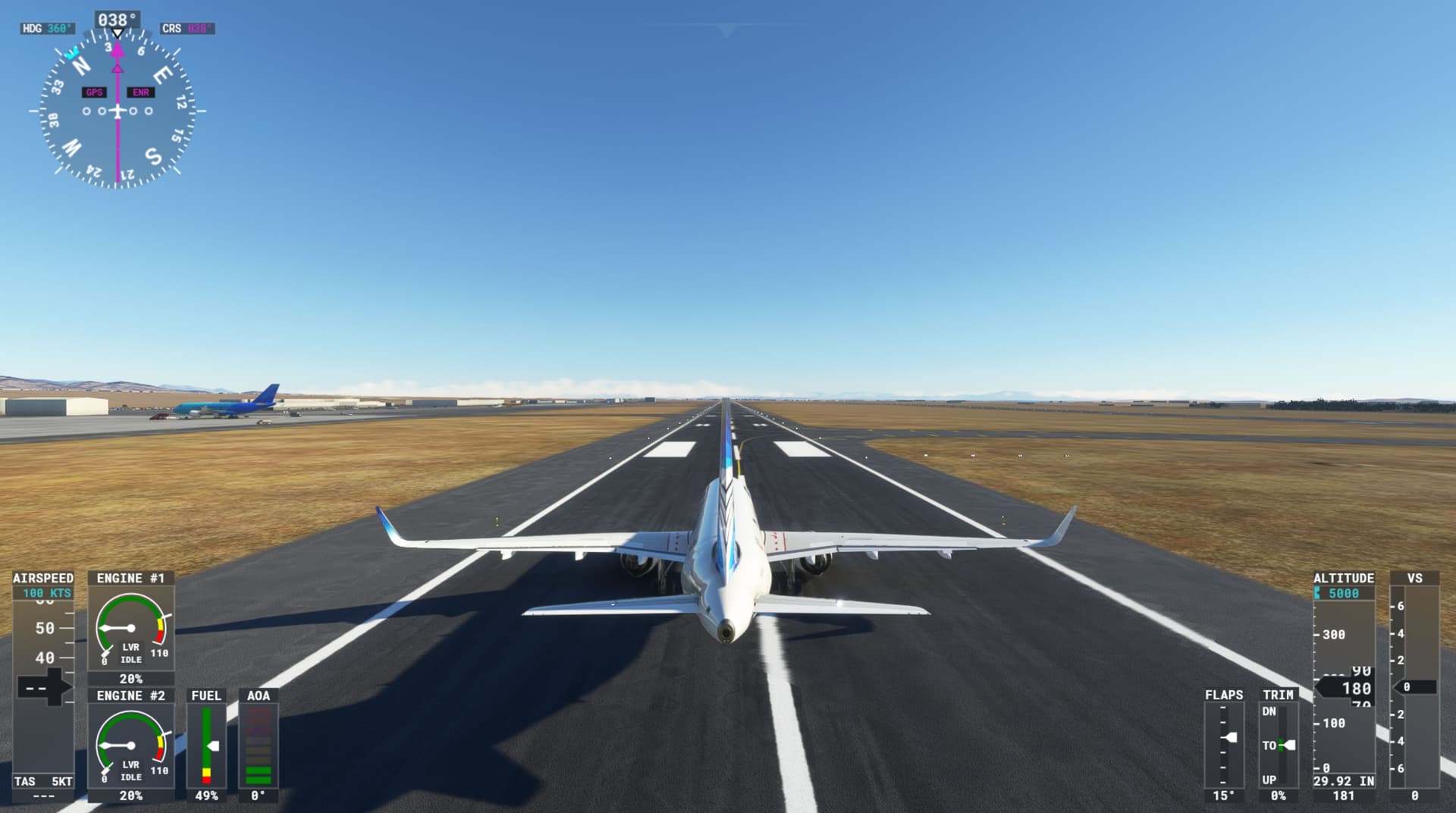
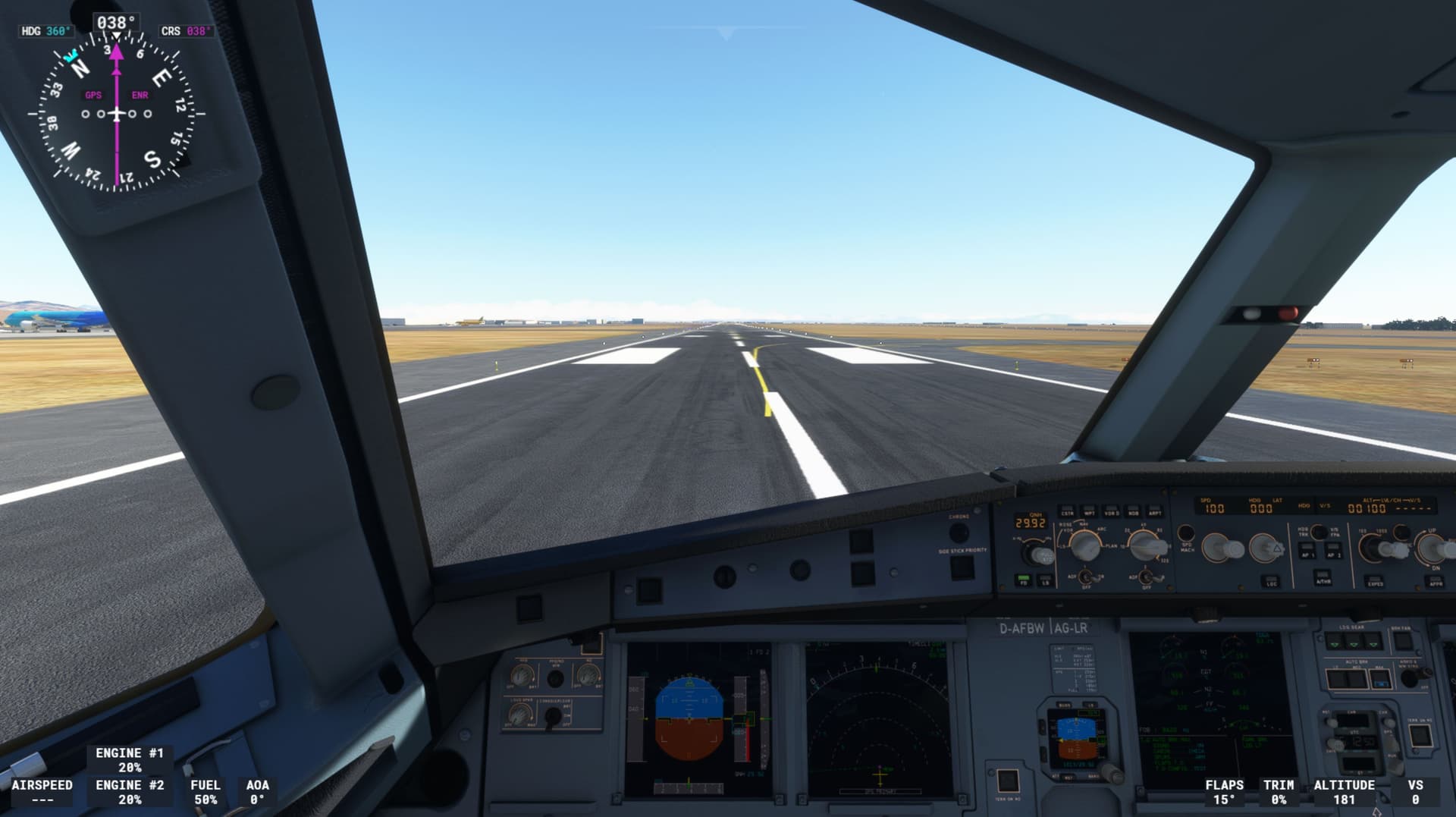
I got this too. But after I returned the assistant settings back to “hard” (after su7 it was set to default - easy), everything disappeared. I can assume that the HUD instruments is removed in the assistant setting’s
It’s assistance options next user experience
Thank you for your help
Thank you for your help…