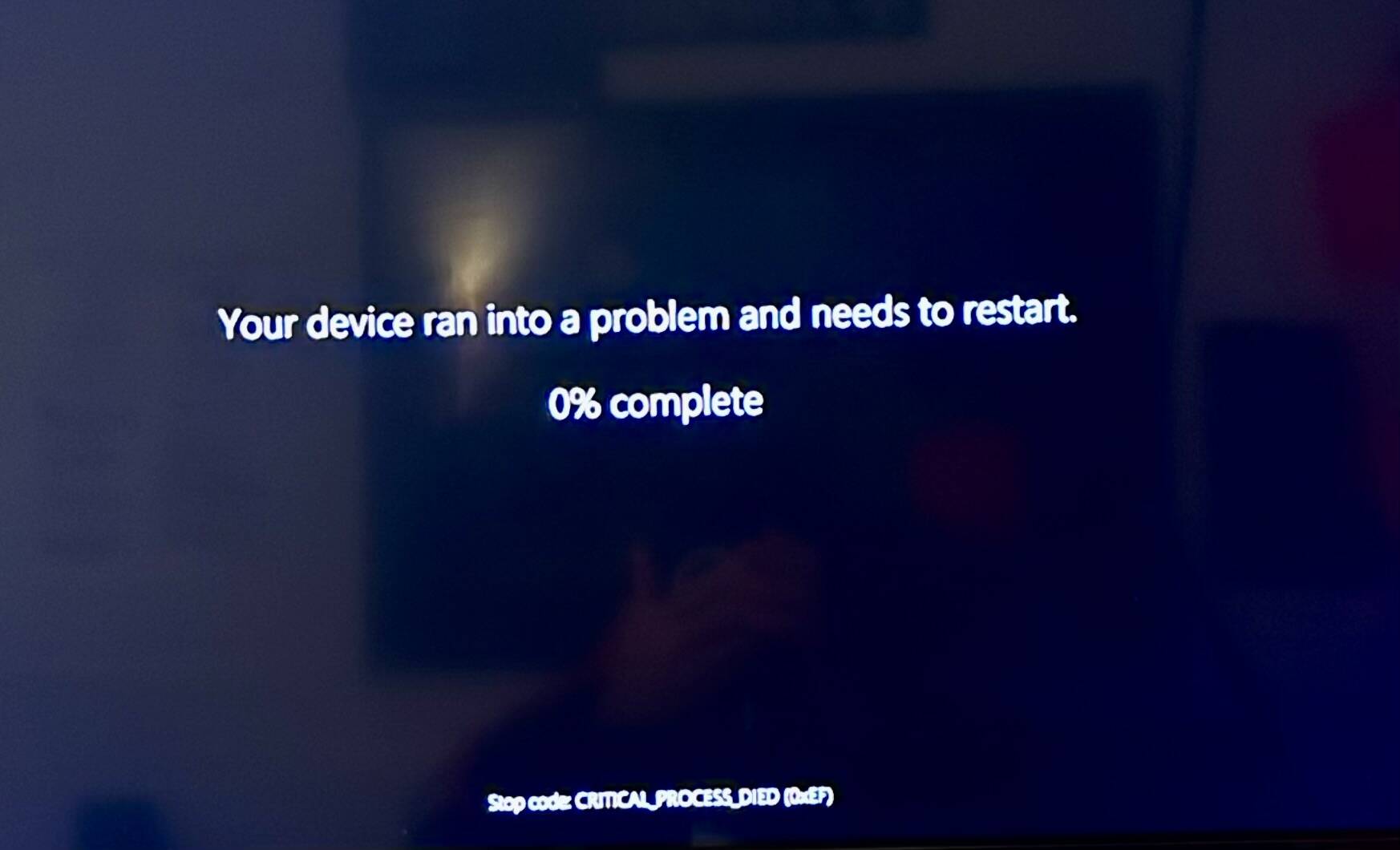
I’m finding update SU7 hard to judge because pretty much at the same time, Nvidia came out with a major update for MSFS improving DLSS 4.5 with new presets, etc… Either it’s my imagination but overall things seem a bit shaky or micro-mini-stuttered (tried the DLSS5 thing but it froze my pc and then BSOD). Also for example, I use tab key on keyboard to open menu in VR, and ever since SU6 it’s been very buggy and hard to click open or close. That bug has remained for me in SU7. I noticed that my ridiculously bright landing lights on the BS Baron are now a normal brightness.
I play on PSVR2. The game has downgraded in september 2026. Most of the aircraft are now unplayable due to blurriness and stuttering. There is no improvement with SU7. I’m totally disappointed.
I did noting, added nothing, and all week up to this morning I had perfect flights. But tonight, I couldn’t get past a flightplan in SimBrief (before I even start all my addons), and it kept freezing then BDOD! Reboot and same thing again. This game-ending bug is as new as SU7
Test…started msfs 2024 with virtually no adds, no Moza, no SI, nothing, just raw msfs 2024 startup. Went into SimBrief as usual to make a fp. As usual, when I finish entering all my parameters, the whole computer freezes then a few minutes later crashes BSOD! WTF has SU7 done??
I have experienced a little better FPS and everything looks a little crisper or cleaner. I am using MetaQuest3 and VirtualDesktop. Maybe I have been lucky so far. I do not use many add-ons or fly commercial jets. I am a low and slow pilot who wants to virtually see the world.
I am pretty new to 2024 (4 days) but 2020 since release. Always VR and understand what it is I need to do. But the spikes and inconsistency, the overall last 24 hours is a lot to be desired. Not sure what to expect to be honest.
I am looking for insight regarding an issue that started appearing immediately after the latest Meta Quest 3 OS update (firmware build ending in 4880.520).
Prior to this update, my setup ran completely smooth without any microstutters. Now, entering dense photogrammetry areas causes heavy stuttering after a few seconds, accompanied by a noticeable jump in Virtual Desktop’s Decode latency.
Hardware & Configuration
Headset: Meta Quest 3 (Firmware build ending in 4880.520)
Network: Dedicated stable 5 GHz / 6 GHz connection (Wi-Fi link rock-solid, network latency remains low and flat).
The Symptom
In less demanding areas or cruise altitude, everything remains stable.
When flying low into dense photogrammetry/city areas:
The flight is smooth for roughly 3 to 5 seconds.
Then, severe stuttering begins.
Overlay metrics during stuttering:
GAME: Constantly locked at ~27 ms (expected mathematical frame time for 36 FPS / SSW Halfrate at 72 Hz).
DECODE: Spikes from its normal ~10–11 ms up to ~20 ms and stays pinned there.
If I pause the flight, the buffer immediately clears and the overlay returns to normal. Once unpaused, it runs smoothly for another 3 to 5 seconds before Decode jumps back to ~20 ms and stuttering resumes.
Already Tested & Ruled Out
To save time, here is what has already been thoroughly tested without success:
In-game graphics settings: The MSFS settings have not been changed. The RTX 4090 consistently maintains the required 27 ms / 36 FPS headroom.
Refresh rates: Tested switching to 80 Hz and 90 Hz; the behavior and buffer stalls persist.
SSW modes: Toggled between Auto, Always Enabled, and Off. GAME remains locked to the V-Sync cadence while Decode stays elevated.
Virtual Desktop Beta: Tested both Live and Beta builds of the Streamer and client app.
Headset settings & housekeeping: Boundary history cleared, mic passthrough disabled, hard reboot performed.
Given that this setup ran flawlessly before the firmware update, this appears to be an internal resource contention or buffer-scheduling conflict on the XR2 Gen 2 (between local SSW synthesis and video decoding/MediaCodec) introduced in this specific OS build.
Has anyone else encountered this persistent ~20ms Decode plateau on build 4880.520, or is there an active workaround/investigation regarding this scheduler behavior?
I am at breaking point now - having 2020 since launch I thought that was the way forward in flight sim but having ported over to 2024 and spent 16 hours a day over the past week looking at all varying ways to get VR to work in 2024 I have as I did with 2020 in the beginning starting to lose my way.
I am now going to format my computer and only load 2024. No add ons, no BATC or GSX just a vanilla state.
I have tried settings, more settings and even more adjustments. But it simply is not worth anymore of my time.
I spent £1600 on peripheral items and probably the same again on add on airports etc. Then a VR headset x 2 at £500 each.
I hear ya! I’ve spent about $25,000 on this hobby only to have it completely destroyed by SU7!
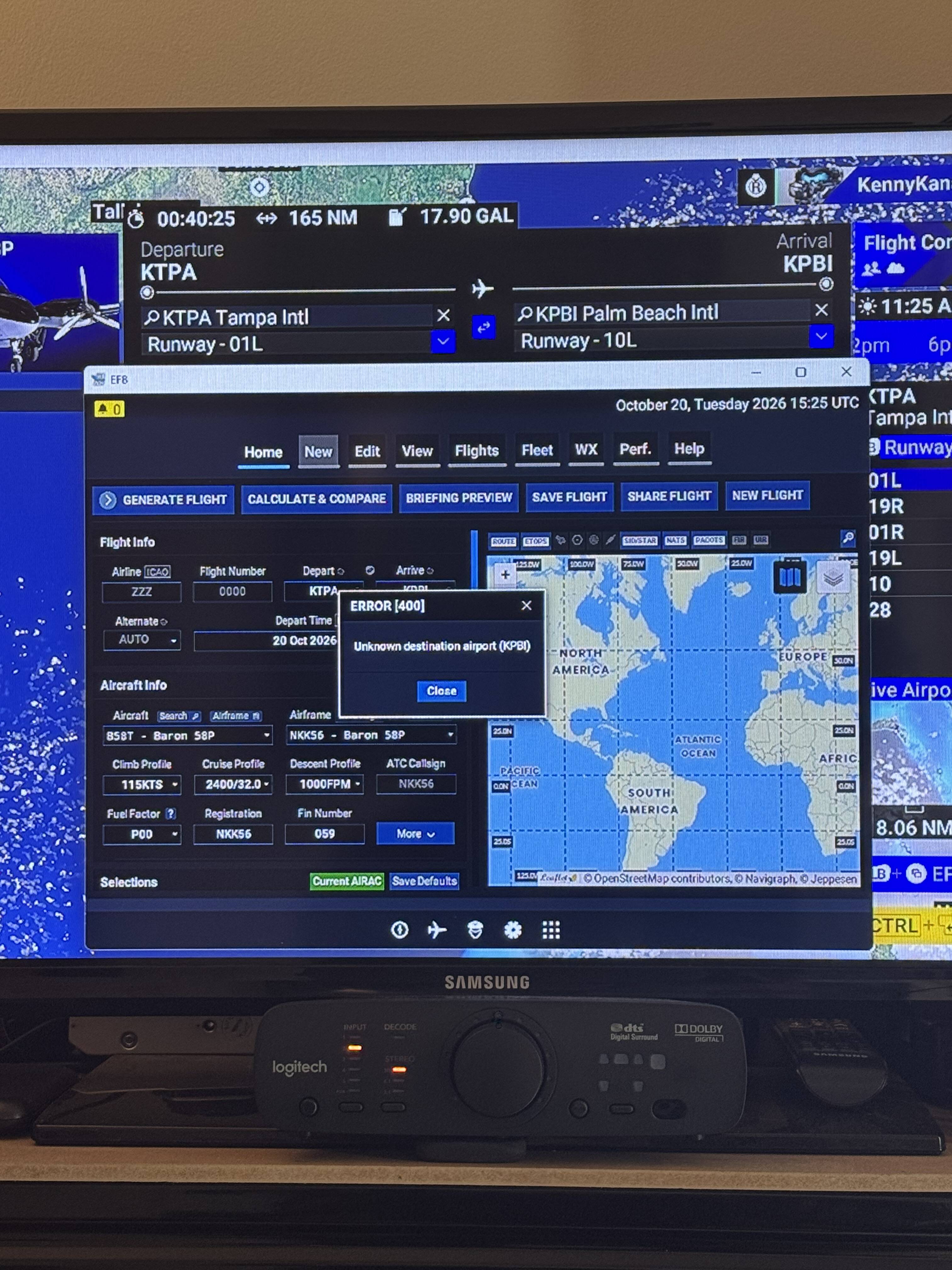
Every day I wake up to a different horrific issue. Here’s my problem today as I cannot get past SimBrief! How can it be telling me that KPBI does not exist when you can see it clearly there in the flight plan above Simbrief!! WTF??
I don’t believe that’s usually a MS/Asobo “problem”, but a Navigraph one. Simbrief doesn’t include a lot of airports, I’m not sure why but it seems to be because they are not regularly used for commercial operations.
In this case however it might be because it’s now known as KDJT and the MSFS database still has the old name and the Navigraph one might already be updated.
I won’t comment on airport, lakes, gulfs, oceans, buildings, straits or whatever, rename fever happening recently
Yes, maybe it’s that reason, and in the latest AIRC it has changed. It was recommended that I roll it back one or two, and sure enough I’ve got it back again.
But there is a new major issue with SU7 and how it handles bursts of information with SimBrief, which it is failing to do on this update.
I just had a wonderful VR flight in a Fenix A320 on my Quest 3 in VD in the SU7 release. Smooth, great graphics and even clouds. Airports were responsive with no stutters. BATC didn’t make me go around. lol. Other addons I’m using are ChasePlane and GSX. I was attempting to join a group flight I saw on Twitch but could not see any other players. I’m sure I have something configured wrong.