alb3530
November 21, 2024, 12:46am
1
This is vital information for our test team, please do not skip it or your issue may not be able to be reproduced or fixed.
Microsoft Flight Simulator 2020 or 2024: 2024
Version Build Number (Where do I locate that? ): 1.1.7.0
Game Platform (Steam, Xbox, MS Store): Steam
Description of the issue:
If applicable, which aircraft is experiencing this issue:
Did you remove all your community mods/add-ons? If yes, are you still experiencing the issue?
How often does this occur for you? (Example: Just once, every time on sim load, intermittently)
Please list clear steps you took in order to help our test team reproduce the same issue.
Go to free flight
Start a flight at night
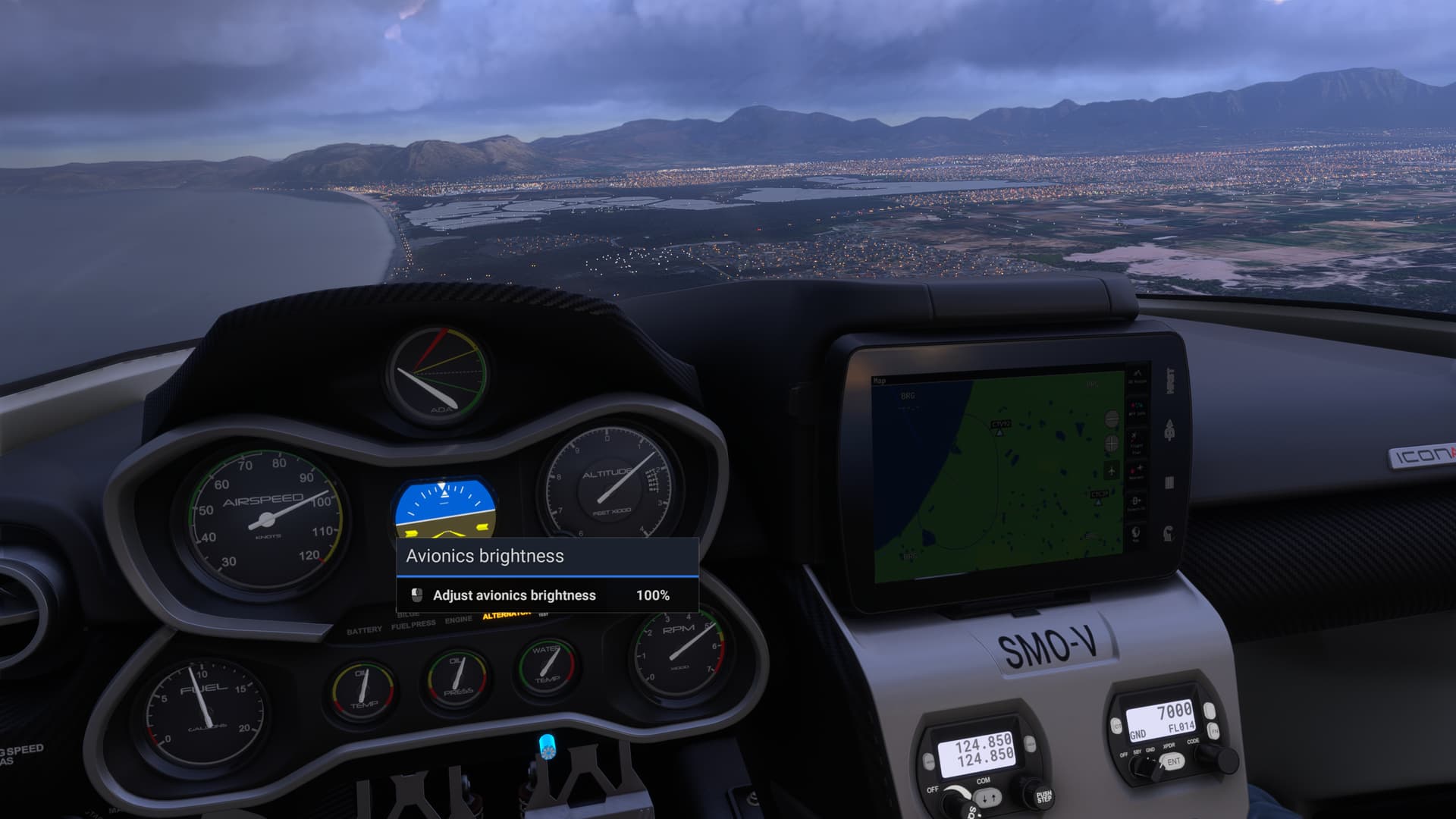
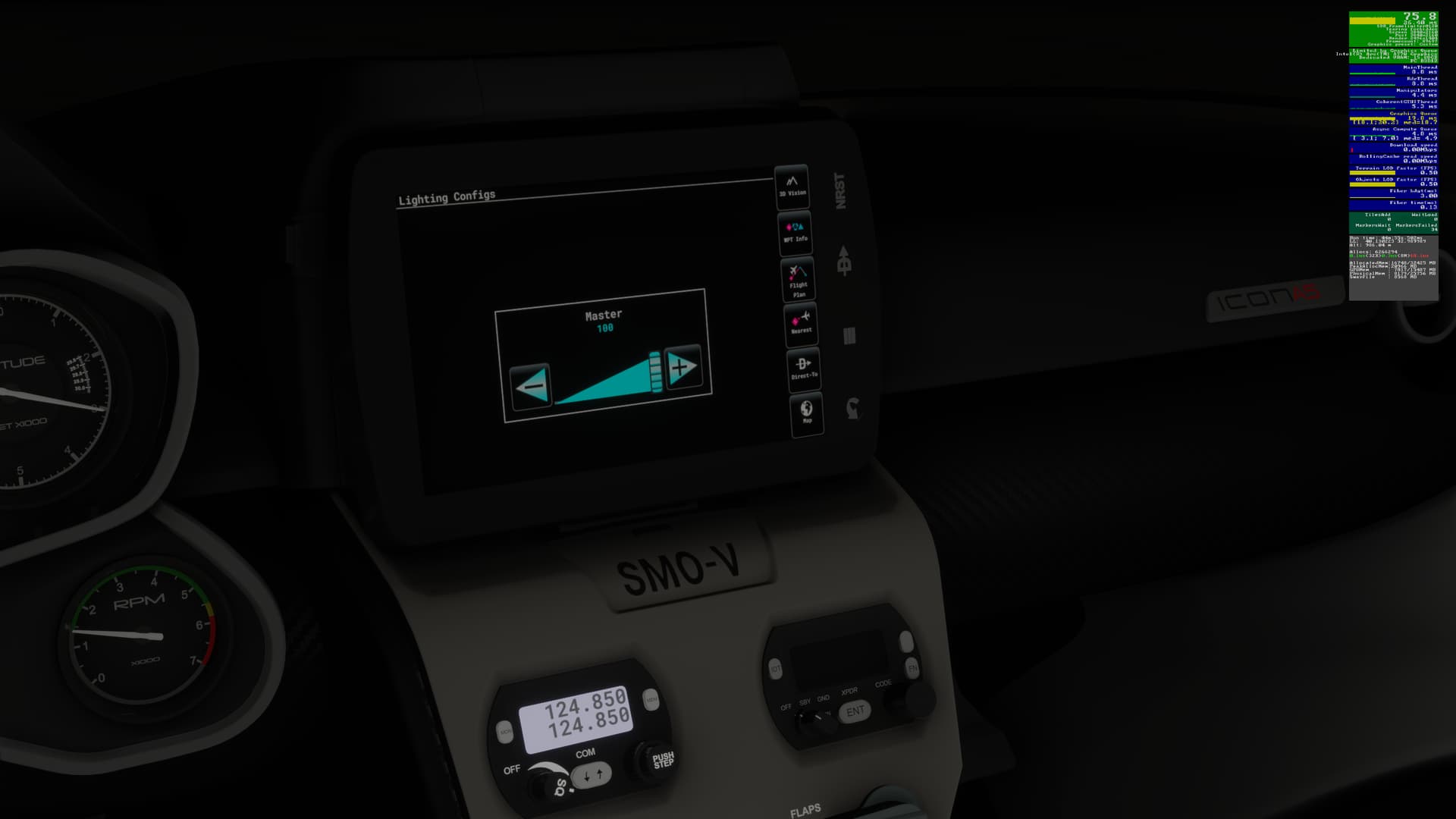
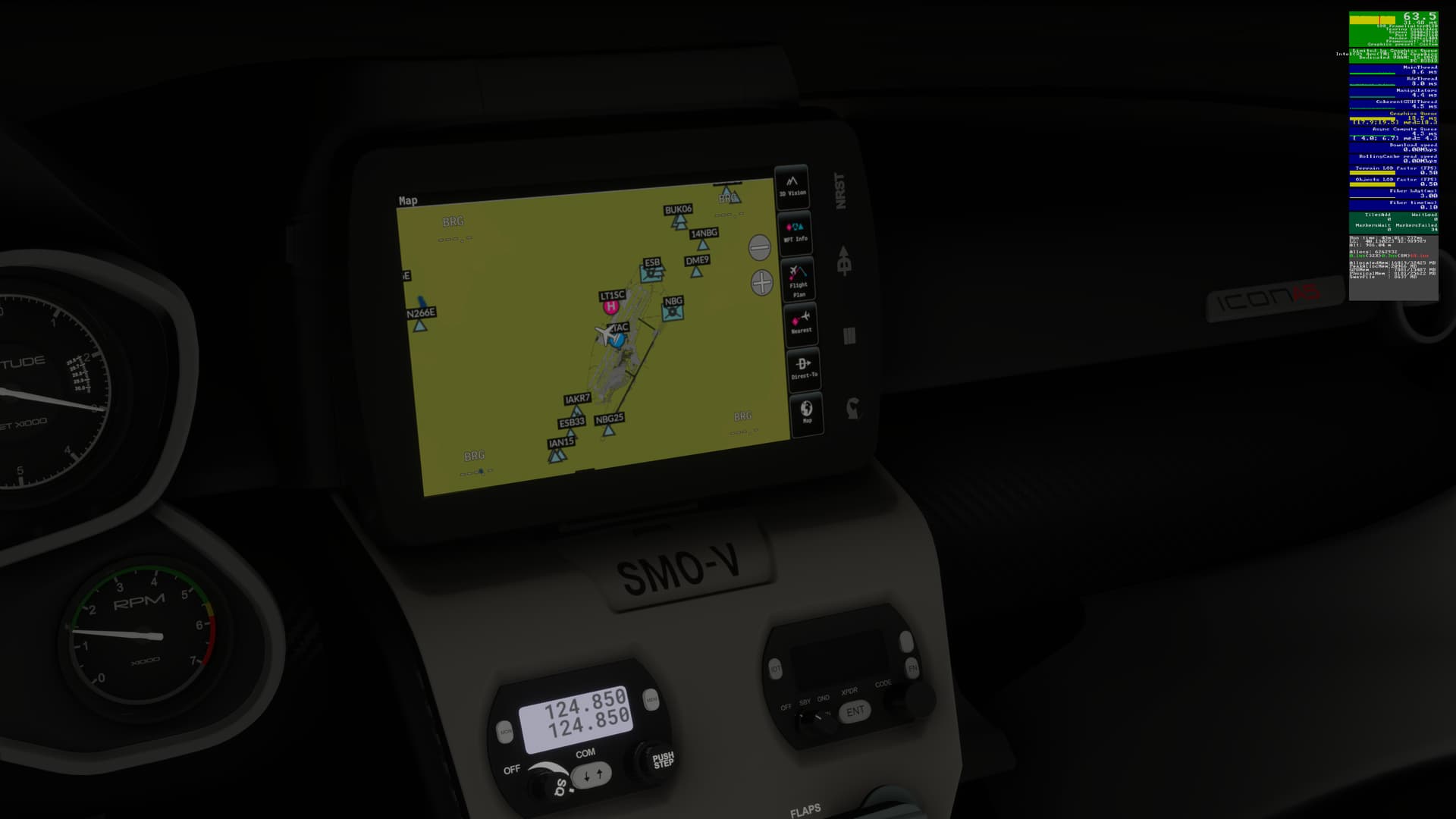
Take a look at the Garmin device. Even if you set the max brightness, it’s still very dim.
If the issue still occurs with no mods and add-ons, please continue to report your issue. If not, please move this post to the User Support Hub.
What peripherals are you using, if relevant:
[PC Only] Are you using Developer Mode or have you made any changes to it?
Please add a screenshot or video of the issue occurring.
Do you have the same issue if you follow the OP’s steps to reproduce it?
Provide extra information to complete the original description of the issue:
If relevant, provide additional screenshots/video:
Do you have the same issue if you follow the OP’s steps to reproduce it?
Having this same issue with several aircraft on Xbox
Do you have the same issue if you follow the OP’s steps to reproduce it?
Provide extra information to complete the original description of the issue:
Partial Specs & current settings:
If relevant, provide additional screenshots/video:
1 Like
HG34AV
December 5, 2024, 5:04am
5
Same issue with the Icon…screen was very dim and I couldn’t figure out how to fix that.
• Same Issue for me in the DC-3
Same here, is it some kind of auto brightness feature as it’s readable in broad daylight but as it gets dark, the display gets dimmer and dimmer until black.
Such low hanging fruit, disappointed this wasn’t fixed in the patch that just dropped.
Do you have the same issue if you follow the OP’s steps to reproduce it?
Provide extra information to complete the original description of the issue:
If relevant, provide additional screenshots/video:
Do you have the same issue if you follow the OP’s steps to reproduce it?
Provide extra information to complete the original description of the issue:
If relevant, provide additional screenshots/video:
This seemed to be fixed in the most recent SU3 beta build (1.5.10.0) - display was plenty bright at night.
Latest version 1.5.27.0 still black……..
FIXED in version 1.6.11.0 SU4 beta.
1 Like
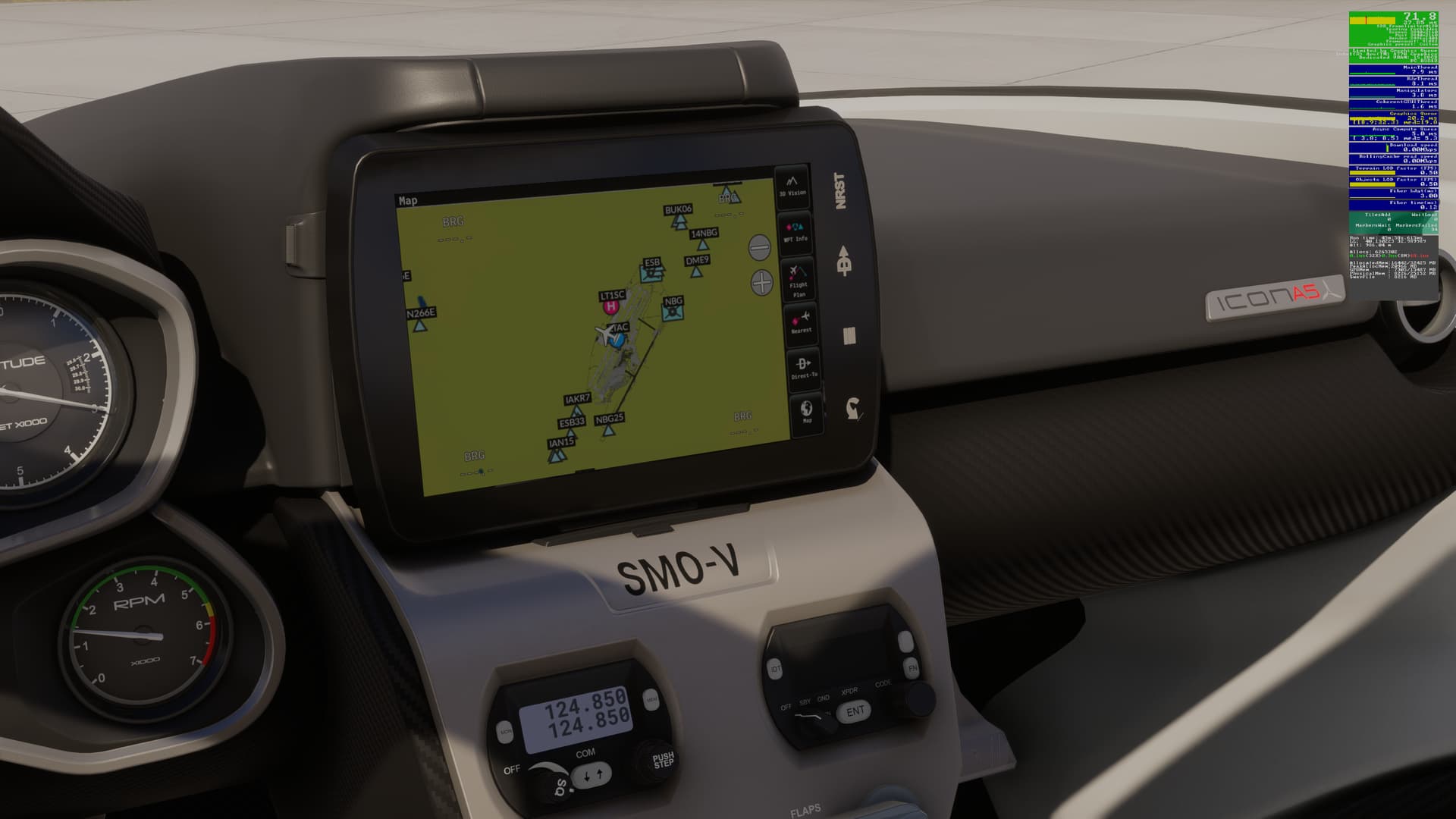
Looks OK on my PC too in v1.6.11.0:
At night:
Daytime:
 SIM INFORMATION
 For anyone who wants to contribute on this issue, Click on the button below to use this template: