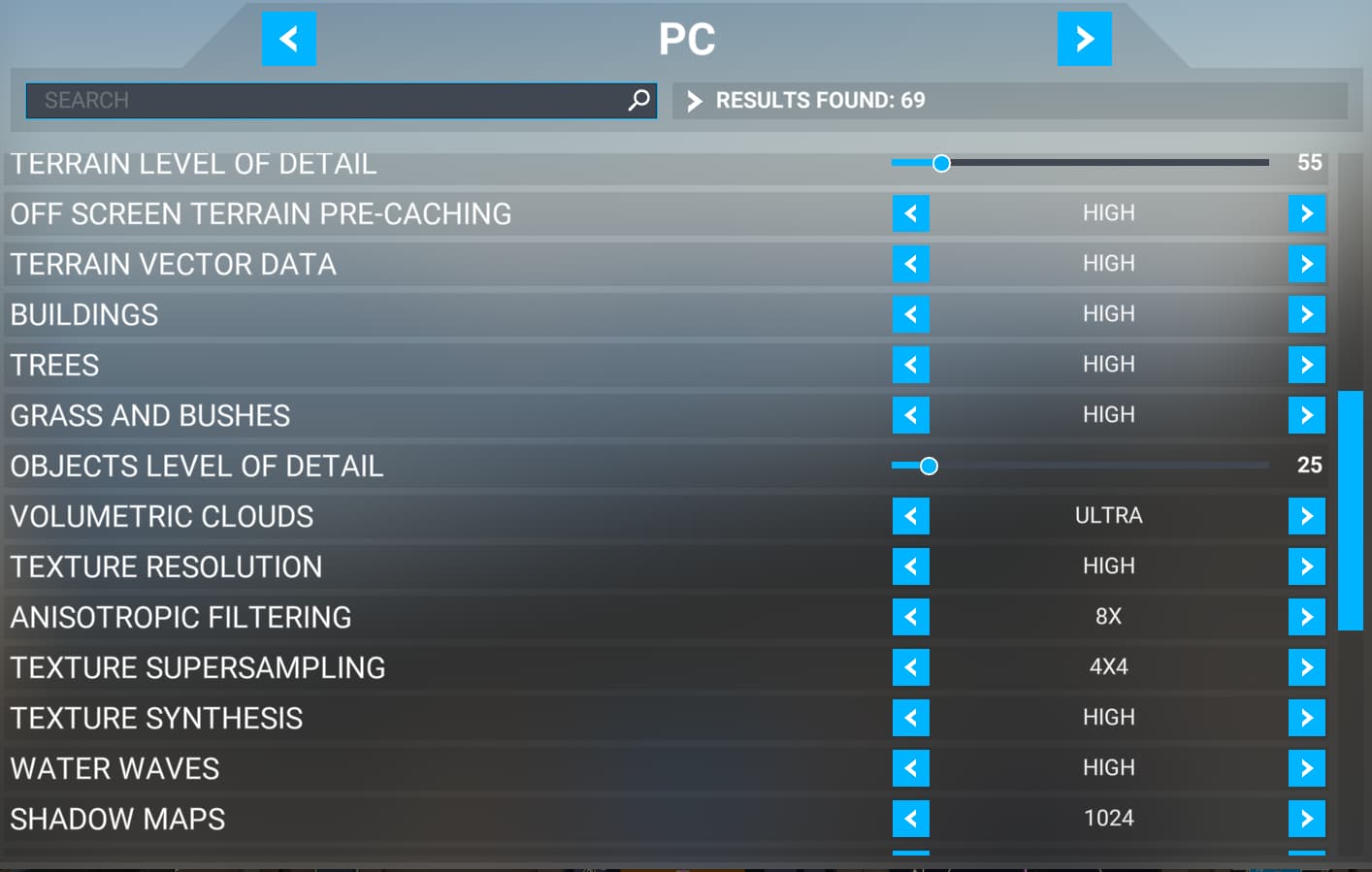
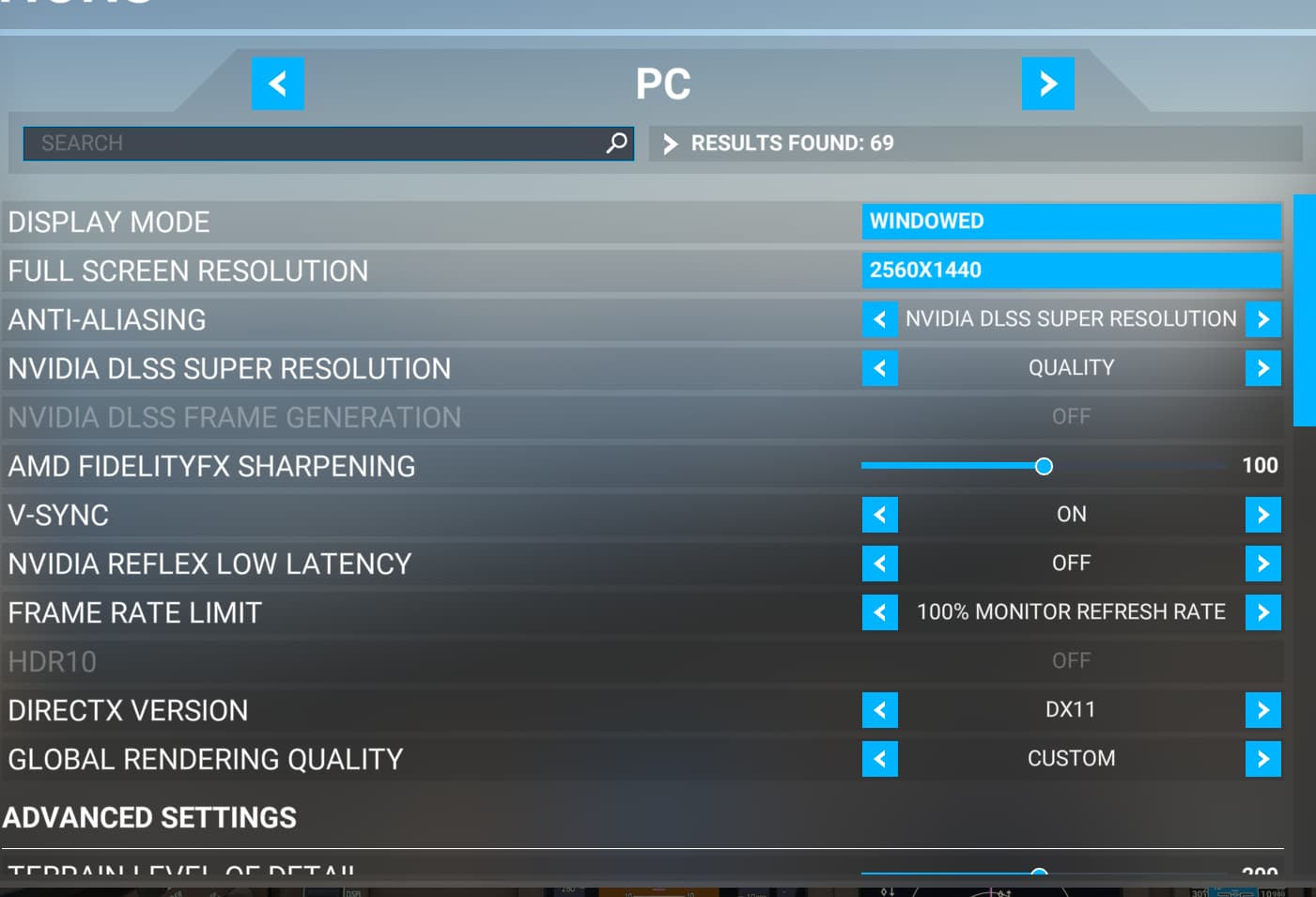
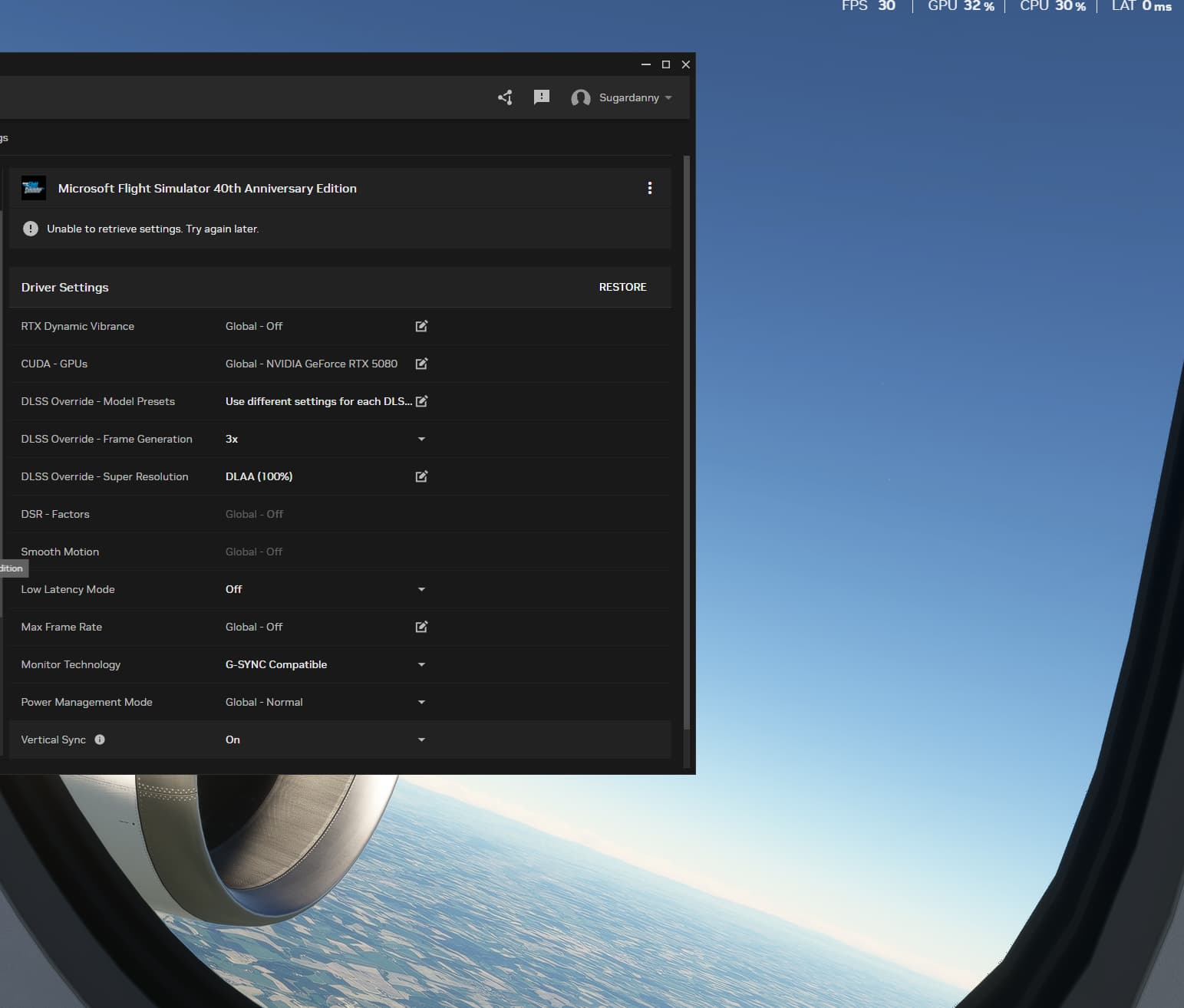
I tested with standard scenery as well as PMDG 777, 737, and Fenix, but I didn’t notice any performance difference. I’m hoping to get a slight FPS boost, but so far, nothing has changed.
My System:
CPU: AMD Ryzen 7 7800X3D
RAM: 32 GB at 6000 MHz
GPU: Zotac Gaming RTX 5080 (previously used a 6900 XT)
PSU: 850 W
Are you measuring FPS from the in game dev mode or via external apps? I don’t think frame gen shows the extra frames in game.
Add ons?
You should be getting tons of frame even w/o frame gen. I’d actually turn that off and see what is happening in game first. I have a 13600 CPU, 7900XTX and actually had been having issues but yesterday on triple monitor (4k mid, 2k sides) I was getting around 60fps (but with low TLOD settings to test some stuff). Mostly CPU (main thread) bound per in game FPS tracking.
In Developer Mode, I’m seeing around 30-35 FPS. I play on a single AOC monitor at 1440p with a size of 31.5 inches. All external software is disabled—no Firefox or other background programs running. MSFS is installed on a Samsung 990 Pro SSD.
My TLOD is set below 100. I have several add-ons installed, including Simbrief Panel, Fenix A319-A321, all PMDG aircraft, the IniBuilds A300, iFly 737, Maddog, and Navigraph. I’m also using SimFX for the 737, A320, and 777, as well as the Piaggio P180.
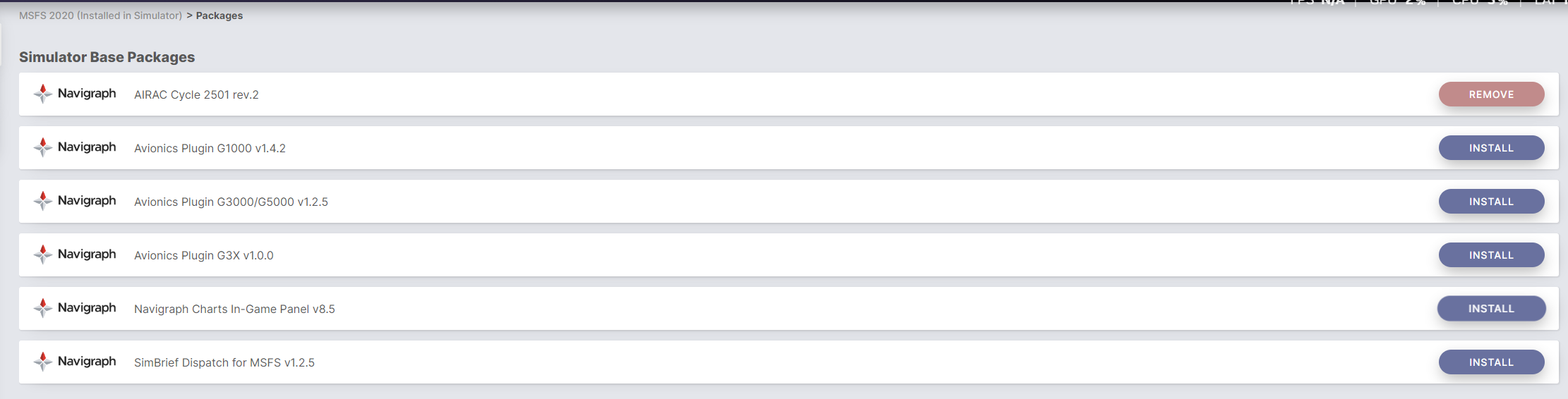
I’ve seen some references to Navigraph causing FPS issues, I’d disable that first and/or disable all mods, see if that helps, and then troubleshoot from there.
I’ve been having similar issues (7800x3d & RT7800xt). I removed All the Navigraph and simbrief plugins and programs. Saw quite a significant increase in performance.
Thank you for your post! Your topic has been moved to a sub-category of the User Support Hub
The General Discussion category is meant for discussions that fall outside of our other sub-categories.
If you would like other users to help you with an issue you are experiencing in the sim, consider these User Support Hub categories for your future post:
Dev Mode in MS2020 does not show the correct FPS with FG enabled. Suggest you find something else to measure frame rates. Take a look at the following photo and notice the difference.

 thanks anyways