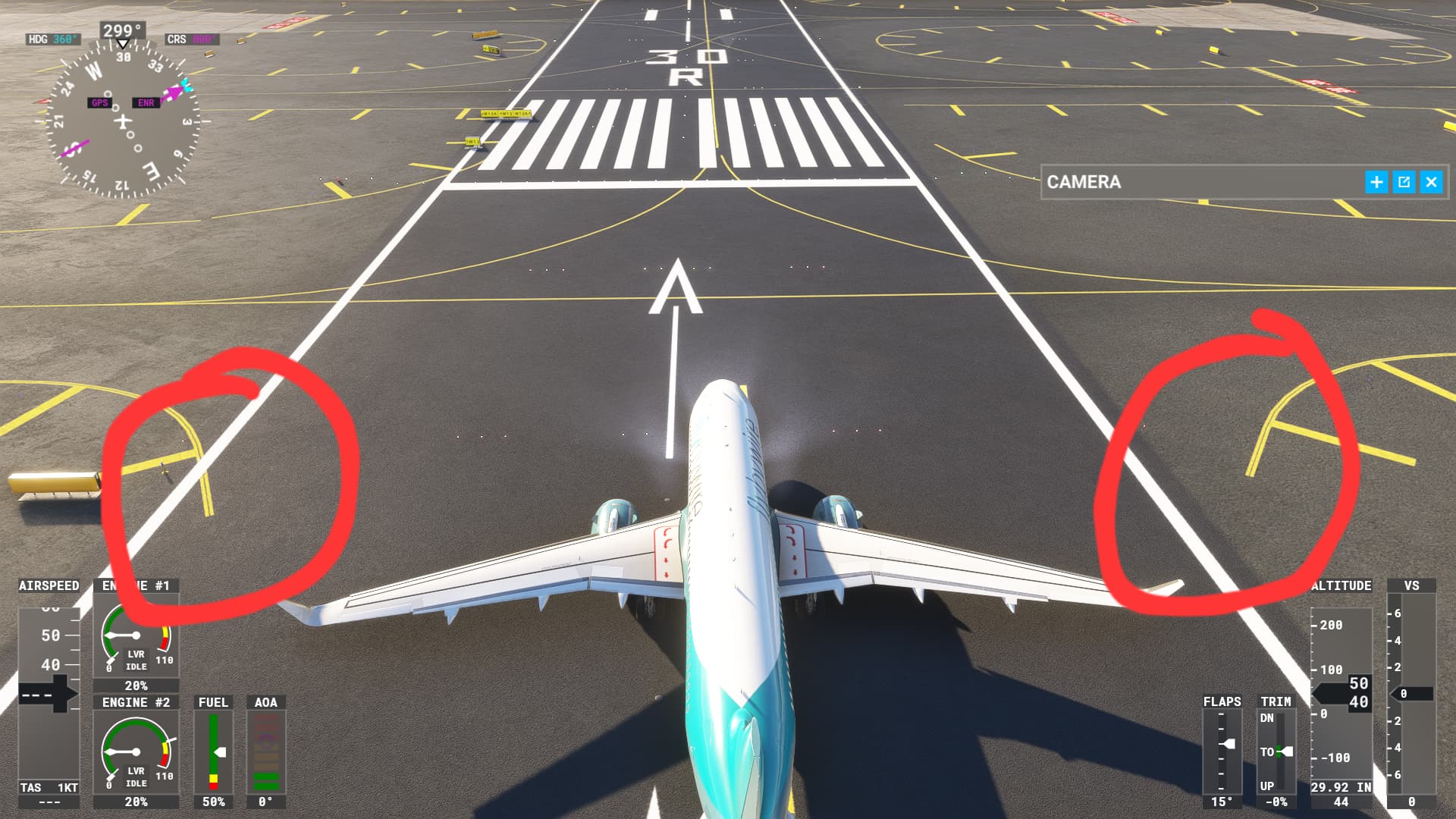
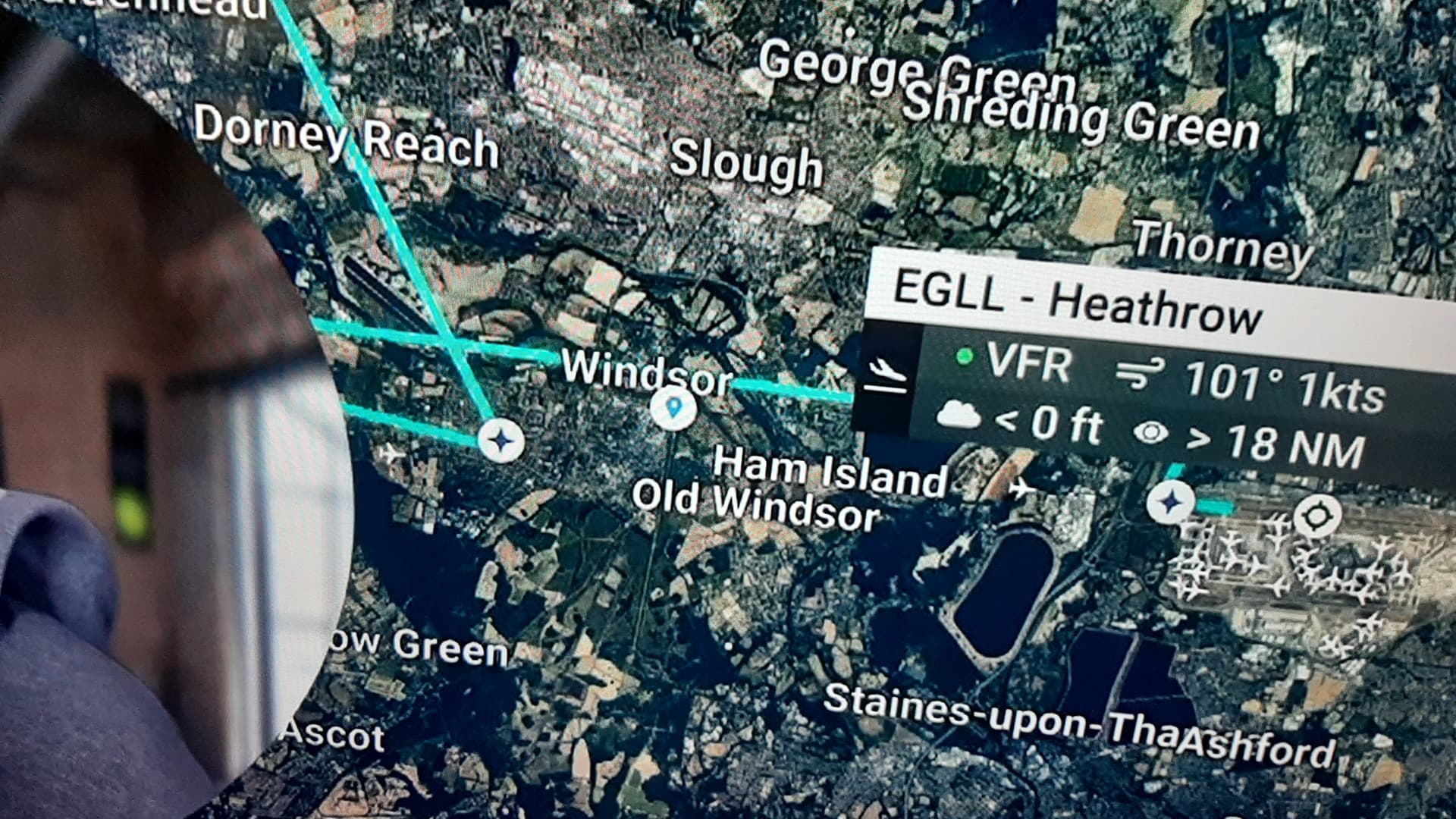
ILS Not Aligned with centre of runway

Issue:
On approach the ILS does not align correctly with the centre of the runway. This occurs on my PC in MSFS2020 (Steam Install) and MSFS2024 (Xbox Store Install). The glideslope is working correctly, just the vertical alignment.
The airport I am flying into is Melbourne (YMML), Australia. On runway 16 ILS only. The Runway 27 ILS aligns with the runway correctly.
I have reviewed the charts for this runway and this is not an offset ILS, and I have seen other users landing on this runway with the ILS is aligned with the centreline.
I have taken screenshots of the issue from inside the cab showing where the ILS is aligned and the plane is clearly not. These are attached. All screenshots were from MSFS2024 but MSFS2020 is the same.
The fact that I can uninstall and re-install the games again and the ILS issue occurs straightaway points to me as a possible issue with some of the Xbox saved settings. Is this even a thing?
I hope you are able to suggest a fix for this as it very frustrating.

If applicable, which aircraft is experiencing this issue:
Can be seen on all aircraft. However, in MSFS2020 I use the FBW a320 and the default KingAir 350. In MSFS2024 it is observed on the default KingAir 350 and Airbus 320.

[PC Only] Did you remove all your community mods/add-ons? If yes, are you still experiencing the issue?
Yes, the issue occurs for me on completely vanilla installs of both sims.

How often does this occur for you.
This occurs every time I load the sim. It has also happened at other airports including Runway 34L at Sydney (YSSY). What is weird it appears to be only ILS’s with a north south direction.

REPRODUCTION STEPS

Please list clear steps you took in order to help our test team reproduce the same issue:

  1. Load up any aircraft at YMML Runway 16.
  2. Activate the ILS (109.7, Course 160).
  3. Observe the vertical needle for the ILS.

YOUR SETTINGS

What peripherals are you using, if relevant:
Xbox Controller.

[PC Only] Are you using Developer Mode or have you made any changes to it?
No.

[PC, MSFS 2020 Only] Are you using DX11 or DX12?
DX11

[PC Only] What GPU (Graphics Card) do you use?
Nvidia GeForce RTX 2060

[PC Only] What other relevant PC specs can you share?
Intel Core i7 9750H
64GB Ram
1TB SSD

MEDIA

Prior to takeoff. Observe the ILS Vertical needle.


On approach to YMML Rwy16. ILS Vertical needle aligned.

Over the top of the runway. ILS Vertical needle aligned.

[END OF FIRST USER REPORT]


:loudspeaker: For anyone who wants to contribute on this issue, Click on the button below to use this template:

Do you have the same issue if you follow the OP’s steps to reproduce it?
•

Provide extra information to complete the original description of the issue:
•

If relevant, provide additional screenshots/video:
•

1 Like

Maybe related to that issue: Runway position not correct
If you spawn at a runway at YMML, are you also off the center ?

I had a similar thing occur with Liverpool airport where I was using the FBW A320 and everything was set up for auto landing and it landed me off the runway to the left by quite a bit. All the indicators for ILS showed things were right on the money. As far as I know all conditions were perfect for the auto landing. Of course it could be the aircraft.

I saw this post.
No, this is not the case.
The first photo on my post shows where I spawn.
The other day I was landing with this off the centreline and something weird happened.
Once I saw that it was lining my up off centre I thought “oh well might as well keep landing on Autoland” with AP 1 & 2 activated and an AI traffic 737 flew past me on my right on the correct ils flight path. (I was using MSFS2024 default A320)
One thing I have also noticed if I follow the planned routes without using ils, it will be correctly vectored to the centreline of the runway. If I have the ils programmed in (but not activated through the APPR button), I can see that it is off the centreline.
The thing that is the most annoying for me is, even if I uninstall the sims and reinstall, it is still there. I have even completed a full reinstall of windows (thinking that there was a hidden setting somewhere).
This is what makes me believe there must be a synced setting that is downloaded when I install the sim.

1 Like

The same has been observed on several runways around the world in MSFS2020, this is a global issue needs to be corrected
KJFK


MMUN

OMDB(we can even notice the taxi sign boards placed on runway?!!!) Also we don’t have PAPI on any side in main runway of Dubai(in real world we have it on both sides)

I did read this post, but the aircraft in my sim loads on the centre line of the runway.
These aircraft seem to load on the right of the centreline.
It would be interesting to see what the ILS vertical needle shows for this members aircraft.

Loading off center is not indicative of an localizer issue.
A start point is completely separate from the ILS in the ground plan of an airport in the sim.


The issue is not with start point or localizer, the runway placement is wrong which is towards left compared to everything else(taxi marking, localizer, sign boards, etc…)

1 Like

The runway alignment would be set according to the published position and direction in the sim’s nav data, and is easily verified using something like Little Nav Map.
I very much doubt that is the issue.

At LFLS, spawning on the runway puts you in the centre of a field. There’s definitely something amiss.

1 Like

I’ve seen it shift depending on the underlying aerial. And I’ve seen the aerial change and the scenery doesn’t because the procedural generation isn’t also updated every time the aerial is.

The only way to know for sure is to crack open the bgl for that field, like we were able to do in the world hub, and A-B compare it with the aerial underlay.

2 Likes

Do you have the same issue if you follow the OP’s steps to reproduce it?
• yes

Provide extra information to complete the original description of the issue:
• Twice the flight plan would have you on final approach, then a Z or crazy S right before you land. ???


If relevant, provide additional screenshots/video:
• I just seen a Youtuber report the same about flight plan approaches to the arrive airport. Instead of coming in from a mile out, approach shows the flight plan doing some kind of “S” manouver right at the edge of the airport. He redid the flt plan and then it did a Z kind of approach. Again right before the actual airport. he was landing somewhere in the UK.

I used to do a lot of AFCAD work in the older sims, but I had never seen that change.
Thanks for the info, I should have guessed things wouldn’t have been as they were!

1 Like

Do you have the same issue if you follow the OP’s steps to reproduce it?
•

Provide extra information to complete the original description of the issue:
•

If relevant, provide additional screenshots/video:
• same
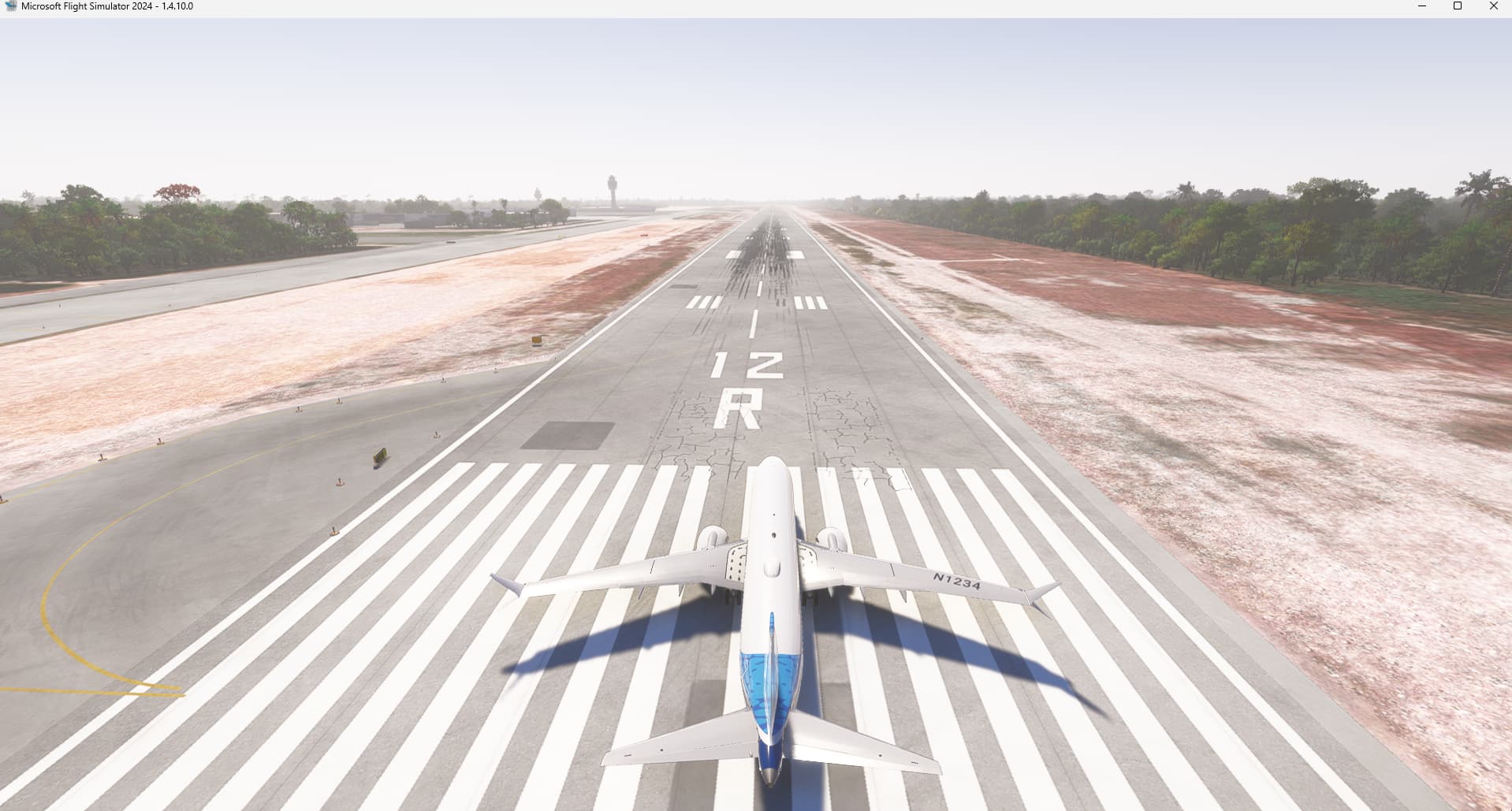
Do you have the same issue if you follow the OP’s steps to reproduce it?
•

Provide extra information to complete the original description of the issue:
•

If relevant, provide additional screenshots/video:
• I have the same Issue in MSFS2024. For example, I few days ago I was trying on the Auto land button in the Vision Jet SF50-G2, unfortunately the plane touch parallel off but outside the runway for several meters.

A post was merged into an existing topic: MSFS 2024 Airport / Helipad Issue Tracker