EDIT:
Apparently, this is not a bug, but a UI failure.
Insurance will pay their percentage of any repair costs when you pay for the repair, until you reach a limit, at which point, the repair will just cost full price.
Still: There appears to be no on-screen information regarding this, and the process is very misleading and confusing.
ISSUE DESCRIPTION
Description of the issue:
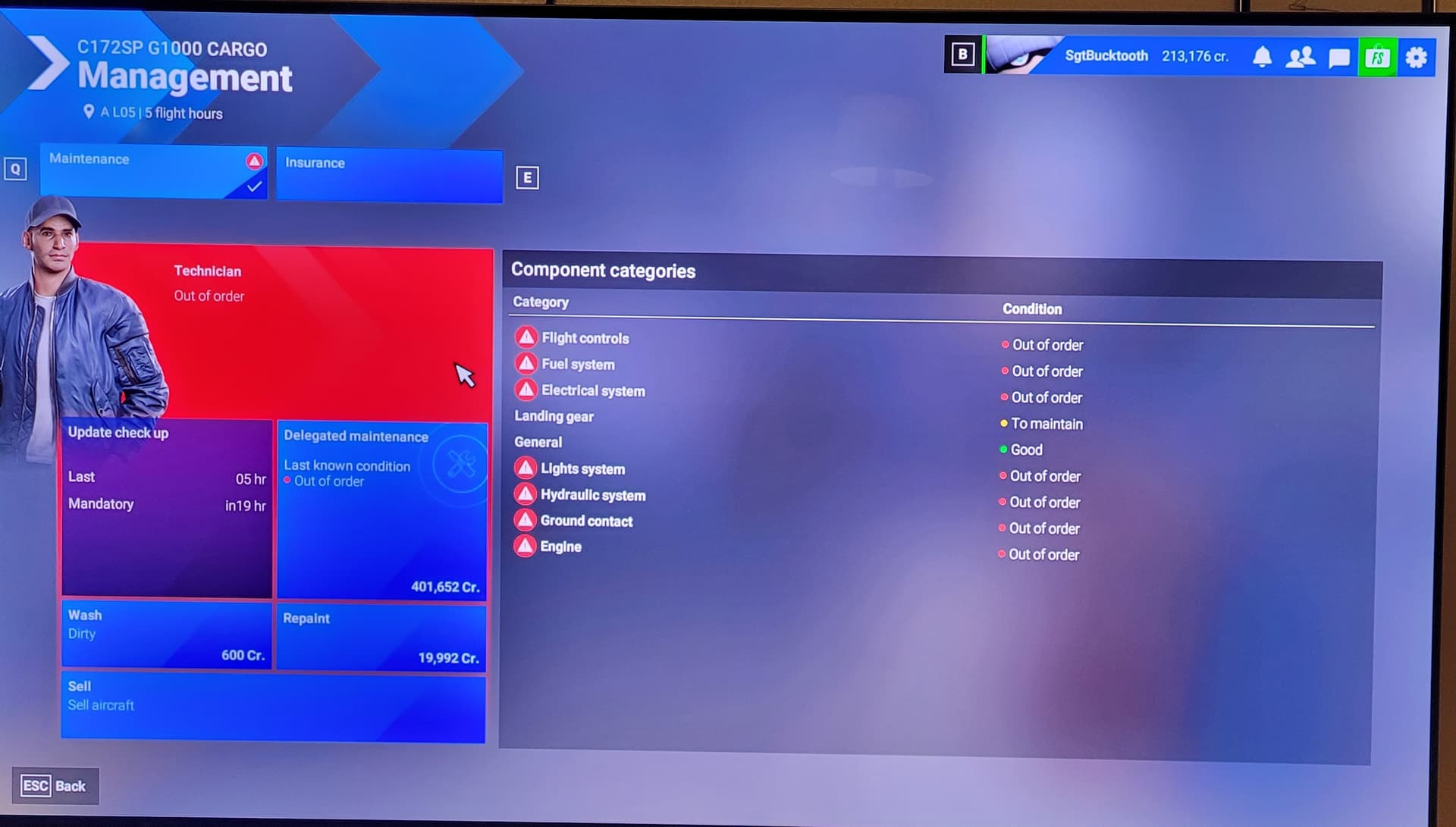
Insurance doesn’t actually pay anything out. Not only that, but the price of repair is nothing like what it said it would be.
Thanks to the AWFUL scenery on small airports, my first company-owned plane was destroyed because it’s impossible to land/taxi with the broken scenery.
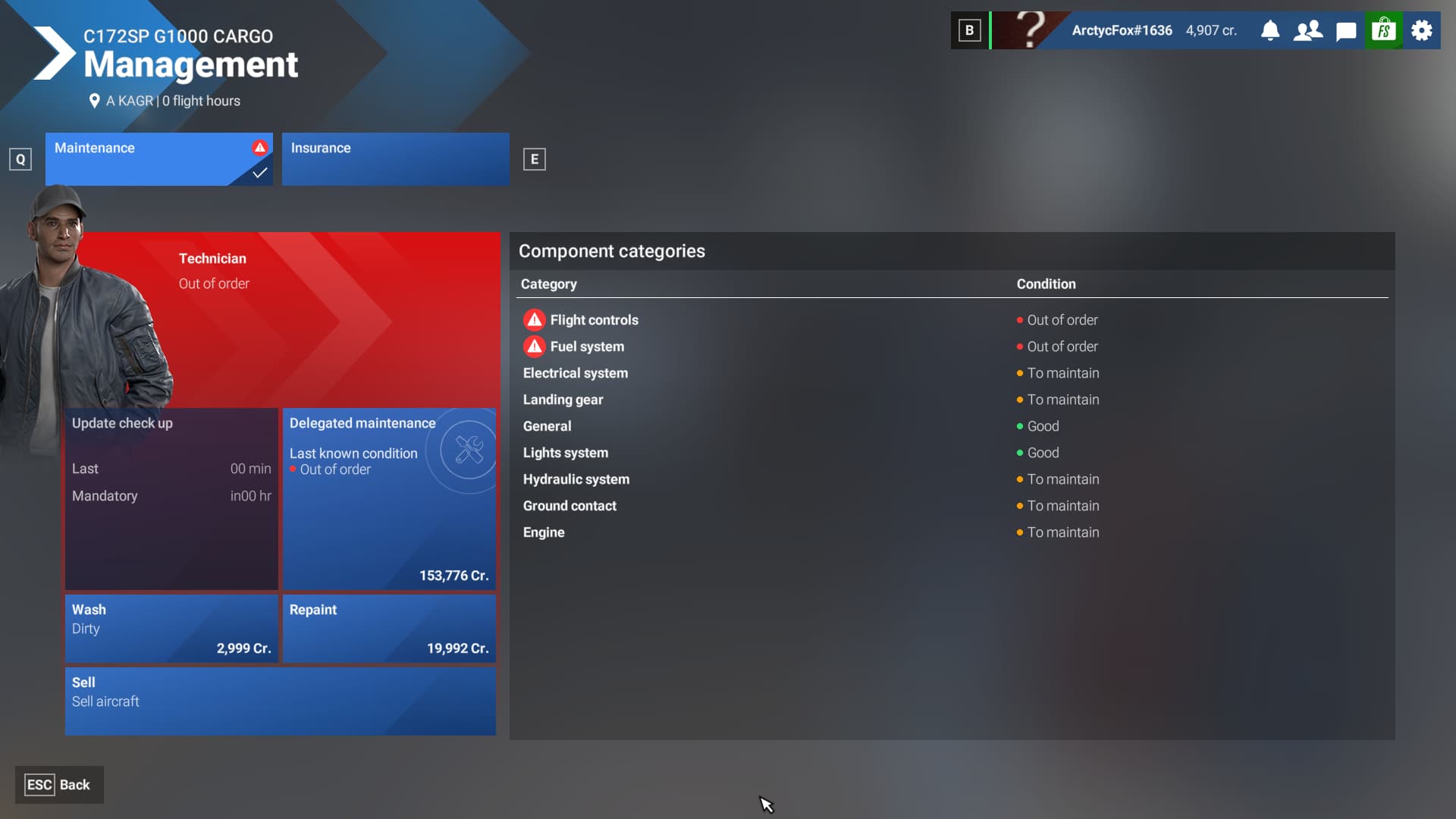
I did the checkup, and it said the cost to repair would be $47,000 and my refund would be $21,000.
Well that would be fine, if that were true, but then I go to repair the plane and the cost is over $150,000 and my refund was a big fat whopping $0.
Why even have a career mode if you are going to screw people this hard? Now I have to delete my career mode and start over.
[PC Only] Did you remove all your community mods/add-ons? If yes, are you still experiencing the issue?
FREQUENCY OF ISSUE
How often does this occur for you (Example: Just once, every time on sim load, intermittently)?
REPRODUCTION STEPS
Please list clear steps you took in order to help our test team reproduce the same issue:
- play career
- get screwed by scenery
- get screwed by insurance
YOUR SETTINGS
If the issue still occurs with no mods and add-ons, please continue to report your issue. If not, please move this post to the User Support Hub.
What peripherals are you using, if relevant:
[PC Only] Are you using Developer Mode or have you made any changes to it?
[PC, MSFS 2020 Only] Are you using DX11 or DX12?
[PC Only] What GPU (Graphics Card) do you use?
[PC Only] What other relevant PC specs can you share?
MEDIA
Please add a screenshot or video of the issue occurring.
[END OF FIRST USER REPORT]
 For anyone who wants to contribute on this issue, Click on the button below to use this template:
Do you have the same issue if you follow the OP’s steps to reproduce it?
•
Provide extra information to complete the original description of the issue:
•
If relevant, provide additional screenshots/video:
•

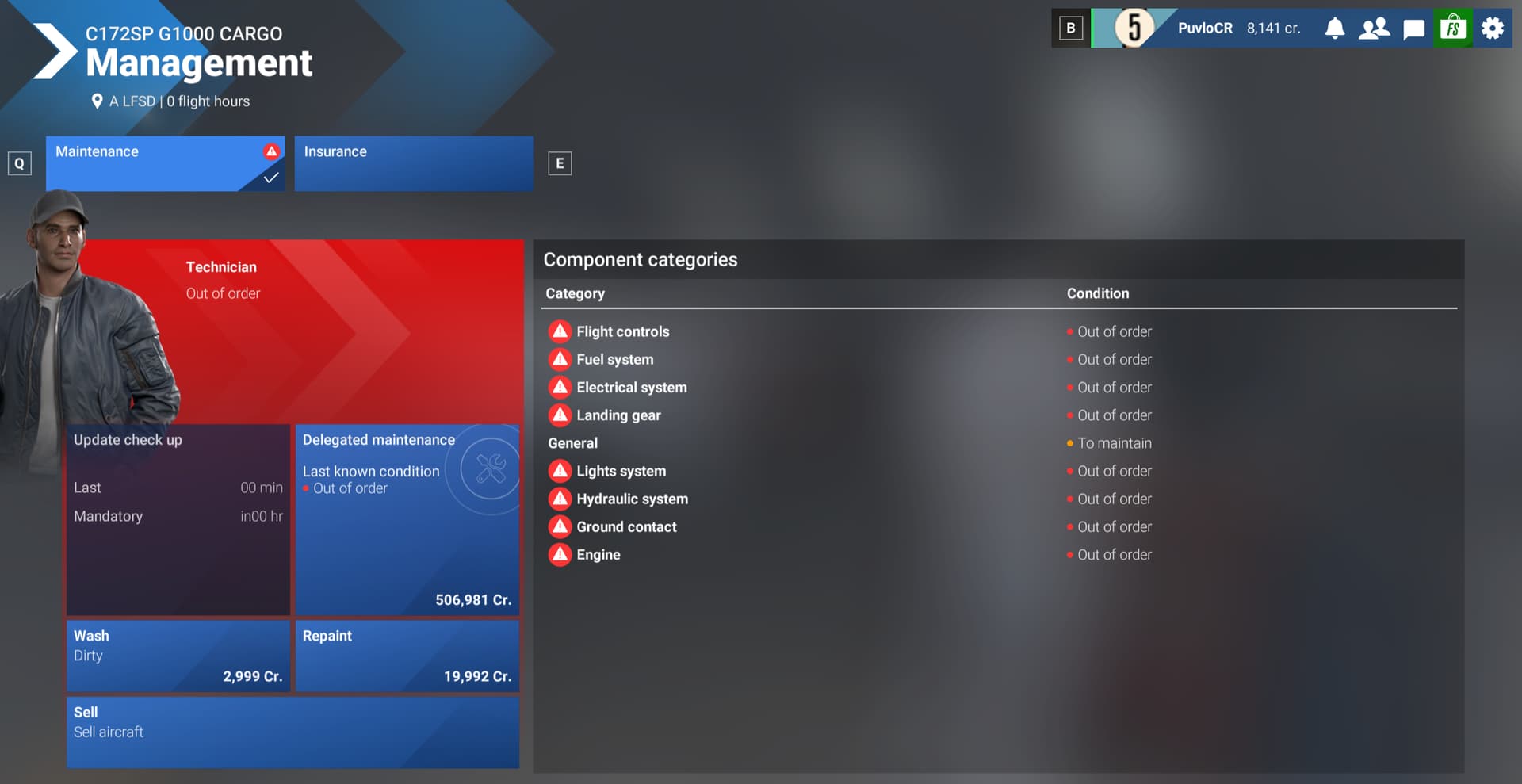
 Are you serious, they really crash planes?