Hi. I am new to MSFS and was checking out the autopilot functionality using Honeycomb Bravo quadrant. When making adjustments to the Altitude setting, I can clearly see in the sim, the values changing on the instrumentation. However, when setting the mode to VS (versus AIS), although the plane does react to the changes in vertical speed, the values do not appear on the instrumentation (I see that “VS” shows up on the instrument, however the dialed in altitude remains displayed and does not switch over to the VS values that I am trying to change). Is
there a way to show the VS values on the sims instruments while they are being changed thru autopilot? I am a noobie so pls forgive my terminologies that I’m using. Please note, I am using the Cessna 172 Skyhawk (the standard one with the steam gauges) in the sim.
Not on the AP unit that comes with the Steam 172 (that i’m aware of). Basically I count the clicks in my head when adjusting VS on my Bravo.
If you want to see what it’s actually at you have to hover your mouse over the buttons on the cockpit AP or look at your VS guage.
Just as a suggestion, you might want to ask this over in the “self service/peripherals/ honeycomb” thread also. You might catch the eye of more folks that are/have worked issues with that equipment. I’m a TM person, so sorry, can’t provide any help on the issue. 
Regards
Same observation here. VS doesn’t show up on the steam gauge autopilot. I think it has an UP / DOWN system that may not be the exact same thing as VS… at least systematically speaking. Have to count / watch your VS indicator.
I’m currently flying said 172 from KOPF to KEYW as we type and can confirm that GHPS doesn’t even have a VS button on it.
Clicking the up/down does not show any VS on the LCD either.
Just have to keep count of your clicks on the Bravo dial. If you hover your mouse over the arrow after increasing with the Bravo it will then tell you in tooltip what you’re set to.
There is an “arm” button for the VS though so you could set your altitude click arm. Then click the up arrow or down however it seems to go in 1,000FPM intervals (according to Vertical Speed indicator) but still doesn’t show you on the screen.
The KAP140 AP has never worded correctly (as the RW unit does), from release date.
Altitude Arm does Nothing, and the AP does not Capture the Current VS when the AP is turned on.
Not only that, I also noticed a conflict with the Nav function. When setting altitude and then engaging VS, the plane also reacts by banking in whatever direction for some reason, as if U have Nav engaged. There are no conflicting binds from what I can see.
PS- as suggested, I sent a query to the Honeycomb helpdesk today- provided them with my current MSFS settings. Hopefully they can provide some feedback as well.
This is a known issue (bad key binding).
Check out RMAG’s youtube video to correct.
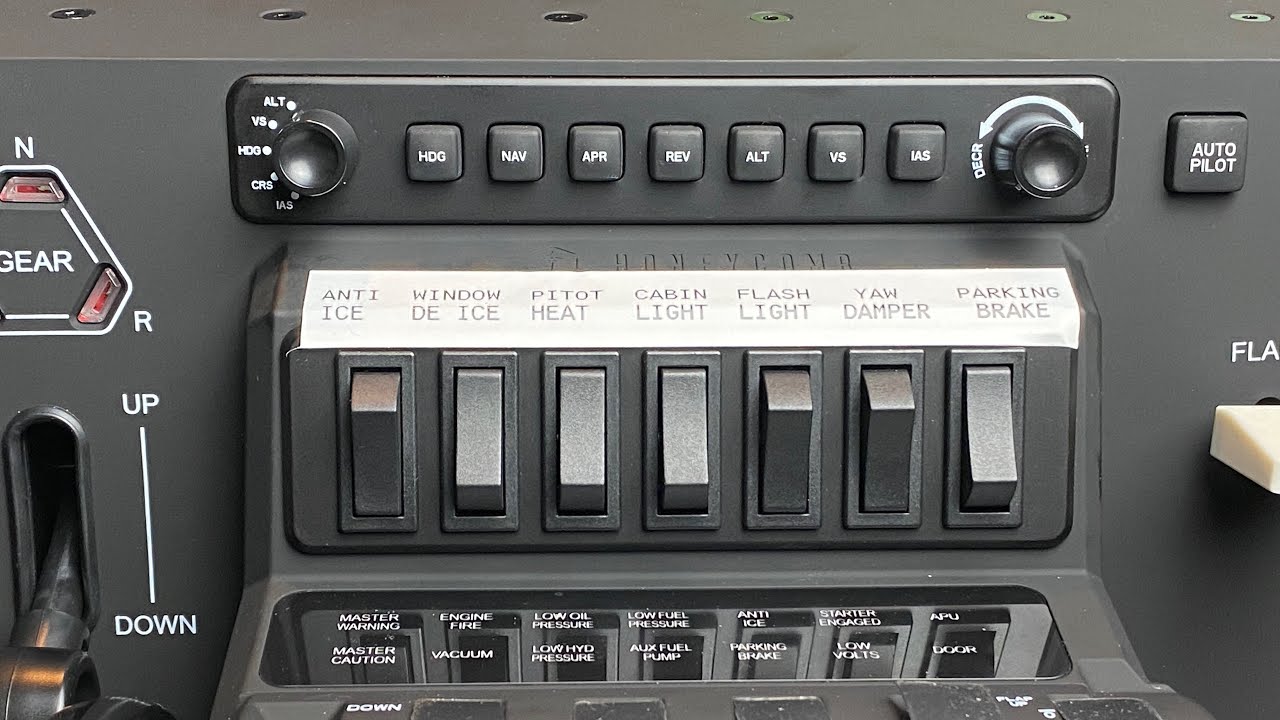
I think that’ll fix the problem where changing the input selector to ‘VS’ re-engages VS mode or something similar, but won’t fix the problem where there’s no display of the vertical speed setting.
Correct,
However the OP in the post just above mine also eluded to this bug
“Not only that, I also noticed a conflict with the Nav function. When setting altitude and then engaging VS, the plane also reacts by banking in whatever direction for some reason, as if U have Nav engaged. There are no conflicting binds from what I can see.”
Which I believe this video will correct.
This is the video I used initially. I will recheck settings to make sure that nothing has changed.
This topic was automatically closed 30 days after the last reply. New replies are no longer allowed.