SU4 Camera Panning Stutter Test #1 + MSFS SU4 Settings
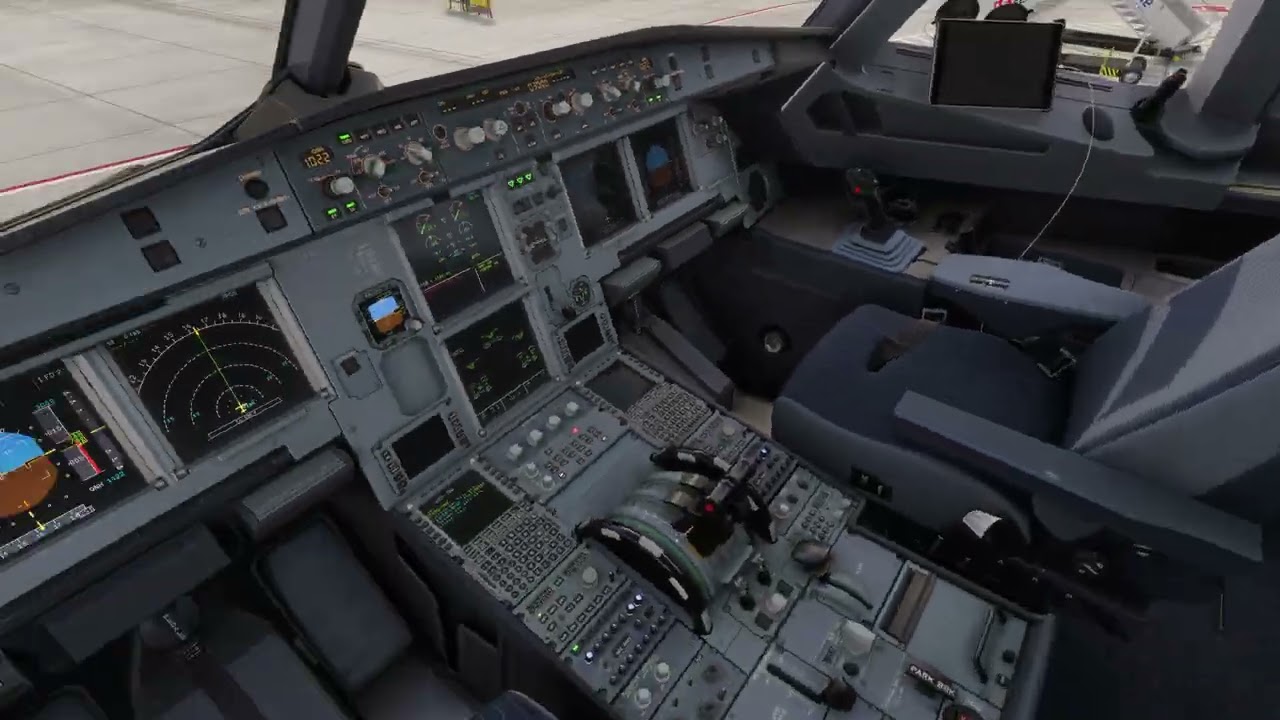
SU4 Camera Panning Stutter Test #2
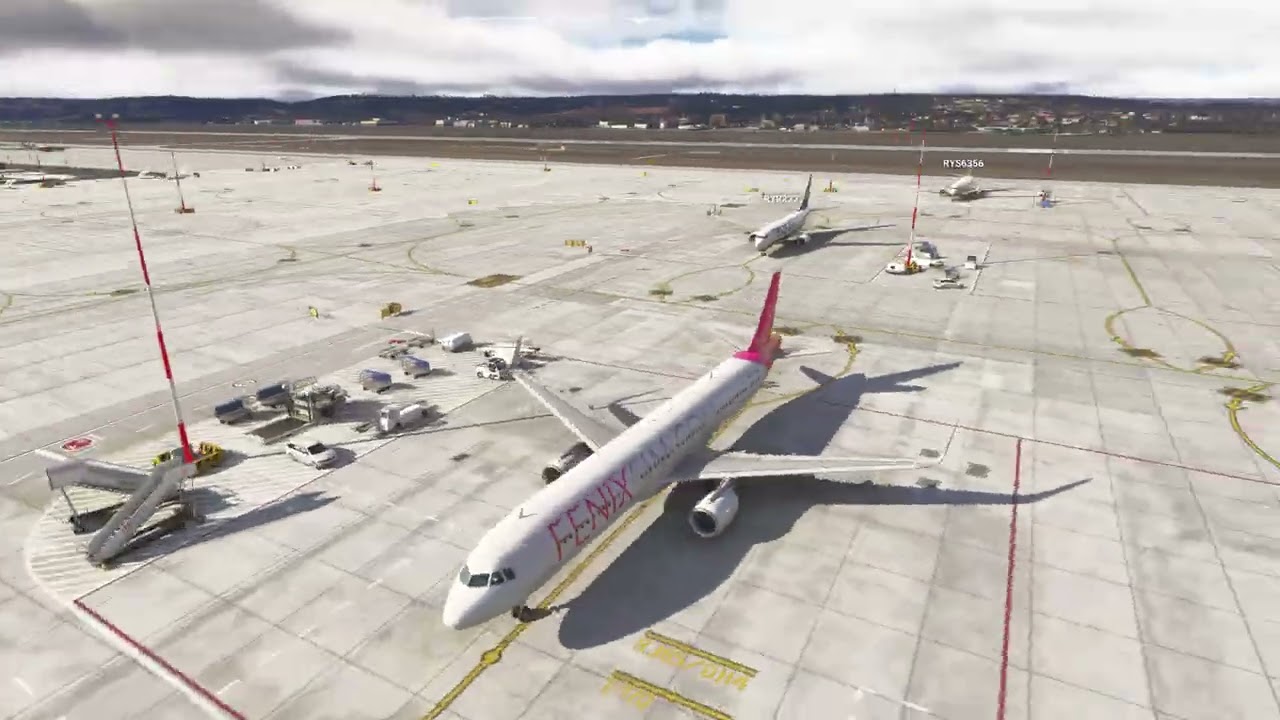
SU4 Camera Panning Stutter Test #3
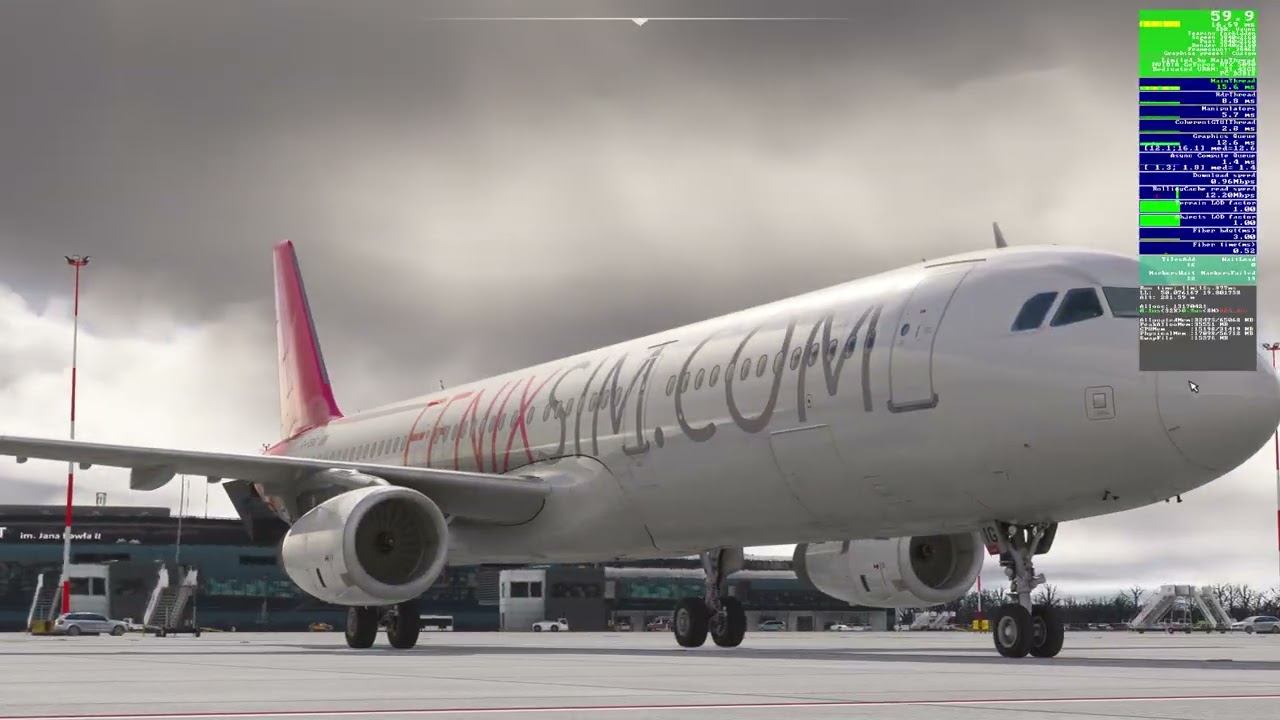
My main thread sits around 16 ms, mainly because in the NVIDIA Control Panel I’ve capped FPS to 60. If I didn’t cap the FPS, the main thread would likely be lower.
Gaming Rig
- PC Case Be Quiet Light Base 900 FX
- MSI MPG X870E Carbon WIFI - BIOS 1A8
- Virtualization - disabled
- Re-size bar - enabled
- PSU ASRock Phantom Gaming 1600W
- Ryzen 7 9850X3D
- AIO Arctic Liquid Freezer III 420
- 64GB Ram CL26 DDR5 6000 2x32GB G.Skill
- AOC Agon Pro AG326UD
- MSI MAG 271QPX E2
- Gigabyte RTX 5090 Gaming OC / 591.86
- USB HUB
- Logitech X56 H.O.T.A.S
- VKB Gladiator NXT Evo Space Combat Edition
- Honeycomb Alpha Flight Controls XPC Yoke
- Logitech Flight Rudder Pedals
- Airbus EFIS Winwing
- Airbus FCU Winwing
- Airbus MCDU Winwing
- Boeing 737 MCP Core Flight
- Boeing 737 EFIS Panel Core Flight
- Boeing FMC/PFP 3N Winwing
- Thrustmaster T300 RS racing wheel
- Sound Blaster X5
- Sound Blaster Katana v2
- 4xNVMe // 4TB for MSFS2022/2024
- 1xSSD
- 1xHDD
- Windows 11 PRO 25H2
Also, I didn’t enable the FPS overlay through Developer Mode. The FPS overlay itself is enabled differently - I’ve explained that in more detail in the thread linked below.
https://forums.flightsimulator.com/t/how-to-enable-fps-overlay-without-developer-mode-su5-beta/758535