In 2020 i got pretty decent with flying helicopters on an Xbox controller. Now in 2024 its near impossible for me to; mostly with managing the collective. I’ve spent literal hours with the Cabri trying to figure out the best way to control the collective. And i just cant do the quick precise adjustments needed. I beg of anyone that flys them well with a controller to tell me some tips or their settings. Thanks!
1 Like
There are some tricks, and good videos from 2020 that will point you in the right direction for controller setup, but in short, no. The gamepad makes flying a helicopter harder.
The 2020 controller tutorials are useless with the changes they made to some inputs. There is a delay when binding the collective to anything that isnt an axis. Also the triggers dont work properly if you bind certain functions to them.
1 Like
I have a LOT of flight gear, so I rarely fly with a controller.
That said, MUCH of that gear is just not being used yet, while I wait for others to figure it all out and post video tutorials to help me through it.
The T Flight HOTAS One is a decent, Xbox compatible HOTAS that has been a breeze to configure in 2024, while I wait to configure my other gear. And it works well enough for almost any plane or helicopter. Not perfect mind you, but for the price it is worth a look.
I have yet to see someone crack the code for flying helicopters well with a controller in 2024. I imagine it can be done, but I haven’t seen anything yet.
1 Like
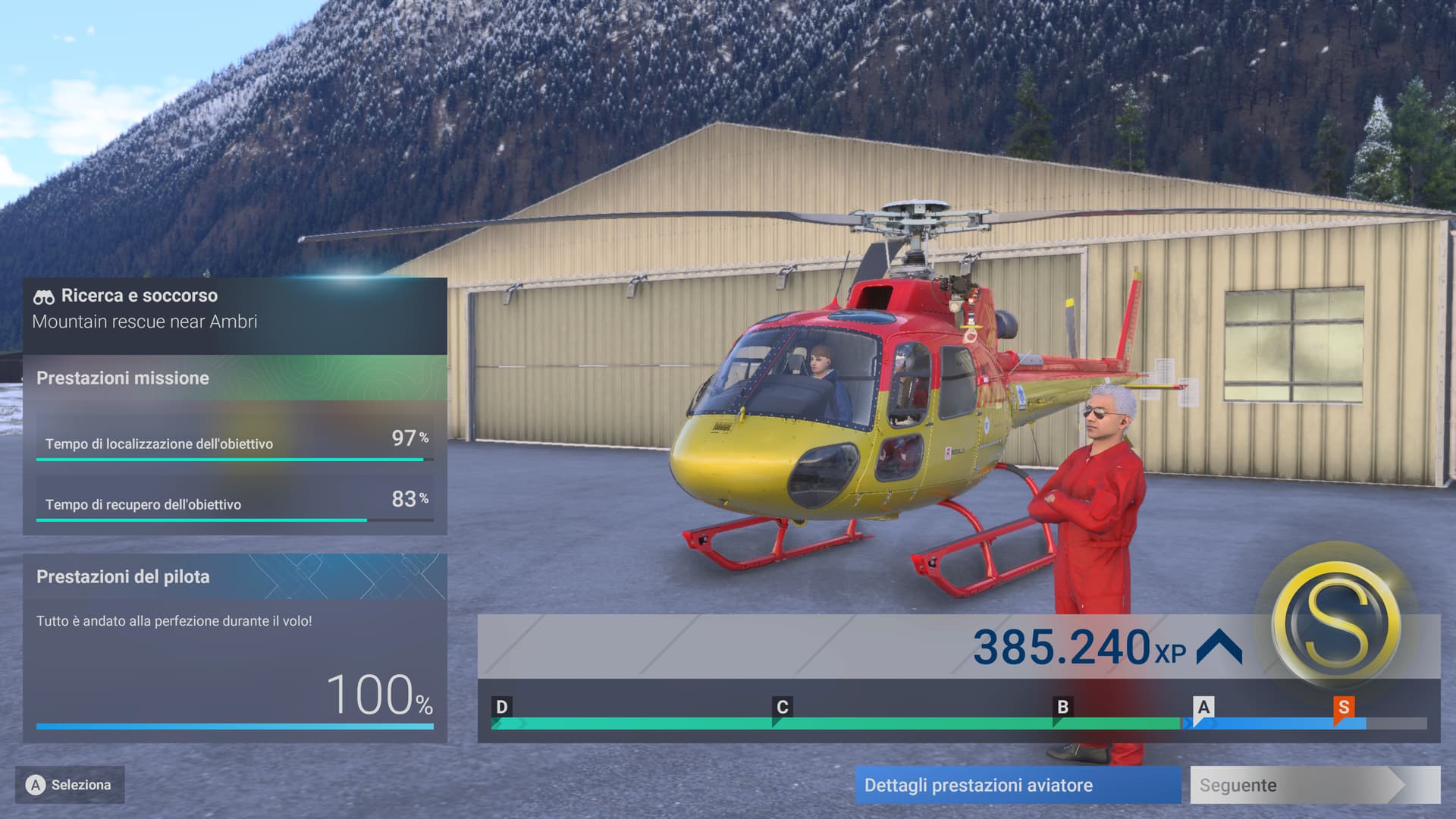
With Xbox controller !!! 
Condivido con orgoglio la mia prima “S” ottenuta in una missione di ricerca e salvataggio a bordo del bellissimo ma impossibile (senza trim) H125 pilotato con un controller Xbox  …so so hard
3 Likes
Mind sharing screenshots of your bindings?
Flying helicopters in 2020 was fun, but I struggle with the setup in 2024.
1 Like
Yes that would be very useful i loved flying helicopters in 2020 but i just haven’t been able to set up the bindings on my Hotas flight stick, any help especially screen shots of the settings would be nice.
1 Like
What should I set for camera control when using the Xbox controller? In 2020 there was a big difference between camera in planes vs helicopters, but now when I set the collective on the right stick of the controller I had no idea how to set the camera. What did you choose as a setup ?
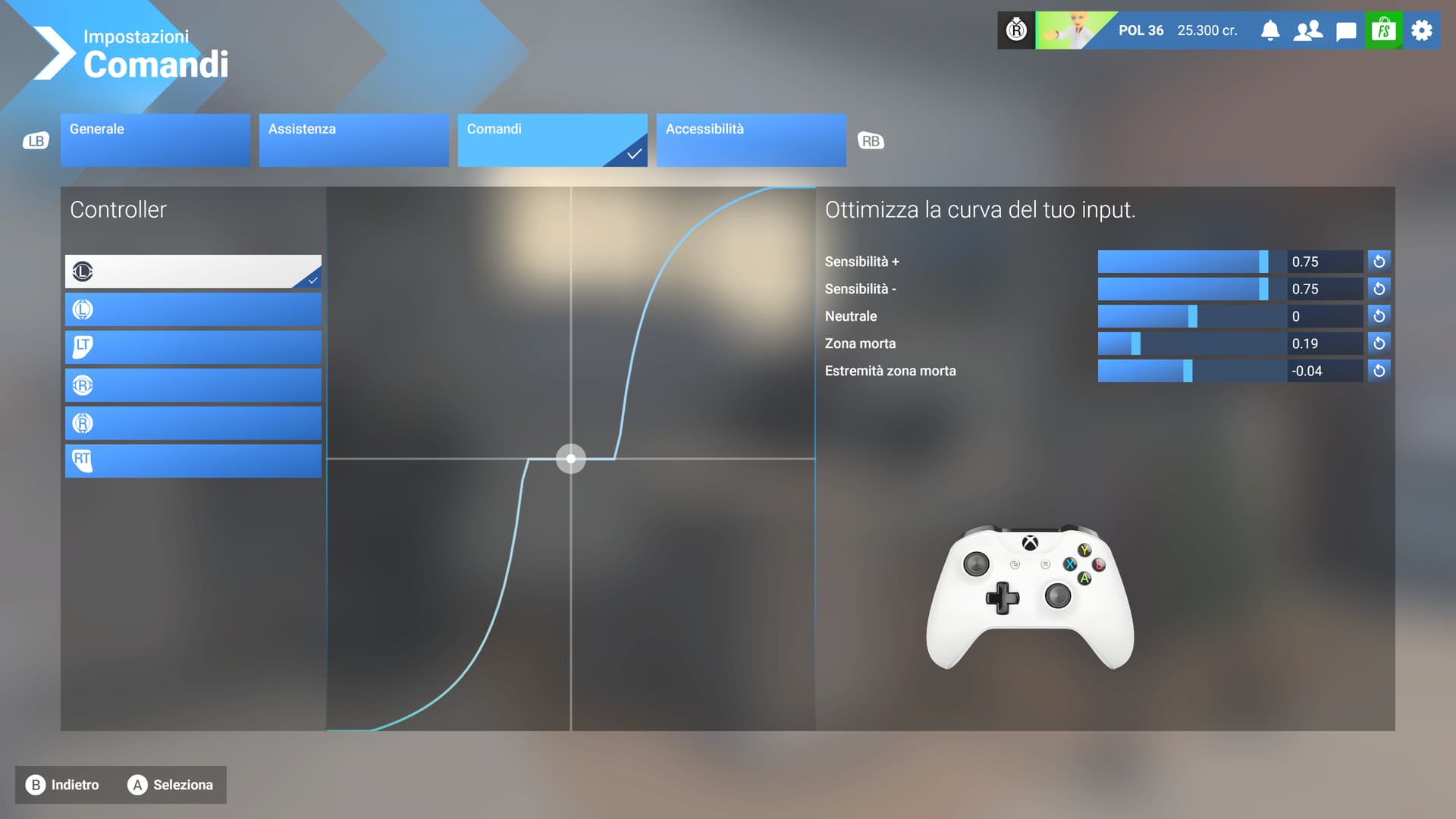
First of all, I’m not a helicopter expert  , I only did the basic tutorials (very useful anyway) and a lot of practice (even extreme to understand how the aircraft reacts) to best dose the controls. I use the collective on the A and B buttons of the controller and it’s exhausting to keep pressing up and down to keep a balance. For the settings I only use the tail rotor assistance (no on the collective and no on the cyclic) and the assistance on the controller sensitivity. In the controls (which are the default ones) at the moment I have raised the sensitivity of the cyclic axis to 0.75 because I feel like I have a more precise response to the micro movements of the Stick. For the H125 I add that up to 80/90 knots it is quite manageable while at higher speeds it becomes a crazy horse
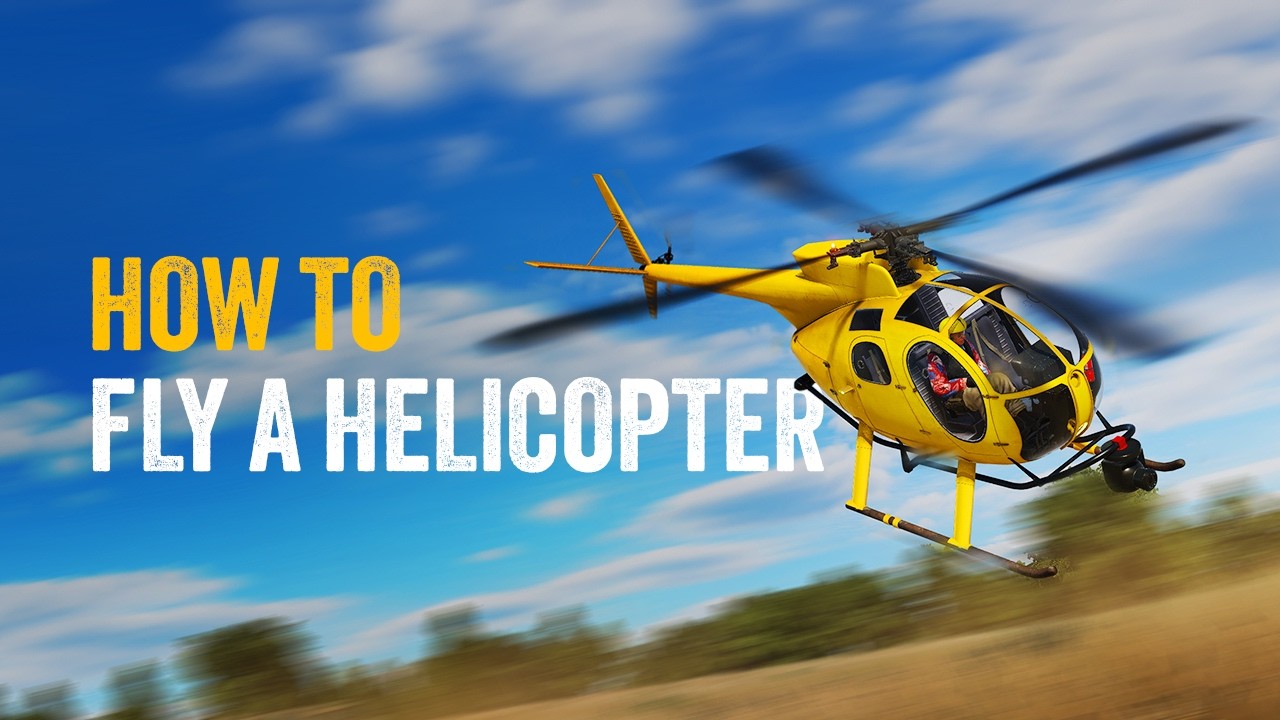
I found this video helpful for general basics :
2 Likes
Depends how you define effectively. Yes, I can- but I just press my Xbox default throttle button and the helo lifts off. Then I steer it with the joystick. If it’s too hard of a helo or spins wildly, I give up and pick a new one. But there’s quite a few I do use for a bit.
So yes, I can But no I don’t do anything that’s technically correct haha
I use the default controls with collettive on A and B buttons (not the best solution) so i can use the free camera on the right Stick
1 Like
One trick you might find with the controller; keep a careful eye on the trim, and don’t let the AI auto adjust thing work, it just messes up.
For transits at speed, look to -40
For hover, take off and landing, look to 0
1 Like
And yes, you will have to use the internal cockpit view on anything other than the G20 when adjusting pitch because of course they don’t echo it on the external view virtual cockpit
I used to enjoy casual sightseeing tours in the Cabri with my Xbox controller but in FS2024 the experience is just miserable. I had to turn off all helicopter-related Assistance settings (which worked great in 2020) in order to use my Xbox controller with any real degree of precision at all. Even so, I still use my rudder pedals to handle the tail rotor/yaw controls.
2 Likes
I find that some of the issue is down to the collectives increments being far too wide when it comes to button taps. It’s either drag your skids or jump up above ground effect, there’s really no in-between, so you end up having to Yo-Yo/Juggle with a series of A and B button taps. 2020 is definitely easier to be able to find and sit in ground effect in comparison. The game pad straight up needs more increments to play with.
This should be a wishlist item I reckon in the least. Maybe I should make one but I feel it won’t get much support. Surely they can give it another look at as it obviously affects everyone.
I also wonder if anyone has managed to use Force Trimming or Force Trim Releasing with any success, I’m not sure how to go about it and use them correctly. Using those somehow successfully would change peoples flying game in a big way I reckon. In theory Force Trimming ought to help make things a hell of a lot smoother.
I am using the default sensitivity settings with the xbox controller with all assists turned off.
The thing I realised is that it is like learning to ride a bicycle, only a bit more complex.
Took me about 8 hours to get the helicopter to hover close to ground and manage the descend and landing without crashing too hard. The last part of the descend has to be timely arrested by increasing the collective which took some time to manage.
Controller is not a big issue - understanding how to get all 3 controls to work in tandem and making very gentle changes is the key. I had initially decreased the sensitivity of the controller but that was making my fingers only work harder, so I went back to default.
Once at cruise altitude, flying is easy with trim as I don’t need to hold on to the anti-torque or any other control.
My opinion that for everyone who plan to fly helicopters in flight simulator for long time - to have the collective in his helicopter set is the must. Xbox controller does not give real comfort to keep hover or make even basic maneuvers.
The collective is available in commerical and DYI variants depends on your goals and finance.
When you get collective in your set - you instantly feel to difference!
I share the same frustration - the helicopter trim is unreasonably sensitive when using an Xbox Wireless Controller, and there’s currently no way to adjust this sensitivity in the settings. What’s particularly interesting is that this issue mostly affects stock models. For example, I recently purchased the SA315B Lama from Taog’s Hangar, and the trim (including lateral) works flawlessly on it.
It would be great to have an option to adjust trim sensitivity directly in the settings. The trim is controlled using RB + R, and while it’s possible to configure the sensitivity of the right stick alone, this setting doesn’t carry over when the right stick is used in combination with other buttons. Additionally, MSFS 24 doesn’t allow sensitivity adjustments for key combinations like RB + R. Adding this capability would resolve the problem entirely.
I’d also love the ability to customize the step size for the collective. Right now, it varies between helicopter models and is often far too large. This setting should be added to the controls as well.
These two small changes would dramatically improve helicopter flight comfort - and honestly, I’m surprised they weren’t included at launch.
1 Like
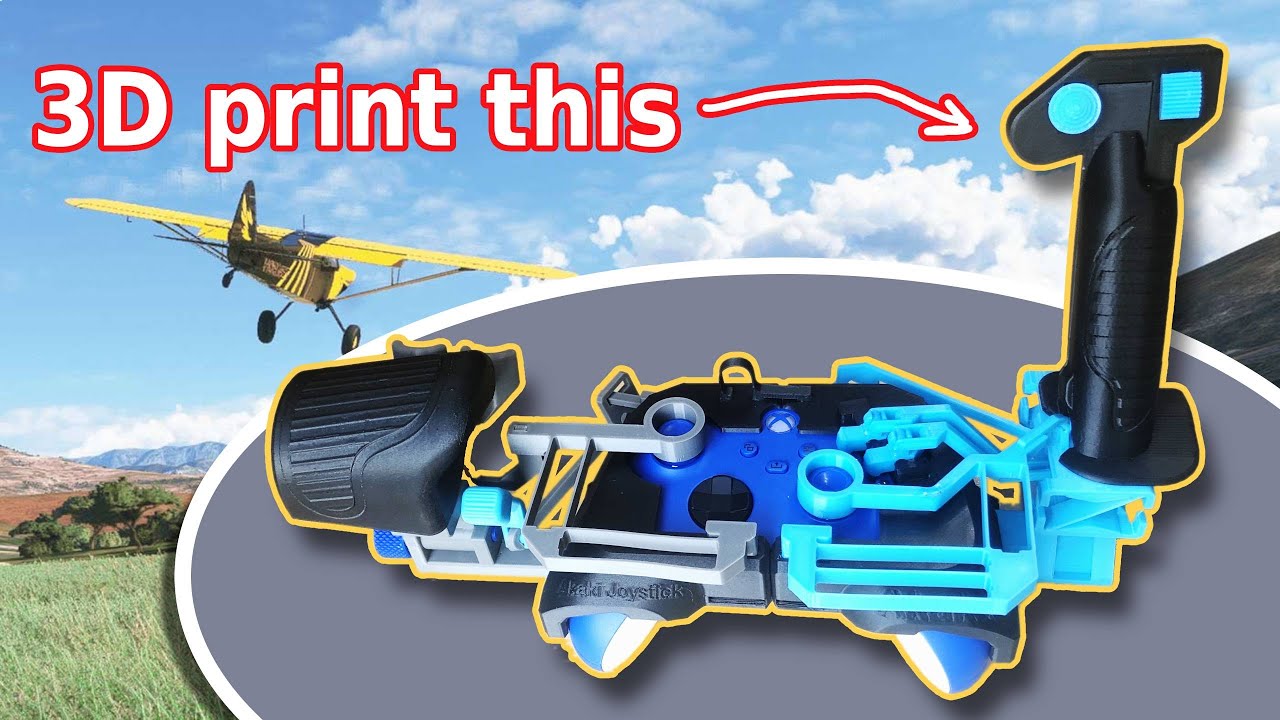
May be this DIY 3D printing add-on will help.
How to build the XBOX flexure joystick and throttle
I had thought of getting a collective but then realized that collective alone will not help.
When close to ground the controls become critical. So my left fingers are controlling the cyclic and left anti-torque. Right hand fingers are controlling right anti-torque and trim.
So if I have to remove my right hand to a separate cyclic/throttle control then I lose the anti-torque control which I cannot lose even momentarily - so it is a must to get foot pedals for the anti-torque.
So the setup becomes large and I don’t want to get into such a large setup.
Actually if a controller like the xbox 360 is available with just an additional analog throttle control wheel somewhere reachable with the right thumb, that would largely solve a lot of problems with throttle in both helicopters and airplanes.