This is a more general Question, as I am biologically unable to use Pedals, if there is a possibility to assign several bindings to one axis but change the output curves for each binding.
As the Brake-Button Binding serves only to make Taildraggers Nose Over I want to bind Brakes to an Axis.
Pulling the Stick Back is normal when flying a Taildragger on Landing and during Taxiing, so putting the Brakes on the rear 20% of the Stick Travel seems to be logical.
However, the Axis Deadzones/Sensitivity can only be set to one global Level as far as I can see.
Interesting question! What sort of yoke or stick are you using? Options that come to mind (which I’m sure you’ve thought of) are either binding a button to the brakes or even maybe the space bar? Would be interesting to see what solutions people have come up with.
As I fly mostly Taildraggers the Button is a very bad option as the Button has a long delay and then applies 100% Brakes immediately, causing first no braking and then immediate Noseover.
I know for throttle, mixture etc. they have the option of setting “increase” or “decrease” bindings. Not sure if they have that for brakes.
Very early on MSFS had two buttons for Brakes, one was roughly 50% and the other was full power.
This was very good for my Titanwolf which has a two Stage Trigger which I used.
Now it is only All or nothing and Pulsing your Button Pushes for very inconsistent braking.
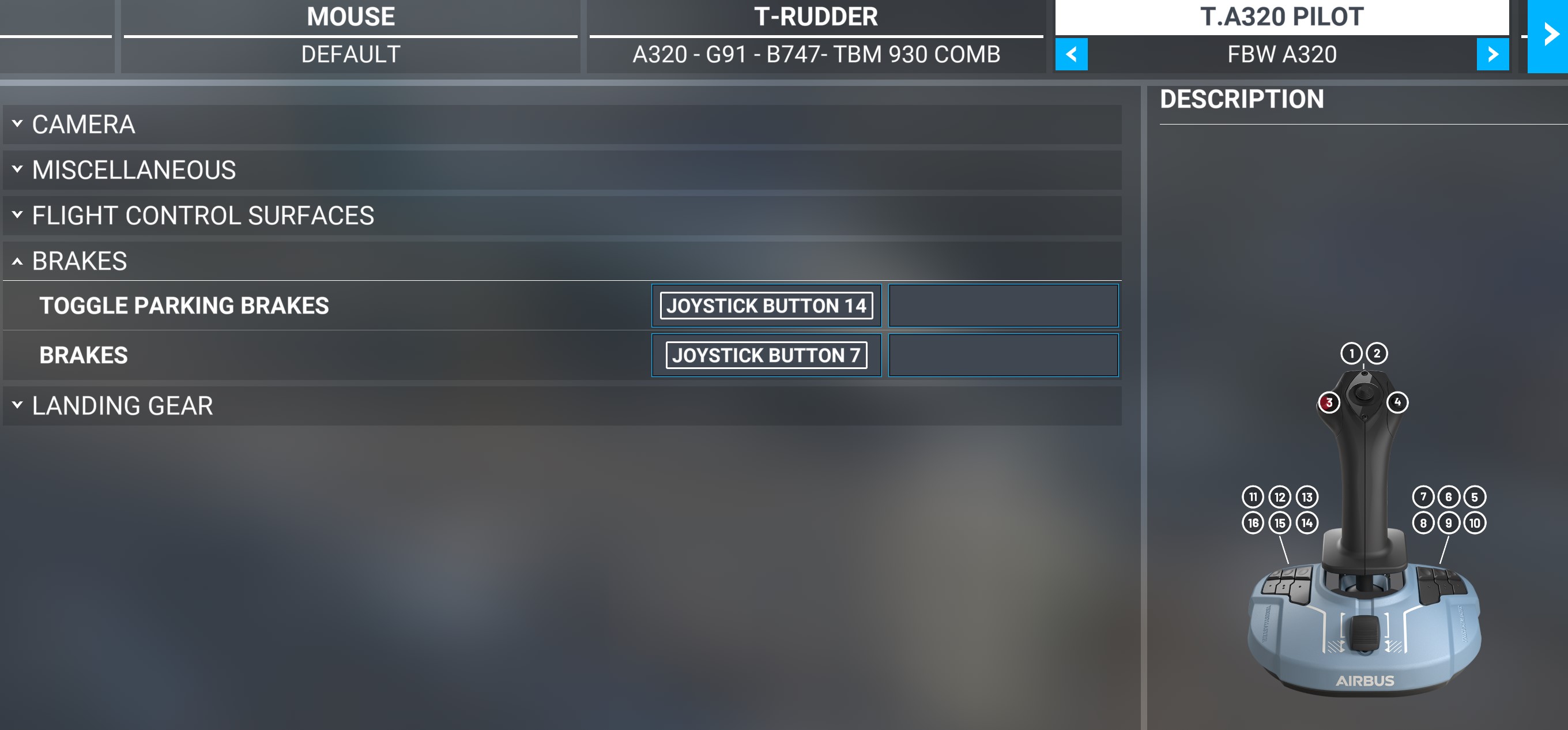
On my TCA settings “PARKING” brakes button is on/off 100% .While brakes,assigned to a different button is “incremental”. This might help.
What about to buy some cheap joystick and define it with different axis for brakes?
If it’s possible, then it can be accomplished with Vjoy and UCR.
Here’s how I use them. I don’t have rudder pedals but I do have a brake/clutch/gas pedals from my G29 driving wheel/pedals. I wanted to use the driving pedals as rudder pedals but each driving pedal is a separate axis so it’s not possible as they are. Thus I used vjoy and created a virtual device. Then I configure that virtual device in UCR by attaching the clutch and gas pedals to it. Now the 2 pedals act as 1 device and they’re configured such that 1 pedal controls half of the virtual device while the other pedal controls the other half of the virtual device. In the sim the virtual device shows up like any other controller so I setup the rudder axis with the virtual device.
So it’s possbile to reconfigure your devices to perform in new ways with these programs. It’s a little complicated but possible. I suggest you google some tutorials. Maybe you can get it to work as you wish.