Hello,
Forgive me if someone already asked this, I haven’t found anything regarding.
I have set Nvidia DLSS FG, but the FPS count still shows the capped Max Frame rate, whereas when I choose AMD FSR, it does shows double the frames.
Any ideas? Does someone is experiencing same issue?
G.
zooze74
September 16, 2025, 5:00pm
2
Have you Enable Hardware Accelerated GPU Scheduling (HAGS) in Windows? The Nvidia driver needs this to be on.
If he had HAGS disabled, he wouldn’t even be able to select NVIDIA DLSS Frame Generation in the MSFS settings, since it only works with HAGS enabled. I’m more inclined to think he might have Developer Mode turned on.
EDIT
@HackAtree
The inbuilt counter didnt used to show the extra frames. Not sure if that is still the case. Try another fps counter - nvidia has it’s own
1 Like
I don’t use Frame Generation myself so I didn’t know about that - thanks for the info.
Yes, it works. You should be able to see a difference between on and off regardless of the framerate counter.
I have the developer mode on to be able to see the FPS counter, but then I turn it off… I will make video.. maybe Im doing something wrong.
I have found that the solution is to select developer mode, and then turn off the smart Docking function. All will now work fine.
4 Likes
zooze74
September 17, 2025, 7:47am
10
That was my next suggestion
yes. The Smart Docking was the issue
You can enable Developer Mode only to turn on the FPS overlay. Once the overlay is enabled, it will stay visible even if you turn Developer Mode off.
1 Like
Yeah I know that. In the past i could have the Dev Mode menu on and the FPS overlay would show normally.. idk maybe something changed… I just retook FS after 2 months off.
1 Like
UKLEE83
September 18, 2025, 3:17pm
14
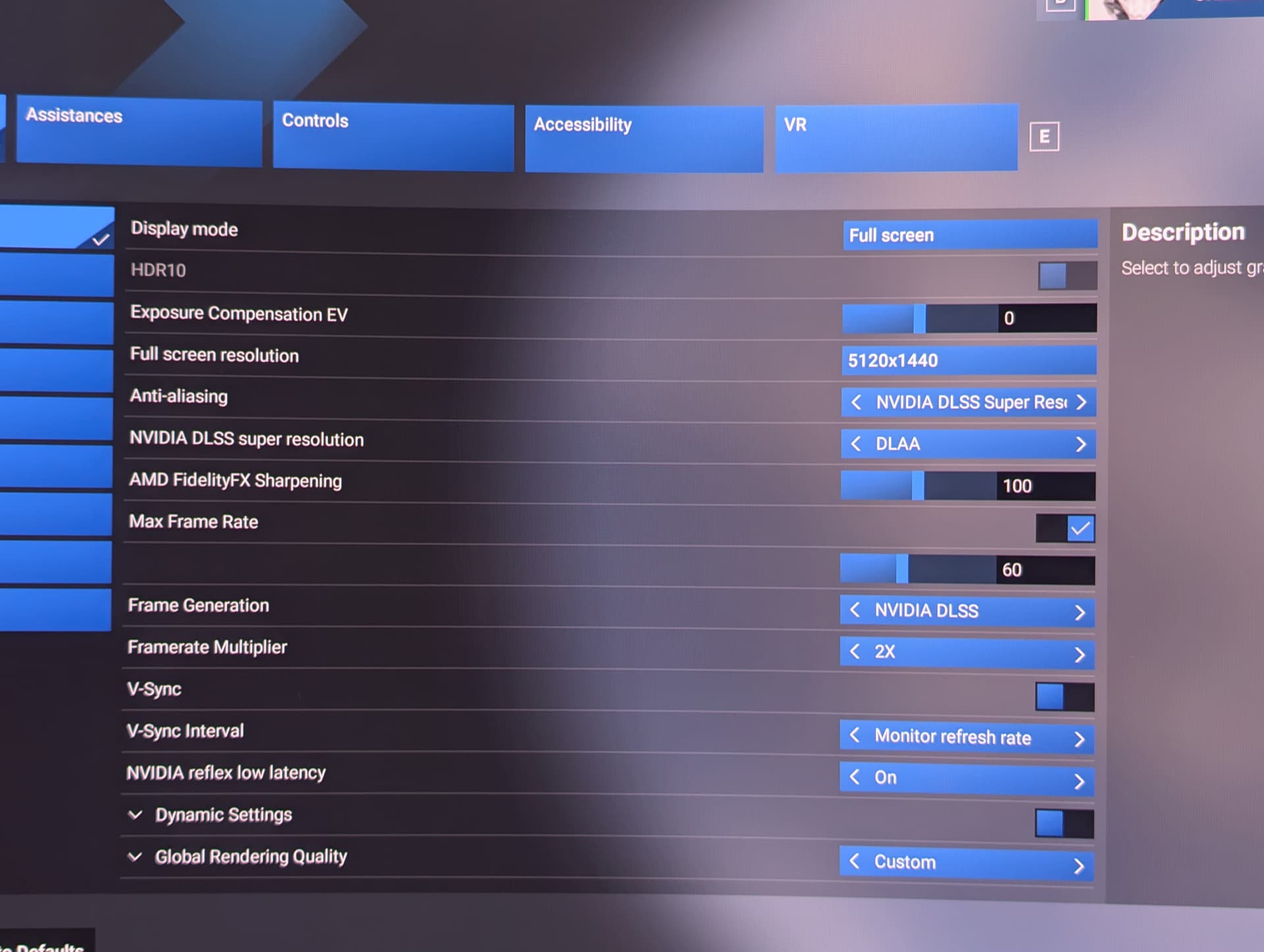
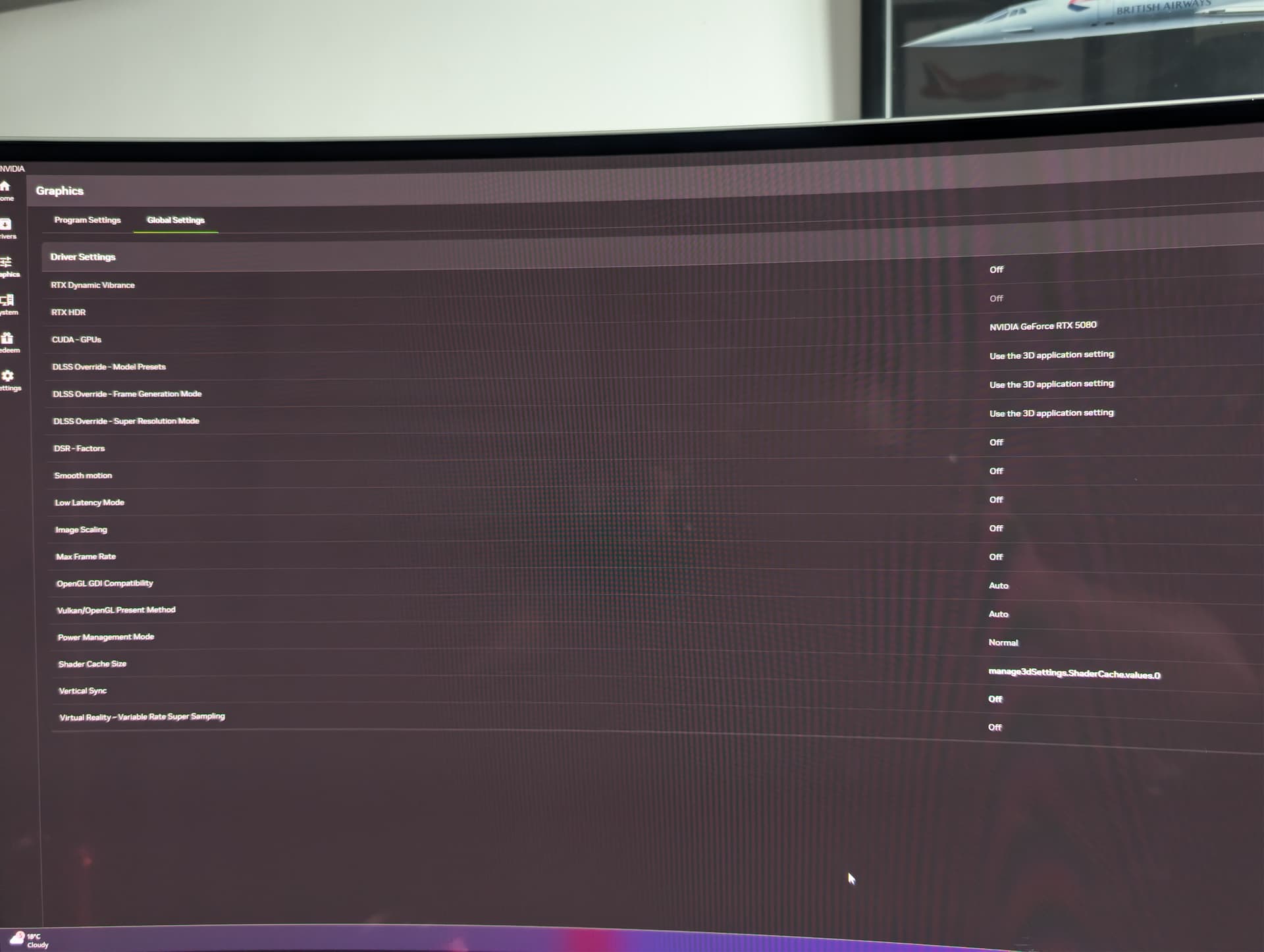
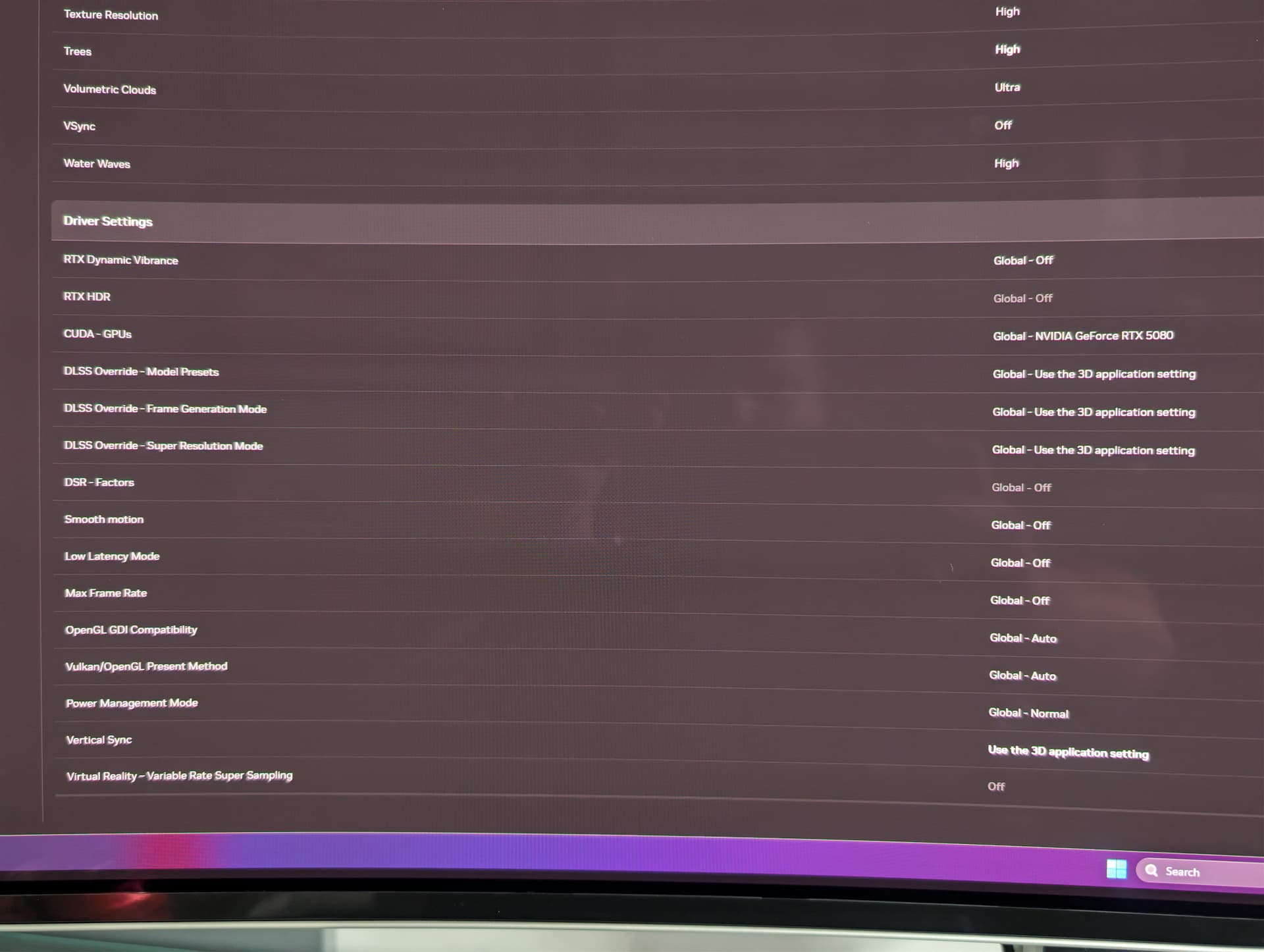
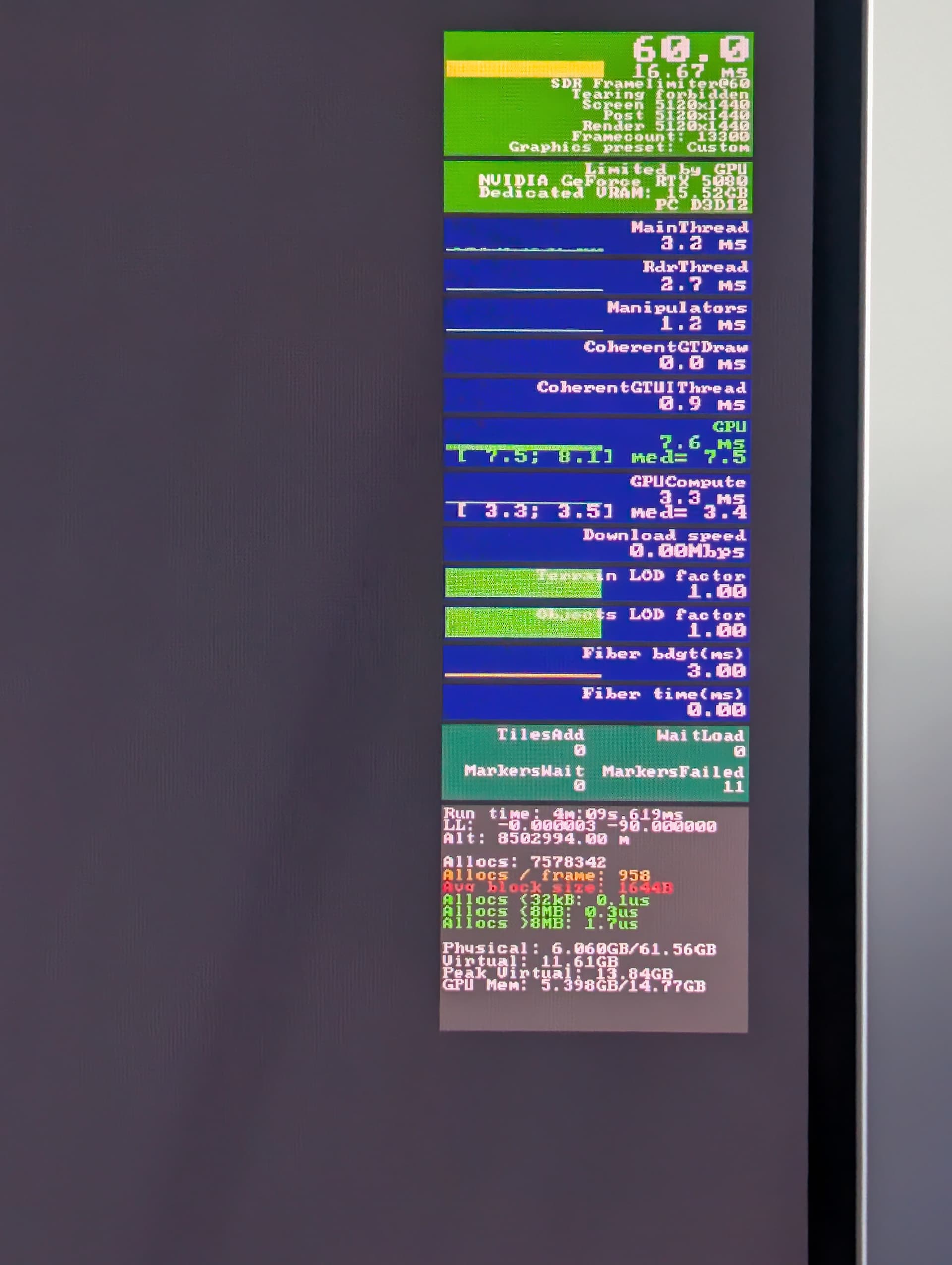
I don’t think my frame gen is working even after trying the above solution of disabling smart docking system (however did instantly free up 2gb ram)
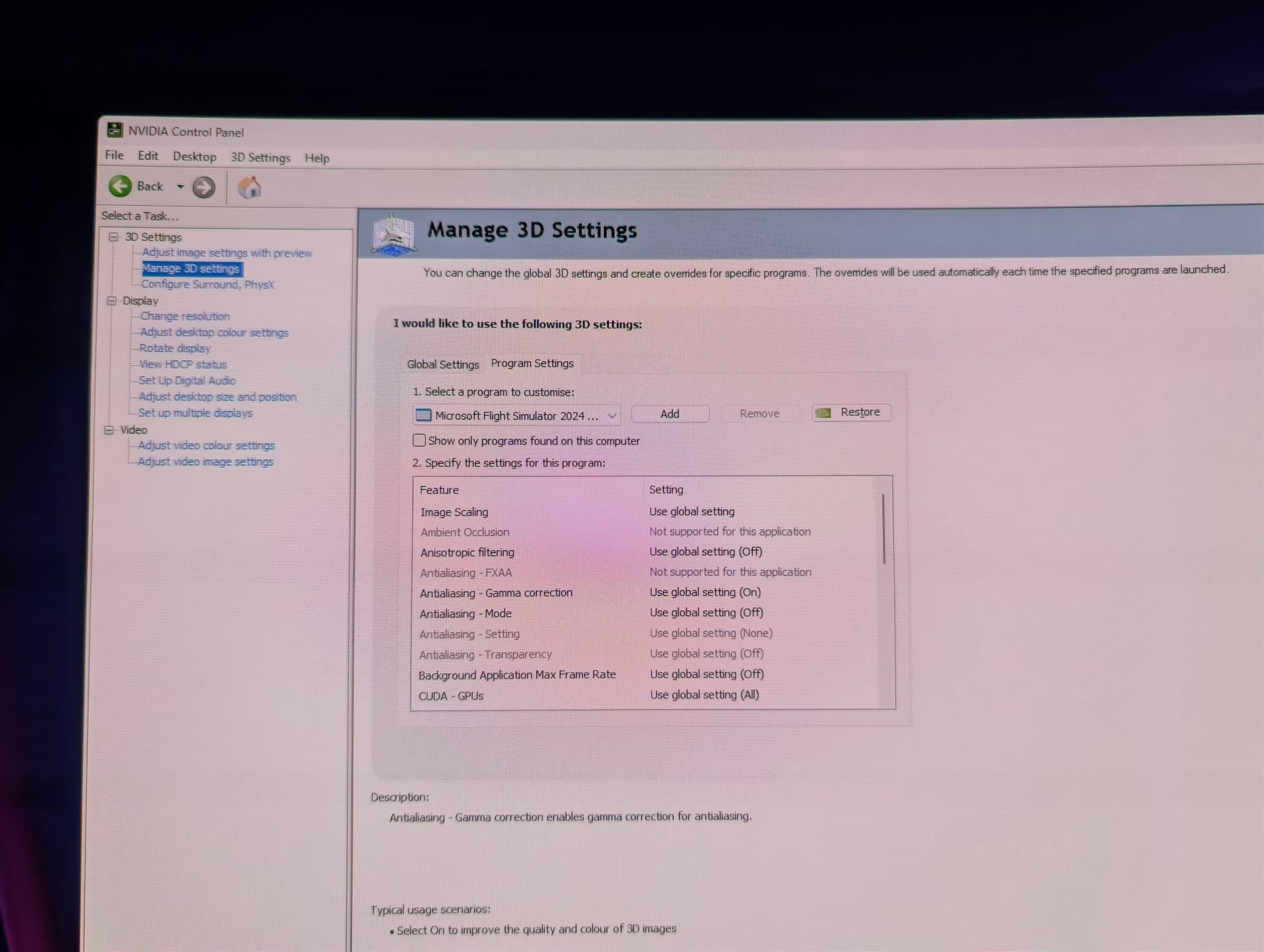
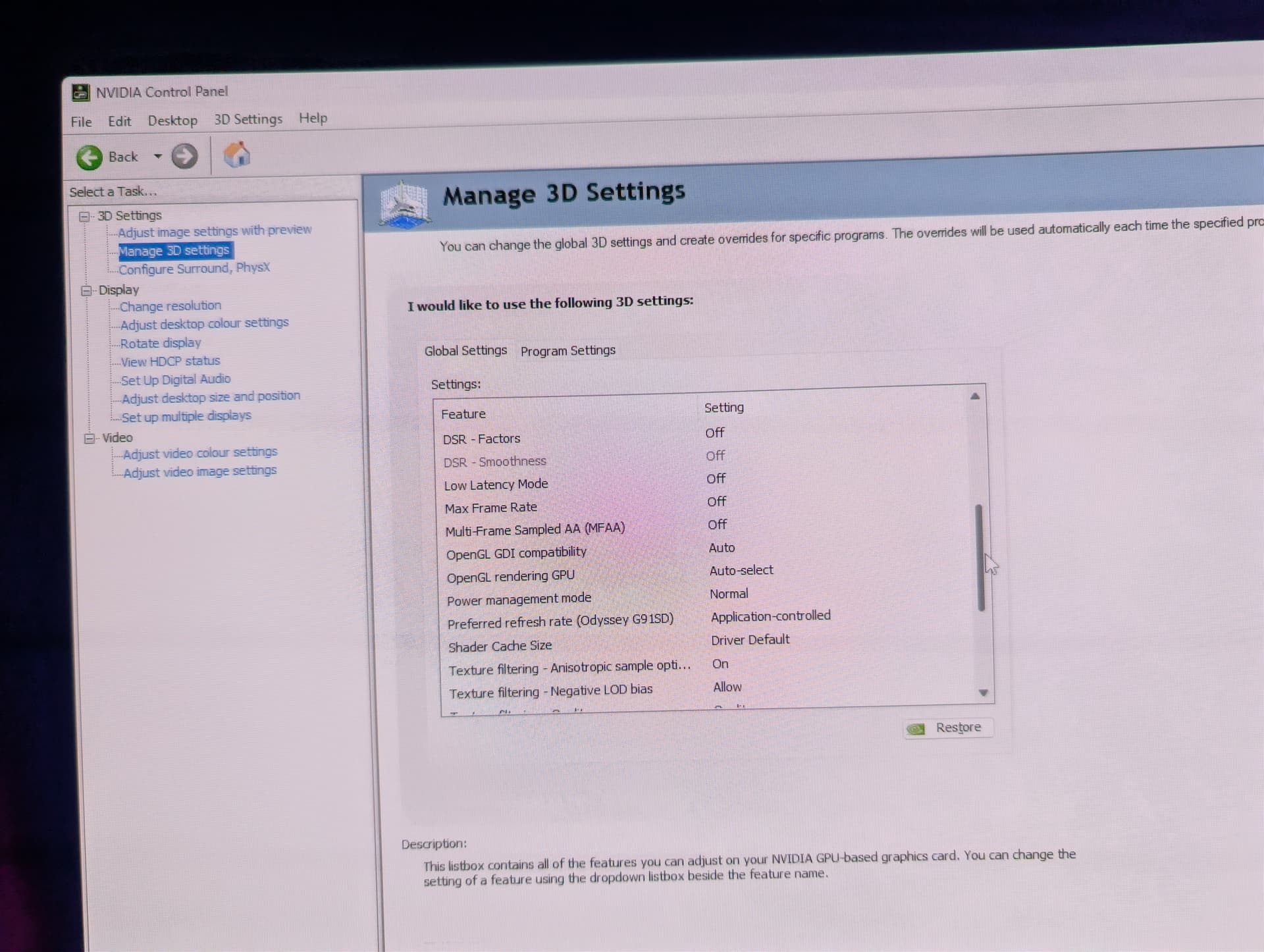
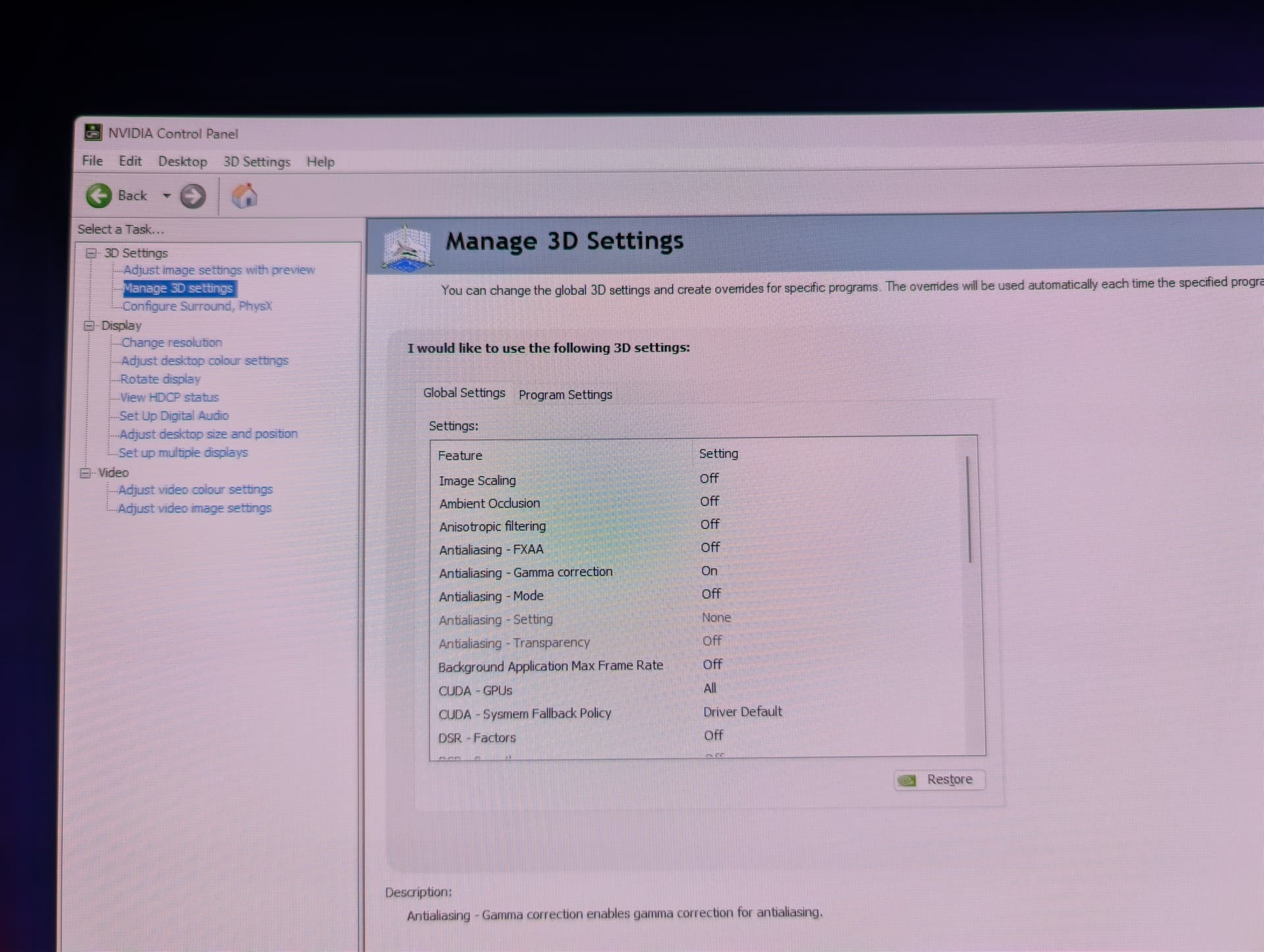
See photos for more info or if anything is conflicting.
Hags is on.
Developer mode enabled to display FPS and disable docking then disabled after
Frames limit in sim set to 60 but expecting this to raise with FGx2 Upto 120fps.
And fsr works and raises the FPS so seems something is stopping the dlss frame gen.
UKLEE83
September 18, 2025, 3:19pm
16
Ignore my post above….. my mistake it was still capped at 60fps in the menu screen but soon as I loaded into a flight my frames shot up over 100fps
2 Likes
 but thought this was fixed in 2024