ISSUE DESCRIPTION
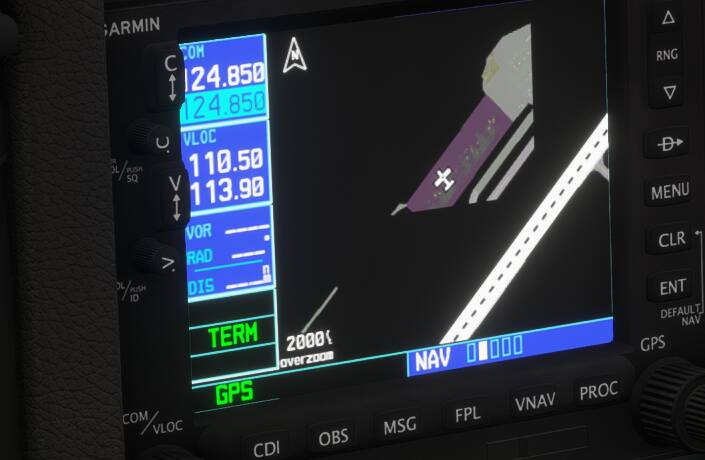
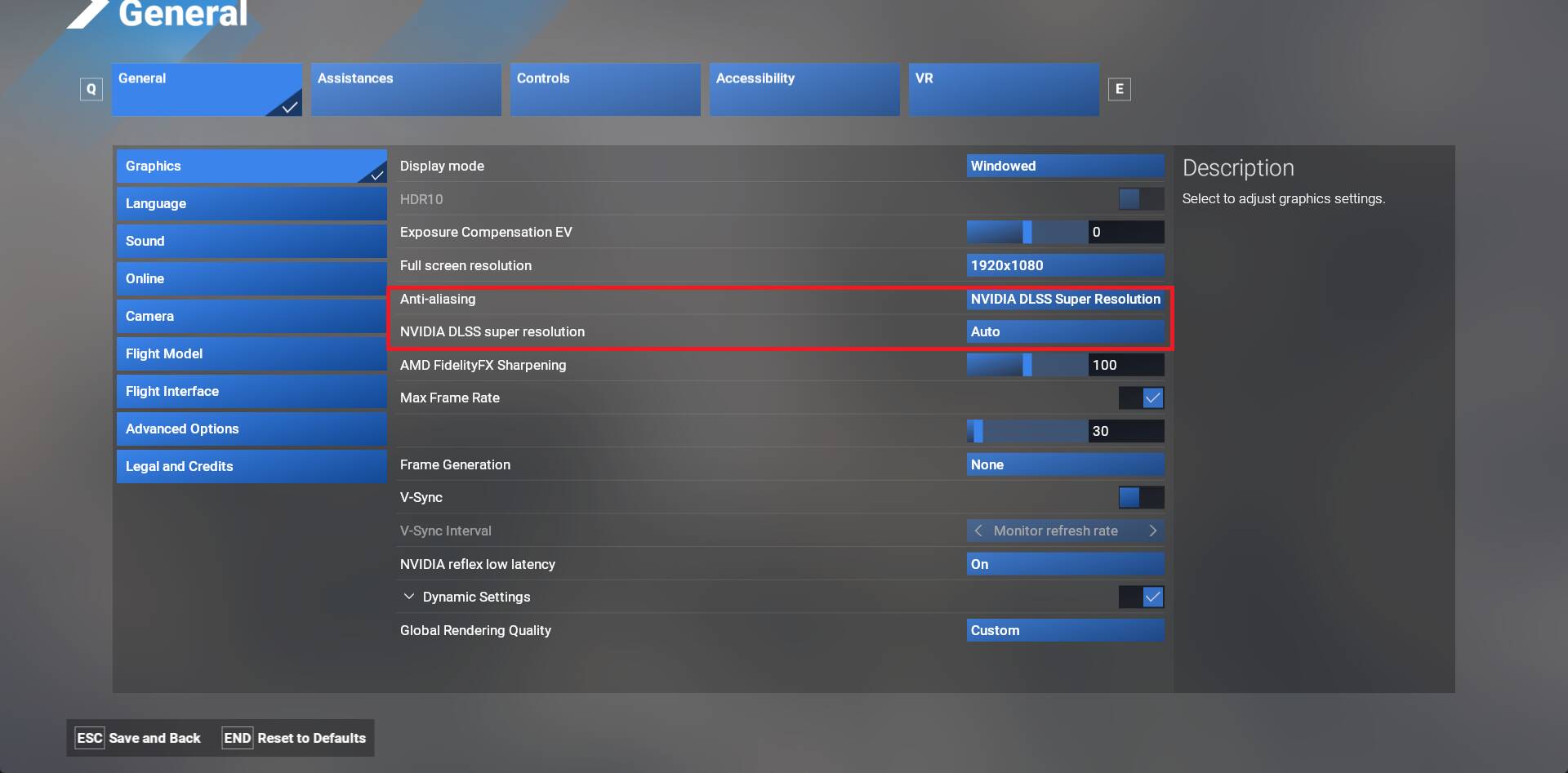
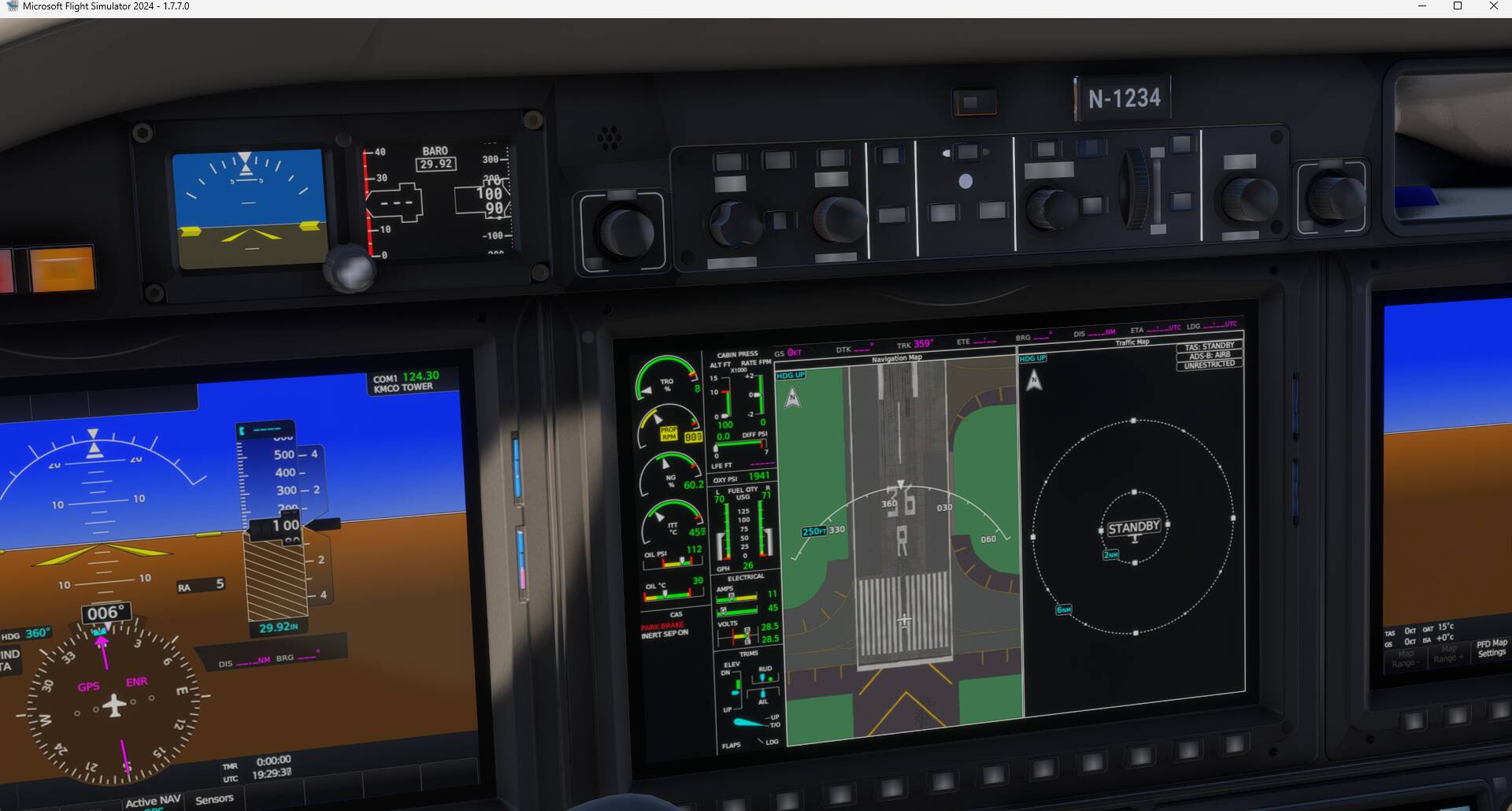
Description of the issue: When Running in DLSS Mode VR/Regular, while parked at airport or moving around airport, it appears that both GPS or EFB show partial bits and pieces of the airport detail, zoom in our out does not address issue, as it appears graphics show partial part of taxi/parking/airport etc. This is very prevalent also in VR, if i switch to TAA mode then this is not an issue for both VR or normal flight
FREQUENCY OF ISSUE
How often does this occur for you (Example: Just once, every time on sim load, intermittently)? in DLSS this is always an issue. FYI, this is all aircraft and any GPS Units
REPRODUCTION STEPS
Please list clear steps you took in order to help our test team reproduce the same issue:
-
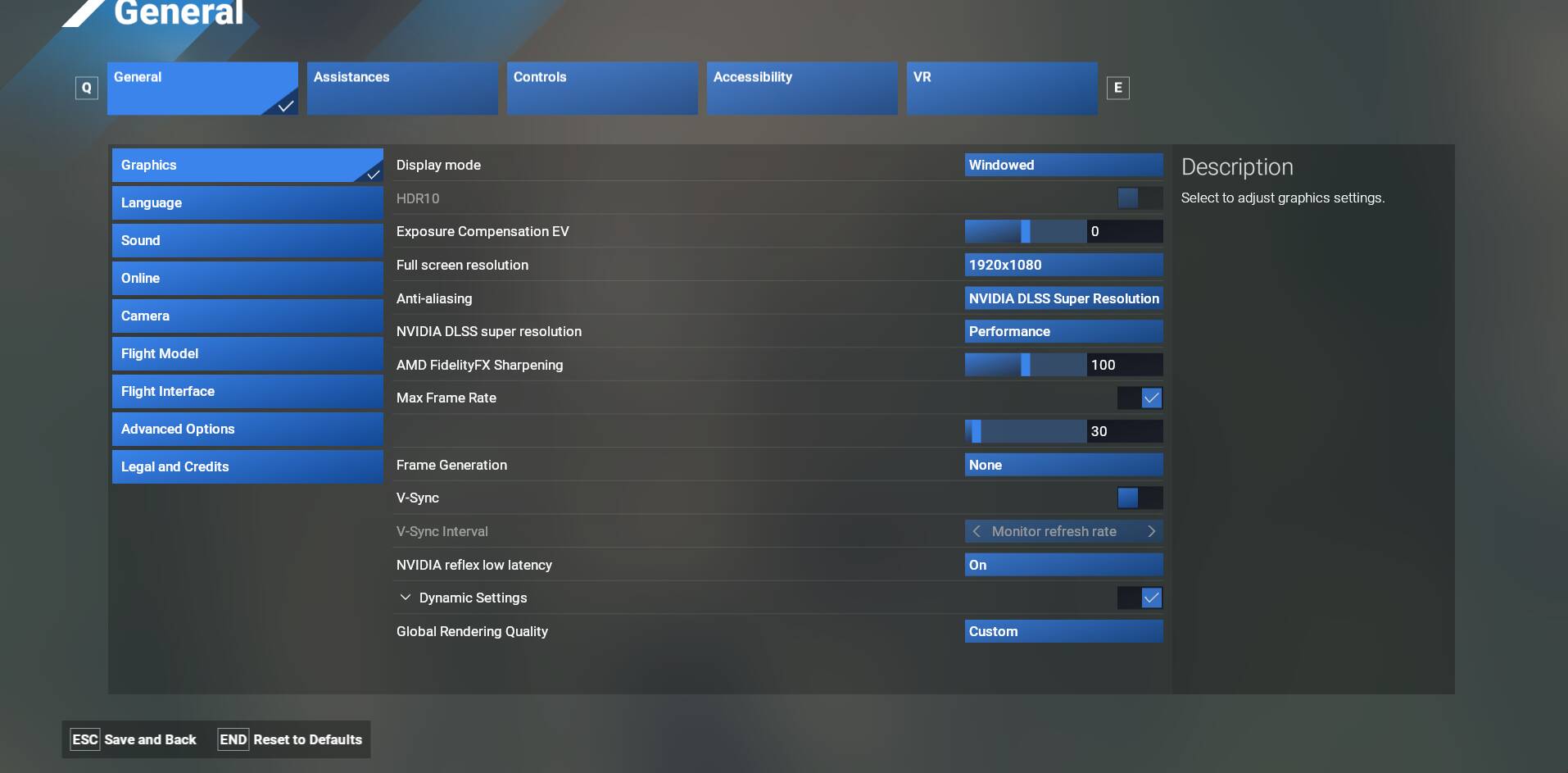
Have your graphics set to DLSS/QTY/PERF you choose
-
start anywhere at any airport, move around or switch view, zoom in or out, switch to VR and back out
-
power up and setup avionics and simply zoom into airport level .5nm or less to see if u can see details such as taxi/basic airport, for me it shows in bits, like triangles
YOUR SETTINGS
If the issue still occurs with no mods and add-ons, please continue to report your issue. If not, please move this post to the User Support Hub. (Default or purchased AC will all show same issue)
What peripherals are you using, if relevant:
[PC Only] Are you using Developer Mode or have you made any changes to it?
[PC, MSFS 2020 Only] Are you using DX11 or DX12? DX12 MSFS2024
[PC Only] What GPU (Graphics Card) do you use? 4090
[PC Only] What other relevant PC specs can you share? VR headset, though this issue appears regardless of if i use VR or not see attached screenshots.