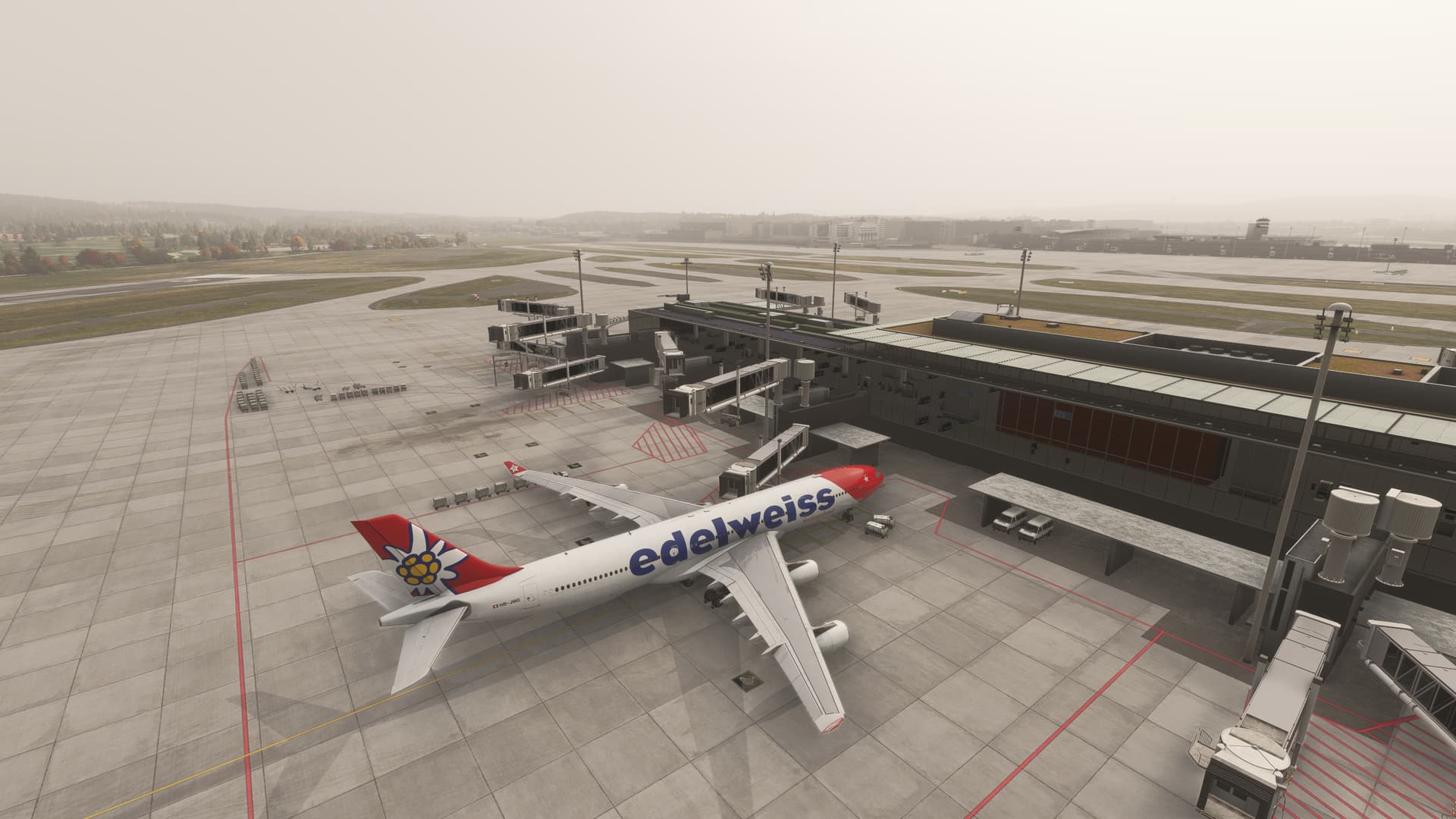
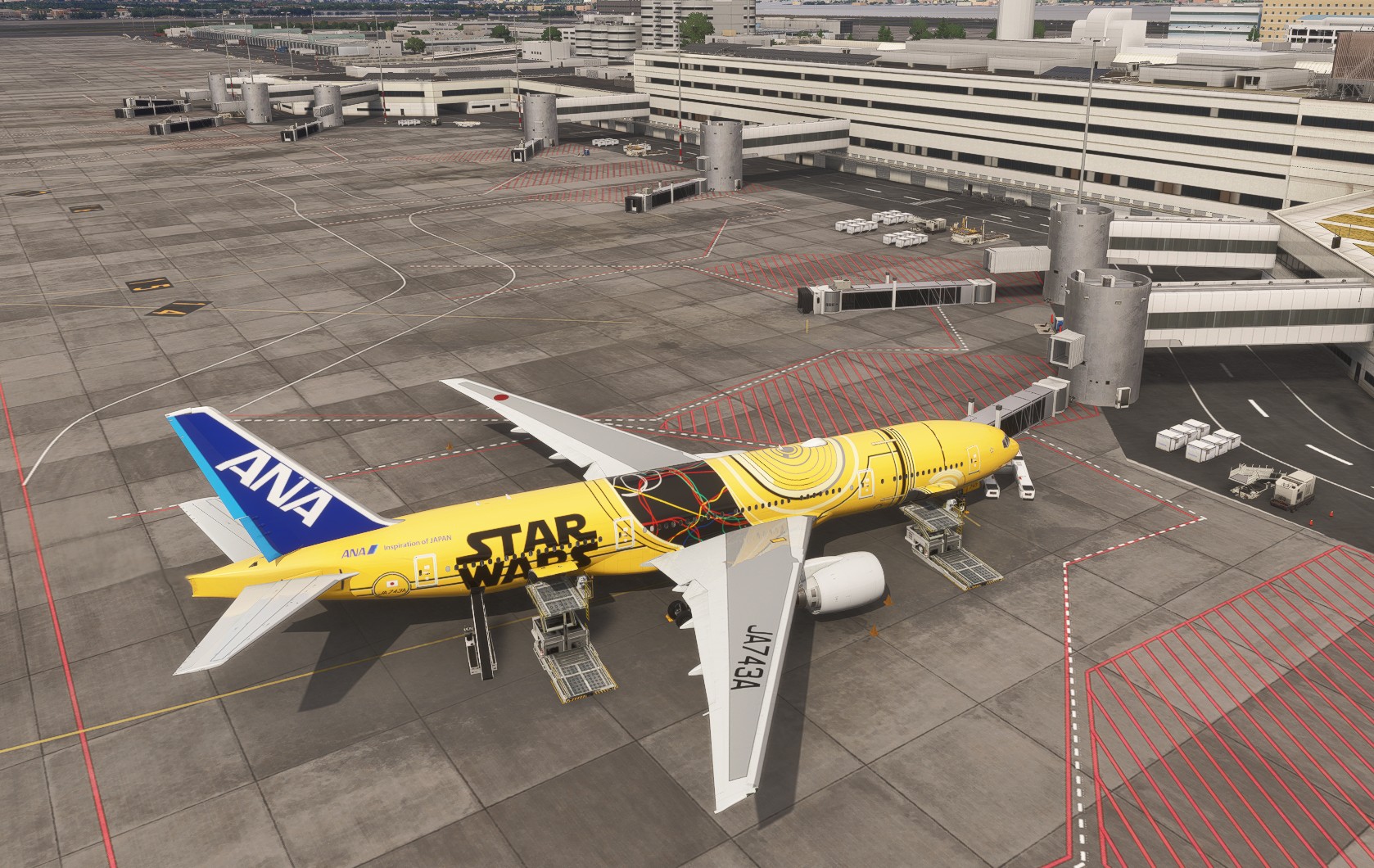
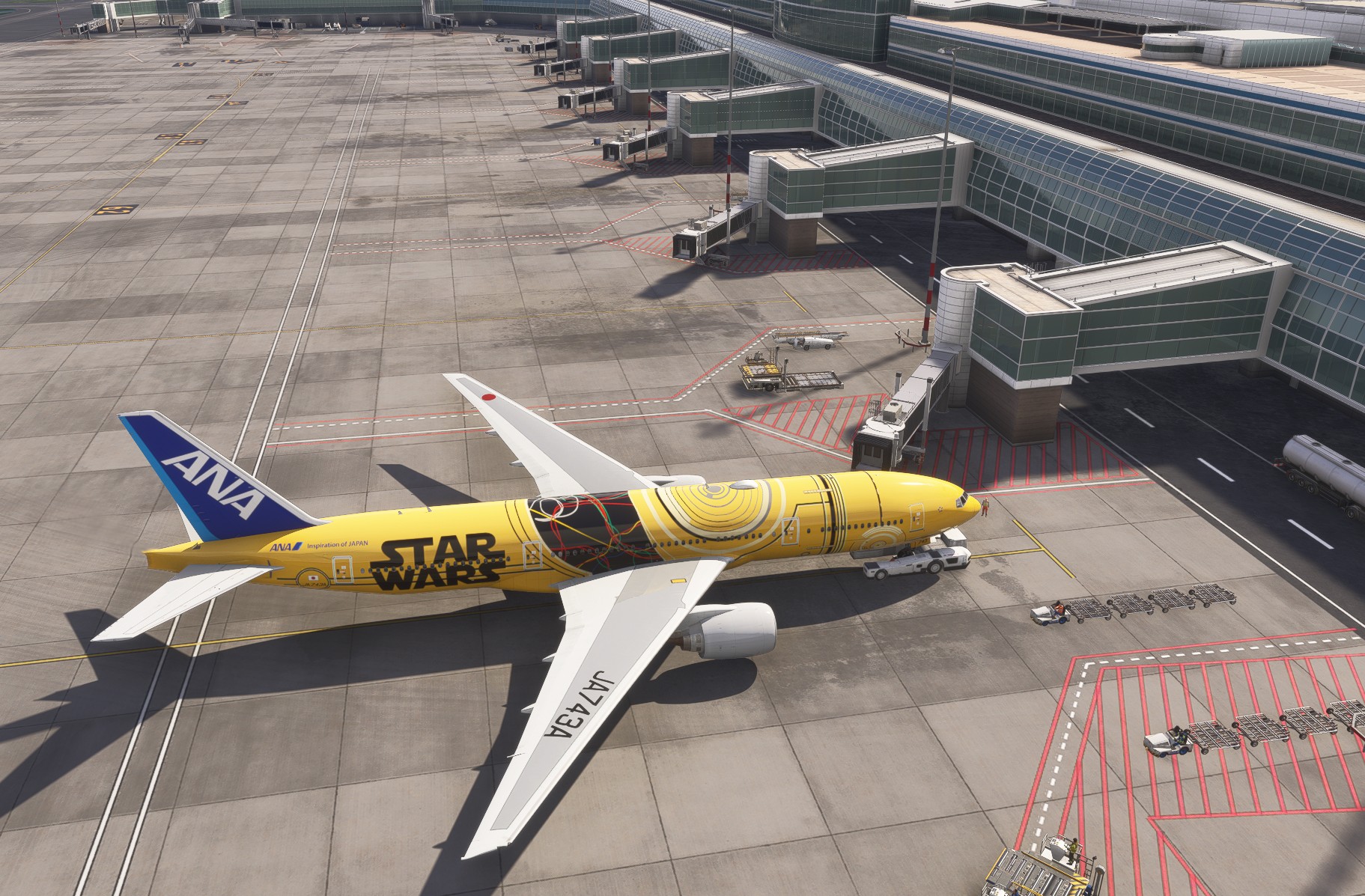
Jetway issues in 1.6.11.0

Yeah. It seems a bit strange.

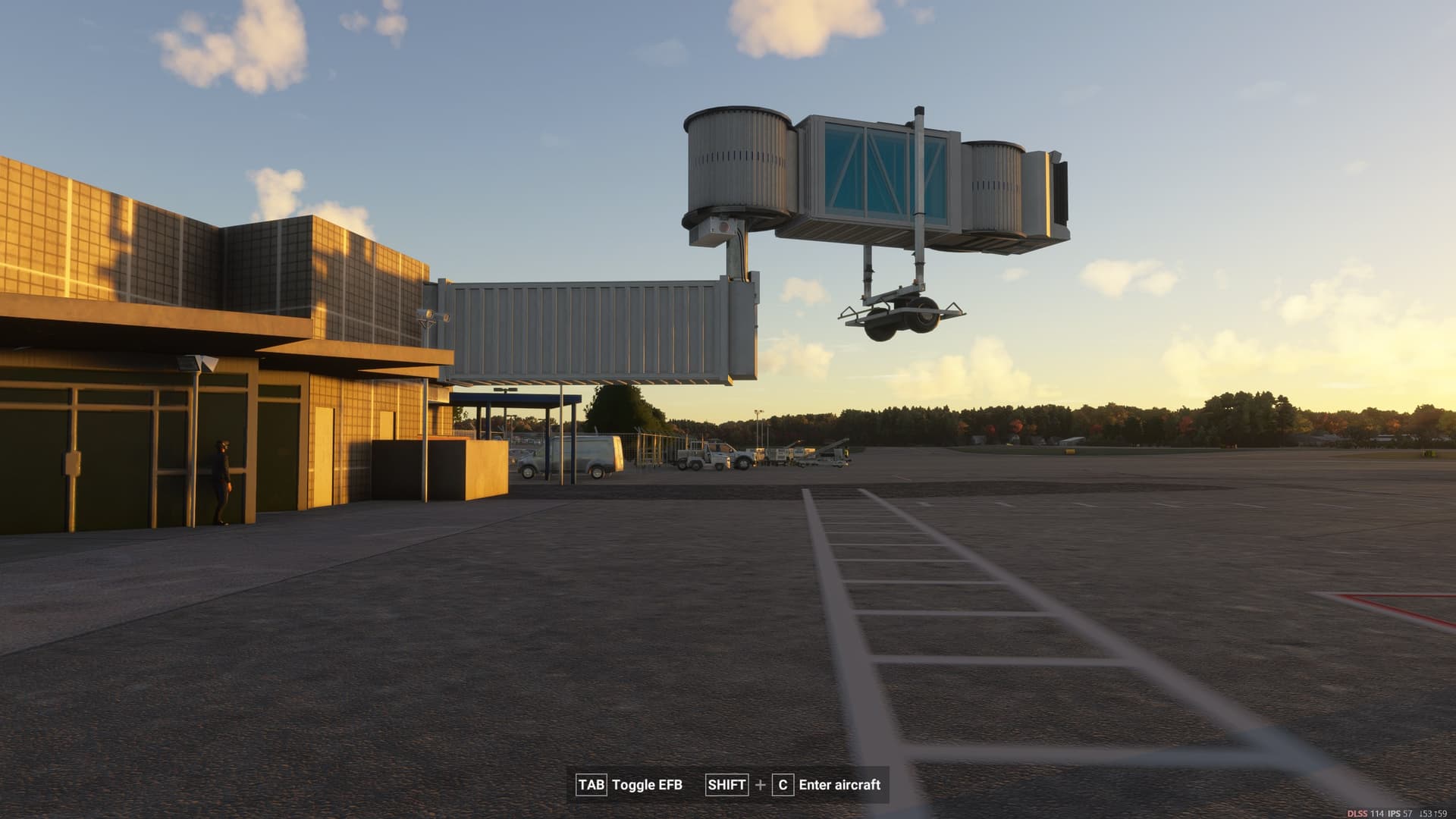
I can load in at an airport and jetways are misaligned/floating. Then I can try same airport again, and its ok. ENGM not OK/misaligned. Then next try its ok.

KMSN (freeware from .to - not even 2024 version) jetways OK.

Landing KORD (FSDT) jetways OK.

Depart KSFO (Flighhtbeam) misaligned jetways.

Seems like a misalignment can occur as you load in…or something.

Bet Asobo will fix it soon :wink:

Samscene RKPC Jeju:

MK Studios BIKF, jetway too low; airport terminal end is below the connecting point

At the Asobo KATL :slight_smile:
1st try - jetways sunken in the ground, but moving
2nd try - jetways positioned correctly but don’t move anymore
3rd try - jetways completely disappeared
4th try - jetway partially sunk into ground, not moving
5th try - jetways positioned correctly again, but like on 2nd try they don’t move
And on 5th try after some time (I don’t even know when because I started preflight) it magically attached itself like nothing ever happened :melting_face:
I flew into the airport yesterday, jetways were positioned correctly and worked with no problem :sweat_smile:

2 Likes

vref simulations KHVN. It’s does not affect the functionnality of the jetways because GSX loading works fine, it’s just not at the right position

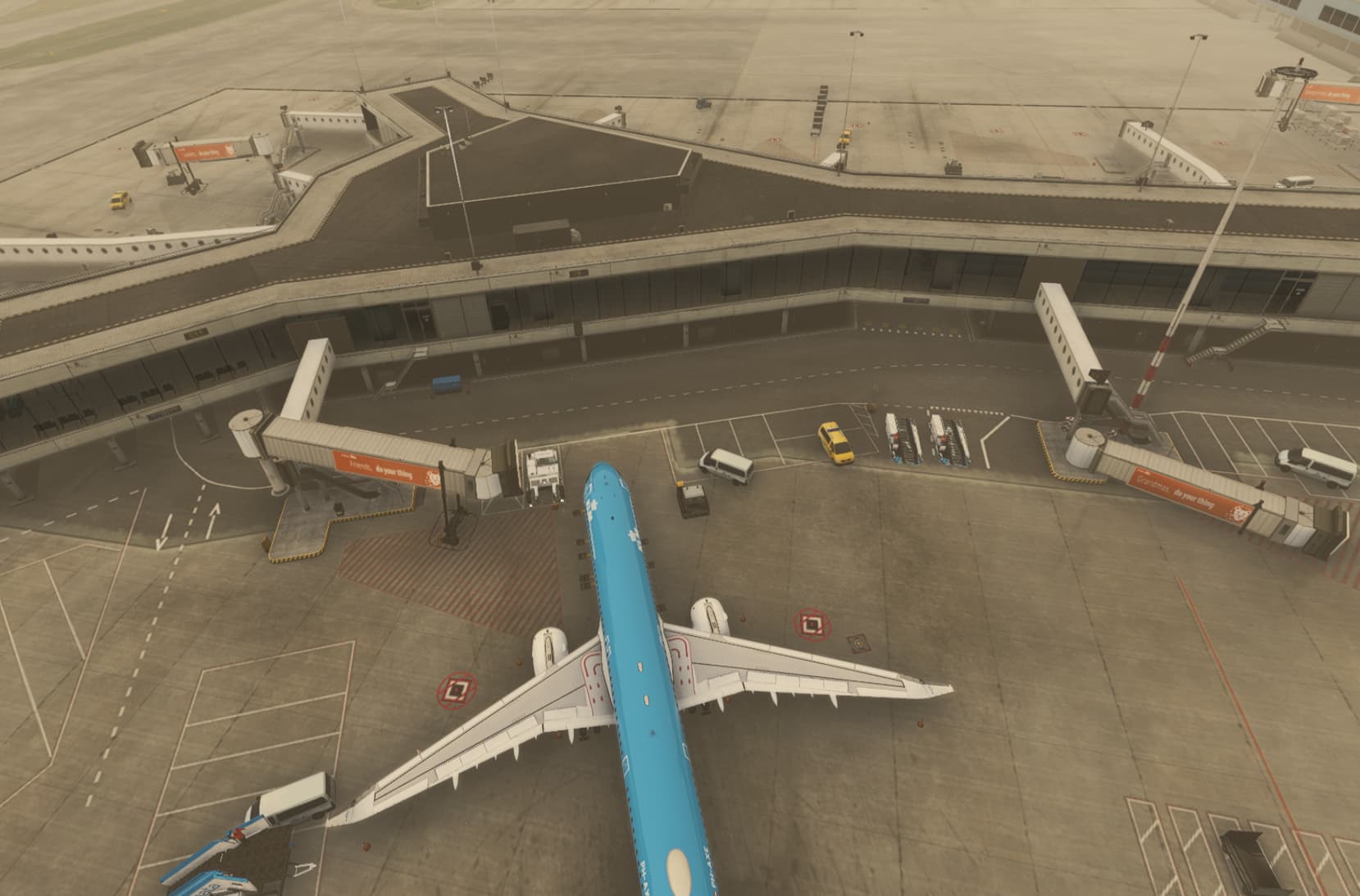
jetway’s in eham airport are tp low and not connected!

KSAT airport by IniBuilds (XBOX series X). Mostly occurs is one airport. The jetways issue occurs mainly at destination airports.

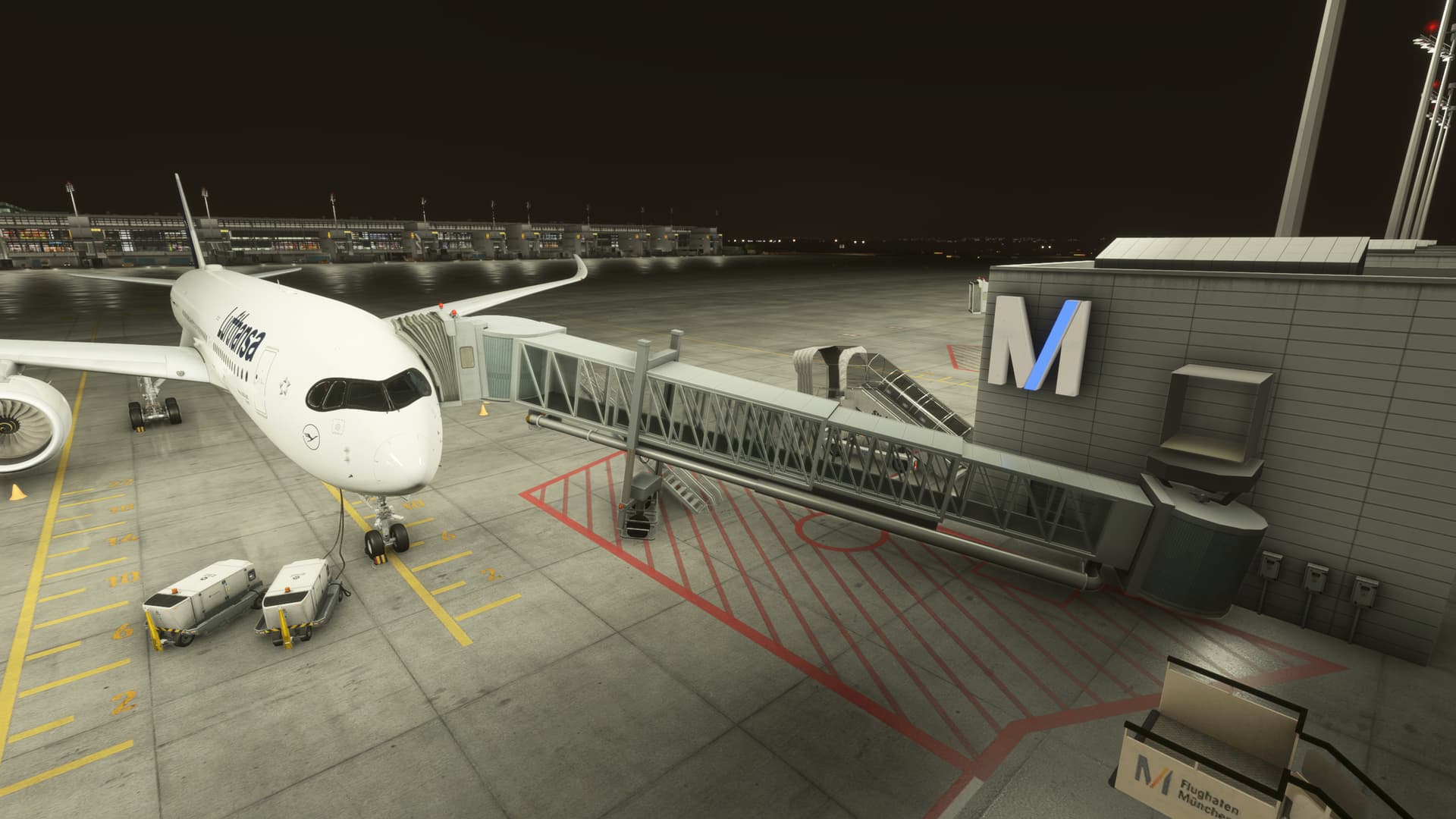
Simwings EDDM with default eddm disabled

So maybe I found a work around that fixed the issues for me was to delate rolling cache and scenery indexes, and after I loaded into the flight and the jetways were still broken, I then clicked end flight then loaded back in waited on the ready to fly screen as the sim would act unresponsive and after it unfroze the jetways seemed to be fixed ever since, hopefully this helps some of you. :slight_smile:

Woth all the varying results I have the feeling, that it is completely random and caused by loading order of the scenery.

Almost as if the sim is fetching elevation data without waiting for the scenery to load completely.

When the scenery loads fast enough, the sim fetches the correct elevation, if not we have floating or sunken jetways.

Just a guess of course, wirhout any deeper understanding how the system works under the hood.

1 Like

I had some missing jetways at FlyTampa CYYZ and today I loaded FlyTampa EHAM and jetways were floating about 30 feet above the ground. Will try the reset of rolling cache, scenery indexes and streamed packages and will see if it has any effect.

so after the “fix” it’s even worse - before all jetways were floating above, now some are low, some are high, and some are missing entirely.

Back in 1.6.13.0. It was fine in 1.6.11.0. Also ground polygons are messed up.

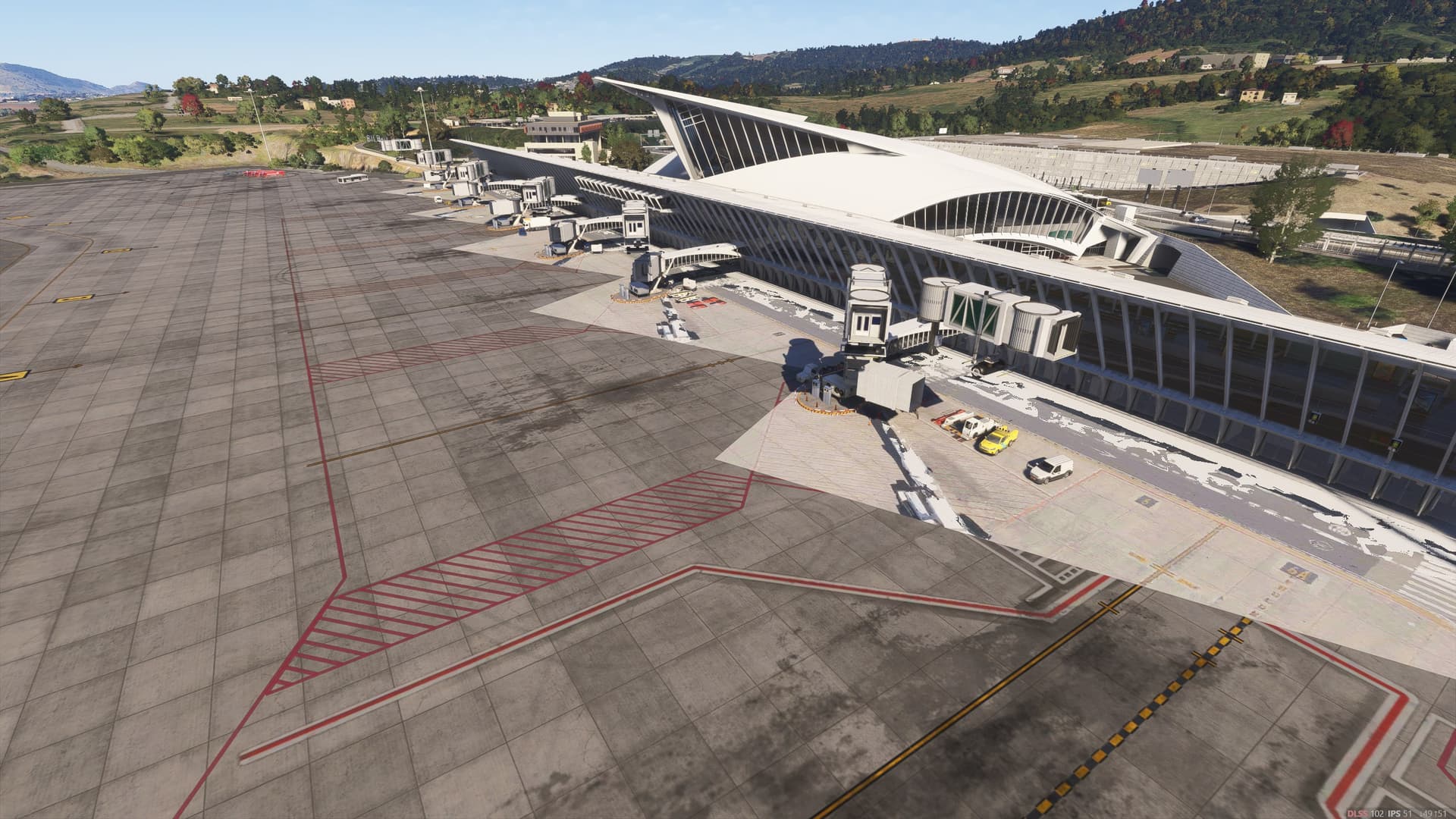
Issue still present on 1.6.13.0 on World Update Bilbao LEBB, this new build introduced some ground flickering like the person above me posted it :

Seems the jetways are still funtionnal with GSX

1 Like

Floating Jetways with the Asobo/Gaya Default LSZH….

No words…

Getting floating jetways with OMAA-a 3rd party iniBuilds airport in 1.6.13.0 and default LSZH just to name a few.

Default RJTT

After Restart:

Hi folks,

SU4 Beta build 1.6.15.0 is now available to testers and includes the following in the release notes:

  • COMMUNITY FEEDBACK: Fixed floating jetways

For those of you who were experiencing issues with jetways in .11, can you kindly confirm if your issues are now properly resolved? Please post screenshots if you are still seeing incorrect jetways.

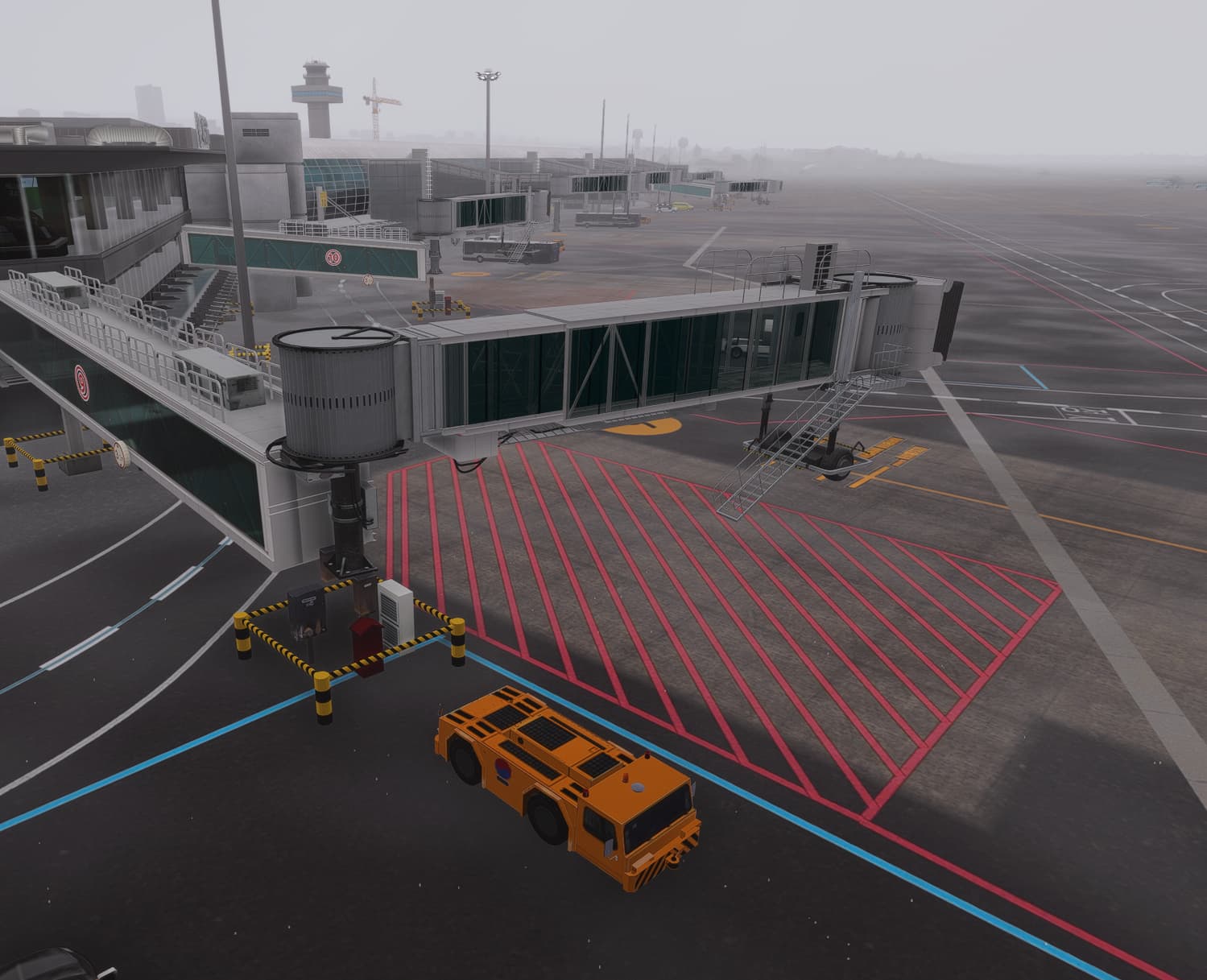
Thanks,
MSFS Team

3 Likes

Did a flight KSEA-KSFO and it was working at both ends. No floating/sunken jetties, no missing ones either. Thanks!

3 Likes

No floating jetways at Latinvfr Lemd. Thanks!

2 Likes